AppRecs review analysis
AppRecs rating . Trustworthiness 61 out of 100. Review manipulation risk 15 out of 100. Based on a review sample analyzed.
★
AppRecs Rating
Ratings breakdown
5 star
0%
4 star
0%
3 star
0%
2 star
50%
1 star
50%
What to know
✓
Low review manipulation risk
15% review manipulation risk
⚠
Mixed user feedback
Average 1.5★ rating suggests room for improvement
About Brighter Lite - Colored Light
It is a Flashlight app of Colorful Light! The Light uses the Screen Light.
The main functions to offer are as follows.
* Light it up with Back-Light.
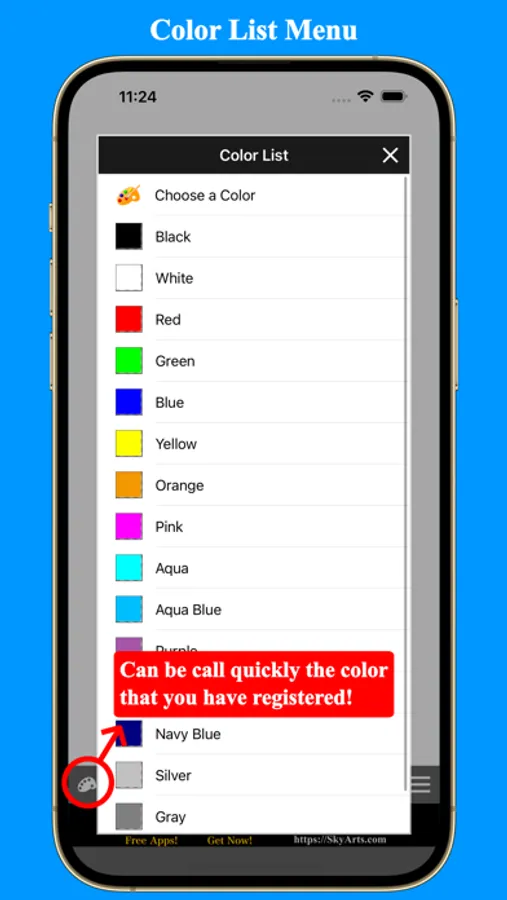
* The setting of the Color of the Screen.
* The setting of the Brightness of the Screen.
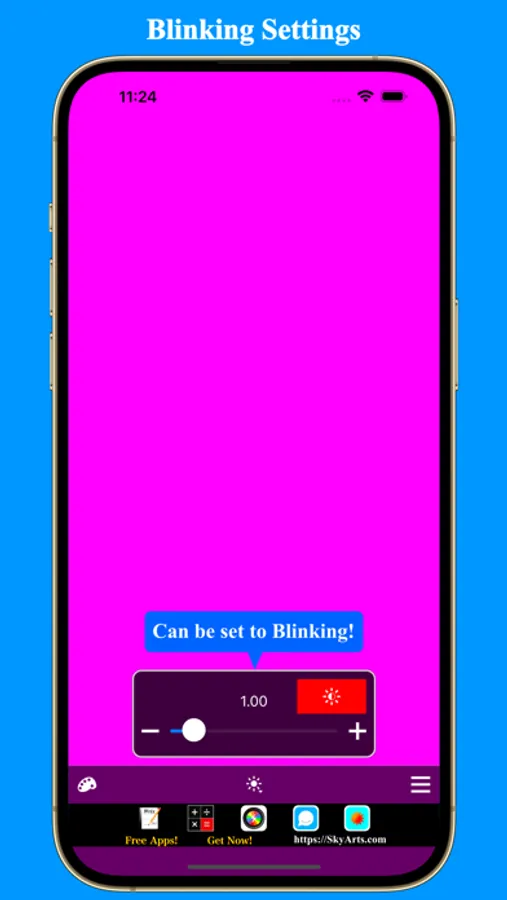
* Blinking the Back-Light.
Will be usable in the following uses.
* Look for a key-hole in darkness
* Look for a lost article in a dark place
* Change the color of the screen and change a color of the light and make an atmosphere ;-)
* Surprising in the light from the bottom of the face in the dark. ;-p)
* Do Light Painting.
* Lighting at the time of shooting photos and videos.
* Blink Light.
In addition, you will have various how to use depending on a thought!
Note: Do not use people who do not understand the meaning of "Screen Back-Light". ;-p)
Note: Please never use anyone who can not think of this application's use. ;-p)
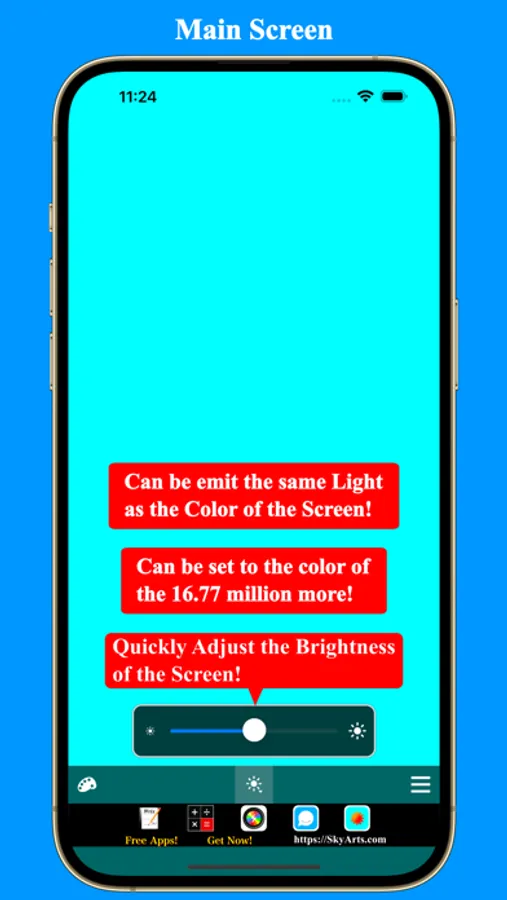
- Main screen -
This screen is displayed when start application.
With this screen, display it with set the color of the screen.
White at the time of the first indication.
Navigation bar has the following buttons.
* Screen color ... You can change the color of the screen.
* Brightness ... You can adjust the brightness of the screen. Can be change the "Blinking" interval when a long press.
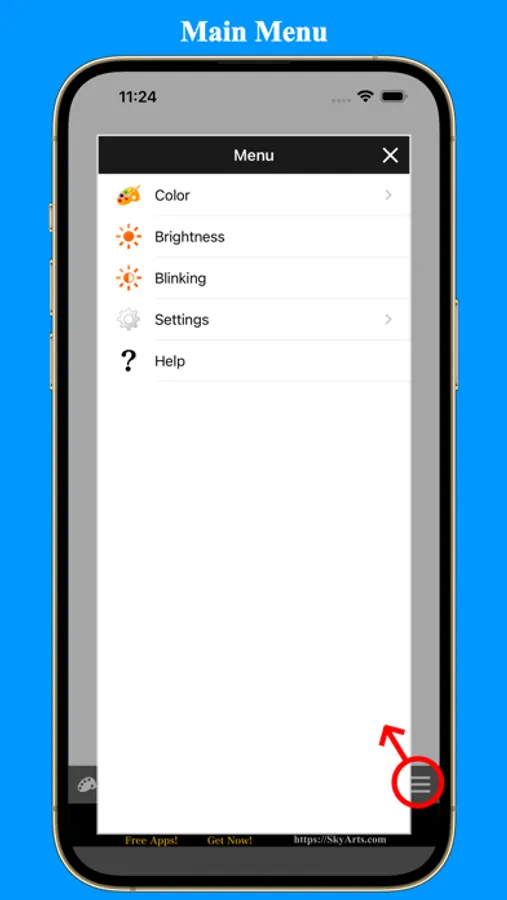
* Menu ... Display a Menu popup.
- About Screen Color -
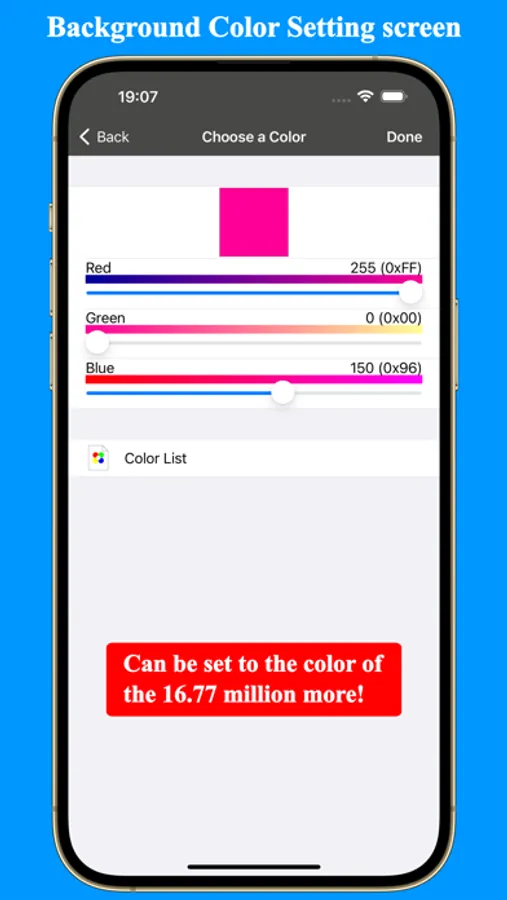
Because the color can appoint RGB(Red, Green, Blue) in the range of 0-255, you can set 16,777,216 colors or more theoretically.
The main functions to offer are as follows.
* Light it up with Back-Light.
* The setting of the Color of the Screen.
* The setting of the Brightness of the Screen.
* Blinking the Back-Light.
Will be usable in the following uses.
* Look for a key-hole in darkness
* Look for a lost article in a dark place
* Change the color of the screen and change a color of the light and make an atmosphere ;-)
* Surprising in the light from the bottom of the face in the dark. ;-p)
* Do Light Painting.
* Lighting at the time of shooting photos and videos.
* Blink Light.
In addition, you will have various how to use depending on a thought!
Note: Do not use people who do not understand the meaning of "Screen Back-Light". ;-p)
Note: Please never use anyone who can not think of this application's use. ;-p)
- Main screen -
This screen is displayed when start application.
With this screen, display it with set the color of the screen.
White at the time of the first indication.
Navigation bar has the following buttons.
* Screen color ... You can change the color of the screen.
* Brightness ... You can adjust the brightness of the screen. Can be change the "Blinking" interval when a long press.
* Menu ... Display a Menu popup.
- About Screen Color -
Because the color can appoint RGB(Red, Green, Blue) in the range of 0-255, you can set 16,777,216 colors or more theoretically.
Brighter Lite - Colored Light Screenshots
Tap to Rate:
Reviews for Brighter Lite - Colored Light
VPN to cancel
Whattttttt
Can some one please tell me how this works until then, 1 star rating
kyleRed
Ads don't go away.
Pretty much worthless. The screen never goes full color because there is always an ad on the screen. App is a pile. Do not recommend. Even for free.