AppRecs review analysis
AppRecs rating 3.5. Trustworthiness 75 out of 100. Review manipulation risk 20 out of 100. Based on a review sample analyzed.
★★★☆☆
3.5
AppRecs Rating
Ratings breakdown
5 star
38%
4 star
13%
3 star
13%
2 star
25%
1 star
13%
What to know
✓
Low review manipulation risk
20% review manipulation risk
✓
Credible reviews
75% trustworthiness score from analyzed reviews
About SyncSpace
∞ DEEP ZOOMING
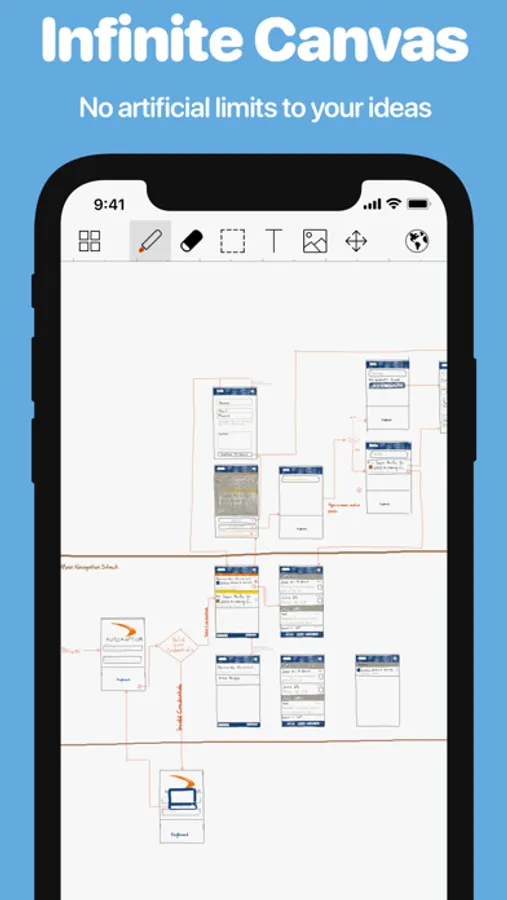
Sketch out your ideas in a nearly limitless, zoomable drawing space. Never again be limited by the size of the canvas or the amount of space remaining in an existing sketch. You can always zoom in to add detail or zoom out to add context to a drawing. With SyncSpace's zooming, handwriting on a 10" screen actually becomes feasible.
∞ SKETCH TOGETHER
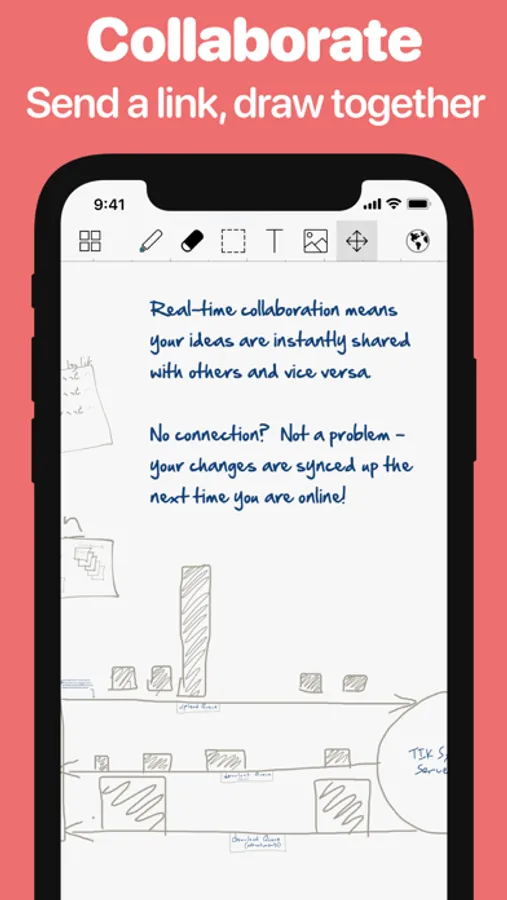
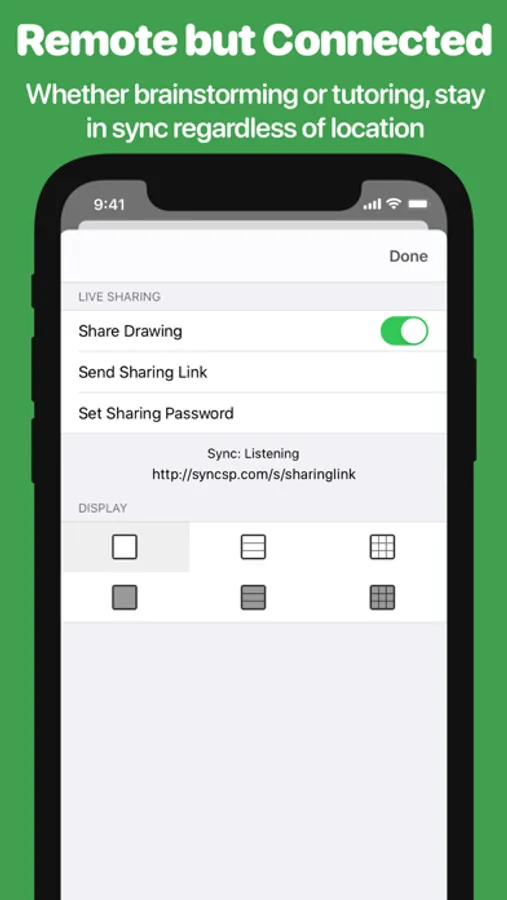
SyncSpace drawings can be updated by anyone who also has SyncSpace, anywhere on the Internet. You can invite others to collaborate on sketches by sending a link via iMessage or email. In meetings, conferences and schools, SyncSpace can discover and broadcast the existence of nearby shared drawings using Bonjour.
There are no limits to the number of people who can collaborate on a drawing.
∞ SHARING IS NICE
Your drawings can be shared via Facebook, Twitter, 37 Signals' Campfire, your photo library, or emailed as PDF files. You can also send SyncSpace drawings to any app that handles PDF files, including Dropbox, GoodReader, Evernote, iBooks and thousands more!
Sketches can be displayed on a nearby AppleTV or any HDMI or VGA-connected display. Any shared drawings are also advertised on the local network using Bonjour.
∞ SHARE ANYWHERE
Collaborate on drawings using SyncSpace or view them with zooming and real-time updates using a web browser on a PC, Mac or mobile device.
In addition, SyncSpace makes note taking and sketching easy with a plethora of fantastic features:
- Palm/wrist protection for writing notes
- Advanced line smoothing
- Shared drawings can be embedded on any web page, with real-time updates and zooming
- Rotate drawings however you like
- Zoom-extents button quickly takes you to the outer limits of the drawing (and back to your original position with a second tap)
- Export to email or other apps as a high resolution PDF file.
The SyncSpace Collaboration service requires a paid subscription. If you choose to subscribe, payment will be charged to your iTunes account, and your account will be charged for renewal 24 hours prior to the end of the current period. Auto-renewal may be turned off at any time by going to your settings in the iTunes Store after purchase. The current price for collaboration subscription is $2.99 USD per month or $24.99 per year, and may vary from country to country.
Terms of Use: https://infinitekind.com/syncspace-terms
Privacy Policy: https://infinitekind.com/syncspace-privacy-policy
SyncSpace Screenshots
Tap to Rate:
Reviews for SyncSpace
DOGS_4life777
has potential if you fix these issues:
this app could be much more popular if it fixes these problems: first of all, it is REALLY laggy and makes using this app hard to use. second, it has no custom color option! you are given a very little amount of colors. third, there is no other brush options! you only get one brush. fourth, the "infinite zoom" is ok, but it's also very limited unlike other apps like Endless Paper. basically, this app is very limited and needs updating. And now for the people who want an infinite zoom drawing app, try endless paper, it does cost $10.00 but its better than struggling with this app and its lags.
sssssdds#$&fa
It’s good but….neeeeeeds more colors and tools like a blender
Blender