
AppRecs review analysis
AppRecs rating 2.2. Trustworthiness 75 out of 100. Review manipulation risk 20 out of 100. Based on a review sample analyzed.
★★☆☆☆
2.2
AppRecs Rating
Ratings breakdown
5 star
19%
4 star
6%
3 star
15%
2 star
10%
1 star
50%
What to know
✓
Low review manipulation risk
20% review manipulation risk
✓
Credible reviews
75% trustworthiness score from analyzed reviews
⚠
Mixed user feedback
Average 2.3★ rating suggests room for improvement
About xMatters
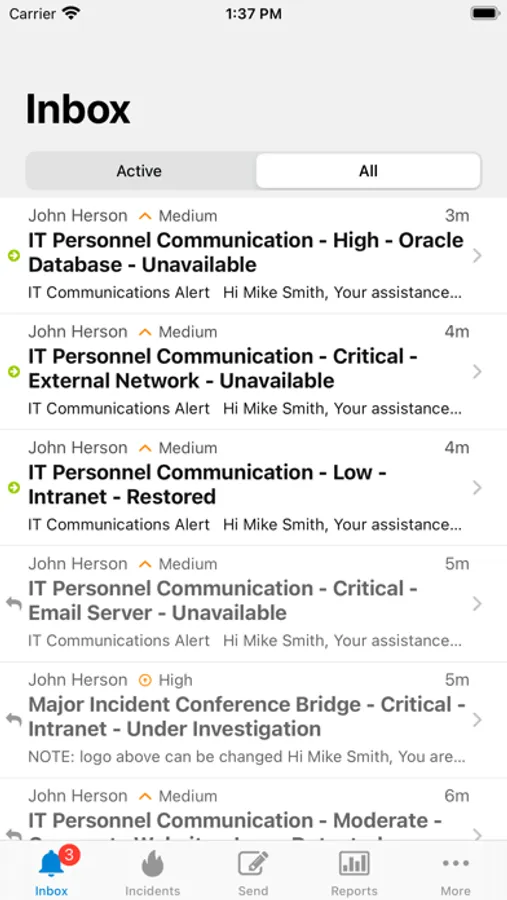
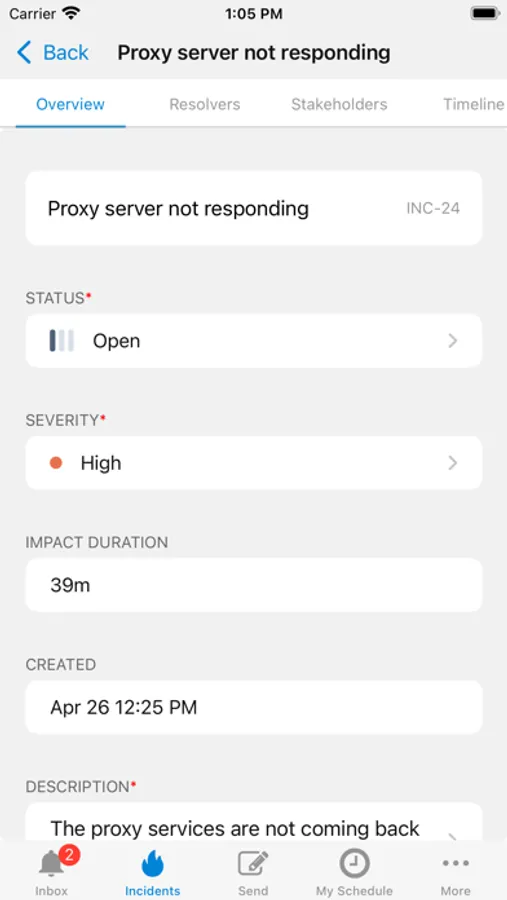
xMatters is a service reliability platform that helps DevOps, SREs, and operations teams automate workflows, ensure infrastructure and applications are always working, and rapidly deliver products at scale. With the xMatters iOS app, you get actionable alerts with full context for every situation that let you quickly assess incidents and launch response workflows at the touch of a button.
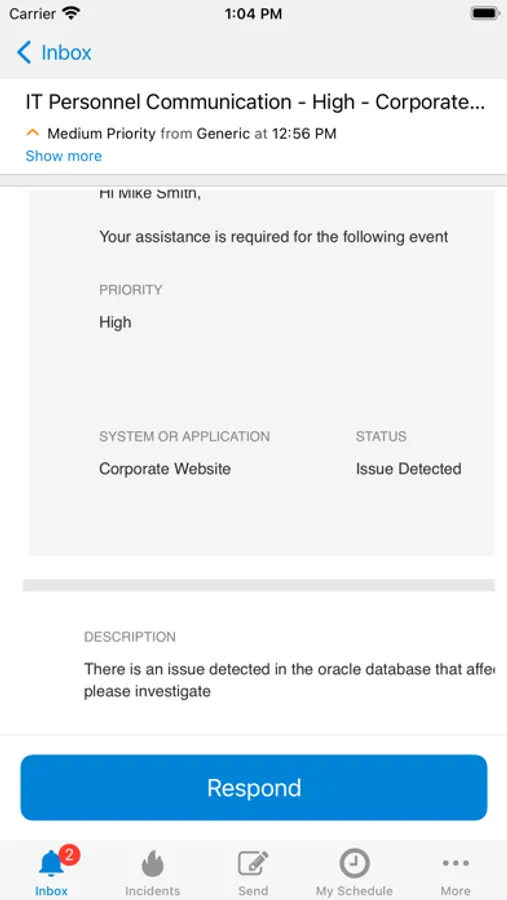
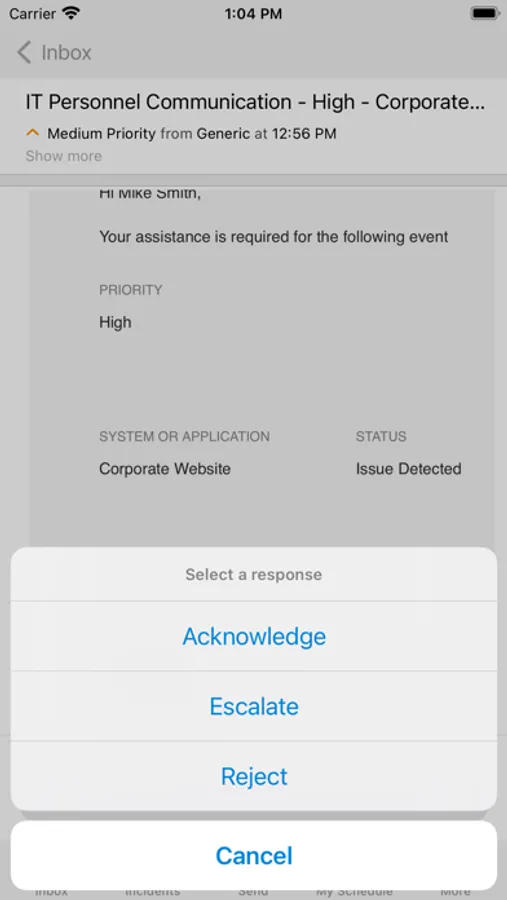
The xMatters app is a “pocket command center” that allows you to:
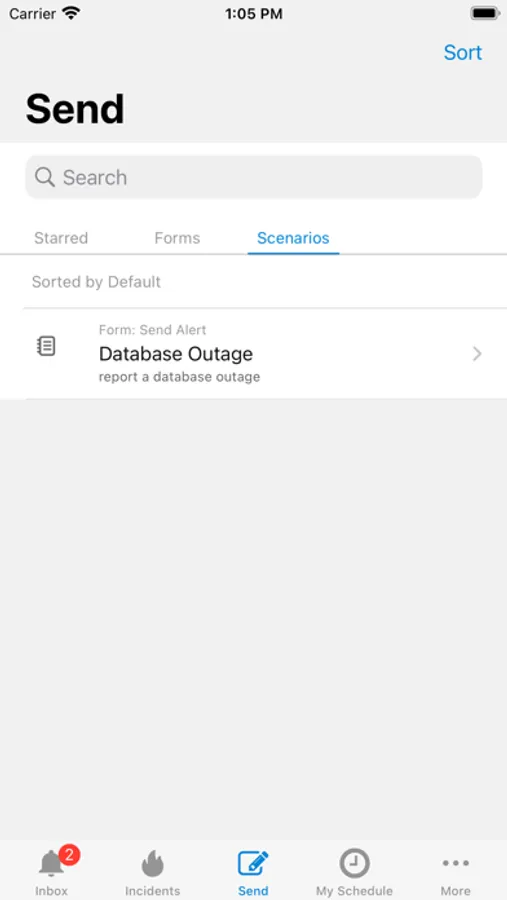
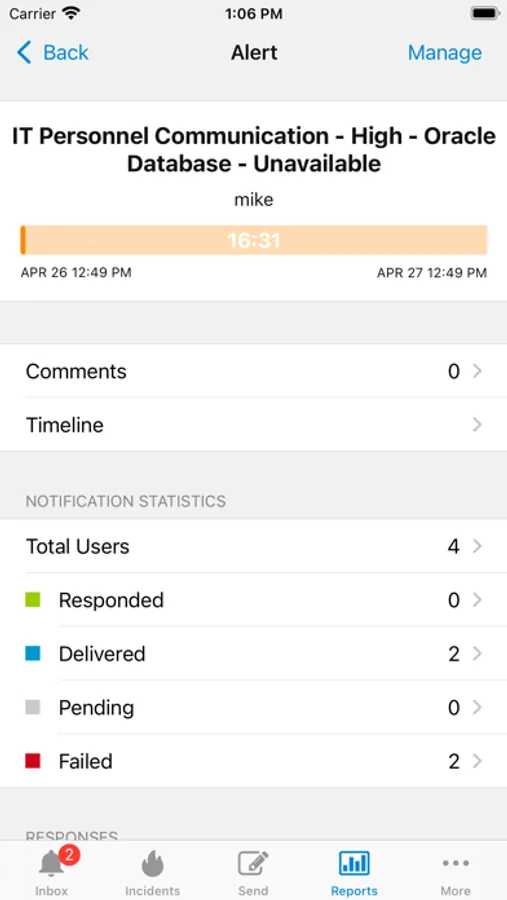
* Send and receive alerts with full incident context
* Launch actionable responses and workflows
* Track message delivery, escalation, and response
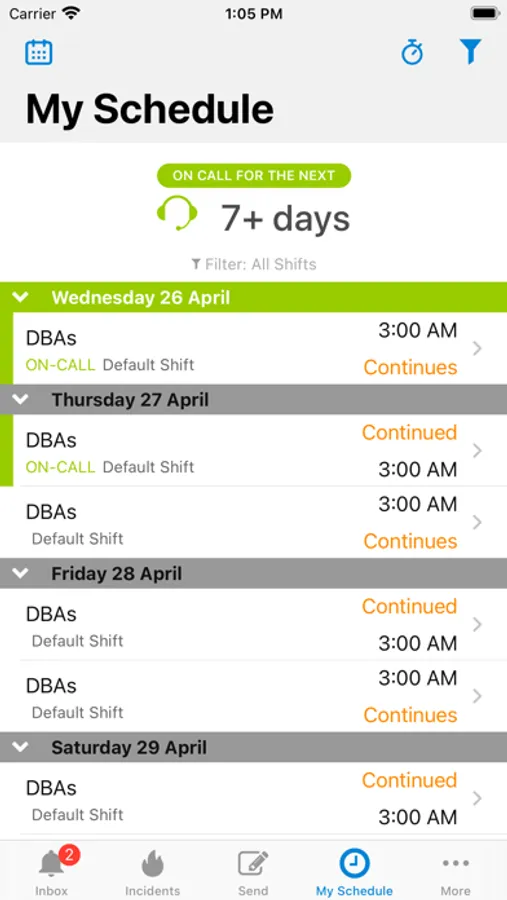
* Set, update, and view your on-call schedule
* Initiate conference calls or join at the tap of a button
* Access contact info for your personnel
* Set custom alert tones
* Attach images for more context or instructions
* Extend your enterprise authentication to your mobile devices
* Protect sensitive data by enabling passcode lock
For those that want to be truly agile, fast-moving companies with happy customers AND happy engineers, xMatters is the only platform for the job.
To learn more about xMatters and get your free account visit xmatters.com
The xMatters app is a “pocket command center” that allows you to:
* Send and receive alerts with full incident context
* Launch actionable responses and workflows
* Track message delivery, escalation, and response
* Set, update, and view your on-call schedule
* Initiate conference calls or join at the tap of a button
* Access contact info for your personnel
* Set custom alert tones
* Attach images for more context or instructions
* Extend your enterprise authentication to your mobile devices
* Protect sensitive data by enabling passcode lock
For those that want to be truly agile, fast-moving companies with happy customers AND happy engineers, xMatters is the only platform for the job.
To learn more about xMatters and get your free account visit xmatters.com
xMatters Screenshots
Tap to Rate:
Reviews for xMatters
GameFuel-117
No widgets
Please add widgets to phones and Apple Watch to see if I am on call at a glance
crizoo
Clunky
I’m part of multiple notification groups. When I look at schedule, I have no idea what group I’m scheduled for