In this secure email app, you can send and receive PGP encrypted messages and manage cryptographic keys. Includes support for multiple key types, integration with iOS mail, and cloud file encryption.
AppRecs review analysis
AppRecs rating 4.2. Trustworthiness 77 out of 100. Review manipulation risk 20 out of 100. Based on a review sample analyzed.
★★★★☆
4.2
AppRecs Rating
Ratings breakdown
5 star
66%
4 star
15%
3 star
8%
2 star
3%
1 star
8%
What to know
✓
Low review manipulation risk
20% review manipulation risk
✓
Credible reviews
77% trustworthiness score from analyzed reviews
✓
High user satisfaction
81% of sampled ratings are 4+ stars (4.3★ average)
About iPGMail
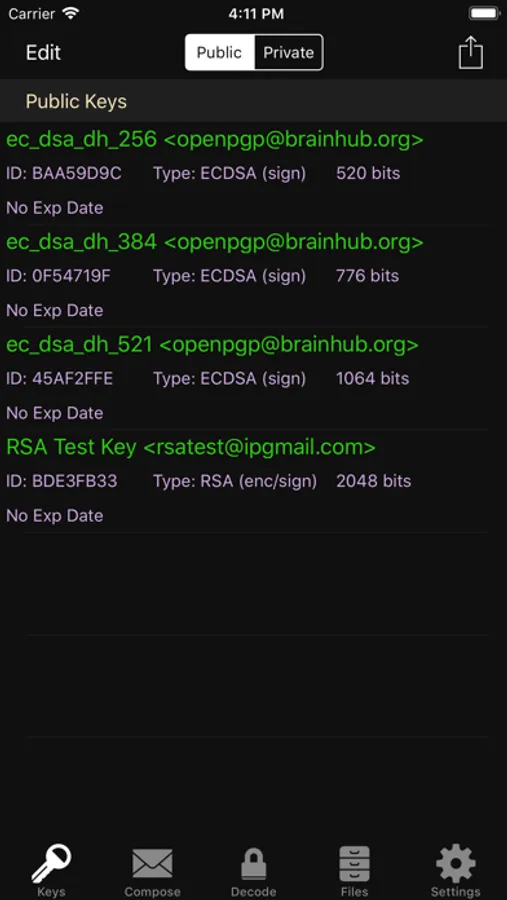
It supports the OpenPGP standard (RFC 9580, RFC 6637) and allows the user to create and manage both public and private (RSA, DSA, ECDSA, EDDSA, ECDH) PGP keys and send and receive PGP encrypted messages.
PGP Keys and Messages can be passed to iPGMail several ways:
* From the iOS Mail.app - The iOS mail application will pass PGP attachments to iPGMail directly, eliminating the need to do an awkward copy-and-paste. NOTE: PGP messages that are part of the main body of an email will still have to be copy-and-pasted, only properly tagged attachments can be passed automatically.
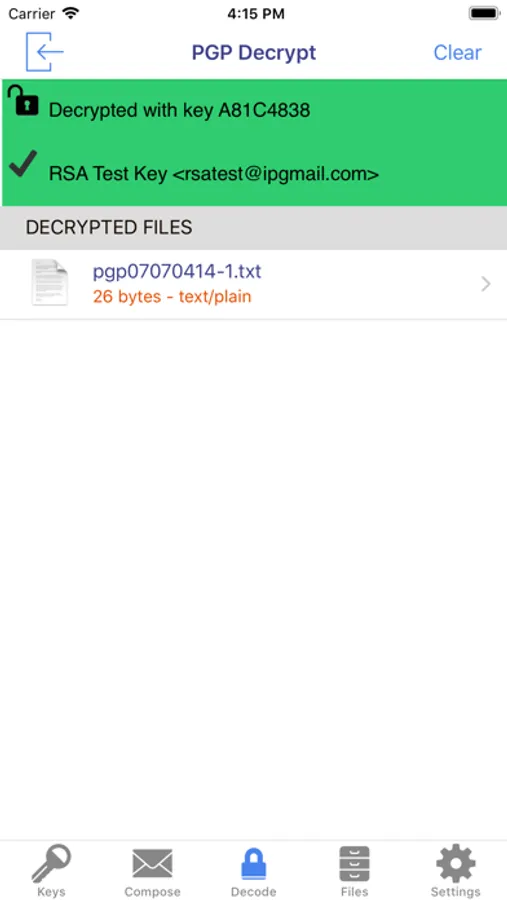
* Directly from the system clipboard. Copy-and-paste the PGP message text from any file, webpage, or message, and it can be imported and decrypted by the app.
* Finder App - Connect your device to a Mac and open up the standard Finder app. Select the device on the left and then you can copy files to and from the app using standard Finder actions.
* AirDrop - Transfer key files from your Mac OS/X system (10.10 or later) to your iPhone/iPad (iOS 7+) using AirDrop feature.
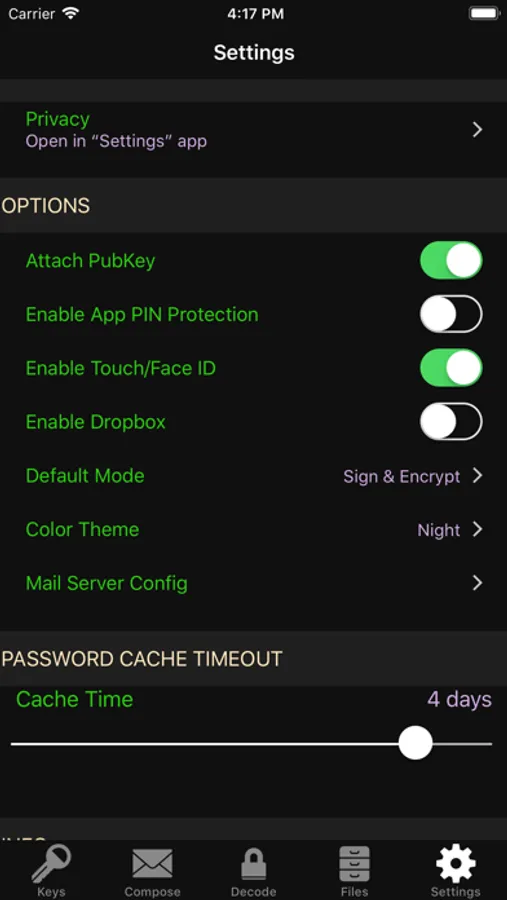
* DropBox - You can link iPGMail to a dropbox account and transfer files to and from your dropbox file space. This means you can encrypt and protect your dropbox files or share files with others through your existing dropbox Public interface.
* Keybase.IO - You can import public keys from http://keybase.io by using the "+" button on the public key listing and then searching for users registered in keybase.io.
iPGMail now allows you to easily reply to encrypted text-based messages and includes the original text with "> " prefixed to the lines. This allows for more email like conversational exchanges, all with strong OpenPGP cryptographic protection.
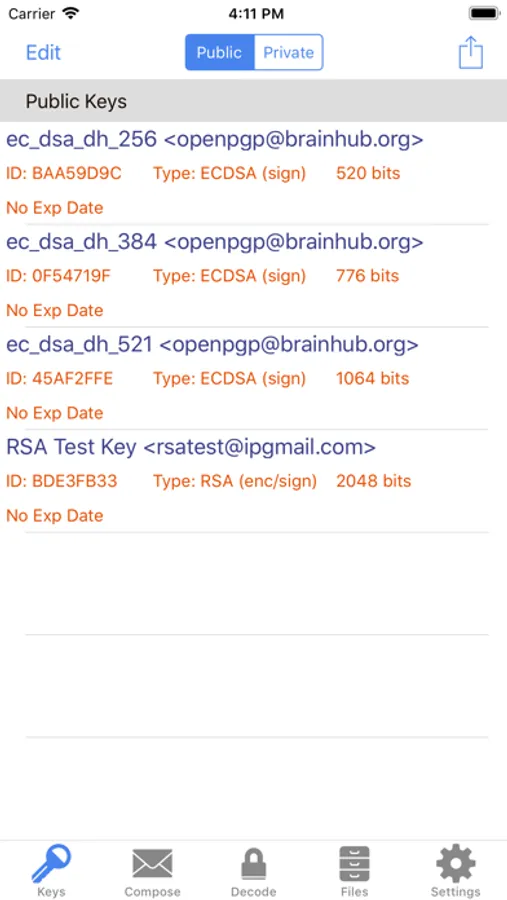
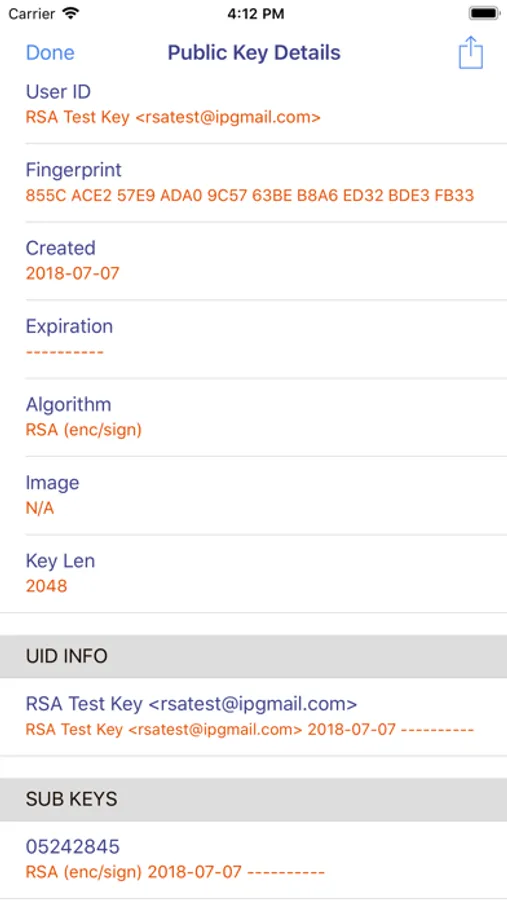
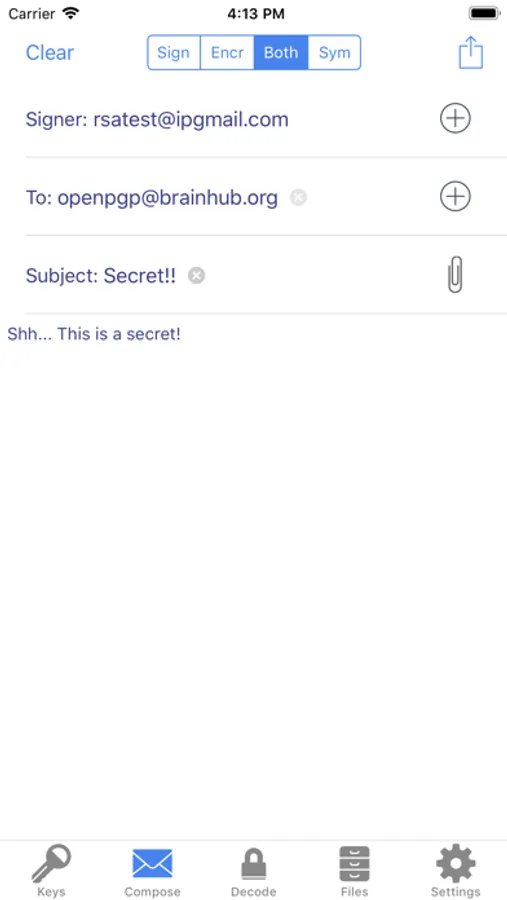
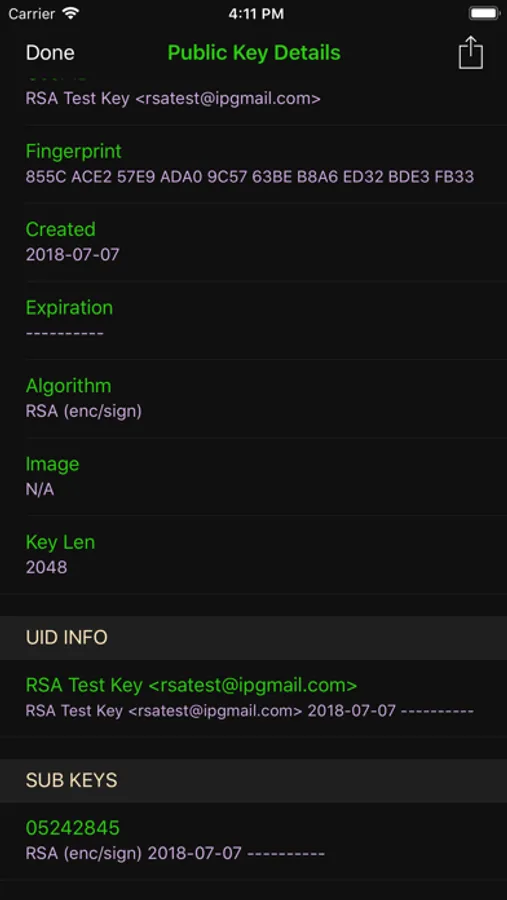
iPGMail supports PGP key generation or import. The key database is secured using the highest level of iOS file protection and are only accessible when in use by the app. Using your own private PGP keys, you can encrypt and/or digitally sign any messages. Optionally, your public key can be attached to any message you send from the app so that the recipient can then import it into their own keychain, either on the phone or on any computer with PGP support.
iPGMail will import your private keys so you can reuse your existing PGP identity and keys on your iPhone or iPad. Both public and private keys can be imported through the interfaces listed above.
iPGMail allows the user to search public SKS PGP keyservers to find registered public keys for other people with whom the user can then send email that is digitally signed and/or encrypted encoded in OpenPGP ASCII Armor.
This app is ideal for securing your files or for sending secure email messages to specific parties without worrying about it being viewed by anyone other than the designated recipient.
The OpenPGP standard is described here:
http://en.wikipedia.org/wiki/Pretty_Good_Privacy
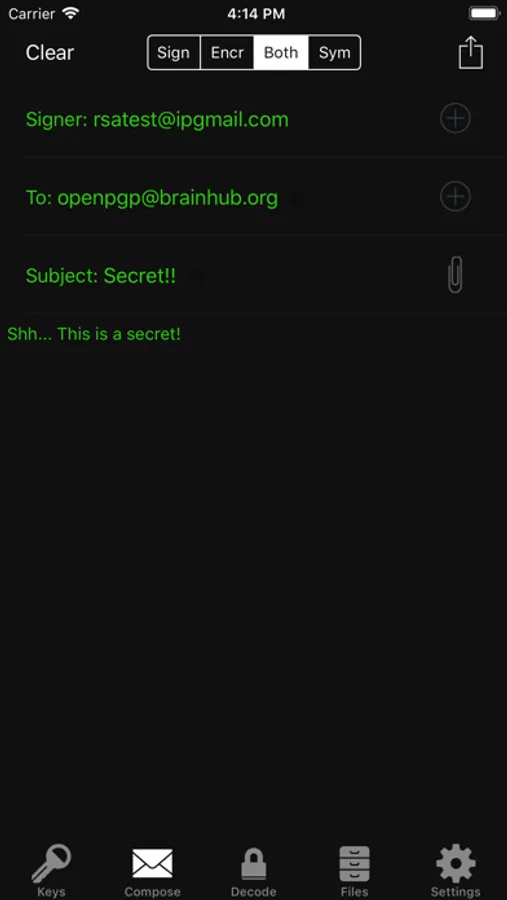
iPGMail Screenshots
Tap to Rate:
Reviews for iPGMail
Pgp meh
Ehh not great all purpose
Adding a Public PGP to encrypt isn't easy hence the low review. Other apps it's a simple copy paste, but they aren't capable of modern encryption methods. This one as I understand it is capable of the modern encryption methods but isn't as simplified as the other apps. Forced to use my laptop to do that in the simplified way I can do. Can't say it isn't possible but it's not friendly to people who aren't super competant (me admittedly.) I'm sure many of the features work for what it's designed for but given the limited PGP options on iOS this isn't super easy and not worth the money if that's what you're seeking
Camerapersonguy
Key Import Issues?
I’ve been having issues recently while attempting to import one of my GPG private keys. Specifically, when importing, I get an error saying “Authentication Failed”. I’m able to do this without fail on a different private key that I generated not that long ago. The only difference between the two is that the first secret key I attempted to import was extended as it expired earlier this year. It works perfectly fine with the GPG software, so wondering if there is an incompatibility with keys which have had their expiration extended? It would be nice if this could be addressed and resolved as I use the app on a regular basis.