In this app, users can access and browse encrypted virtual disk images on their iPhone or iPad. Includes support for multiple disk formats, remote and local storage options, and file previewing.
AppRecs review analysis
AppRecs rating 4.6. Trustworthiness 77 out of 100. Review manipulation risk 24 out of 100. Based on a review sample analyzed.
★★★★☆
4.6
AppRecs Rating
Ratings breakdown
5 star
79%
4 star
9%
3 star
2%
2 star
3%
1 star
6%
What to know
✓
Low review manipulation risk
24% review manipulation risk
✓
Credible reviews
77% trustworthiness score from analyzed reviews
✓
High user satisfaction
79% of sampled ratings are 5 stars
About Disk Decipher
Disk Decipher supports many advanced features. Full compatibility details and documentation are available on the support site: https://disk-decipher.app.
Highlights:
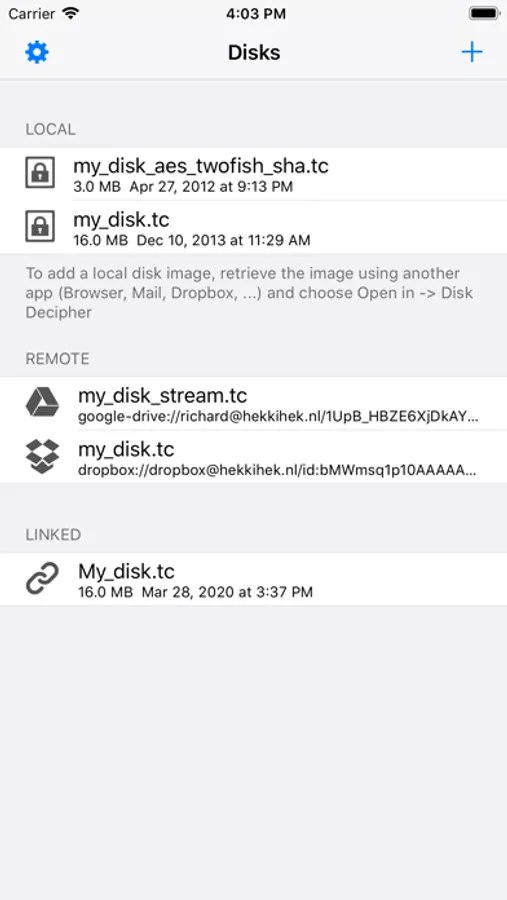
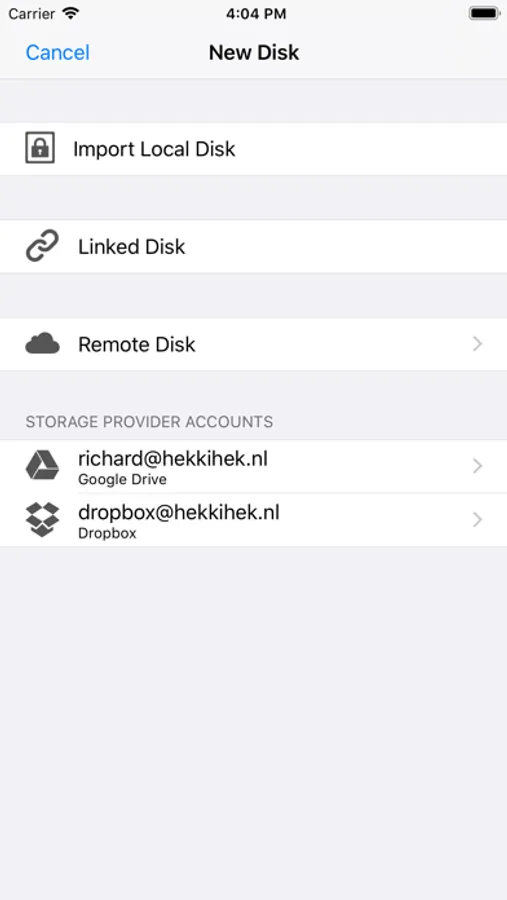
- Freedom of storage - Keep your disk images on your device, on an external disk or NAS, or in the cloud
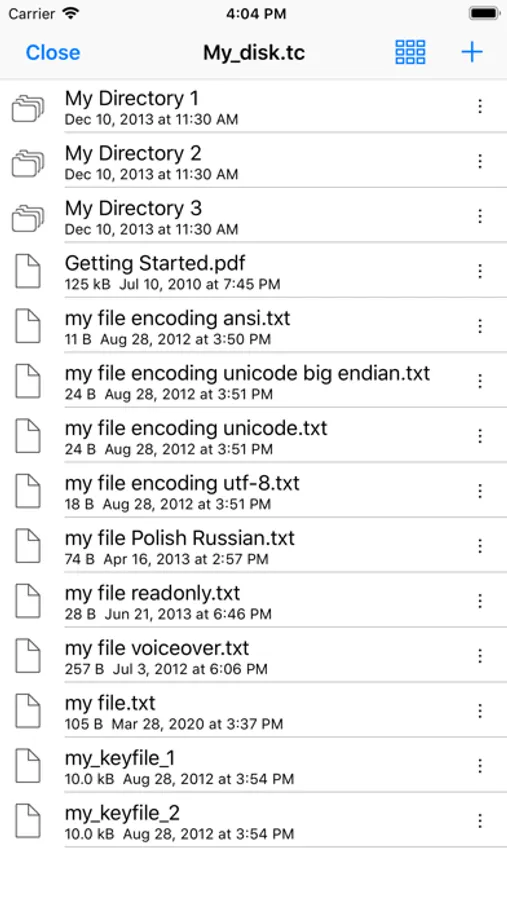
- Broad disk‑image compatibility – VeraCrypt, TrueCrypt, LUKS, DMG, Apple sparse image/bundle, ProxyCrypt
- Native file‑system handling – FAT, exFAT, NTFS, HFS, APFS, Linux ext (*)
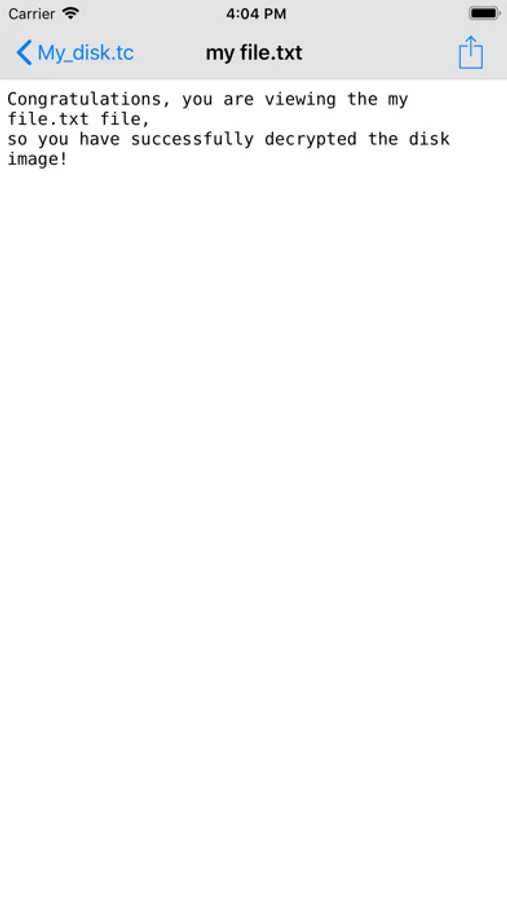
- Rich viewer & media playback – Work securely with your files within the app, or use the File Provider integration across apps
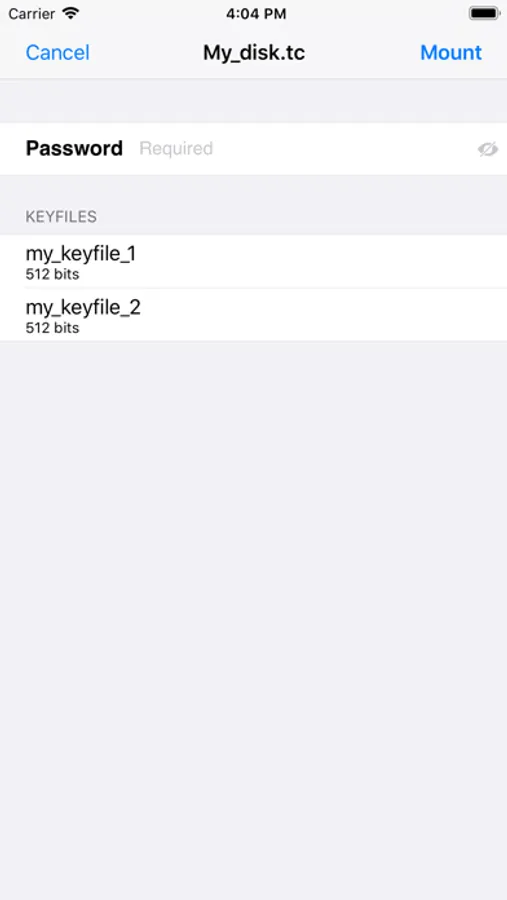
- Secure authentication options – Password, passcode, Touch ID, Face ID; Keyfiles, smart-card and FIDO2 security key.
(*) exFAT and write support for HFS, APFS and NTFS are offered as optional in-app purchases to cover patent and licensing royalties.
Disk Decipher Screenshots
Tap to Rate:
Reviews for Disk Decipher
Timtceee
Works but…..
I had some issues at first but got it to work however when I went to disk-decipher.app/contact for help there is no way to contact anyone. I don’t want to have to join Reddit just to get help. If someone needs help we should have access to a valid contact.
zalrashid
A great mobile app
So, I have been using Disk Decipher or the past two and a half years. As my job required encrypted data, we were using encrypted disks on PC, because nothing like a mobile app was available. Then came Disk Decipher, an app on mobile that helped get our encrypted data on the go. I used it, I liked it, I loved it. The developer is great, always updating and improving the app. I got my (almost) whole company using the app. Keep doing the best work, we will always support you.