In this RDP client app, users can connect securely to Windows PCs and optimize remote displays using patented resizing technology. It supports touch gestures, floating pointers, and a function bar with frequently used keys. Includes support for Blaze RDP acceleration, bandwidth reduction features, and enterprise management options.
AppRecs review analysis
AppRecs rating 2.8. Trustworthiness 78 out of 100. Review manipulation risk 22 out of 100. Based on a review sample analyzed.
★★☆☆☆
2.8
AppRecs Rating
Ratings breakdown
5 star
33%
4 star
13%
3 star
0%
2 star
13%
1 star
40%
What to know
✓
Low review manipulation risk
22% review manipulation risk
✓
Credible reviews
78% trustworthiness score from analyzed reviews
⚠
Mixed user feedback
Average 2.9★ rating suggests room for improvement
About Ericom AccessToGo
*Best user experience – AccessToGo with Blaze RDP acceleration is up to 10x faster than regular RDP, e.g., Microsoft Remote Desktop / RDC / RDP, 2X Client RDP, Wyse PocketCloud, Remote RDP, Splashtop, & Jump Desktop.
IMPORTANT:
- Requires at least 512MB RAM
- RDP must be enabled on the target Windows host (Home editions of Windows do not support RDP server)
-------------------------------------------
ENHANCEMENTS
*Ericom Blaze transforms AccessToGo into the fastest mobile RDP client
- Enhances display performance of maps, video, radiology & 3D images, Adobe Flash, PDF files, etc.
- Uses up to 80% less RDP bandwidth than regular RDP clients, e.g., Microsoft Remote Desktop / RDP
- Great over 4G and Internet
(Requires Ericom Blaze Server on RDP host: http://www.ericomblaze.com)
*Alternative to Citrix
- Ericom Connect centrally publishes & manages Windows desktops & apps hosted on Terminal Services / RDS / VDI
- 1/2 the cost of Citrix
Info: email mobile@ericom.com
-------------------------------------------
STANDARD FEATURES
- Extensive support for Touch Gestures
- Auto keyboard and position on text entry field
- Patent-pending technology enhances productivity and usability: Makes Windows desktops & applications easier to use on mobile devices (touch environments), reduces the need to zoom and pan when using remote access. Unlike Microsoft Remote Desktop / RDP, Ericom Blaze automatically adjusts the remote desktop resolution (Pixels Per Inch - PPI), and optimally resizes Windows objects (Start menu, icons, dialog boxes, etc.)
- Native resolution support
- Function bar for tablets displays frequently used keys (Esc, Tab, Ctrl, Alt, Windows) & functions – Exclusive!
- Enhanced Floater and Pointer Tools
- Pinch to Zoom
- Remote mouse mode support
- Bluetooth / USB mouse and keyboard support
- Virtual native keyboard & extended PC Keyboard support
- Copy & Paste support
- Remote Program support
- Multilingual UI support
- Full-screen auto-resize on orientation changes (portrait to / from landscape)
- Sound / audio redirection
- 8, 16, 24 & 32 bit color
- URL Schemes
OPTIONS
*Ericom Blaze includes Ericom Secure Gateway – Secure, encrypted access when connecting from outside the firewall http://www.ericom.com/securegateway
----------------------------------------------------------------
SUPPORTED PLATFORMS
- iOS 11, 12
- Connecting to Windows 10/8/7, Windows Server 2019/2016/2012R2/2012/2008R2
-------------------------------------------
------------------------------------------
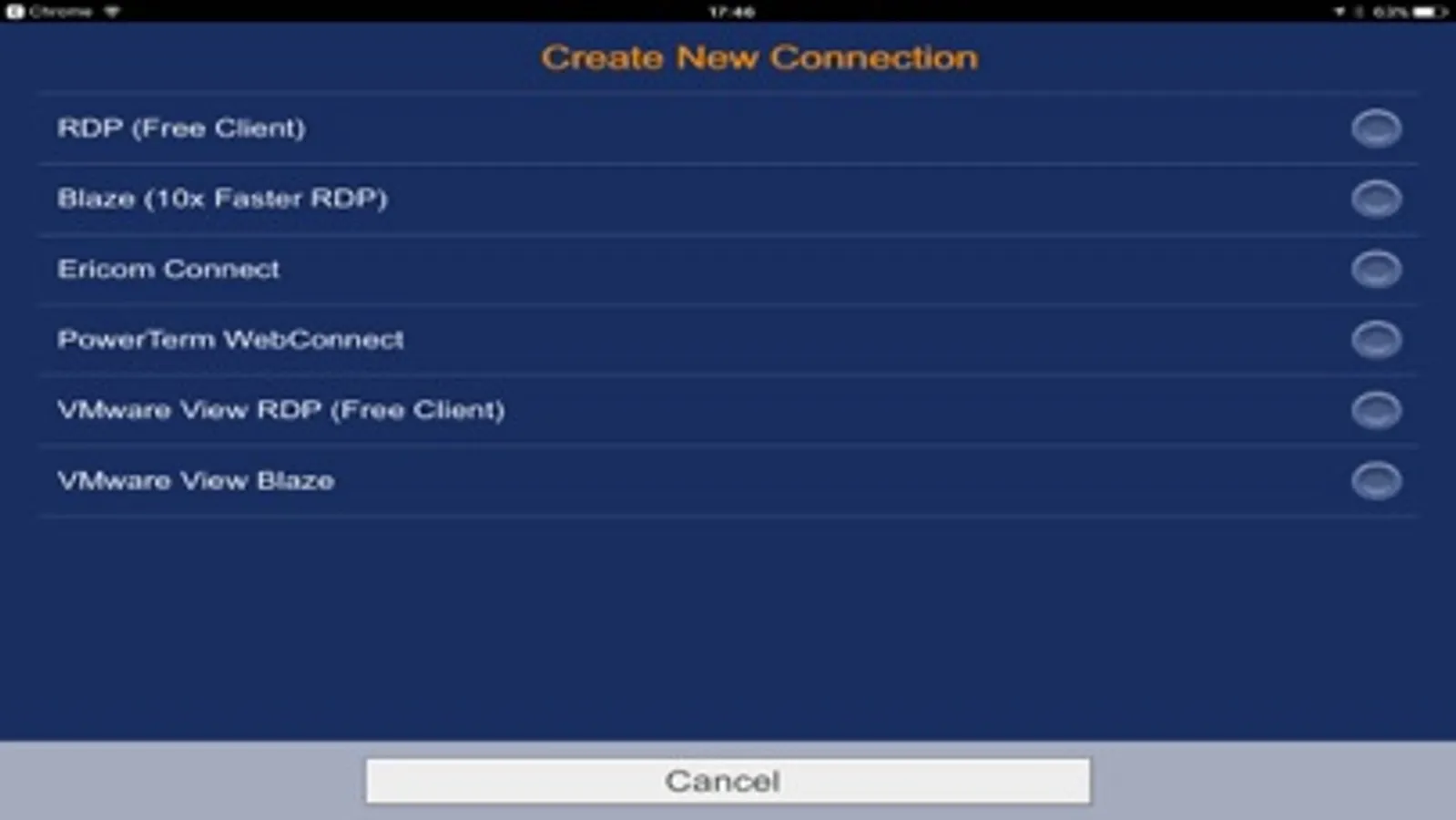
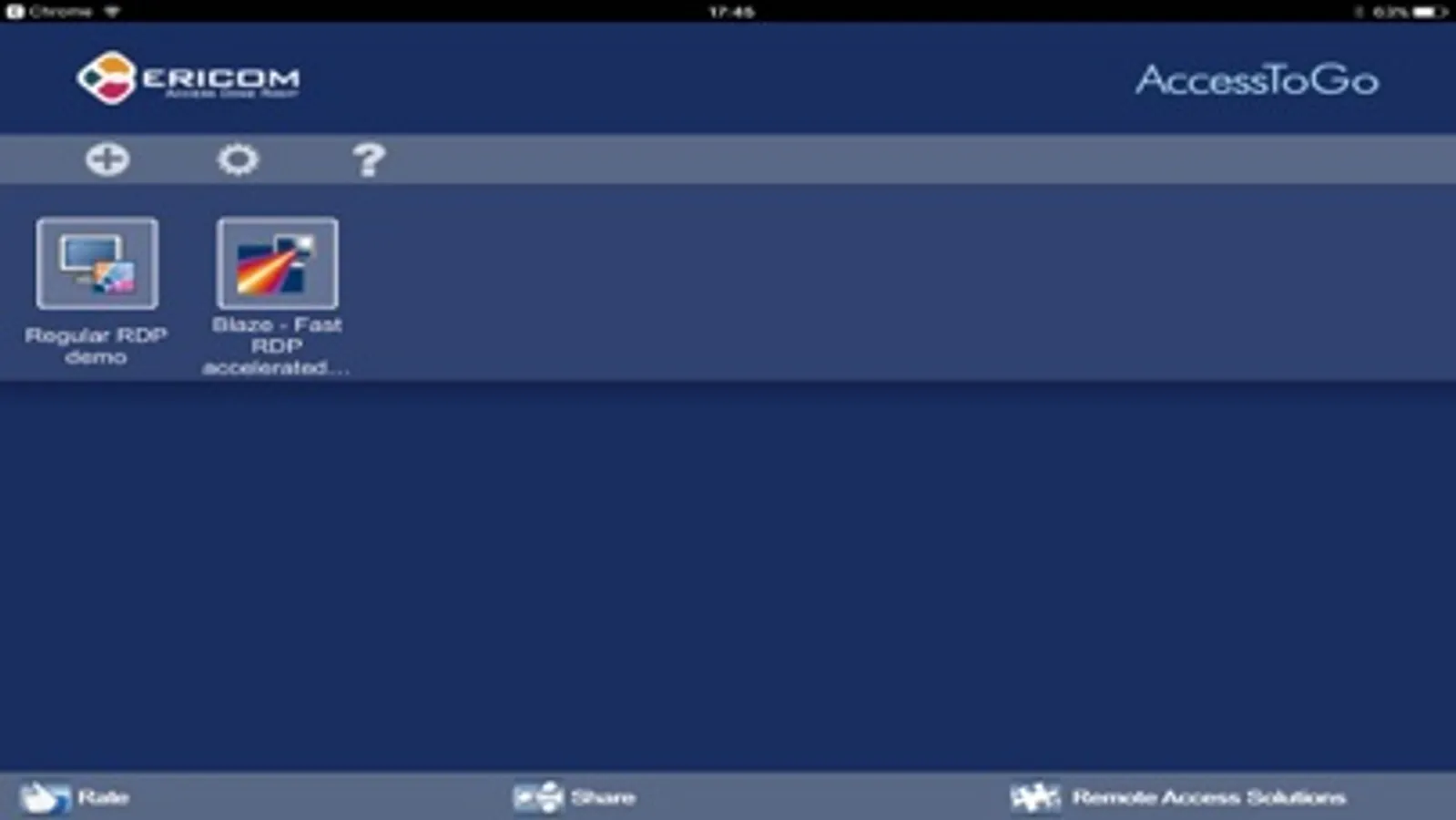
Ericom AccessToGo Screenshots
Tap to Rate:
Reviews for Ericom AccessToGo
The_IT_Guy_
Doesn’t Display Correctly with IOS 16
This is a great app on older iPads. Upgraded iPads for faster connections and larger screens and can no longer use this app. Hopefully Ericom fixes this soon!
fhbhjf
iOS 16 landscape mode not working
I utilitized this app a lot on my tablet, stopped fully functioning with iOS upgrade . it will not show full screen on landscape mode. Please update/ fix this