AppRecs review analysis
AppRecs rating 2.5. Trustworthiness 82 out of 100. Review manipulation risk 21 out of 100. Based on a review sample analyzed.
★★☆☆☆
2.5
AppRecs Rating
Ratings breakdown
5 star
33%
4 star
0%
3 star
0%
2 star
17%
1 star
50%
What to know
✓
Low review manipulation risk
21% review manipulation risk
✓
Credible reviews
82% trustworthiness score from analyzed reviews
⚠
Mixed user feedback
Average 2.5★ rating suggests room for improvement
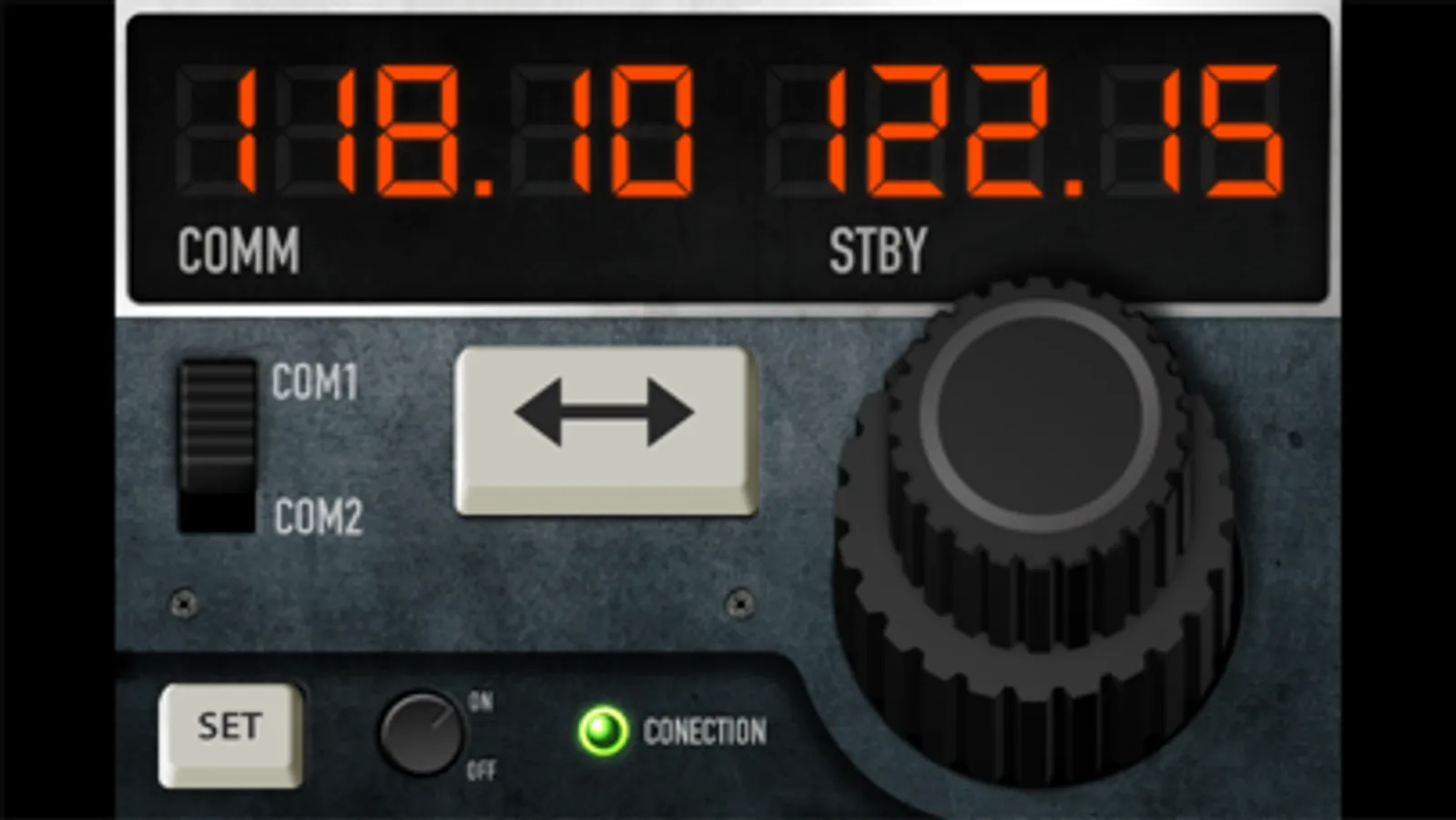
About RemoteFlight COMM
RemoteFlight Server utility is required to establish the connection between Flight Simulator and your device. RemoteFlight server is very lightweight and will not affect the performance of your Flight Simulator. Download the server free on https://www.remoteflight.net/server
RemoteFlight COMM Screenshots
Tap to Rate:
Reviews for RemoteFlight COMM
GotZoom05
Disappointing
I was excited to try this app with FS2020 but unfortunately everything I tried didn’t work. It simply would not connect. I followed all the steps, downloaded the additional files, etc. Would be great to get some help but if not please refund my $.
Willcorg
Resolution is out of date.
This is great, if you have a tiny phone and don’t mind huge buttons utilizing half the screen on an iPhone X Max or newer.