Enpass Password Manager
Enpass Technologies Private Limited
4.3 ★
1K ratings
Free
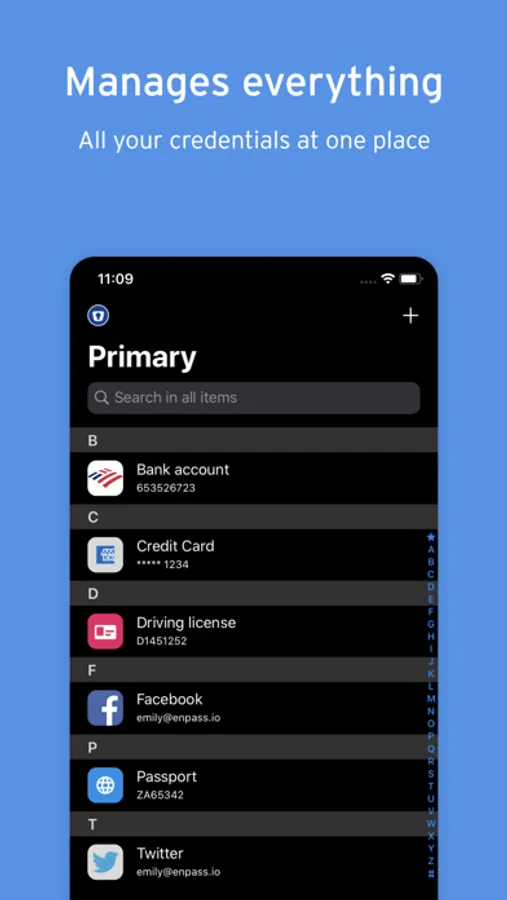
With this password manager, you can securely store, organize, and sync passwords and passkeys using your preferred cloud service or offline. Includes customizable templates, a built-in authenticator, and breach monitoring tools.
AppRecs review analysis
AppRecs rating 3.9. Trustworthiness 79 out of 100. Review manipulation risk 29 out of 100. Based on a review sample analyzed.
★★★☆☆
3.9
AppRecs Rating
Ratings breakdown
5 star
73%
4 star
8%
3 star
4%
2 star
2%
1 star
13%
What to know
✓
Low review manipulation risk
29% review manipulation risk
✓
Credible reviews
79% trustworthiness score from analyzed reviews
⚠
Pricing complaints
Many low ratings mention paywalls or pricing
About Enpass Password Manager
CHOOSE YOUR OWN SAFEST PLACE TO STORE PASSWORDS & PASSKEYS
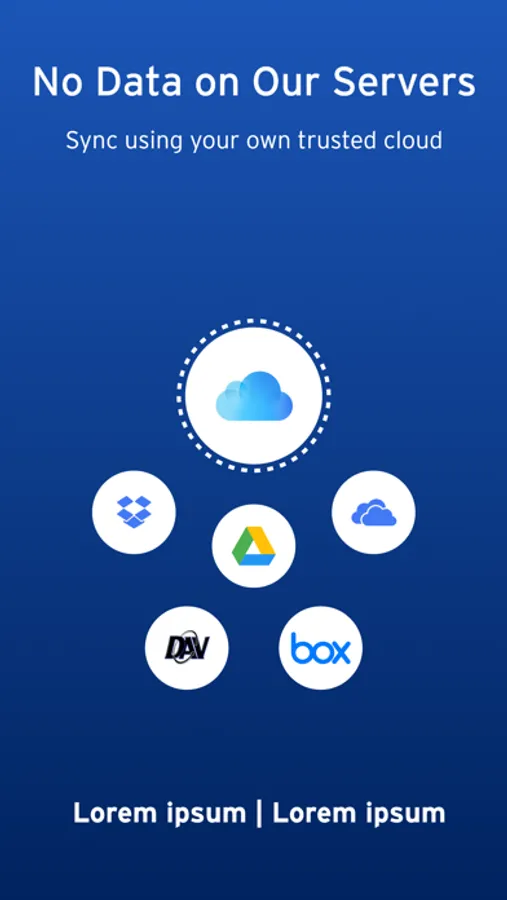
Enpass believes your data belongs to you. Instead of keeping everyone’s passwords on a central server like most password managers, with Enpass YOU choose where your encrypted vaults are stored and synced.
● Enpass works with iCloud, Google Drive, OneDrive, Box, Dropbox, NextCloud, WebDAV, or completely offline.
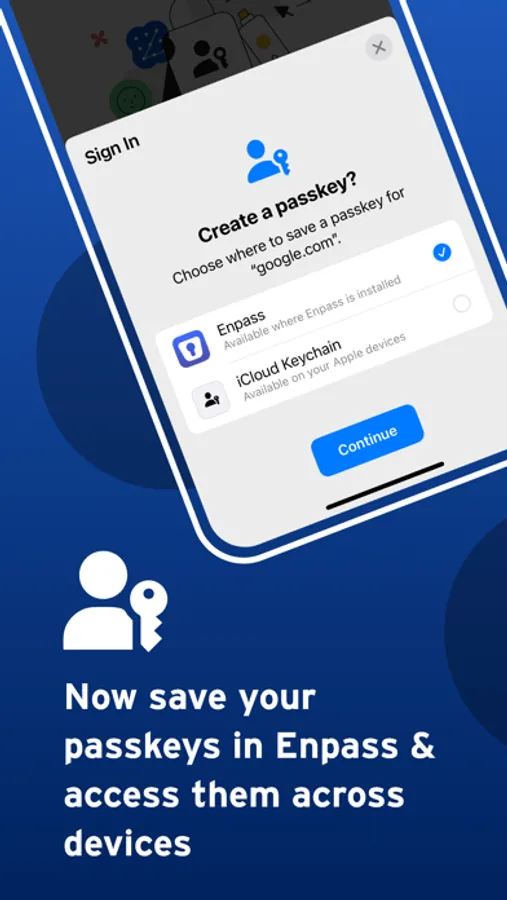
● And with support for storing and syncing passkeys across devices, Enpass is ready for the password-less future.
WHY YOU NEED A PASSWORD MANAGER
● Creating and typing in passwords is a hassle!
● Truly secure passwords are literally impossible to memorize
● When data breaches happen, you need to change your passwords quickly — and that needs to be easy
● Password managers keep your passwords safer, make them easier to use, and make them easier to change
WHY ENPASS IS SAFER
● Most password managers store every user’s vaults in their own central server, making a tempting single target for hackers
But with Enpass, hackers would have to
- Target you personally
- Know which cloud services you’ve chosen for your vaults
- Have the credentials to those cloud accounts
- Get past each account's multi-factor authentication
- And know your Enpass master password
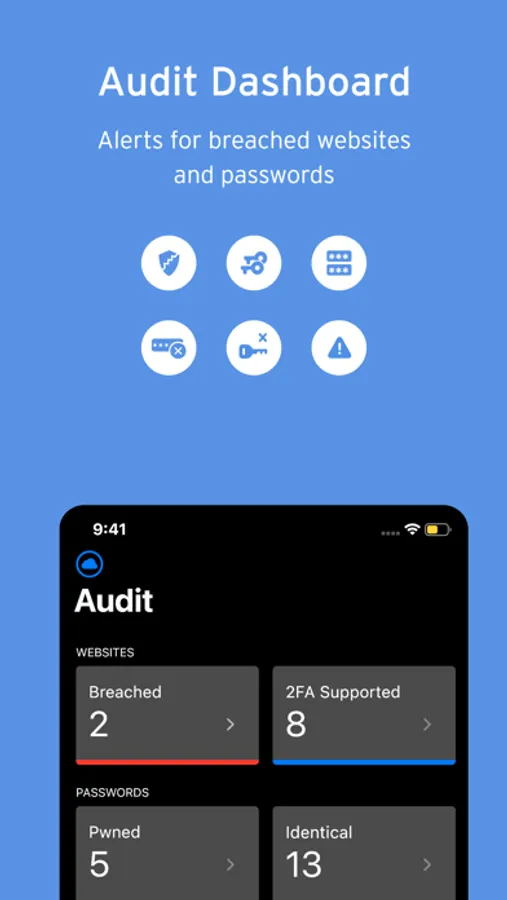
● Enpass also includes password audit & breach monitoring — user-friendly tools to help keep you safe
WHY ENPASS IS BETTER
● Store and sync passkeys — ready for the password-less future
● Unlimited vaults — completely separate work passwords from personal, and more
● Wildly customizable — make your own templates, categories, and tags to organize your credentials and private files
● Customize each Item — add, remove, and rearrange fields, or make your own (even multi-line fields)
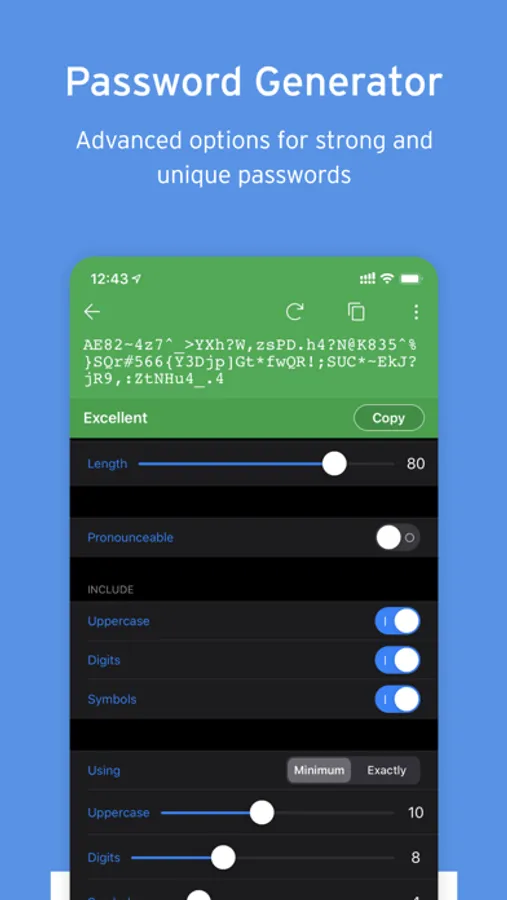
● Customizable password generator — tweak up to 10 parameters when creating strong new passwords
● Attachments — include documents and images with your saved credentials
● Built-in authenticator (TOTP) — no need for a separate app to get those 6-digit codes
AND ENPASS IS AFFORDABLE
● Sync up to 25 items for free (and Enpass desktop is completely free for individual users)
● Enpass Premium starts at just $1.99/mo, Enpass Family at $2.99/mo
● Enpass Business starts at $2.99/user/mo (or $9.99/mo flat for small teams)
● Visit enpass.io/pricing for more details. **
ENPASS IS ALSO BETTER FOR BUSINESS
● Decentralized storage & sync makes Enpass compliance-friendly
● Powerful security and recovery tools, and one-click sharing for teams
● Automatic provisioning and offboarding
● Easy integration with Google Workspace and Microsoft 365
ENPASS IS EVERYWHERE
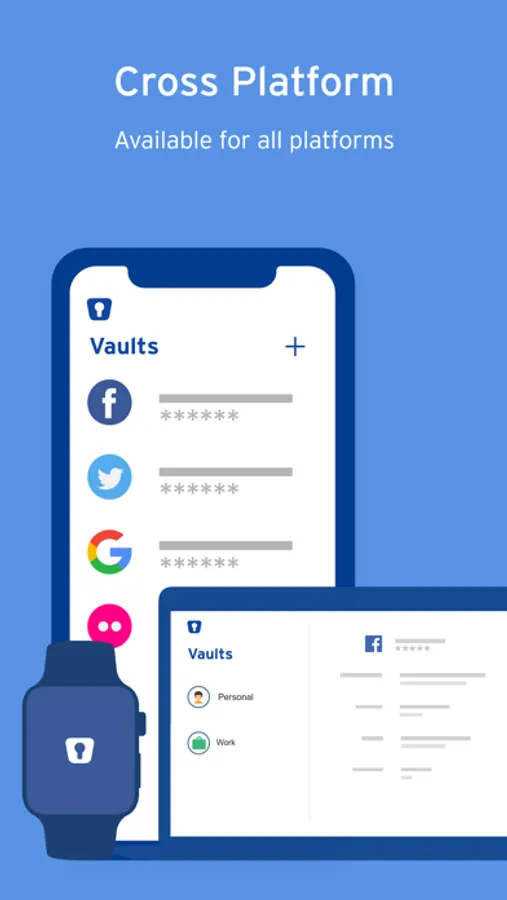
● Enpass works across Mac, iOS, watchOS, and all major browsers and operating systems
SECURITY
● Zero-knowledge AES-256 encryption on 100% of user data
● Certified compliance with ISO/IEC 27001:2013 standards
● Quick unlock with Face ID or Touch ID
● Quick unlock with a PIN
● Unlock with a keyfile as second-factor authentication
CONVENIENCE
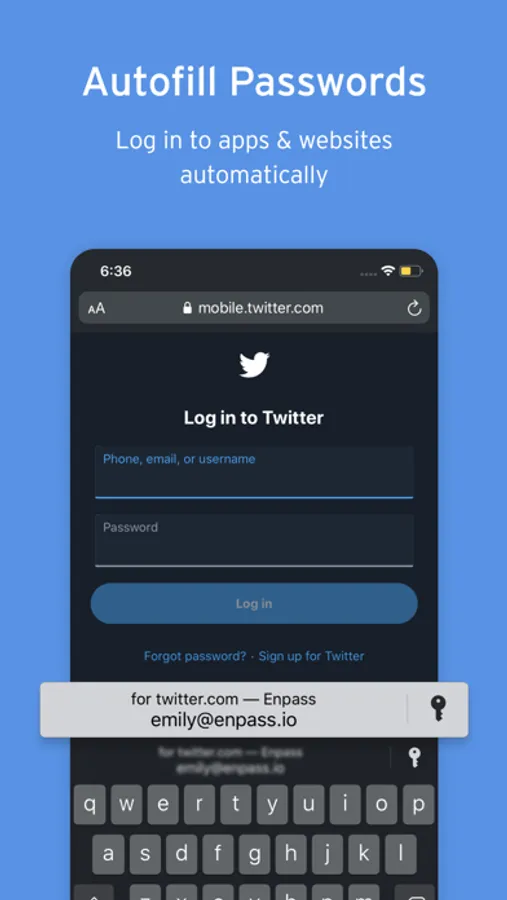
● Auto-fills passwords, authentication codes, credit cards, and webforms
● Auto-saves new or changed credentials
● Stores and syncs passkeys across devices
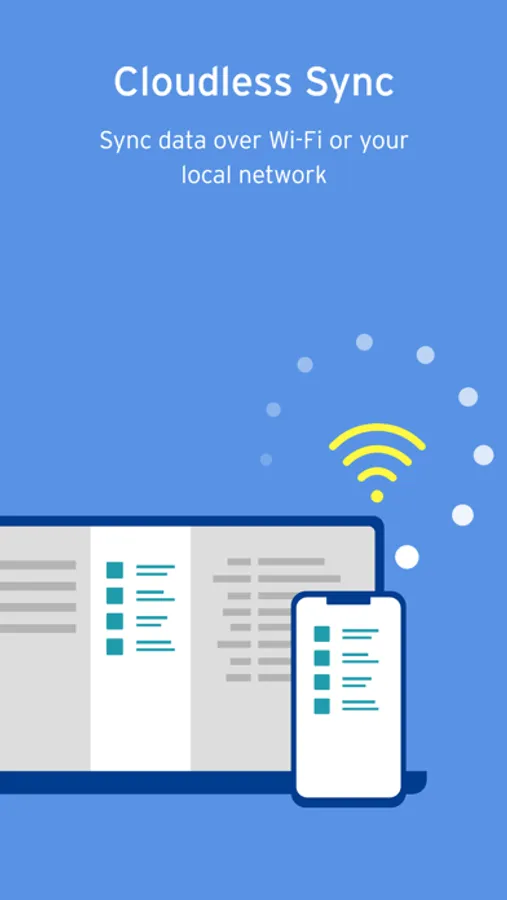
● Syncs via your personal cloud accounts or via Wi-Fi
PASSWORD SAFETY
● Highly customizable password generator
● Automatically checks for weak or compromised passwords
● Automatically monitors for website breaches
● Retains password history for each Item
USABILITY
● watchOS integration
● Easy import from other password managers and CSVs in the desktop app
● Customize tags, categories, fields, and more
● File attachments (add ID cards & other documents to items)
● Copy to Clipboard
● Dark Mode
** For in-app purchases, subscriptions will auto-renew unless disabled in the App Store Account Settings at least 24 hours before the renewal date
● Terms of Use: https://www.enpass.io/legal/terms
● Privacy Policy: https://www.enpass.io/legal/privacy
ENPASS SUPPORT
Email: support@enpass.io
Twitter: @EnpassApp
Facebook: Facebook.com/EnpassApp
Forums: https://discussion.enpass.io
Enpass believes your data belongs to you. Instead of keeping everyone’s passwords on a central server like most password managers, with Enpass YOU choose where your encrypted vaults are stored and synced.
● Enpass works with iCloud, Google Drive, OneDrive, Box, Dropbox, NextCloud, WebDAV, or completely offline.
● And with support for storing and syncing passkeys across devices, Enpass is ready for the password-less future.
WHY YOU NEED A PASSWORD MANAGER
● Creating and typing in passwords is a hassle!
● Truly secure passwords are literally impossible to memorize
● When data breaches happen, you need to change your passwords quickly — and that needs to be easy
● Password managers keep your passwords safer, make them easier to use, and make them easier to change
WHY ENPASS IS SAFER
● Most password managers store every user’s vaults in their own central server, making a tempting single target for hackers
But with Enpass, hackers would have to
- Target you personally
- Know which cloud services you’ve chosen for your vaults
- Have the credentials to those cloud accounts
- Get past each account's multi-factor authentication
- And know your Enpass master password
● Enpass also includes password audit & breach monitoring — user-friendly tools to help keep you safe
WHY ENPASS IS BETTER
● Store and sync passkeys — ready for the password-less future
● Unlimited vaults — completely separate work passwords from personal, and more
● Wildly customizable — make your own templates, categories, and tags to organize your credentials and private files
● Customize each Item — add, remove, and rearrange fields, or make your own (even multi-line fields)
● Customizable password generator — tweak up to 10 parameters when creating strong new passwords
● Attachments — include documents and images with your saved credentials
● Built-in authenticator (TOTP) — no need for a separate app to get those 6-digit codes
AND ENPASS IS AFFORDABLE
● Sync up to 25 items for free (and Enpass desktop is completely free for individual users)
● Enpass Premium starts at just $1.99/mo, Enpass Family at $2.99/mo
● Enpass Business starts at $2.99/user/mo (or $9.99/mo flat for small teams)
● Visit enpass.io/pricing for more details. **
ENPASS IS ALSO BETTER FOR BUSINESS
● Decentralized storage & sync makes Enpass compliance-friendly
● Powerful security and recovery tools, and one-click sharing for teams
● Automatic provisioning and offboarding
● Easy integration with Google Workspace and Microsoft 365
ENPASS IS EVERYWHERE
● Enpass works across Mac, iOS, watchOS, and all major browsers and operating systems
SECURITY
● Zero-knowledge AES-256 encryption on 100% of user data
● Certified compliance with ISO/IEC 27001:2013 standards
● Quick unlock with Face ID or Touch ID
● Quick unlock with a PIN
● Unlock with a keyfile as second-factor authentication
CONVENIENCE
● Auto-fills passwords, authentication codes, credit cards, and webforms
● Auto-saves new or changed credentials
● Stores and syncs passkeys across devices
● Syncs via your personal cloud accounts or via Wi-Fi
PASSWORD SAFETY
● Highly customizable password generator
● Automatically checks for weak or compromised passwords
● Automatically monitors for website breaches
● Retains password history for each Item
USABILITY
● watchOS integration
● Easy import from other password managers and CSVs in the desktop app
● Customize tags, categories, fields, and more
● File attachments (add ID cards & other documents to items)
● Copy to Clipboard
● Dark Mode
** For in-app purchases, subscriptions will auto-renew unless disabled in the App Store Account Settings at least 24 hours before the renewal date
● Terms of Use: https://www.enpass.io/legal/terms
● Privacy Policy: https://www.enpass.io/legal/privacy
ENPASS SUPPORT
Email: support@enpass.io
Twitter: @EnpassApp
Facebook: Facebook.com/EnpassApp
Forums: https://discussion.enpass.io
Enpass Password Manager Screenshots
Tap to Rate:
Reviews for Enpass Password Manager
tru for u
Phone Enpass
3 star
_dky_
Just works!
The best cross platform password manager and have been using it forever.