AppRecs review analysis
AppRecs rating 2.7. Trustworthiness 78 out of 100. Review manipulation risk 21 out of 100. Based on a review sample analyzed.
★★☆☆☆
2.7
AppRecs Rating
Ratings breakdown
5 star
33%
4 star
6%
3 star
6%
2 star
11%
1 star
44%
What to know
✓
Low review manipulation risk
21% review manipulation risk
✓
Credible reviews
78% trustworthiness score from analyzed reviews
⚠
Mixed user feedback
Average 2.7★ rating suggests room for improvement
About RayView
About Raymarine RayView
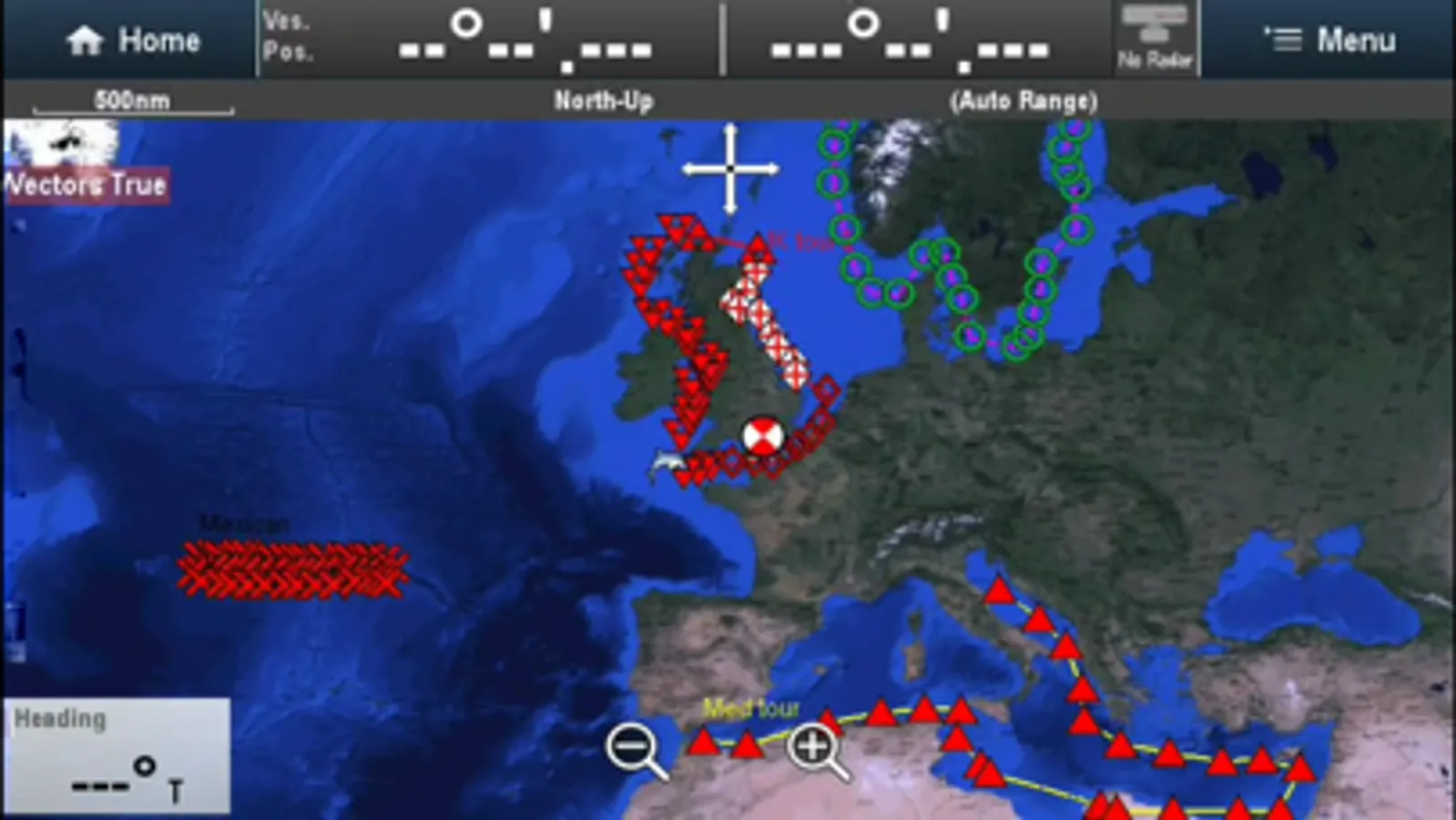
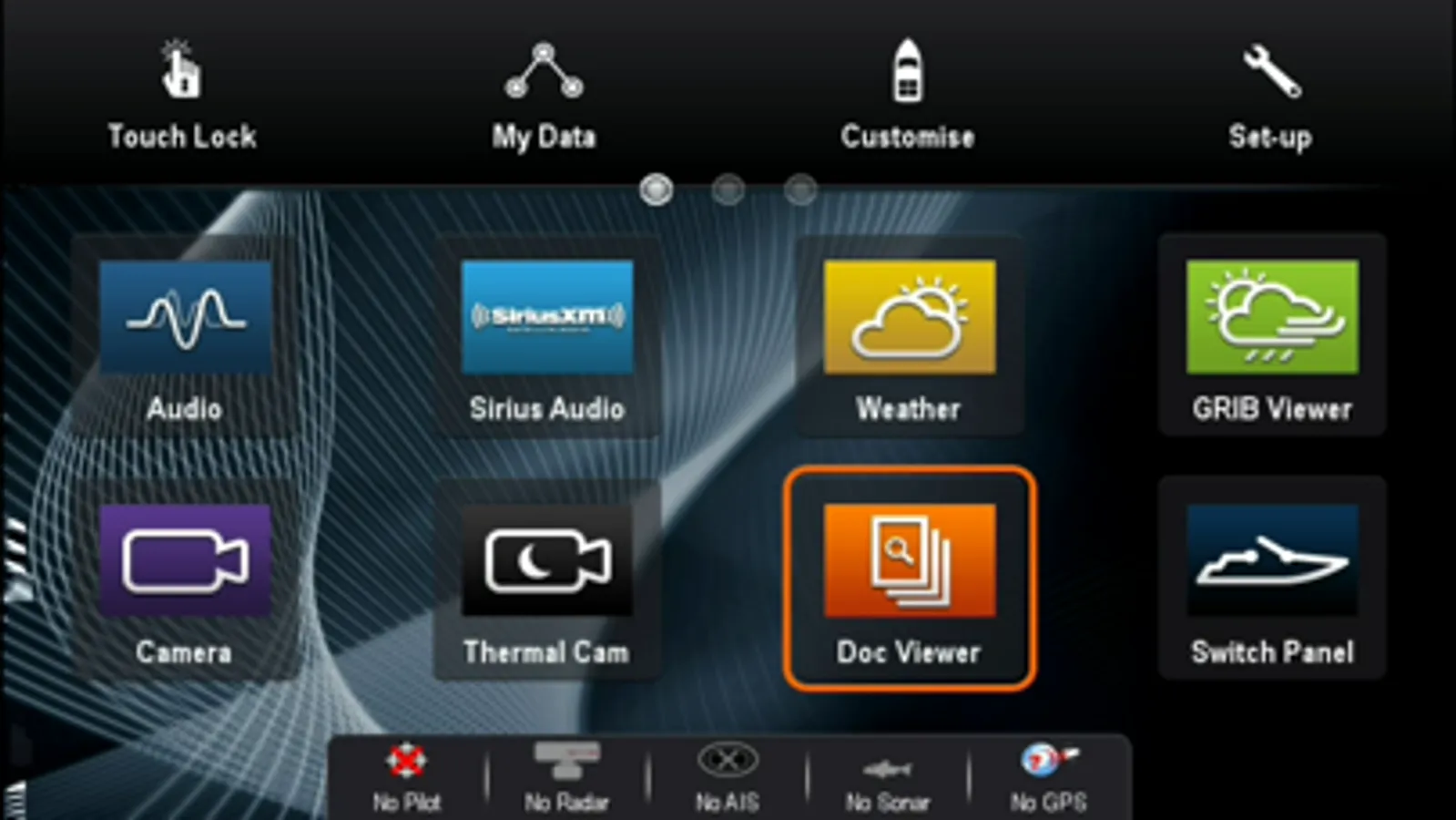
RayView allows you to view your Raymarine e, c, ES and Axiom Multi-Functional Display via your smartphone or tablet.
iOS Devices = Best performance achieved on iPhone 4 or better and iPad 2 or better.
Multi-Functional Display software requirement – v 3.15 or later.
To use this app please upgrade your Raymarine c-Series or e-Series Multi-Functional Display to software version 3.15 or later. Software upgrades are available for free at www.raymarine.com/support.
If you enjoy RayView you may also be interested in the RayControl and RayRemote apps. RayControl for tablets provides full touch screen control of your c-Series or e-Series MFD, plus a handy slide out virtual MFD keypad gives you even more control options. RayRemote for smart phones provides a full screen virtual MFD keypad, transforming your phone into a full function Raymarine MFD remote control.
Getting Started
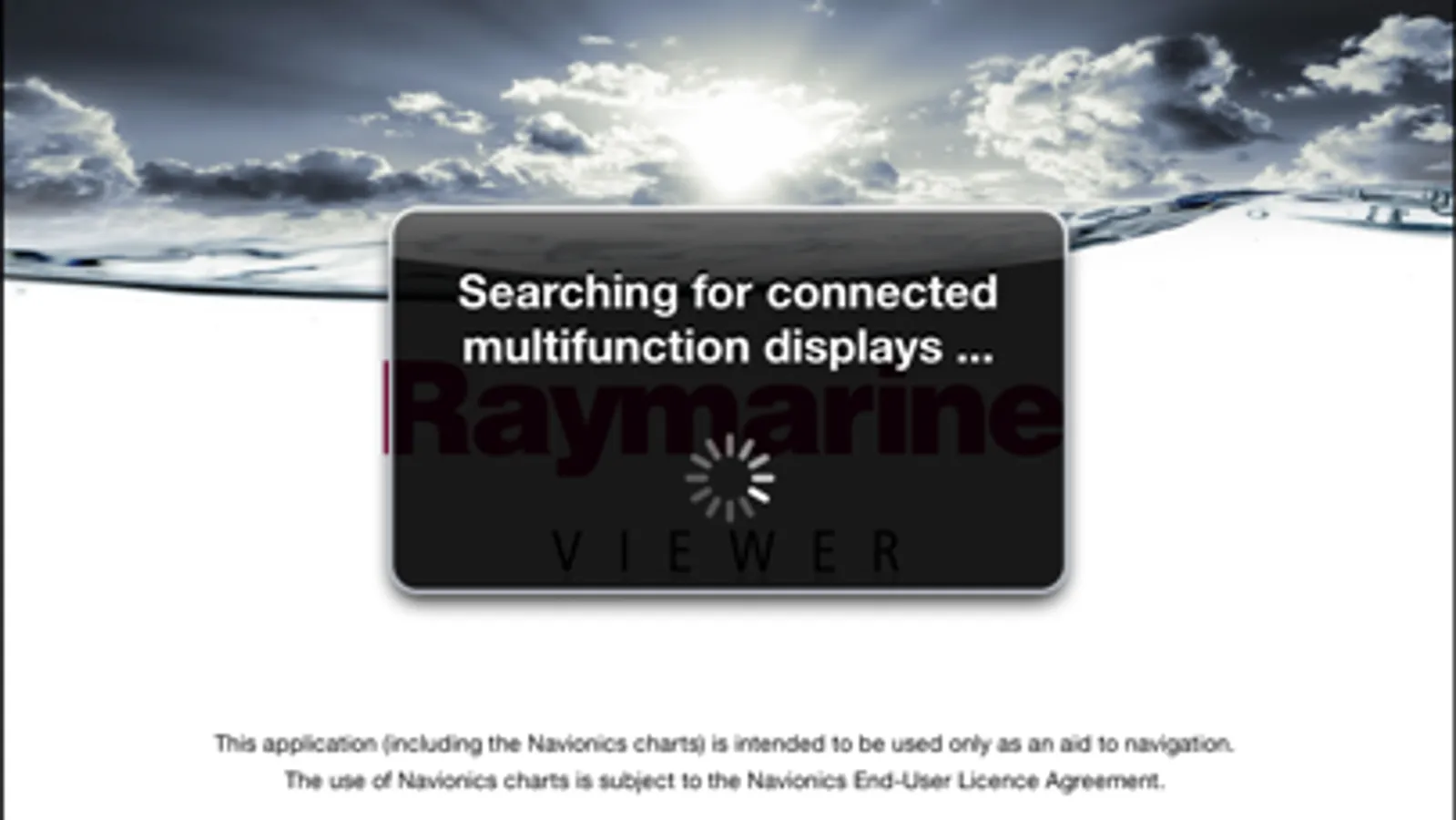
Download the RayView app, and install it on your device. Then connect to your Multi-Functional Display via Wi-Fi (see operators manual for Wi-Fi setup details). When the Wi-Fi connection is established, launch the app. You should now see the same image on your device as on your Multi-Functional Display.
RayView allows you to view your Raymarine e, c, ES and Axiom Multi-Functional Display via your smartphone or tablet.
iOS Devices = Best performance achieved on iPhone 4 or better and iPad 2 or better.
Multi-Functional Display software requirement – v 3.15 or later.
To use this app please upgrade your Raymarine c-Series or e-Series Multi-Functional Display to software version 3.15 or later. Software upgrades are available for free at www.raymarine.com/support.
If you enjoy RayView you may also be interested in the RayControl and RayRemote apps. RayControl for tablets provides full touch screen control of your c-Series or e-Series MFD, plus a handy slide out virtual MFD keypad gives you even more control options. RayRemote for smart phones provides a full screen virtual MFD keypad, transforming your phone into a full function Raymarine MFD remote control.
Getting Started
Download the RayView app, and install it on your device. Then connect to your Multi-Functional Display via Wi-Fi (see operators manual for Wi-Fi setup details). When the Wi-Fi connection is established, launch the app. You should now see the same image on your device as on your Multi-Functional Display.
RayView Screenshots
Tap to Rate:
Reviews for RayView
Alterfero
Works perfect
No issues at all, displays the screen of my Axiom MFD, no configuration needed beside connecting to the MFD WiFi. Spares me trips to the helm, perfect. Thanks!
JoeCirig
Is this still supported?
No updates in 5 years. But why still available. It works just as poorly as the other Raymarine app