In this email management app, you can organize messages using smart tags and filters while viewing attachments directly within the app. Includes multiple account support, unified inbox, and customizable notifications.
AppRecs review analysis
AppRecs rating 4.0. Trustworthiness 77 out of 100. Review manipulation risk 26 out of 100. Based on a review sample analyzed.
★★★★☆
4.0
AppRecs Rating
Ratings breakdown
5 star
59%
4 star
20%
3 star
6%
2 star
5%
1 star
11%
What to know
✓
Low review manipulation risk
26% review manipulation risk
✓
Credible reviews
77% trustworthiness score from analyzed reviews
✓
High user satisfaction
79% of sampled ratings are 4+ stars (4.1★ average)
About MailBuzzr for Outlook
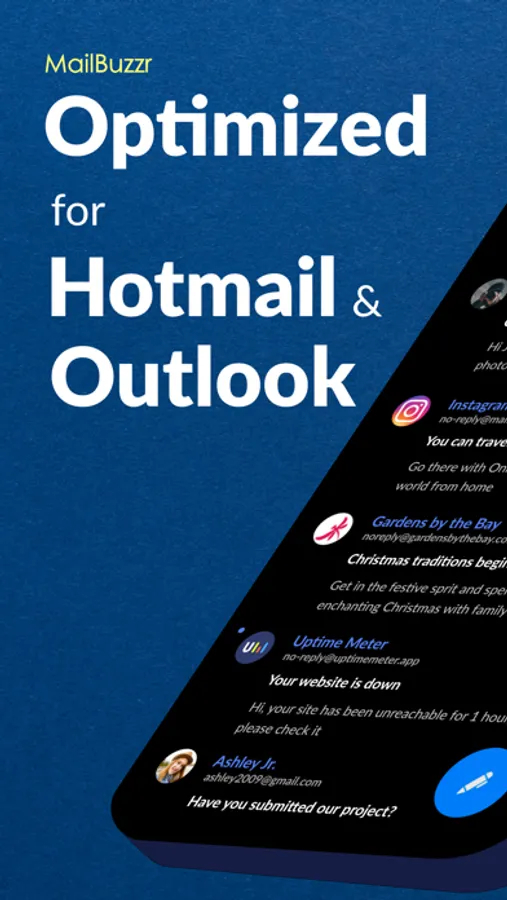
MailBuzzr is a powerful yet simple email app built for speed, convenience, and clarity. Whether you’re using Hotmail, Outlook, or both, manage all your inboxes in one beautifully designed app — fast and frustration-free.
Smart Notifications
Know who emailed you — and what it’s about — just by the notification sound. Customize alerts based on sender, priority, or message content.
Why You’ll Love MailBuzzr
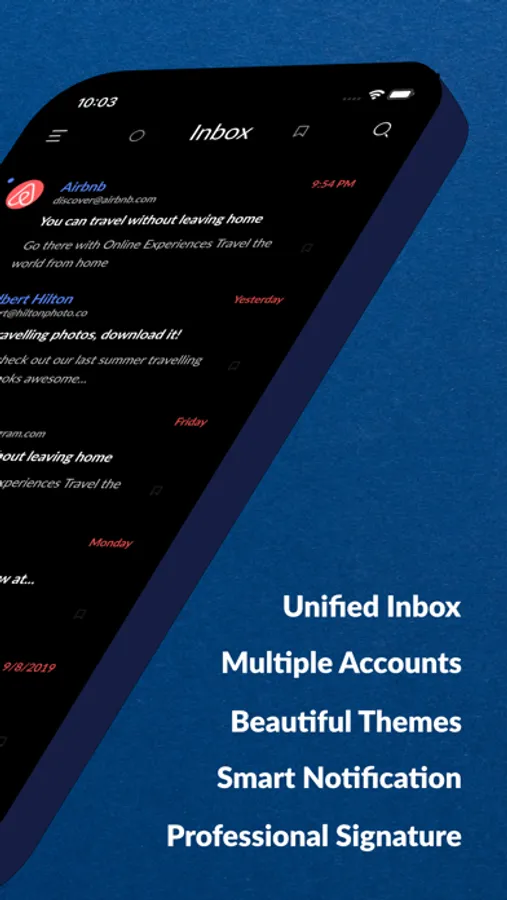
• Multiple Accounts – Add all your Hotmail and Outlook accounts. Switch between them with one tap.
• Unified Inbox – See all your emails in one place, or view them by account.
• Quick Peek – Long-press a message to preview without opening. Speed through your inbox effortlessly.
• Smart Tags & Filters – Automatically organize emails by sender, subject, or keywords.
• Undo Actions – Accidentally deleted or sent something? Quickly undo it with a tap.
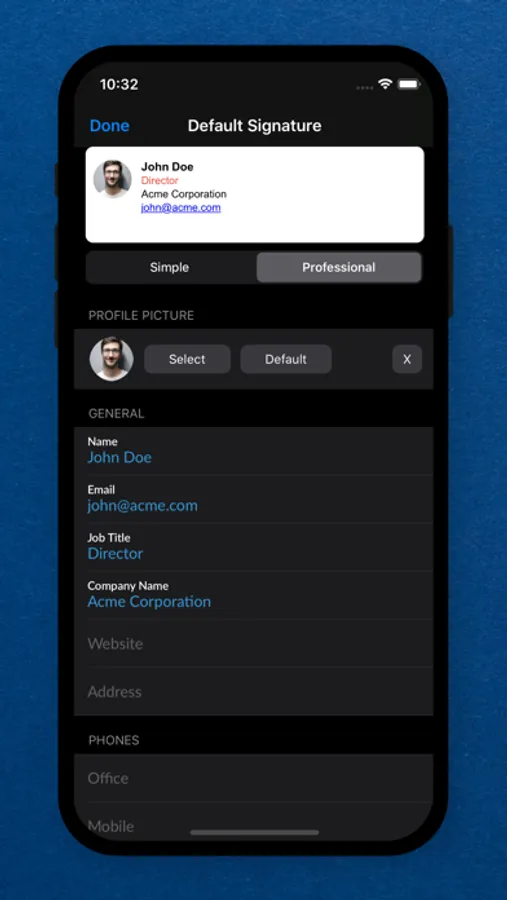
• Professional Signatures – Choose a clean and polished email signature that fits your style.
• Elegant Interface – Designed for ease of use with smooth performance and intuitive navigation.
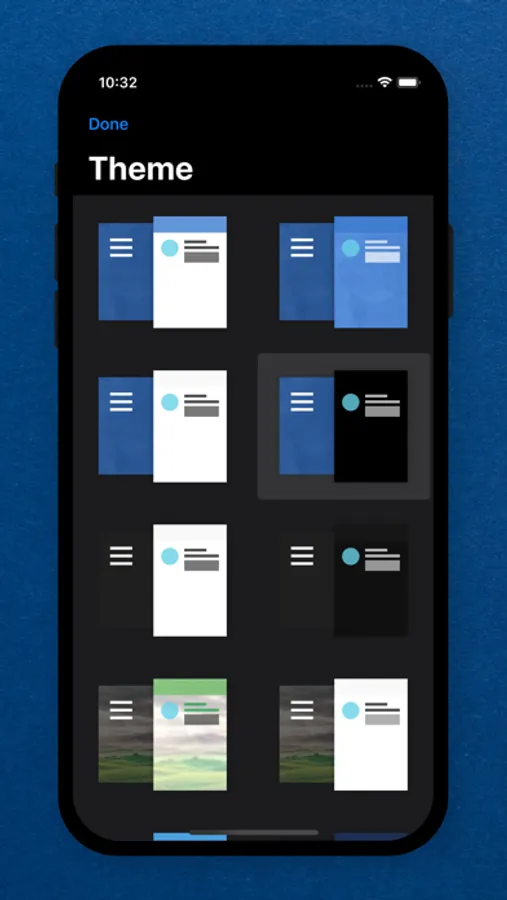
• Custom Themes – Pick from a variety of color themes to suit your mood or taste.
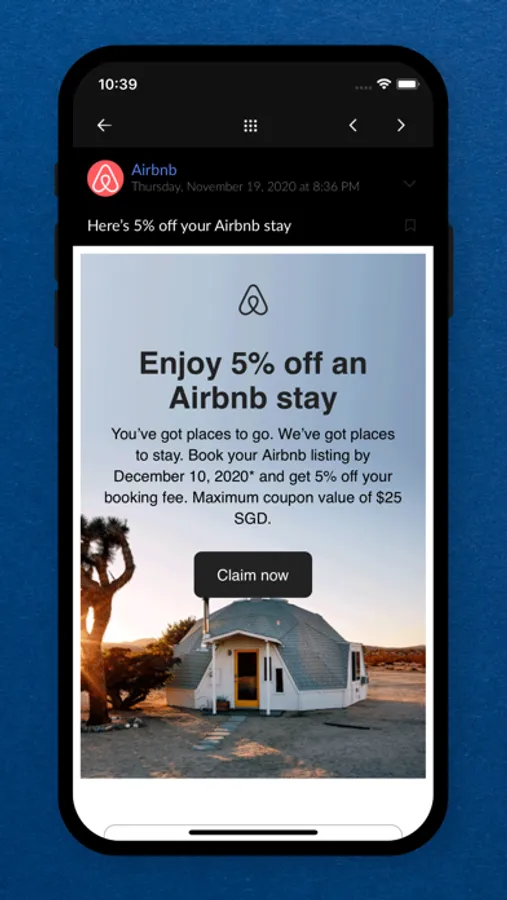
• Built-in File Viewer – View attachments like PDFs, Word, Excel, PowerPoint, and photos — no extra apps needed.
More Features You’ll Enjoy
• Swipe to delete, archive, reply, and more
• Draft minimization for multitasking
• Bulk editing and color-coded accounts
• Unread/flagged quick filters
• Contact import from Outlook and Google
• Push notifications with 5 customizable priority levels
• Lock the app with passcode or fingerprint
• Quiet time mode for peace of mind
• Advanced search: by keyword, sender, subject, or content
• Attach files from Google Drive, Dropbox, OneDrive, and more
• 30+ custom ringtones for notifications
Need help or have feedback? Contact us at support@aversys.com
MailBuzzr for Outlook Screenshots
Tap to Rate:
Reviews for MailBuzzr for Outlook
zulufoto
Crashes when opening
Doesn’t work anymore. Crashes when opening the app. Doesn’t appear to be supported anymore.
Kelle Fathers
Where are my emails?
I found this in the App Store--it sounded good, so I downloaded it. So far, it's asked me to sign in four or five times, claims I don't know my password and, although it says I can use a six-digit code they send me, so far I've received and signed in with three of them and I STILL don't see my emails. I have, however, been able to change the theme...and my email address is listed as the default account. So what's going on and where are my emails?