
In this app, users can create and customize visual boards to support children's routines and emotional understanding. Includes over 180 images and audio, custom image and audio features, and options to share or print boards.
AppRecs review analysis
AppRecs rating 4.4. Trustworthiness 74 out of 100. Review manipulation risk 25 out of 100. Based on a review sample analyzed.
★★★★☆
4.4
AppRecs Rating
Ratings breakdown
5 star
85%
4 star
8%
3 star
2%
2 star
1%
1 star
3%
What to know
✓
Low review manipulation risk
25% review manipulation risk
✓
Credible reviews
74% trustworthiness score from analyzed reviews
✓
High user satisfaction
85% of sampled ratings are 5 stars
About Choiceworks
Key features included with Choiceworks:
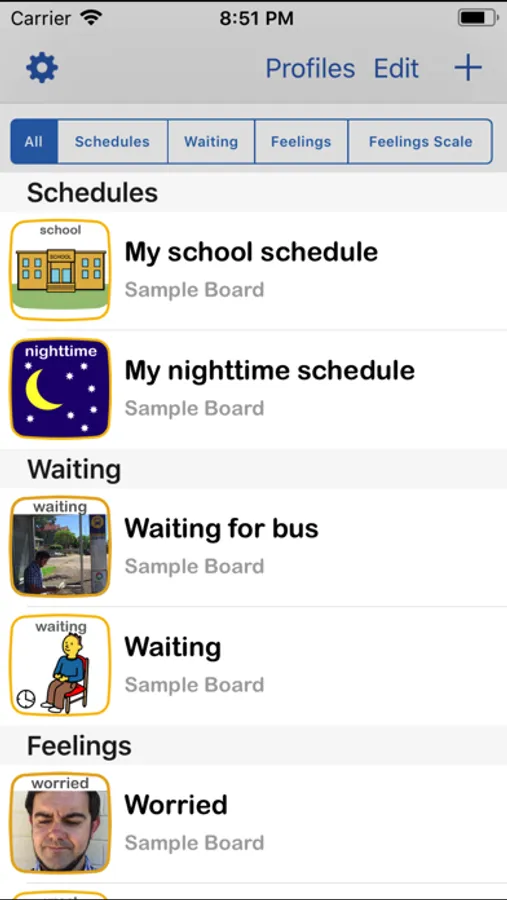
■ Full, unlimited access to all four board types: Schedule, Waiting, Feelings and Feelings Scale
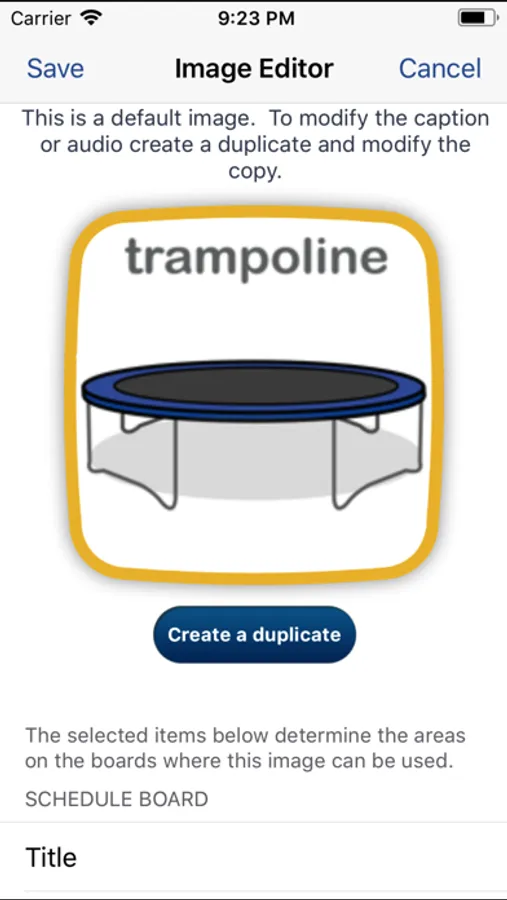
■ Image Library preloaded with over 180 images and audio
■ Add your own images and record your own audio for limitless customizability
■ Attach video to any board image
■ Easily create profiles to personalize and manage multiple users
■ Save an unlimited number of boards for multiple children or different routines
■ Speaks boards out loud with child or adult voice
■ Share boards by Email, Files app or iTunes with other Choiceworks app users
■ Ability to print boards or save as PDF
■ Advanced sharing options
■ Custom themes
■ Library Assistant
■ Custom timer sounds
What do you get with Choiceworks?
With your Choiceworks purchase you get access to all the features that have made it an award winning support app used in classrooms and homes around the globe for over a decade. No additional in-app purchase or subscriptions are required and there are no limits to how many boards or images you can create and share.
Schedule Board
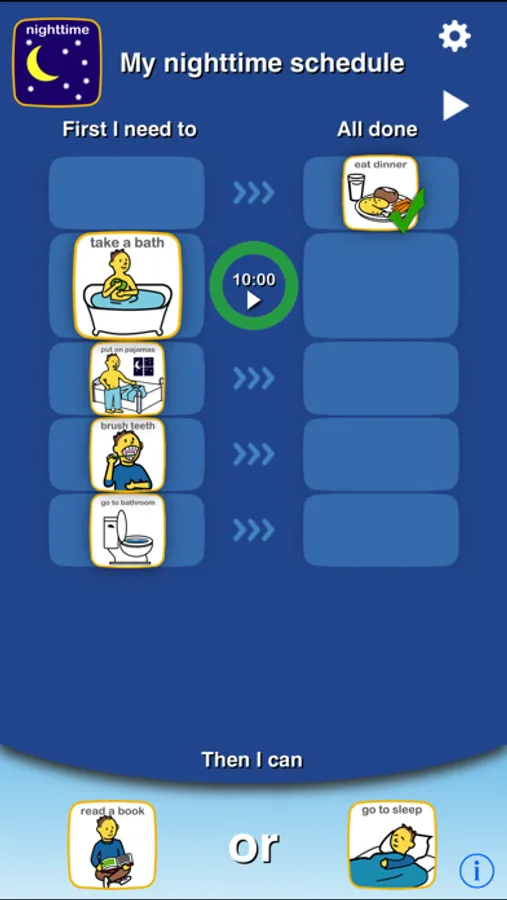
The Schedule Board makes task completion easier and more fun! The schedule is paired with an ‘all done’ column to check off steps toward a motivating reward. Timers can be added to any task or activity. The schedules are easy to edit and fully customizable. Once you have created a schedule, it will be saved automatically.
Waiting Board
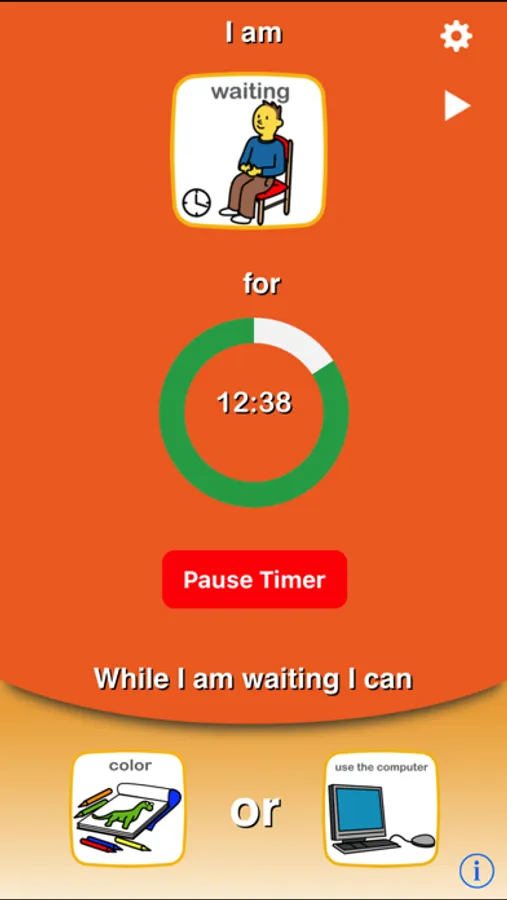
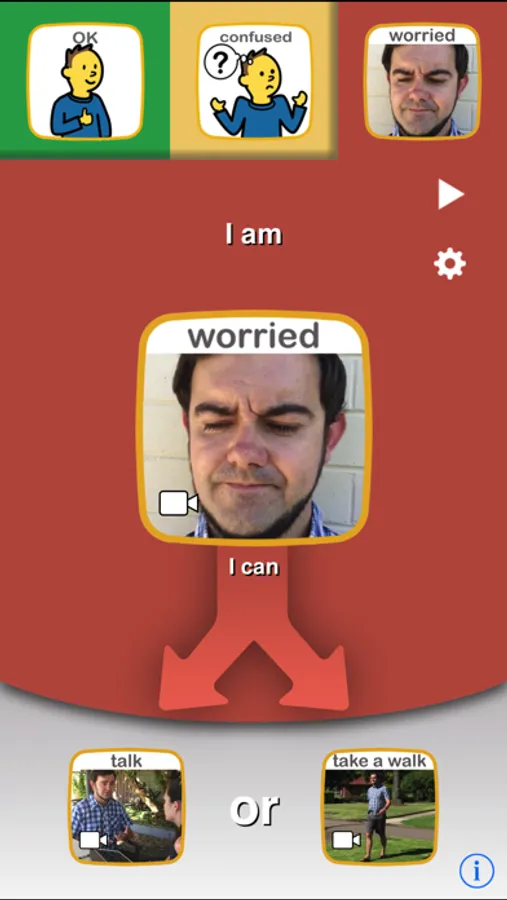
The Waiting Board teaches waiting skills like taking turns and not interrupting. The user can begin by reading the companion book, When Do I Have to Wait? Using the waiting board, the top picture indicates the reason why the child is waiting and a timer can be set to show how long the child will wait. The child can then choose an activity to do while waiting.
Feelings Board
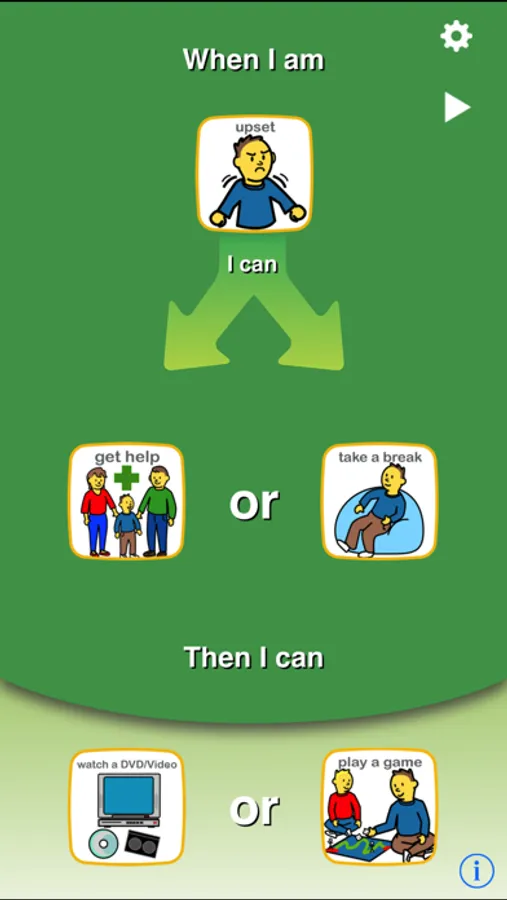
The Feelings Board provides a tool for helping children understand and express emotions. The user can begin by reading the companion book, When I Get Upset, to provide an example of how the child might recognize an emotion and choose a coping strategy. On the Feelings Board, the user can then help the child indicate how they are feeling from a range of options, select a coping strategy, and then request an activity to help them feel better or re-engage with others.
Feelings Scale
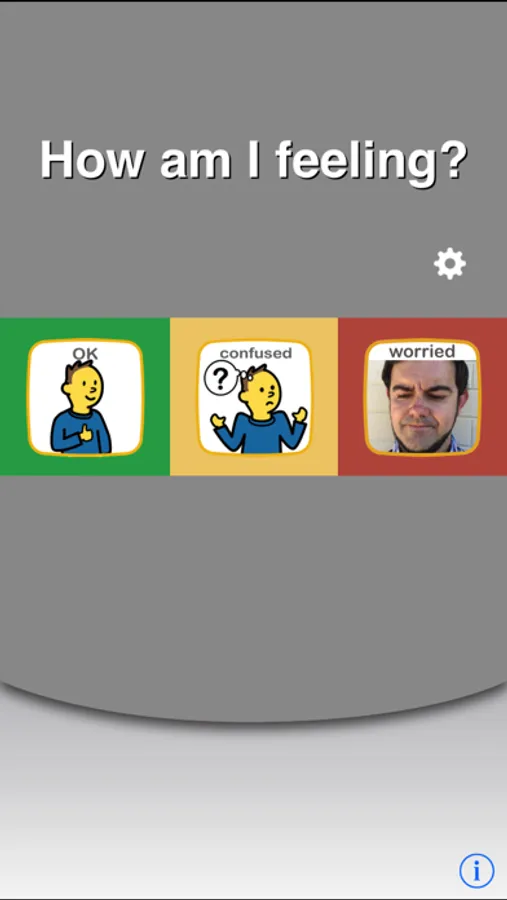
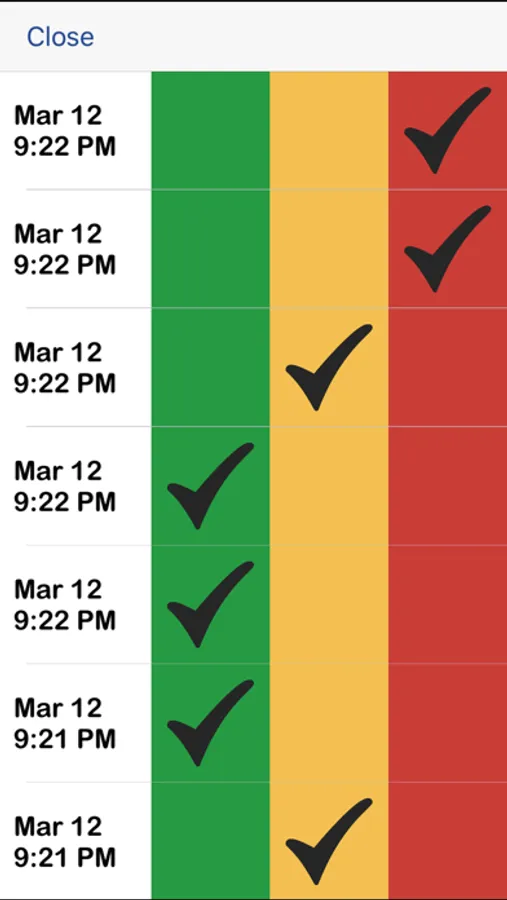
Helps users identify, manage and cope with feelings across environments throughout the day. By tracking their feelings on the board, users can analyze the data for trends to learn if tasks done at different times of day or in different environments affect outcome. Environments and schedules can then be altered to achieve better results.
Terms of Use: https://www.beevisual.com/mobile-app-eula.html
Privacy Policy: https://www.beevisual.com/mobile-app-privacy.html
Choiceworks Screenshots
Tap to Rate:
Reviews for Choiceworks
red_1123
Former ESE (special education) teacher approved
My daughter is a level one autistic with adhd and severe dyslexia. This application is so customizable, you can attach audio, pictures and video to the schedule. There’s also “if…. Then….”, wait timers with choices, emotional regulation charts with choices and social stories. I cannot speak highly enough of this application that gives my child the ability to regulate and be independent.
-Familyof5-
Drains Battery
There is no way to allow the app to go into autolock within the apps settings. Right now if we have Choiceworks open, our device does not go into sleep mode, which is draining our battery pretty significantly. I spoke with Apple and there isn't anything we can do on our side the app setting overrides the general iPad settings. When I reached out to the developer regarding this setting they believe it is a visual schedule and should always be in view for the user and would only look into addressing it if they received volumes of concern. When utilizing digital supports battery life should always be considered. These are a lot of individuals lifeline. If they removed this override setting from the app, individual users could adjust and choose their own setting for auto lock features, like TouchChat and other digitalsupports allow. Its upsetting that Choiceworks does not see this as an issue to be addressed in their app. Unfortunately, I cannot utilize this app and all its great qualities because it will drain the device that usually holds a charge for days within hours.