In this MIDI controller app, you can create and customize MIDI layouts to control hardware and software. Includes a library of user-created layouts, MIDI communication support, and advanced control features.
AppRecs review analysis
AppRecs rating 4.9. Trustworthiness 78 out of 100. Review manipulation risk 26 out of 100. Based on a review sample analyzed.
★★★★☆
4.9
AppRecs Rating
Ratings breakdown
5 star
84%
4 star
7%
3 star
2%
2 star
2%
1 star
5%
What to know
✓
Low review manipulation risk
26% review manipulation risk
✓
Credible reviews
78% trustworthiness score from analyzed reviews
⚠
Pricing complaints
Many low ratings mention paywalls or pricing
About MIDI Designer Pro X
*** Capabilities ***
• Control all MIDI-enabled hardware and software: keyboards, synths, effects, pedals, DAWs, plug-ins, DJ, VJ & lighting rigs, other iOS apps, robots, cruise ships, rail guns, particle accelerators
• Solid MIDI Communications Infrastructure: Sets the industry standard for reliable and robust MIDI interactions over Network, Bluetooth and USB.
• Active Community of Authors: A vibrant ecosystem supporting legacy and current music synthesizers, sound engines, DAWs, and all MIDI-controlled devices.
• Extensive User Layout Library: More than 350 layouts for over 80 manufacturers, contributed by the Community.
• Comprehensive Support: Whether you’re just starting or tackling complex MIDI implementations, with the Community we are here to assist.
• MIDI Designer’s ‘Superpowers’: A suite of powerful features exclusive to MIDI Designer that we have developed over the last 10+ years, including:
• Ableton Link and Link Control Loopers
• Supercontrols and subcontrols as the basis for many features (with no scripting!):
• Snap sub to value over time
• Sequential subs
• Subcontrol chaining
• Button groups (radio buttons) with Bounceback™
• Steppers
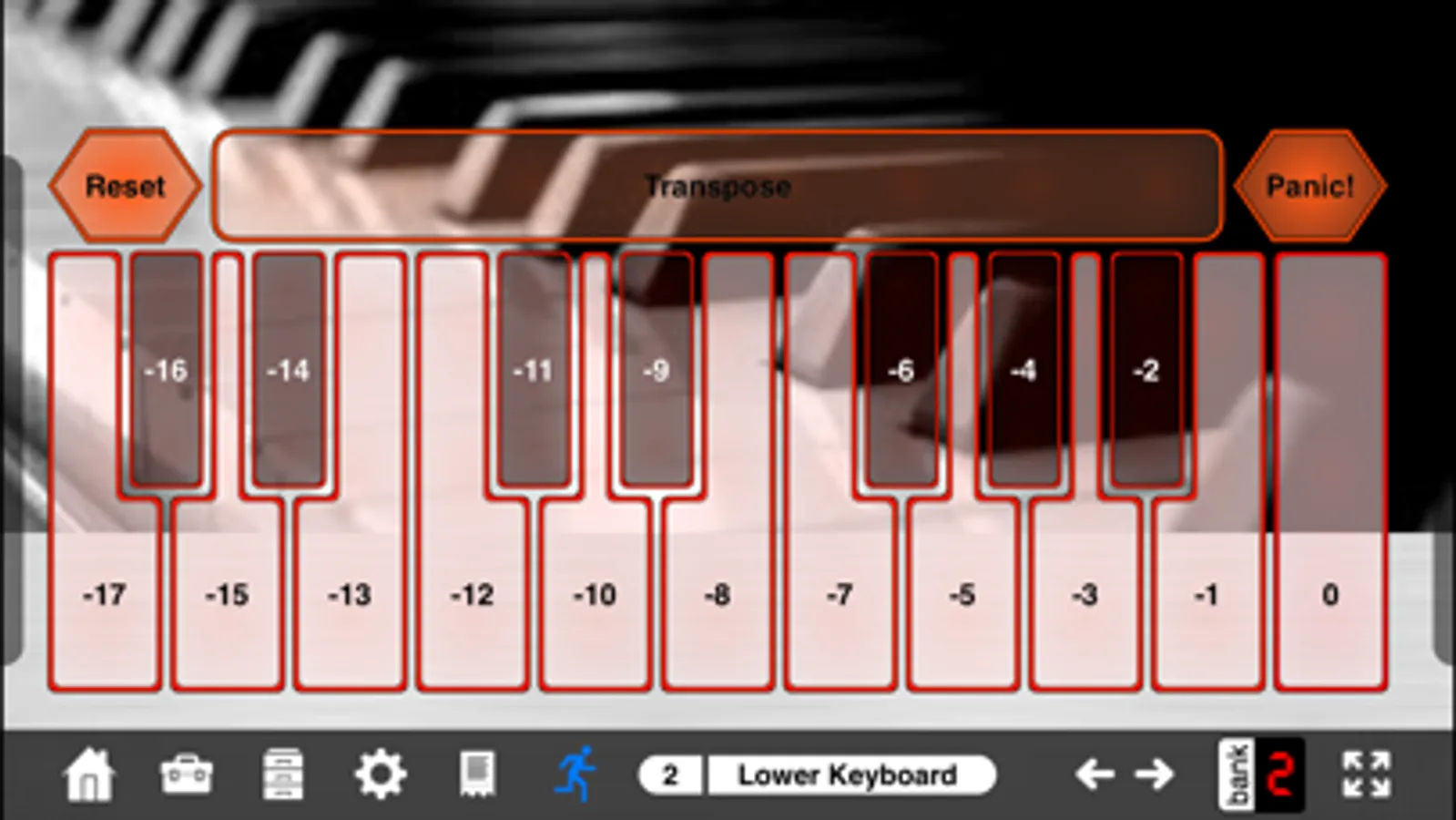
• Live Transpose
• Group Presets
• Named Ticks
• Accelerometer
• Simplified Sysex Messages with variables and bit changers
• Snap to Value over Time
• Global Presets
• Pedalboards
• Popup Panels (Show/Hide)
• Two-up Page Layout for iPad/Mac
• Streambyter Plugin by Audeonic for advanced MIDI transformation
MDPx is easy to use, infinitely flexible and customizable, and battle-tested in performance. It's the only professional-grade MIDI controller built from the ground up for iOS to control ANYTHING via MIDI.
* * * * * dream | create | play * * * * *
*** Community ***
The MIDI Designer Community has built layouts for popular MIDI targets. Here are just a few:
• Ableton Live
• Air Music Tech: Xpand!2
• Arturia: Synclavier V, Analog Lab 4
• Audiofier: Riffendium
• Chase Bliss: Mood MKII, Reverse Mode C, Thermae
• Clavia: NORD LEAD 4
• DSI: Prophet 12
• Elektron: Octatrack MKII
• E-MU: Planet Phatt
• Eventide: Pitchfactor, Modfactor
• Fractal: Axe-FX
• Hauptwerk: St. Anne's Symphonic Organ
• Kawai: K1, K1r
• Korg: Volca Series, 707
• Line 6: POD X3, POD XT, POD HD500, POD Go
• Meris: Enzo, Polymoon
• M-Audio: Venom
• Novation: MiniNova
• Moog: Voyager, Animoog, Little Phatty, Slim Phatty, MF-104m Analog Delay
• Omnisphere
• Pigtronix: Infinity Looper
• Roland: Jupiter-Xm, RD-2000, RD-88, FA-06/FA-07/FA-08, RD-2000, VG-99, JX-3P, JX-8P, MKS-30, MKS-50, MKS-80
• Sample Logic: Morphestra 2
• Sonokinetic: Noir
• Soundiron: Steel Tones
• TC Electronic: Nova Drive NDR-1
• ValhallaDSP: ÜberMod, VintageVerb, FreqEcho, Shimmer, Room
• Yamaha: DX7 (TX7), TQ5, SY77 (TG77), DX21, Reface DX, AN200/PLG-100AN/AN1X
*** Find Out More ***
Web: midiDesigner.com/mdpx
Facebook: /midiDesigner
IG/TT: @midiDesigner
YouTube: @mididesigner
Community Layouts: midiDesigner.com/community
Manual: midiDesigner.com/manual
MIDI Designer Pro X Screenshots
Tap to Rate:
Reviews for MIDI Designer Pro X
tremelo68
Superior tool
Works well on my Mac mini M1 with macOS 15.x. Perfect for all kinds of MIDI work. Mostly use it for pedal controls and presets. Customer service is responsive and helpful. Thanks
nottherealgort
Powerful and flexible
My home studio is guitar focused and I need to be able to control multiple modelers, pedals, and DAW functionality without a lot of tap-dancing and context switching. MD allows me to configure the controls I need all in one place and control it from one iPad. MD so far is looking like a game-changer for me.