In this photo editing app, you can reframe and straighten images using aspect ratios and grids. Includes features for uncropping photos and maintaining resolution during adjustments.
AppRecs review analysis
AppRecs rating 4.2. Trustworthiness 81 out of 100. Review manipulation risk 23 out of 100. Based on a review sample analyzed.
★★★★☆
4.2
AppRecs Rating
Ratings breakdown
5 star
91%
4 star
3%
3 star
0%
2 star
0%
1 star
6%
What to know
✓
Low review manipulation risk
23% review manipulation risk
✓
Credible reviews
81% trustworthiness score from analyzed reviews
✓
High user satisfaction
91% of sampled ratings are 5 stars
About Recrop
Here are the main features of the app:
• Unique uncropping function
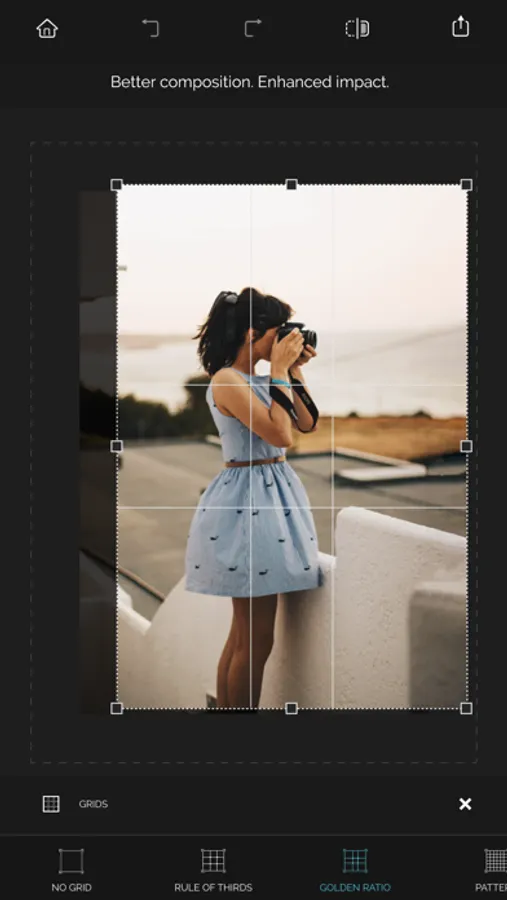
• Aspect ratios and grids to help you reframe photos
• Straightening without losing the resolution of a photo
ACHIEVING AN ACCURATE COMPOSITION
• Recomposing a photo by moving its frame
Recrop allows reframing images even after they have already been taken.
Move a photo frame or drag its handles toward the inside or outside a photo to recompose the shot. The clever app will automatically fill in the expanded areas based on the content surrounding it.
• Reframing a photo by using aspect ratios
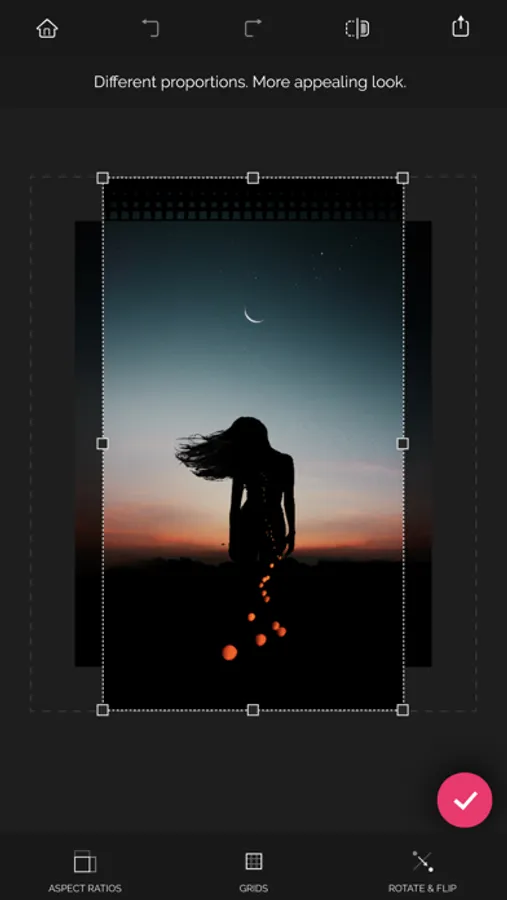
With the list of the most common aspect ratios the app has to offer, you can obtain a photo of the needed proportions fast and with no effort. As soon as a specific ratio is selected, tap the Apply button — and the app will crop or uncrop your shot to those specific dimensions.
• Reframing a photo by using grids
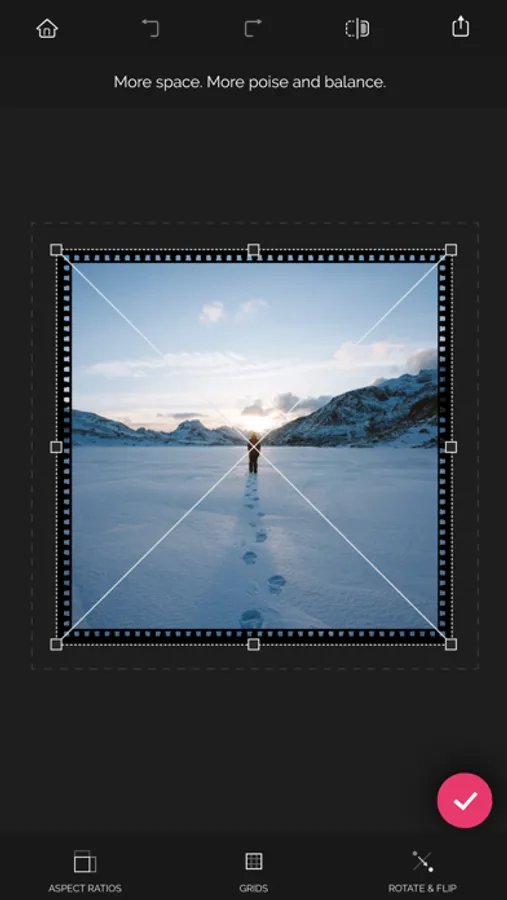
Recrop provides you with a set of the classical composition grids to help you be accurate when recomposing your images. After selecting a grid, just move a photo frame as needed to balance the photo.
STRAIGHTENING PHOTOS
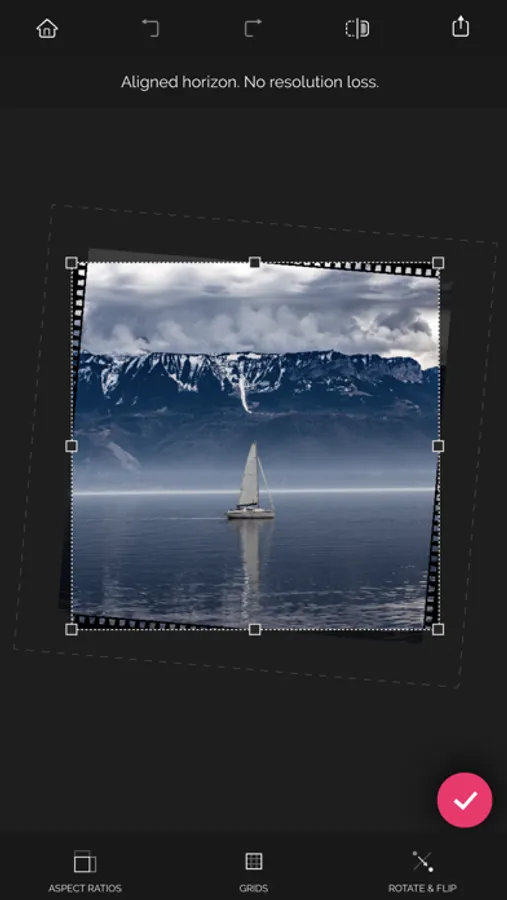
Straighten a crooked horizon line in a photo by swiping left or right or up or down anywhere outside the photo frame. The resolution of the photo won't be lost — the nearby pixels will be copied and added to the areas created.
PRAISES ABOUT RECROP
“Recrop does one thing insanely well and is the only smartphone app dedicated to this task: like content-aware fill for Photoshop, it can extend elements of an image to give more of what you missed, allowing you to crop, rotate, and even enlarge without sacrificing parts of the original image.” — Dan Rubin, Photographer, Designer
Download Recrop right now and give it a try!
If you have any questions or complaints about Recrop or need assistance with the app, please email us at support at adva-soft.com.
Recrop Screenshots
Tap to Rate:
Reviews for Recrop
It is an awesome game
Great for making rectangular photos square
I love how easy it is to turn a rectangular photo into a square when you have people on the sides who you can’t crop out. It fills in extra background at the top and bottom of the photo and looks very natural. Highly recommend.
Bjspjs
Can’t download a photo
Well, I admit I am not a technological genius. However, I can select a photo to edit. Nothing happens. Just great.