
In this code and text editor, you can connect to remote services, edit files directly, and manage repositories. Includes Git operations, live editing, and customizable themes.
AppRecs review analysis
AppRecs rating 3.7. Trustworthiness 80 out of 100. Review manipulation risk 18 out of 100. Based on a review sample analyzed.
★★★☆☆
3.7
AppRecs Rating
Ratings breakdown
5 star
55%
4 star
14%
3 star
11%
2 star
7%
1 star
13%
What to know
✓
Low review manipulation risk
18% review manipulation risk
✓
Credible reviews
80% trustworthiness score from analyzed reviews
✓
Good user ratings
69% positive sampled reviews
About Buffer Editor - Code Editor
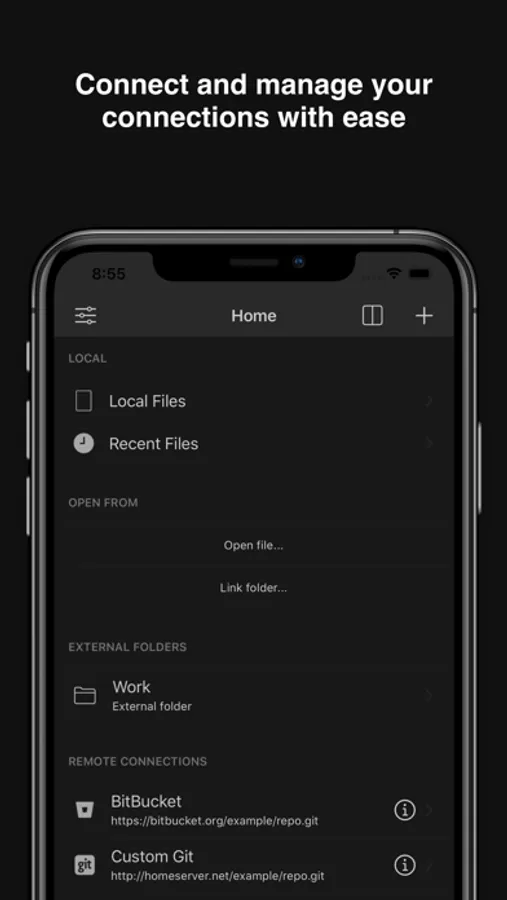
• Connect to GitHub, GitLab, BitBucket, Custom Git, Dropbox, iCloud, Google Drive, SFTP, SSH, and FTP servers
• Git Operations for easy repository management
• Git Visual Merge Tool to resolve merge conflicts.
• Git Visual Branch and Commits History.
• Live editing—open, edit, and save files directly to remote services
• Network monitoring for remote services (FTP, SFTP, SSH)
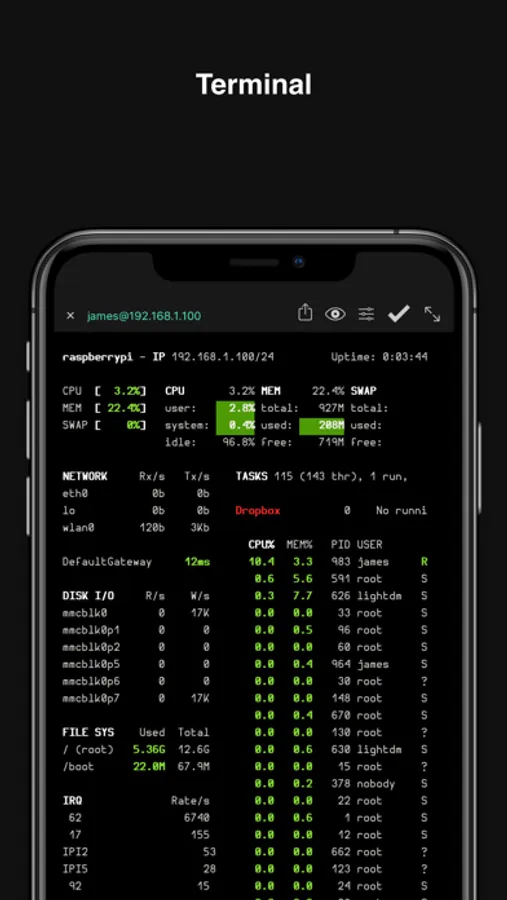
• Built-in Terminal (SSH Client) with multiple terminals in tabs.
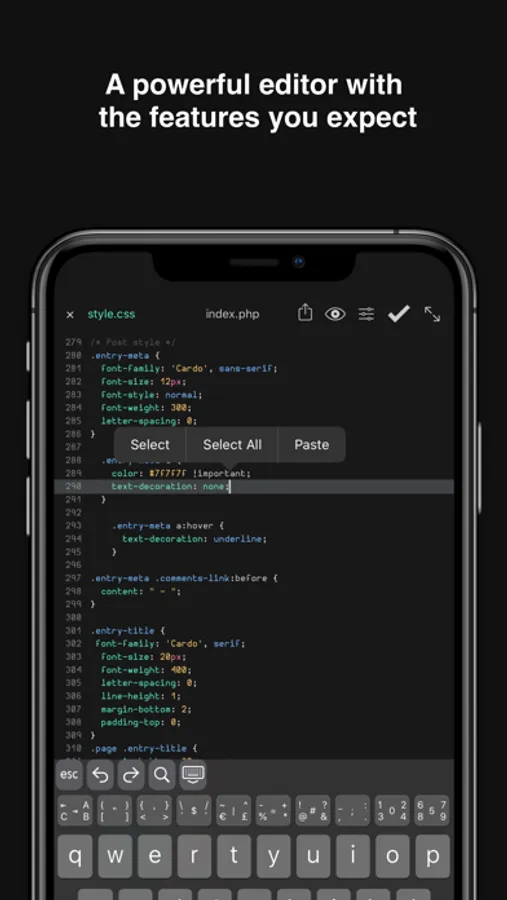
• Syntax highlighting & code autocomplete: ASP, AWK, ActionScript, Ada, Arduino, Bash, C, C++, C#, Clojure, Cobol, CSS, D, Dart, Dockerfile, Erlang, F#, Fortran, Gherkin, Go, HAML, Haskell, HTML (4 & 5), INI, Java, JavaScript, Julia, Kotlin, LaTeX, Common Lisp, Lua, Markdown, MATLAB, MQL (4 & 5), NSIS, Objective-C, Org Mode, Pascal, Perl, PHP, PowerShell, Progress, Prolog, Pug, Puppet, Python, Q/kdb+, R, reStructuredText, Ruby, Rust, Scala, Solidity, SQL, Stata, Swift, Terraform, TypeScript, TypeScript React, Verilog, VHDL, Visual Basic, Vue, x86 ASM, XML
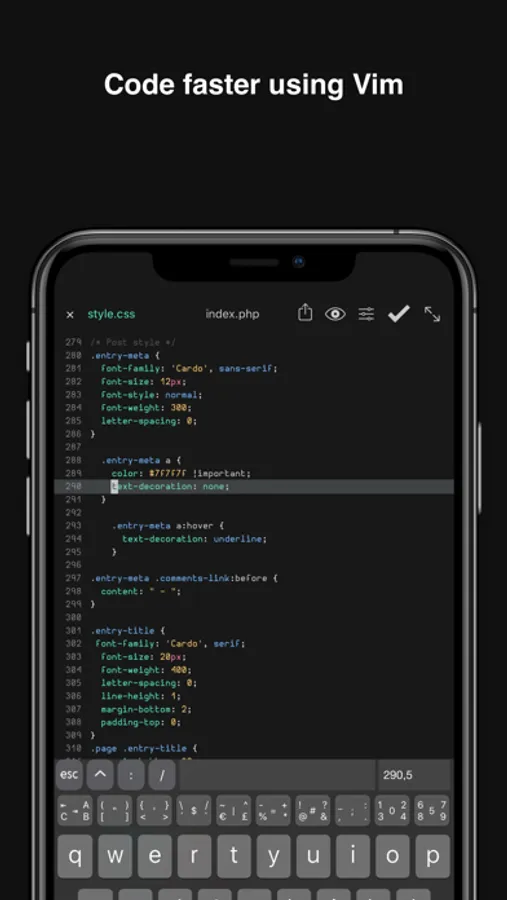
• Vim mode support
• Symbol navigator / document outline
• Code autocompletion, with custom snippets.
• Find & replace with regular expression support
• Recursive file and content search—match and jump to any file at a specific line
• Find references in file and jump to any file
• Bracket matching and highlighting
• Line and word wrapping
• Unicode support
• Multiple windows, Split View, and Slide Over support
• Tabs with automatic restore—quickly switch between files and terminals
• Full screen mode
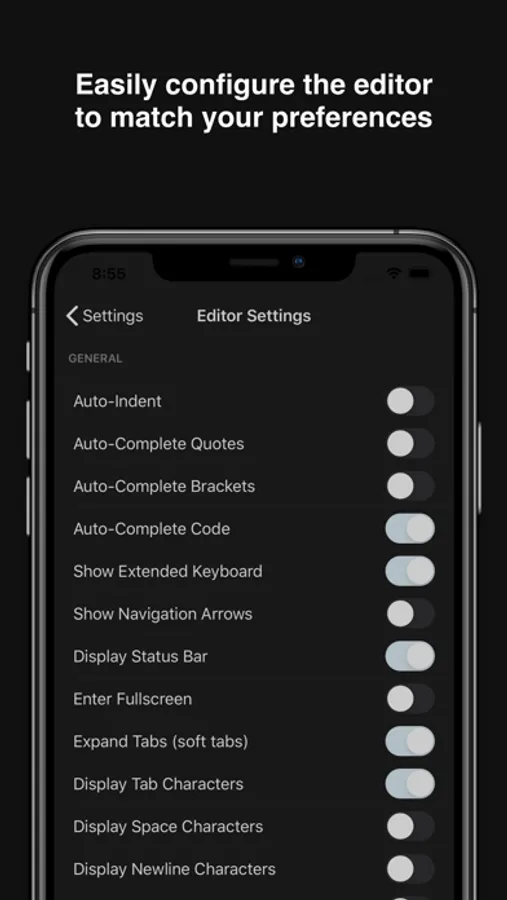
• Extended keyboard with coding keys
• Bluetooth keyboard support with shortcuts manager
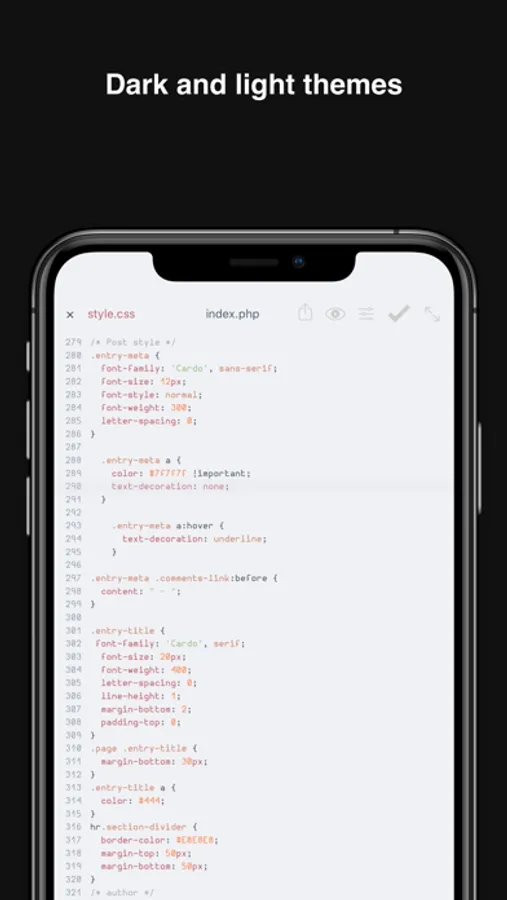
• Customizable fonts, font sizes, and over 300 dark and light themes
• Full iOS Files integration—link external folders, open multiple files, import from any supported cloud provider
• Local and Remote Preview for websites(HTML,JS,CSS)
• Preview images, PDFs, movies, and documents
• Send files by email
• iOS "Open In" support (to and from other apps)
• Touch ID / Face ID protection
SUBSCRIPTION:
- You can subscribe for Pro access to all app’s features.
- Subscription automatically renews unless auto-renew is turned off at least 24 hours before the end of the current period.
- Subscriptions may be managed by the user and auto-renewal may be turned off by going to the user's Account Settings after purchase.
- Any unused portion of a free trial period, if offered, will be forfeited when the user purchases a subscription to that publication, where applicable.
By using the app, you are agreeing to our Privacy Policy and Terms of Service:
https://www.buffereditor.com/privacy
https://www.apple.com/legal/internet-services/itunes/dev/stdeula/
Buffer Editor - Code Editor Screenshots
Tap to Rate:
Reviews for Buffer Editor - Code Editor
bdx78
License issue
I paid for this app but right now it is free and requires a subscription to access features.
StatikSmokTM
Great Mobile Development platform. One of my favorite. I also have an Idea:
Proposal: Transform Buffer into a full mobile dev environment with minimal integrations Buffer already solves the hardest part of mobile developer tooling: providing a performant, scriptable environment with reliable text input and persistent context on iOS. Two lightweight integrations would push it from “mobile productivity” into “mobile coding stack” territory: 1. ISH / local Linux shell integration Interactive terminal access enables local scripts, package managers, and workflows to run directly on-device. This replaces cloud-dependent workflows and unlocks offline development. 2. GitHub chat / workflow sync Inline commit messages, branch visibility, and PR discussion make it possible to manage repo work end-to-end without leaving the app. With these two endpoints, Buffer becomes effectively a mobile VS Code equivalent, without building a full IDE. You’d define a new category: “mobile-first dev ops interface” instead of mobile markdown. If this direction interests you, I’d be glad to outline a minimal technical spec and UX flow that keeps the implementation constrained.