In this offline IDE, you can develop and run PHP, JavaScript, HTML, and CSS code on your device without an internet connection. Includes support for PHP packages like WordPress, phpMyAdmin, and Composer.
AppRecs review analysis
AppRecs rating 4.9. Trustworthiness 80 out of 100. Review manipulation risk 21 out of 100. Based on a review sample analyzed.
★★★★☆
4.9
AppRecs Rating
Ratings breakdown
5 star
75%
4 star
14%
3 star
4%
2 star
2%
1 star
5%
What to know
✓
Low review manipulation risk
21% review manipulation risk
✓
Credible reviews
80% trustworthiness score from analyzed reviews
✓
High user satisfaction
75% of sampled ratings are 5 stars
About DraftCode for PHP IDE
Run Apps as complex as WordPress or phpMyAdmin right on your device.
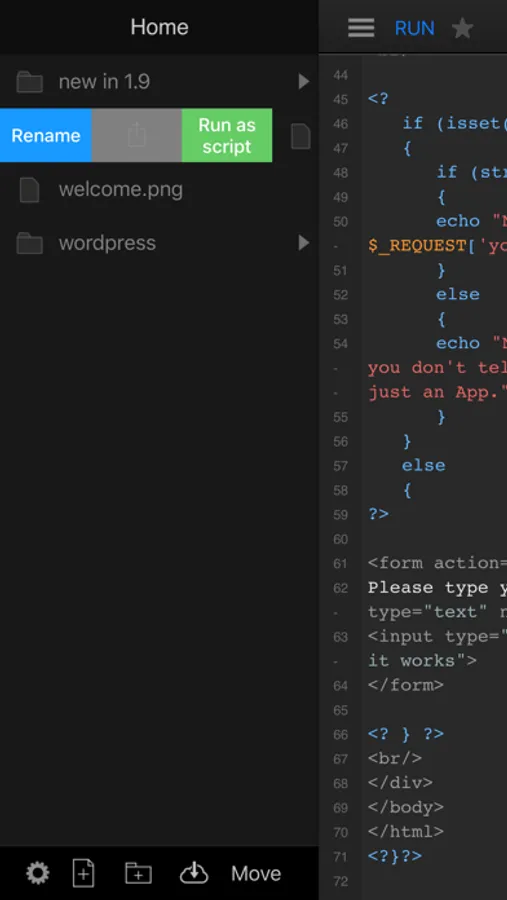
Freely choose your workspace location on your device, either inside DraftCode, or in the folder of a Git Client like WorkingCopy, on iCloud or other services that offer selectable folder locations.
Access your PHP Web App from other Apps on your iPad while in Split Screen mode, for example Mobile Safari or Brave.
DraftCode includes the standard PHP stack including PHP extensions typically available on a server: MySQL, SQLite, PDO, Curl, OpenSSL, FTP, XML, JSON, SOAP, GD and more.
DraftCode can run different versions of PHP and you can switch between them:
- Includes PHP 7.3
- Includes PHP 8.0
- (via in-App Purchase): PHP 8.1
- (via in-App Purchase): PHP 8.2
DraftCode Features:
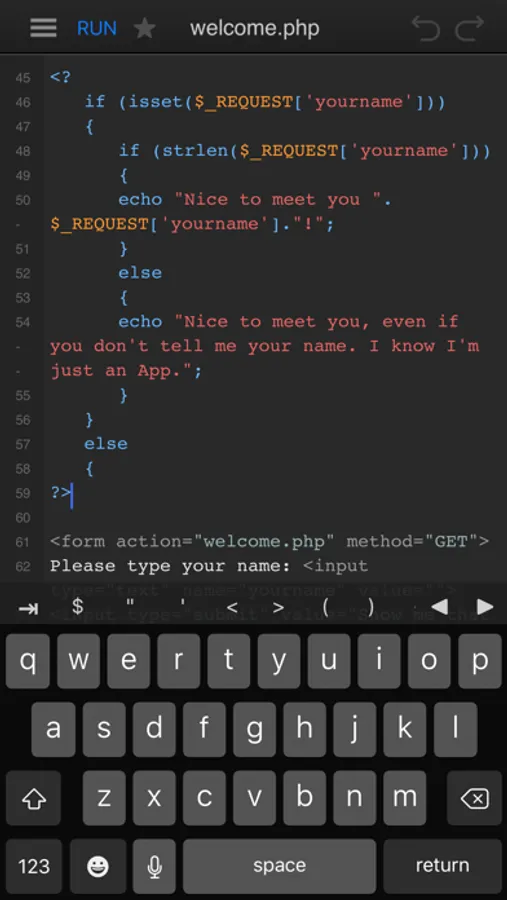
- Execute PHP/JS/HTML/CSS without requiring an internet connection
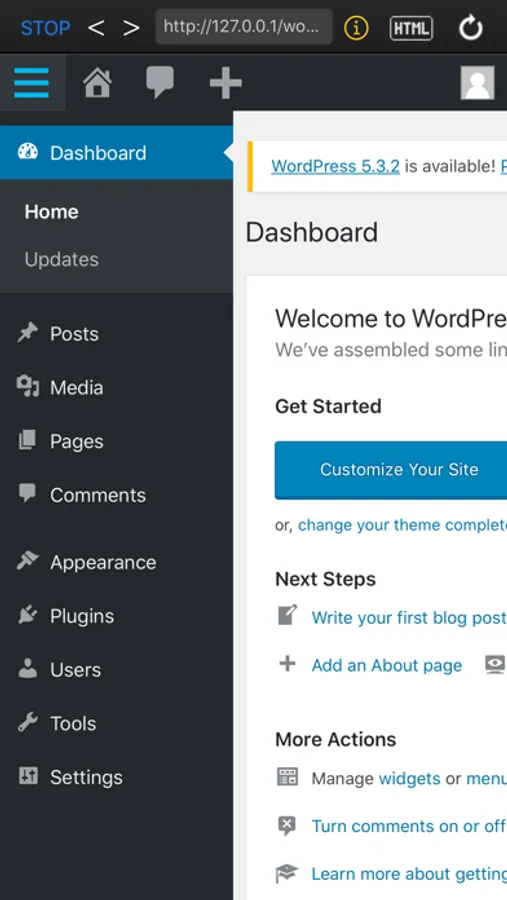
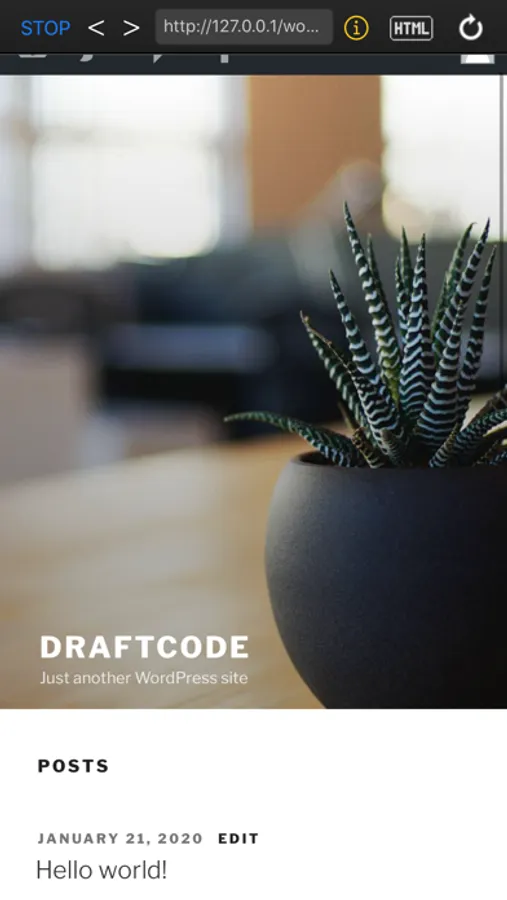
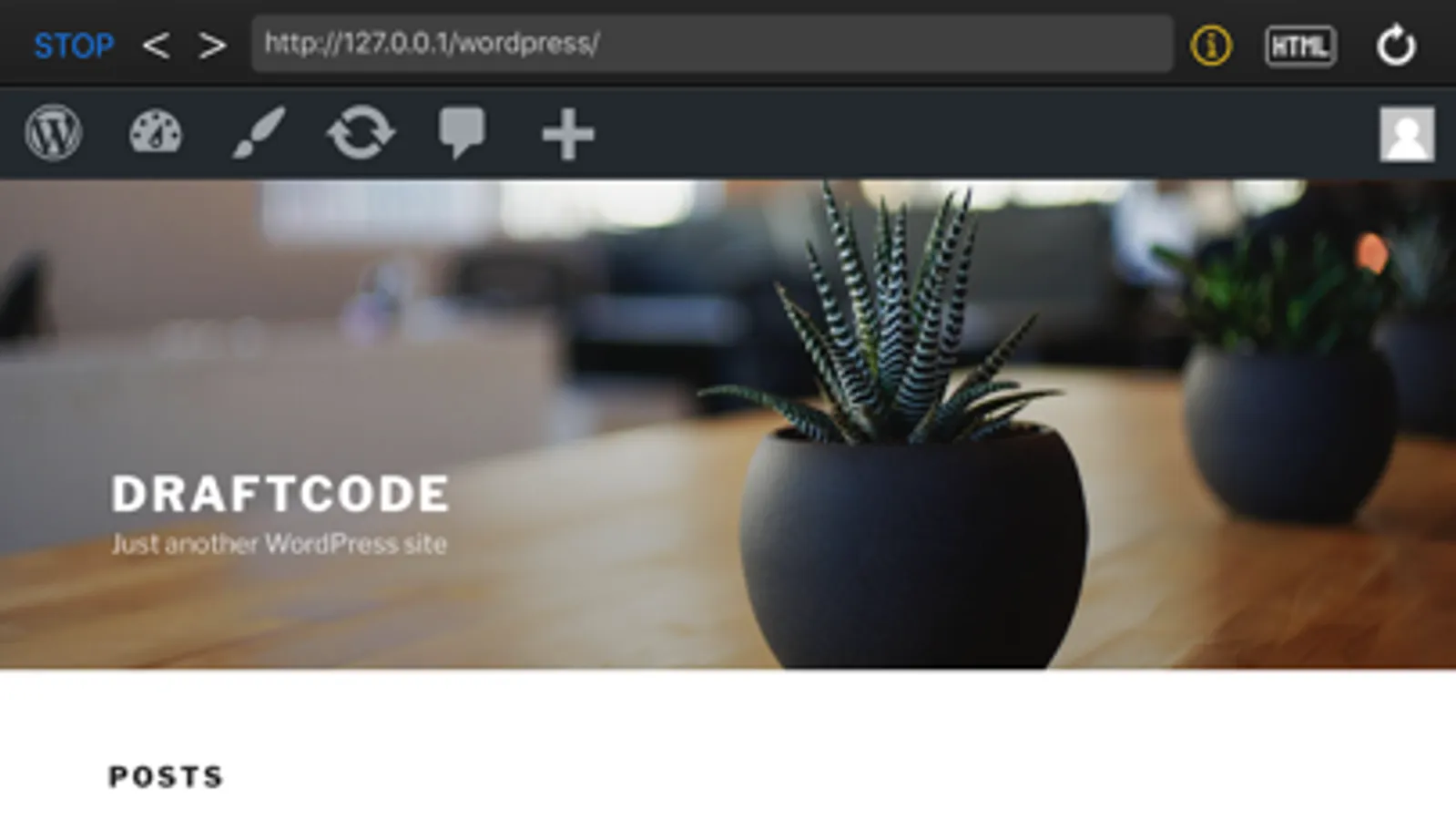
- Run Apps as complex as WordPress on your device for offline development
- Support for selecting a custom workspace folder in supported other Apps (like Git clients) or iCloud
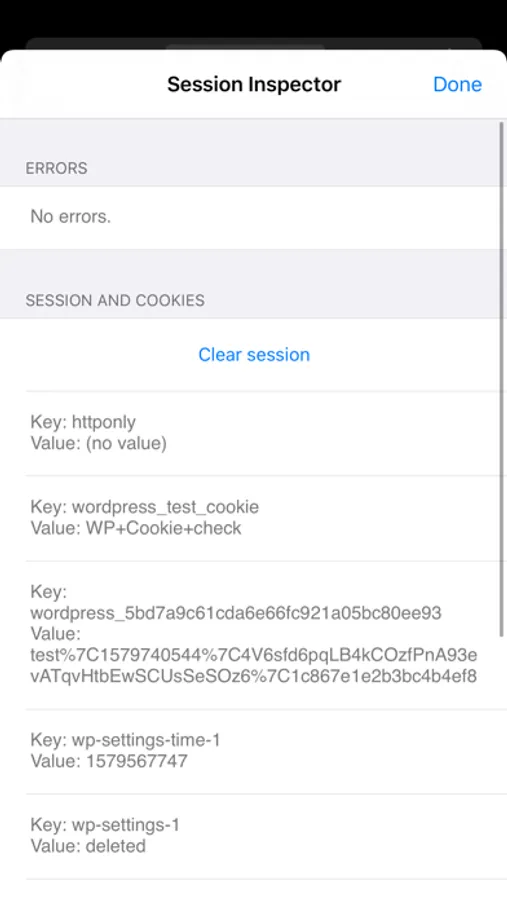
- Includes a Session Inspector showing state of current session variables
- Shows PHP errors
- PHP and JavaScript syntax colouring
- Internal keyboard support with coding accessory
- External keyboard support with additional keyboard shortcuts
- Multitasking and split-screen support on iPad
- Includes PHP packages: WordPress, phpMyAdmin, Composer and more
- File workspace including support to zip, unzip, copy, move or duplicate files or folders
- Code import/export from iCloud Drive, other Apps or iTunes file sharing
- Kiosk mode that runs you PHP code fullscreen
- Script mode to run PHP scripts without a web context or timeout
INCLUDED PHP PACKAGES
WORDPRESS 6.8
With just one tap you can run WordPress offline (using the included WordPress SQLite plugin) and develop themes and plugins for the popular platform.
PHPMYADMIN
Connect to EXTERNAL MySQL databases (MySQL is NOT included).
PHPLITEADMIN
Work with local SQLite databases.
COMPOSER
Use Composer v.2.1.12 to efficiently manage your dependencies. The package also includes an example project.
For more information and answers to frequently asked questions please visit DraftCode's website. (Please follow the "Developer Website" link below.)
Please note:
- Included packages might not yet support all PHP versions available (check their website)
- DraftCode's runtime currently does not support re-write rules
- A MySQL database is NOT included. (We recommend using SQLite when working completely offline.)
- A phpinfo() output of the current available runtime configurations is available on the DraftCode website, please follow the "Developer Website" link below.
- In-App purchase pricing can be reviewed on this App Store page under "Information" by tapping the triangle next to 'In-App Purchases"
DraftCode for PHP IDE Screenshots
Tap to Rate:
Reviews for DraftCode for PHP IDE
WesternLion13
Finally a decent web programming option for mobile
I frequently find myself on the road and wanting to tweek some of my code or try out an idea or concept, and usually I don't have time or ability to set up my laptop. I've been trying to find a good ios option for a while and this program fits the bill. I've even been able to set it up so that it uses the Dropbox folder that I typically run my localhost from! The only (small) issue I've run into is with the autosave feature causing issues with Dropbox where it creates a "conflicted copy" every few lines of code. I've been able to deal with this by deleting the extra files every now and then (it's a lot of files). Maybe an option could be added to only save manually or when the "Run" button is pressed? Otherwise a great app!
bitkahuna
great developer option
Great to finally have a way to edit and run php, javascript, html on an ipad whether connected or not to the internet.