
With this workspace app, you can access, search, and organize files across multiple storage locations. Includes offline access, file sharing, editing Office documents, and annotating PDFs.
AppRecs review analysis
AppRecs rating 4.1. Trustworthiness 69 out of 100. Review manipulation risk 22 out of 100. Based on a review sample analyzed.
★★★★☆
4.1
AppRecs Rating
Ratings breakdown
5 star
70%
4 star
8%
3 star
5%
2 star
2%
1 star
15%
What to know
✓
Low review manipulation risk
22% review manipulation risk
✓
High user satisfaction
78% of sampled ratings are 4+ stars (4.2★ average)
✓
Authentic reviews
Natural distribution, no red flags
About Content - Workspace ONE
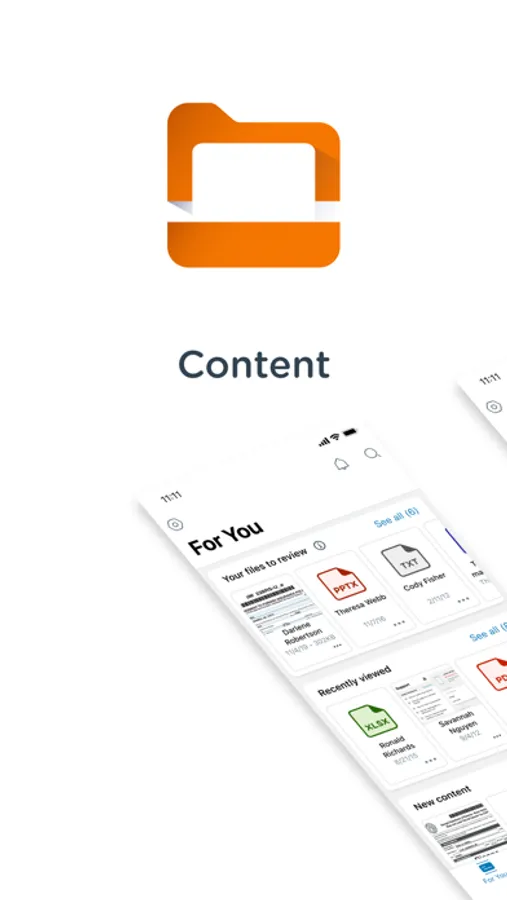
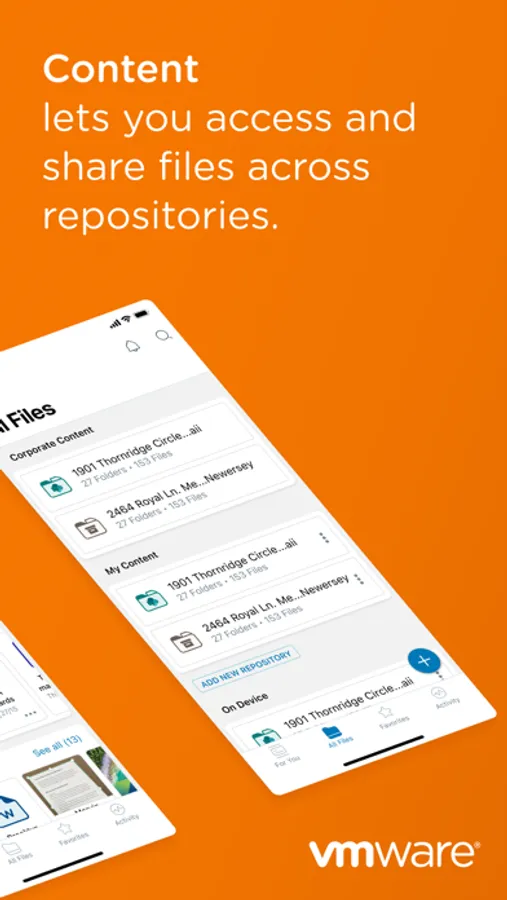
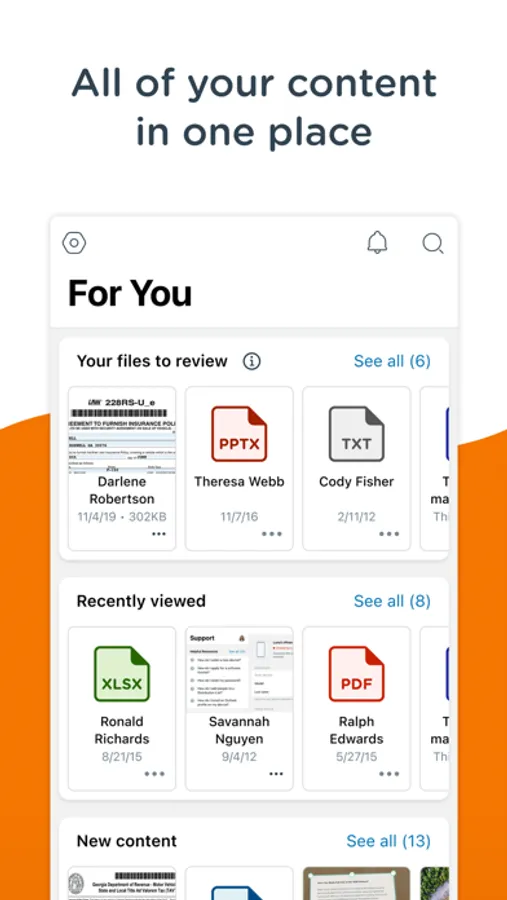
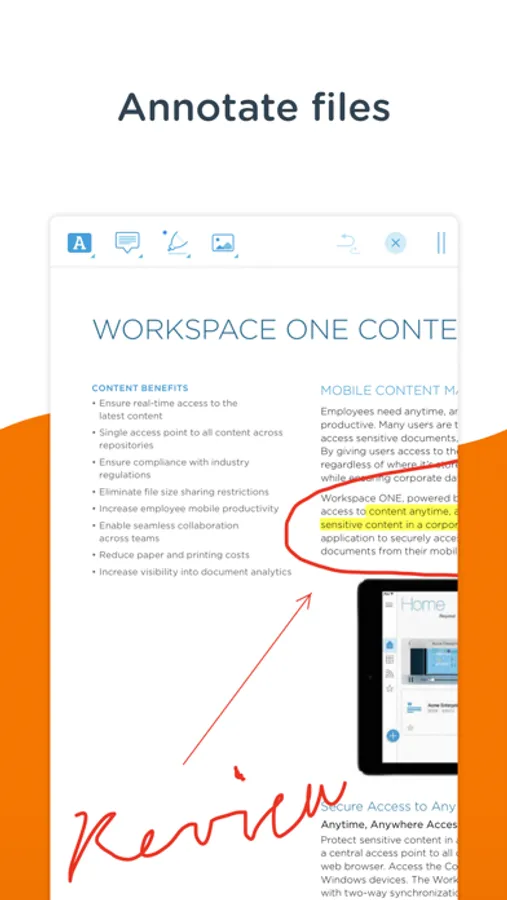
Workspace ONE Content brings you secure access to all of your files anytime, anywhere, across your devices. Easily share files, mark files as favorites, access documents offline, edit Office documents, and annotate PDF files with built-in editing tools.
**Quickly Search for Files**
Use Content as your single access point to search across the places your content is stored, regardless of whether the content is downloaded to your device or not. Once you’ve hit search, add filters to find exactly what you’re looking for.
**Easily Favorite Content**
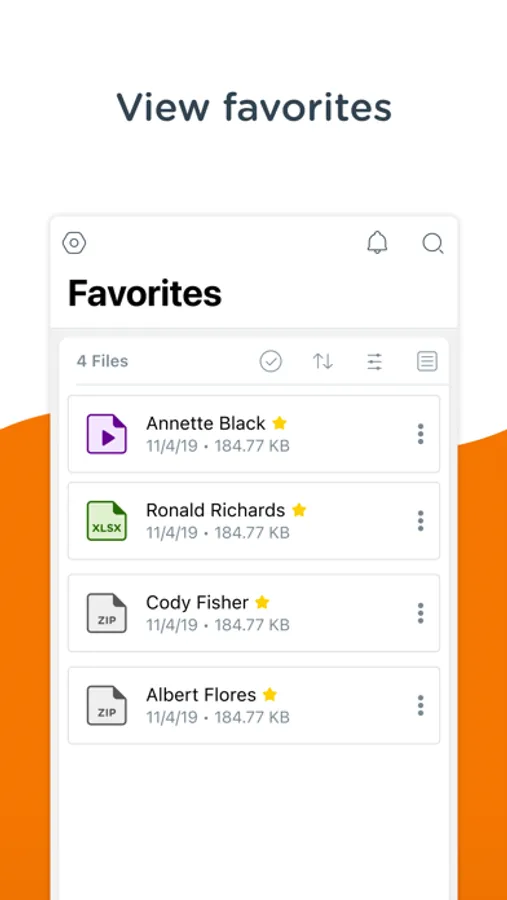
Use a document often? Simply tap the star by the file you wish to favorite and find it even faster next time.
**Create New Documents and Folders**
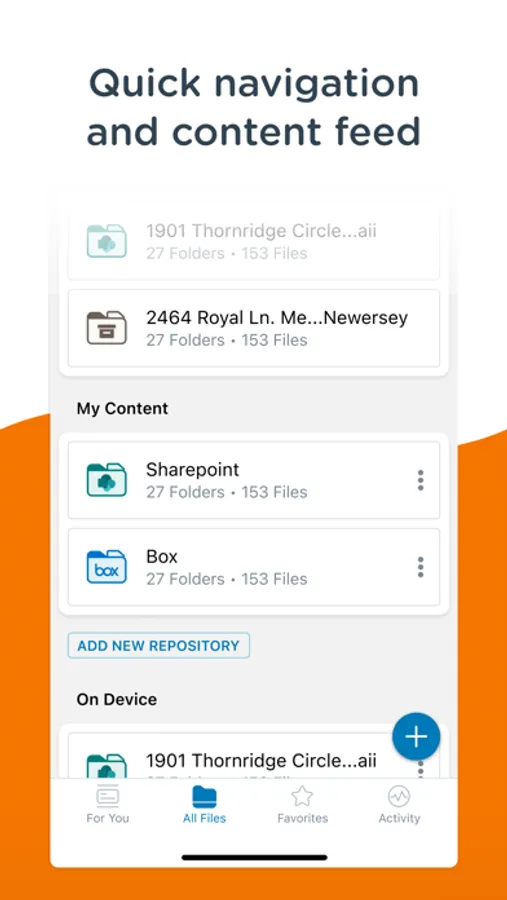
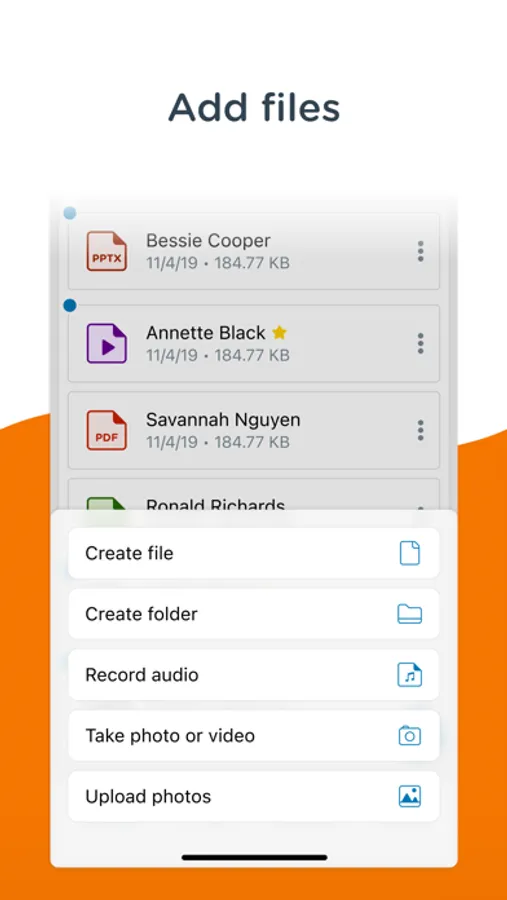
Need something new? Easily add new documents, media, and folders or connect to a new repository by tapping the plus in the bottom right of the app.
**Quickly Search for Files**
Use Content as your single access point to search across the places your content is stored, regardless of whether the content is downloaded to your device or not. Once you’ve hit search, add filters to find exactly what you’re looking for.
**Easily Favorite Content**
Use a document often? Simply tap the star by the file you wish to favorite and find it even faster next time.
**Create New Documents and Folders**
Need something new? Easily add new documents, media, and folders or connect to a new repository by tapping the plus in the bottom right of the app.
Content - Workspace ONE Screenshots
Tap to Rate:
Reviews for Content - Workspace ONE
Afro١١
مثير للشك
يطلب الصلاحية لجميع البيانات حتى البنكية و المحافظ الرحمية و البطاقات الائتمانية عند بداية تفعيل البرنامج مما يثير الشك و الريبه لذا امل حذف البرنامج من التطبيقات
Laithfhfvb
Not good
Limited photos by 5 ones