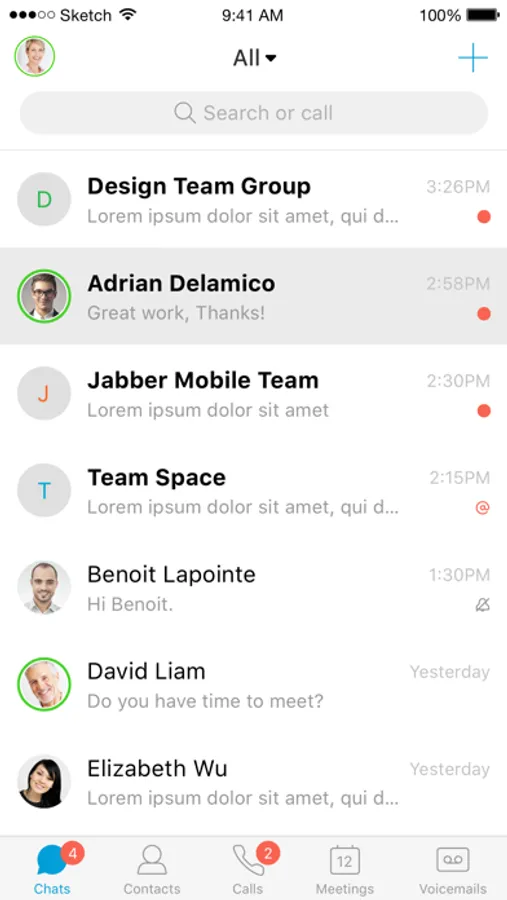
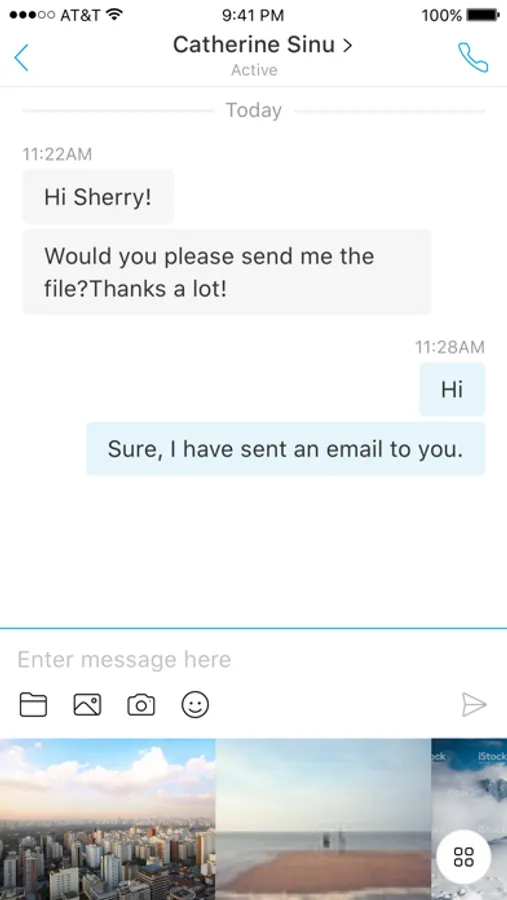
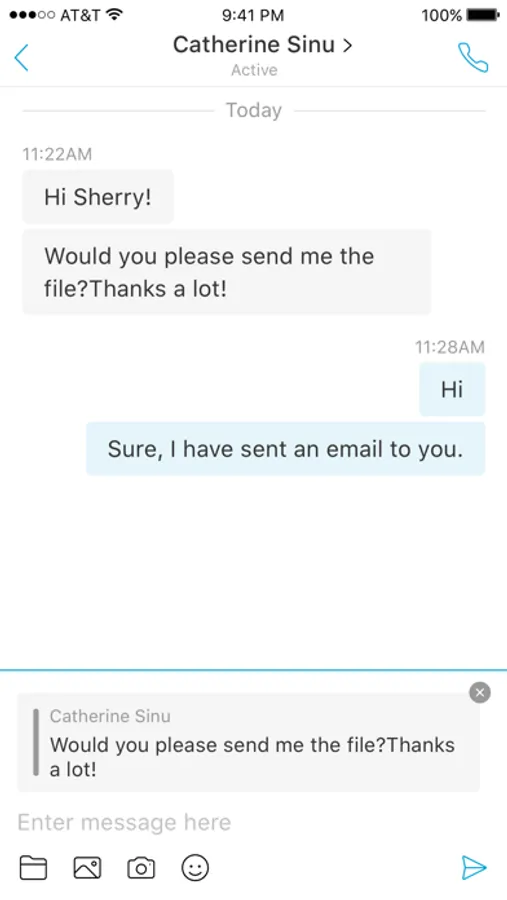
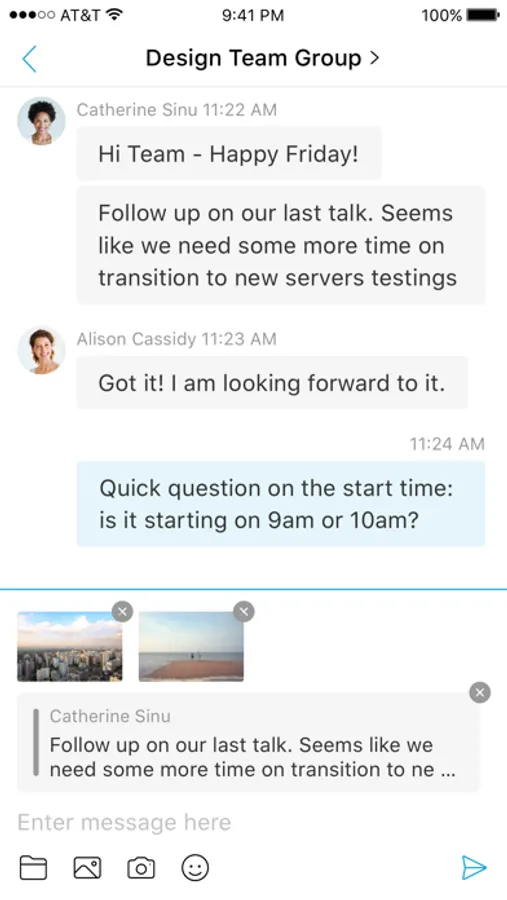
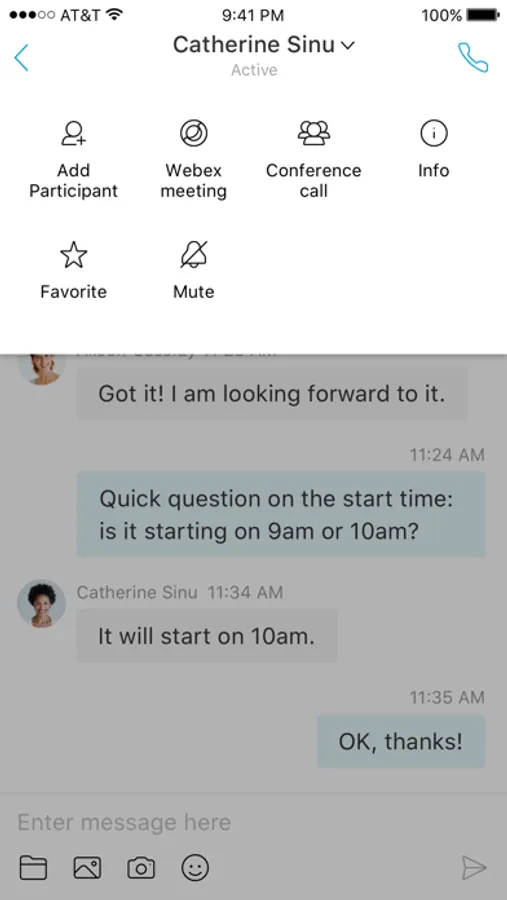
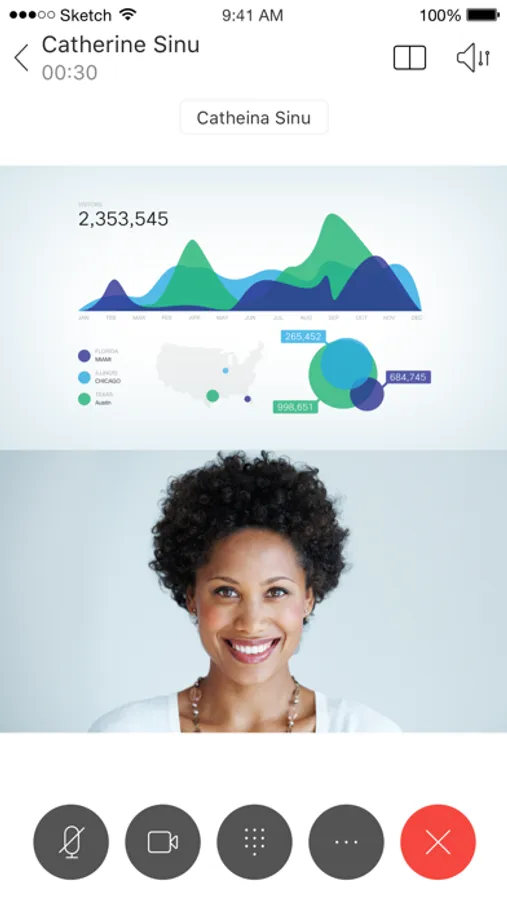
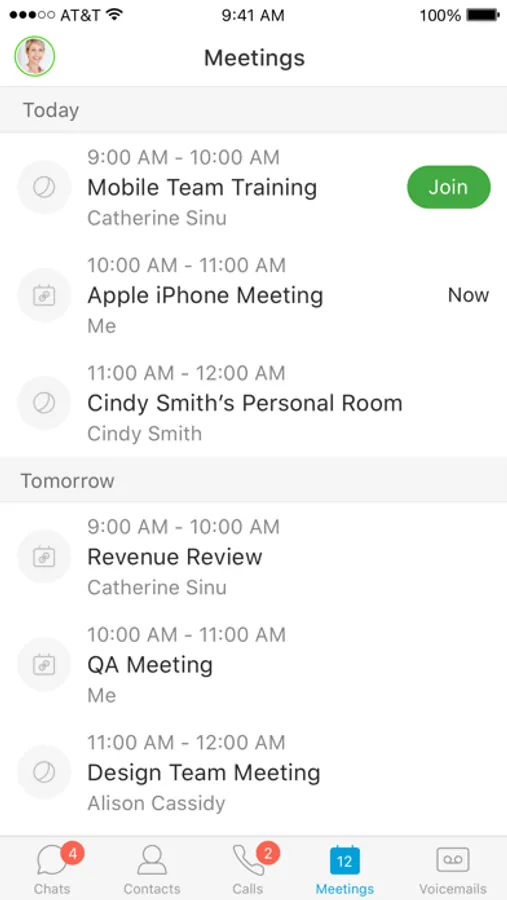
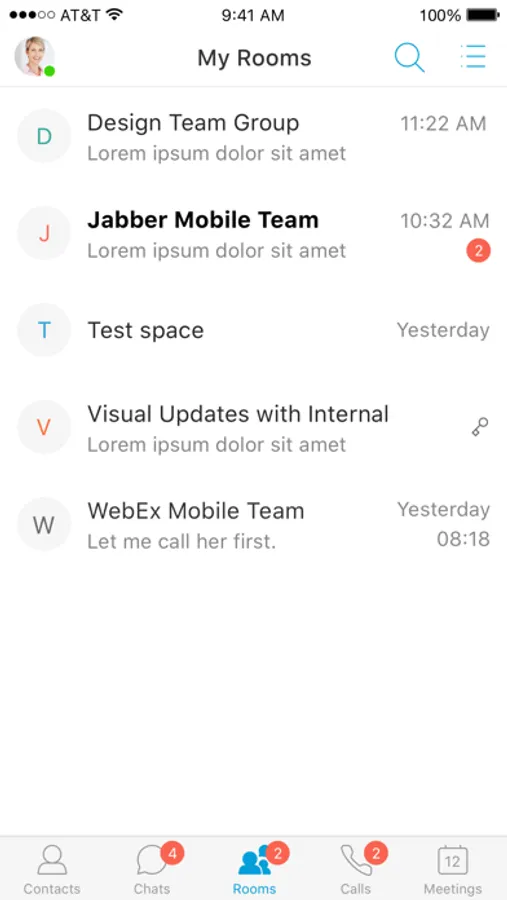
In this collaboration app, you can send instant messages, make voice and video calls, and escalate calls to WebEx meetings. Includes presence indicators, visual voicemail, and interoperability with Cisco video endpoints.
AppRecs review analysis
AppRecs rating 4.5. Trustworthiness 73 out of 100. Review manipulation risk 25 out of 100. Based on a review sample analyzed.
★★★★☆
4.5
AppRecs Rating
Ratings breakdown
5 star
79%
4 star
11%
3 star
4%
2 star
2%
1 star
5%
What to know
✓
Low review manipulation risk
25% review manipulation risk
✓
Credible reviews
73% trustworthiness score from analyzed reviews
✓
High user satisfaction
79% of sampled ratings are 5 stars
About Cisco Jabber
This application supports the following capabilities:
• Integrated voice
• High-quality video with interoperability to Cisco video endpoints
• IM, presence
• Visual voicemail
• One-tap escalation to WebEx meetings (cross-launches the Cisco WebEx® Meetings application)
Device and Operating System Requirements:
The latest Cisco Jabber for iPhone and iPad Release is supported on iOS 18 and iPadOS 18.
iPhone models compatible with iOS18: https://support.apple.com/guide/iphone/iphone-models-compatible-with-ios-18-iphe3fa5df43/18.0/ios/18.0
iPad models compatible with iPadOS 18: https://support.apple.com/guide/ipad/ipad-models-compatible-with-ipados-18-ipad213a25b2/ipados
For more information about Cisco Jabber, visit: http://www.cisco.com/go/jabber
IMPORTANT: If connecting to Cisco Unified Communications Manager, administrators must enable the correct Cisco Jabber for iPhone and iPad configurations, or proper connectivity will not be established. For details, review the latest Cisco Jabber Installation and Configuration Guide, and Server Setup Guide.
IMPORTANT: Most of the features described above are specific to a particular system configuration. Please check with your IT administrator to determine the specific features that are available to you.
Portions of Cisco Jabber are licensed under the GNU Lesser General Public License (LGPL), and are “Copyright © 1999 Erik Walthinsen omega@cse.ogi.edu”. You may obtain a copy of the LGPL license at http://www.gnu.org/licenses/lgpl-2.1.html.
Cisco, Cisco Unified Communications Manager and Cisco Jabber are trademarks of Cisco Systems, Inc. Copyright © 2013-2025 Cisco Systems, Inc. All Rights Reserved.
By tapping “Install” you agree to install Jabber and all future software updates, and you accept the terms of service and privacy statement below:
http://www.cisco.com/web/siteassets/legal/privacy.html
Email us at jabber-ios-feedback@cisco.com with any feedback.
Support URL
http://www.cisco.com/c/en/us/support/customer-collaboration/jabber-iphone-ipad/tsd-products-support-series-home.html
Marketing URL
http://www.cisco.com/go/jabber
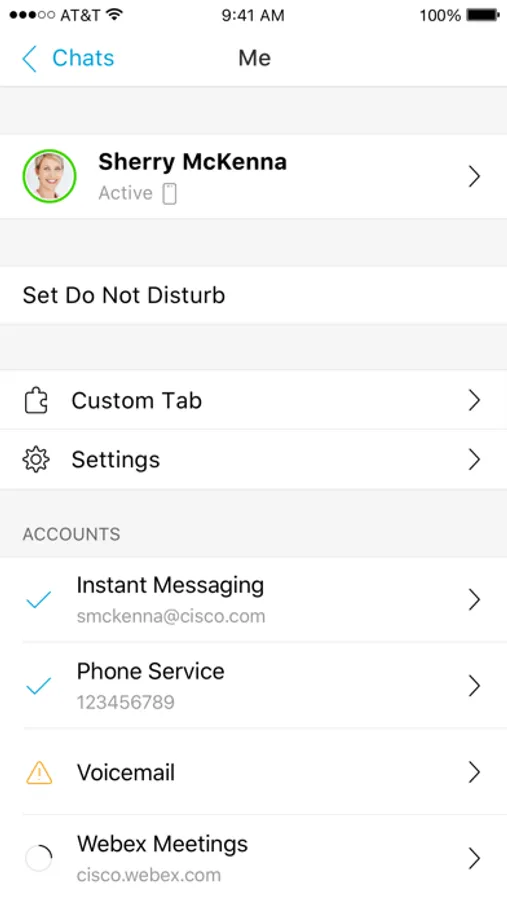
Cisco Jabber Screenshots

Tap to Rate:
Reviews for Cisco Jabber
Cosm0_2077
Needs work
This app keeps logging me out and it’s VERY inconvenient for work. It also integrates calls with my personal phone call log and it doesn’t give me an option to stop it from doing that. I previously used 3CX and Jabber could really learn a lot from them. Transfer calls is also difficult for no reason. They should make it possible to transfer directly to VM with one click and not having to dial the entire extension number.
Ali Nouri
Ios
On iPhone, Jabber disconnects when the app is not in the foreground, which causes the connection to drop. This is a significant issue.