
In this driving recorder app, you can record videos, track routes, and monitor vehicle information during trips. Includes features like loop recording, automatic saving, and route export options.
AppRecs review analysis
AppRecs rating 4.0. Trustworthiness 75 out of 100. Review manipulation risk 18 out of 100. Based on a review sample analyzed.
★★★★☆
4.0
AppRecs Rating
Ratings breakdown
5 star
70%
4 star
13%
3 star
8%
2 star
2%
1 star
8%
What to know
✓
Low review manipulation risk
18% review manipulation risk
✓
Credible reviews
75% trustworthiness score from analyzed reviews
⚠
Pricing complaints
Many low ratings mention paywalls or pricing
About TripREC Driving Recorder
** Over 400,000 users have downloaded TripREC. Try it out today and transform your iPhone into a powerful car recorder! **
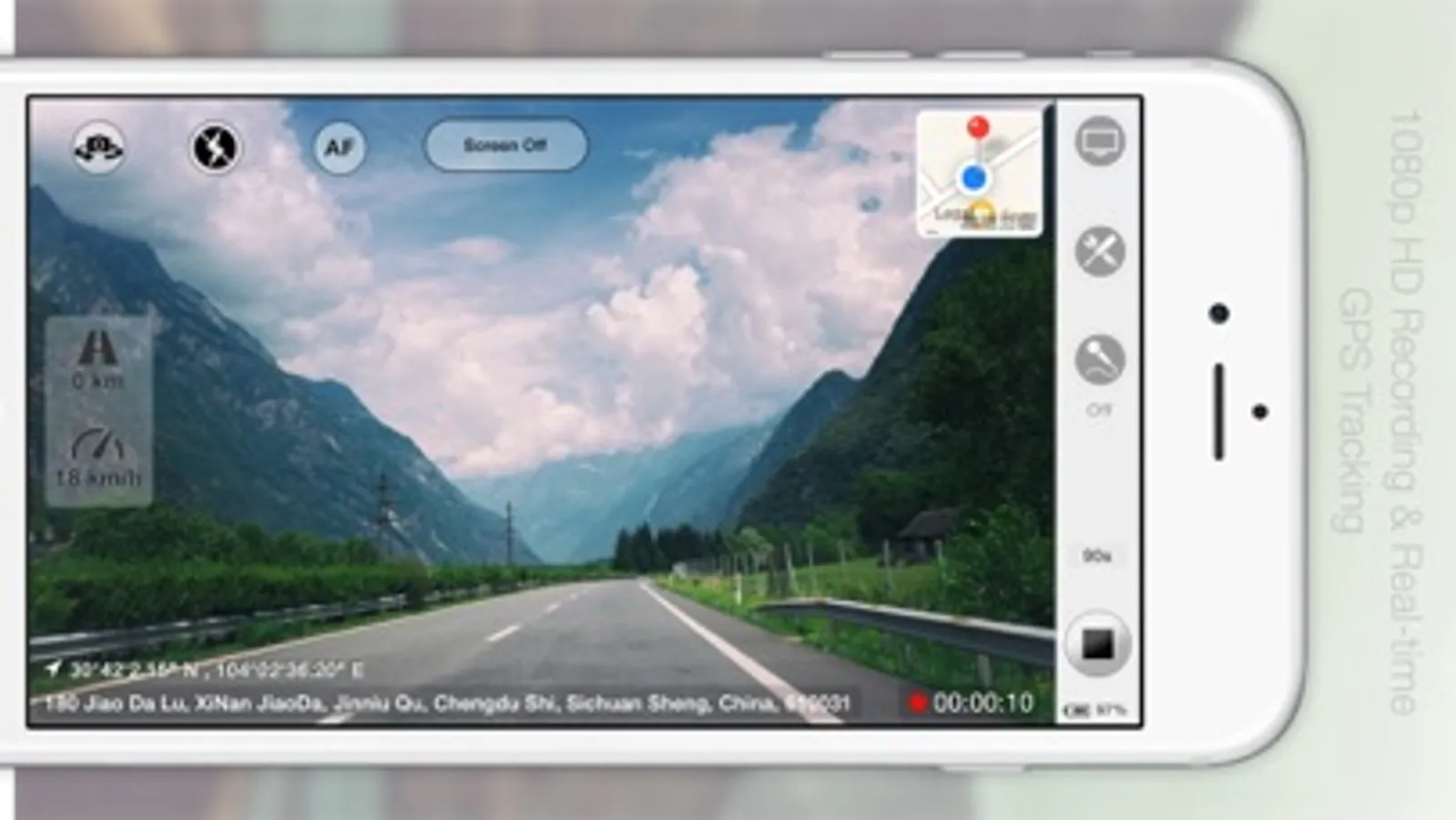
Looking for a simple and user-friendly driving recorder app for your iPhone? Look no further than TripREC - the perfect app for drivers and travel enthusiasts alike! With TripREC, you can transform your iPhone into a powerful video recorder that captures all the key information about your journeys, including your route, location, mileage, speed, and more.
Here are some of the key features that TripREC offers:
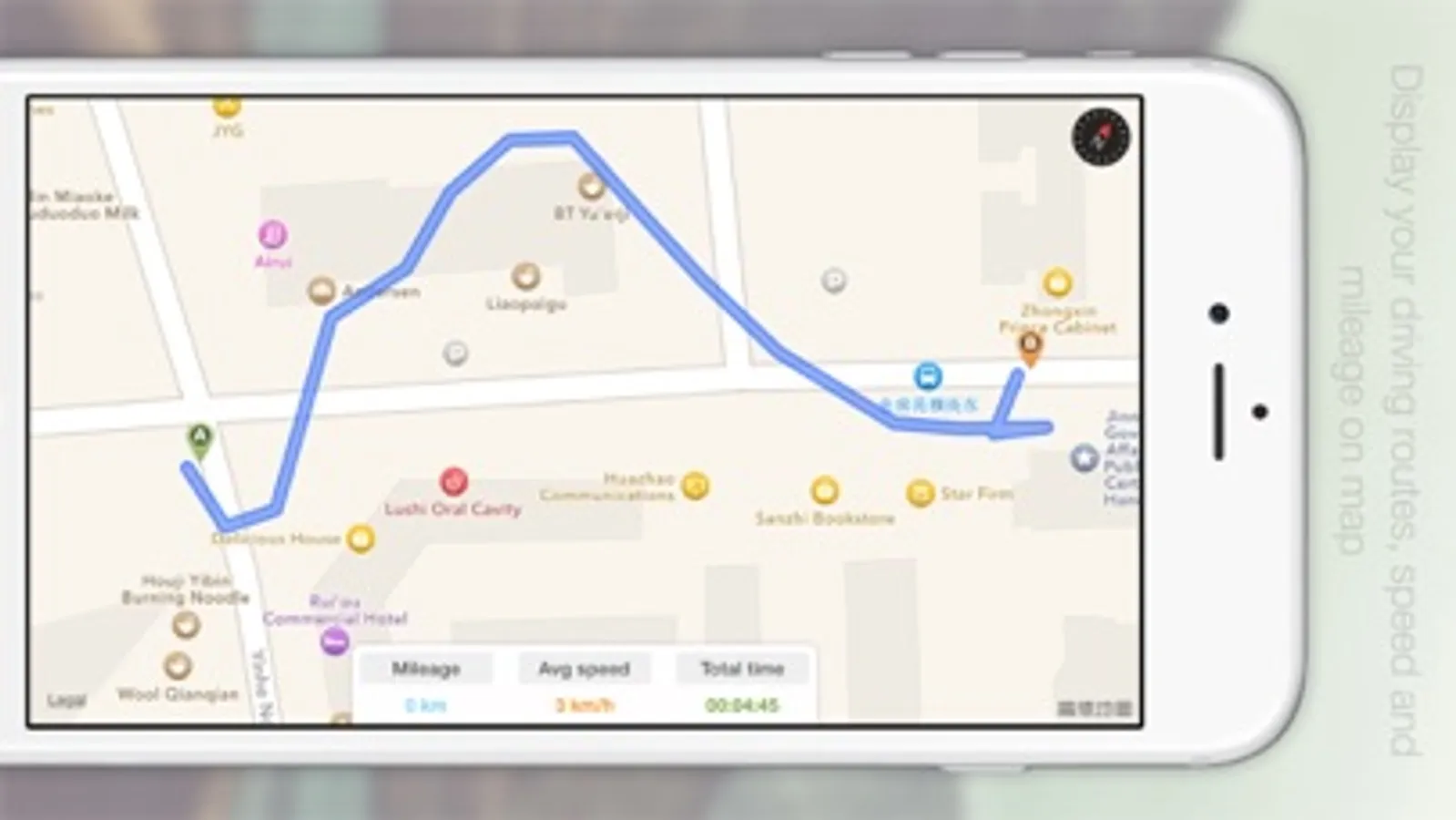
Real-time display of maps, tracks, speed, mileage, and other important information.
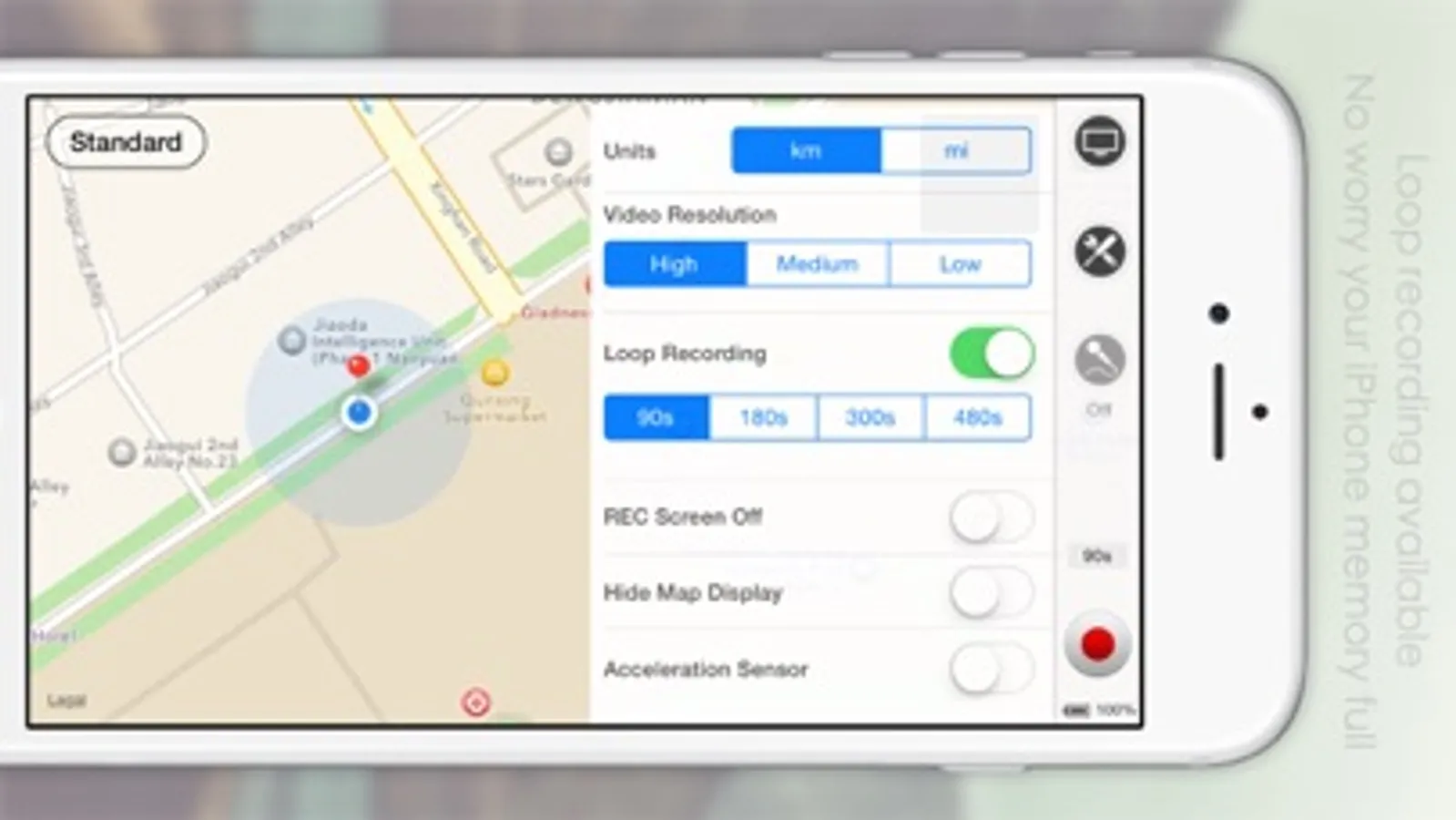
Support for multiple video resolutions to ensure that you can capture the footage you need.
Loop recording to ensure that your phone's memory doesn't get filled up.
Automatic video saving when you receive a call, with recording resuming automatically once the call is finished.
Detection of abnormal vehicle driving conditions, with automatic video saving when abnormal braking is detected.
Screen-off recording mode to conserve your phone's battery life.
Background music playback during video recording to keep you entertained while you drive.
Option to turn the map display on or off as needed.
Mute mode for video recording to ensure that you don't distract yourself while driving.
Ability to turn on your iPhone's flashlight to capture video in low-light conditions.
Option to turn on camera fixed-focus mode to keep your videos sharp and clear.
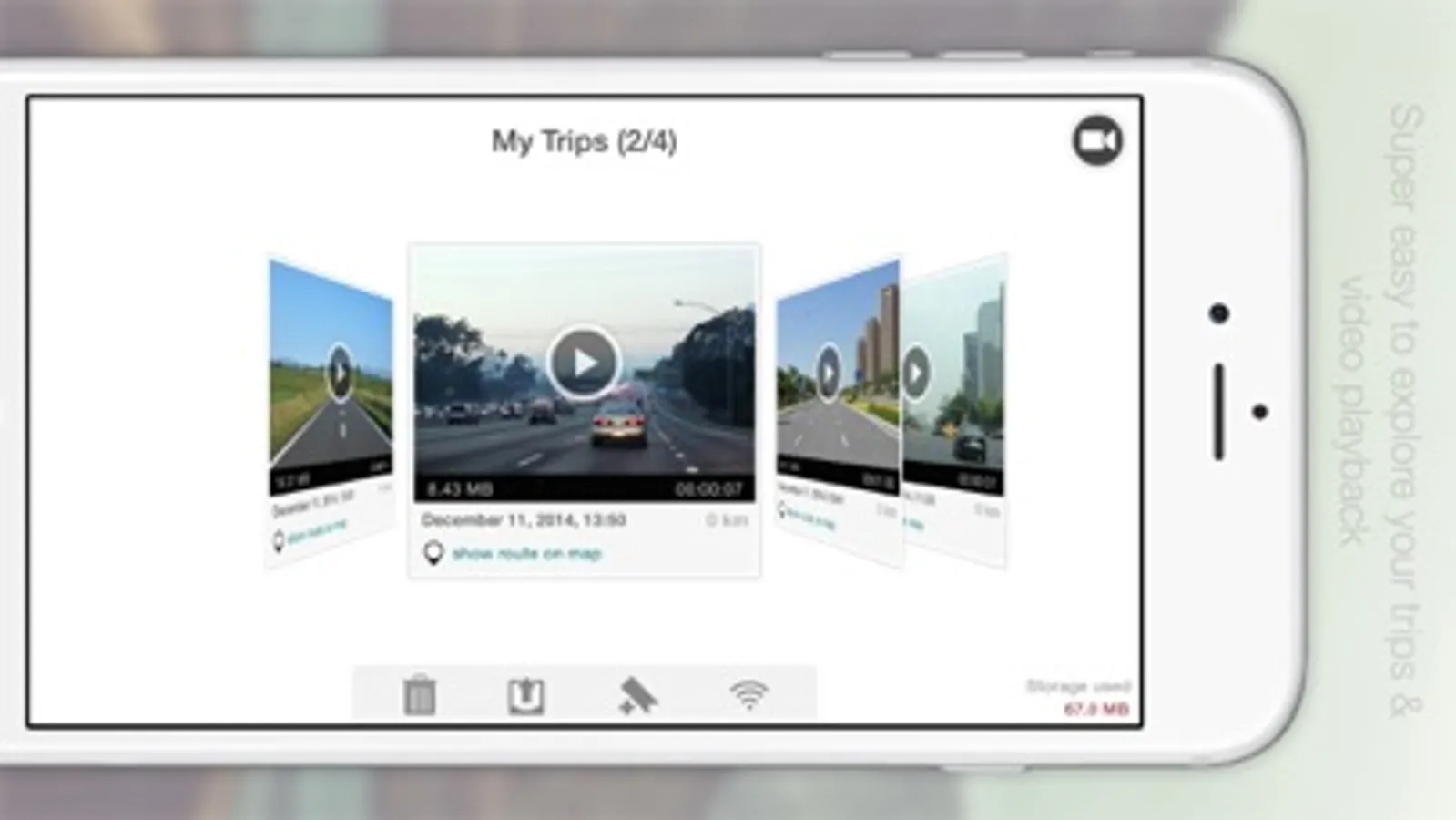
Easy video playback and route viewing to help you review your footage and see where you've been.
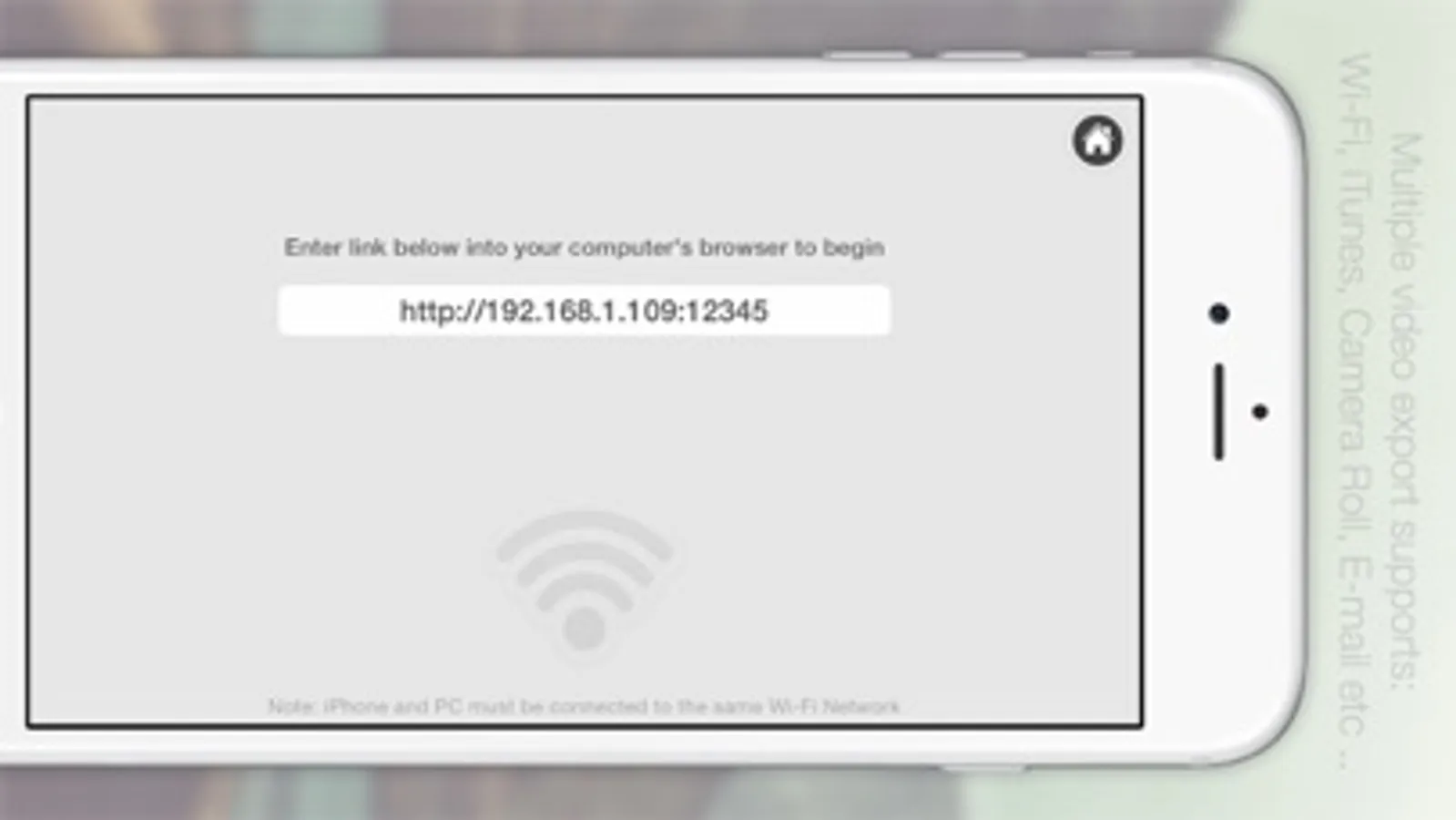
Multiple video export options, including Camera Roll, Email, Wi-Fi, and iTunes, to make it easy to share your videos with others.
Exported videos include time, speed, location, and other important information to help you keep track of your journeys.
KML-format route export supported, allowing you to view your routes on Google Maps.
Looking for a simple and user-friendly driving recorder app for your iPhone? Look no further than TripREC - the perfect app for drivers and travel enthusiasts alike! With TripREC, you can transform your iPhone into a powerful video recorder that captures all the key information about your journeys, including your route, location, mileage, speed, and more.
Here are some of the key features that TripREC offers:
Real-time display of maps, tracks, speed, mileage, and other important information.
Support for multiple video resolutions to ensure that you can capture the footage you need.
Loop recording to ensure that your phone's memory doesn't get filled up.
Automatic video saving when you receive a call, with recording resuming automatically once the call is finished.
Detection of abnormal vehicle driving conditions, with automatic video saving when abnormal braking is detected.
Screen-off recording mode to conserve your phone's battery life.
Background music playback during video recording to keep you entertained while you drive.
Option to turn the map display on or off as needed.
Mute mode for video recording to ensure that you don't distract yourself while driving.
Ability to turn on your iPhone's flashlight to capture video in low-light conditions.
Option to turn on camera fixed-focus mode to keep your videos sharp and clear.
Easy video playback and route viewing to help you review your footage and see where you've been.
Multiple video export options, including Camera Roll, Email, Wi-Fi, and iTunes, to make it easy to share your videos with others.
Exported videos include time, speed, location, and other important information to help you keep track of your journeys.
KML-format route export supported, allowing you to view your routes on Google Maps.
TripREC Driving Recorder Screenshots
Tap to Rate:
Reviews for TripREC Driving Recorder
icaretoo
Simple and easy to use
This dash cam is the best way to record from your phone. It is clear to see.
Life goes by
广角支持
超广角