Use this OCR app to recognize, edit, and store text from documents with high accuracy. Includes automatic edge detection, text editing, PDF creation, and email sharing features.
AppRecs review analysis
AppRecs rating 4.1. Trustworthiness 76 out of 100. Review manipulation risk 25 out of 100. Based on a review sample analyzed.
★★★★☆
4.1
AppRecs Rating
Ratings breakdown
5 star
67%
4 star
8%
3 star
7%
2 star
3%
1 star
15%
What to know
✓
Low review manipulation risk
25% review manipulation risk
✓
Credible reviews
76% trustworthiness score from analyzed reviews
✓
High user satisfaction
75% of sampled ratings are 4+ stars (4.1★ average)
About SmartOCR Text Reader
NOTE: It is important to follow the OCR tips (below).
Our innovative SuperScan mode ensures the sharpest possible pictures taken from the iPhone's camera and the most accurate scanning results.
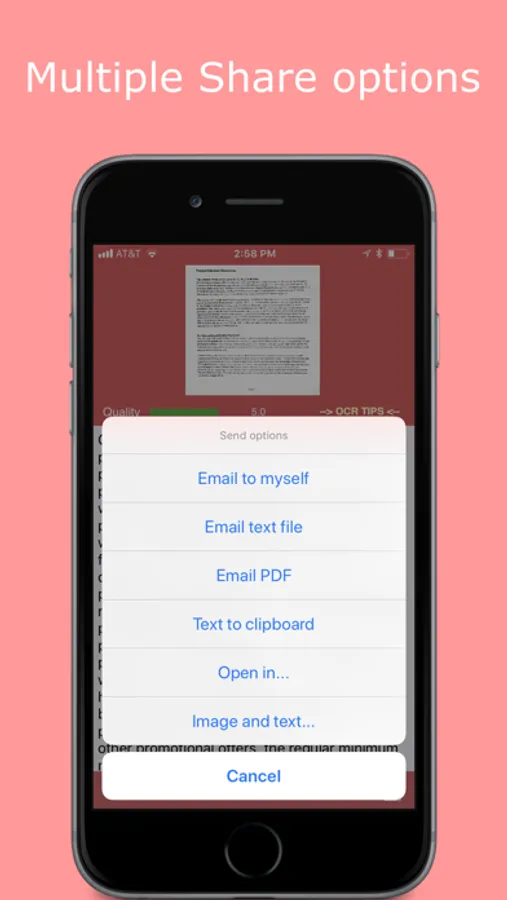
Our handy “Email to Myself” feature lets you send documents quickly to a predefined email address, greatly simplifying your workflow.
Unlike other apps on the market, all processing happens inside your iPhone, and your data stays confidential. NO INTERNET access is needed to scan or perform OCR.
Smart OCR features:
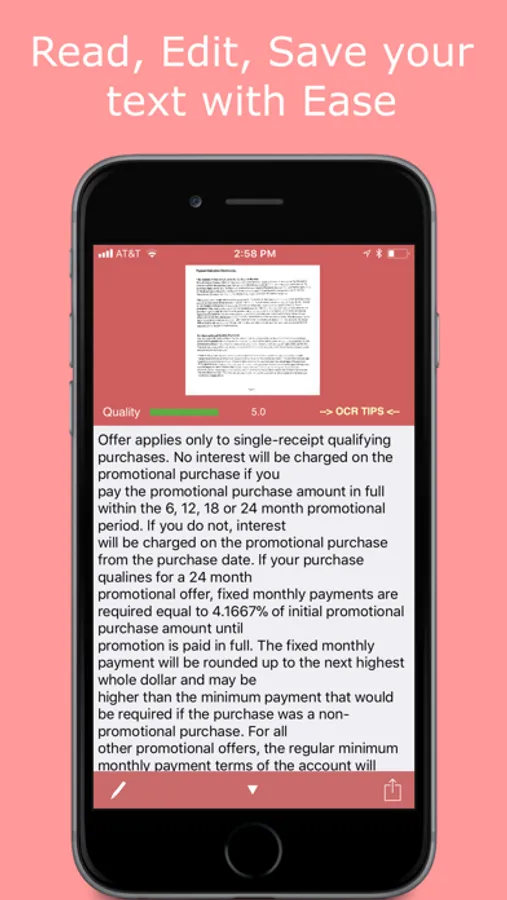
Letter-size or A4-size page OCR with accuracy of 95% or more with accuracy indicator
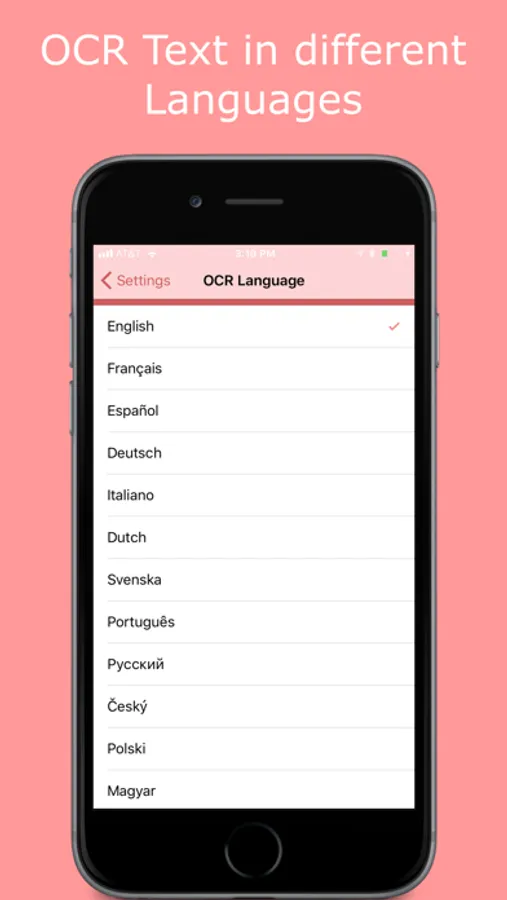
OCR languages: English, French, Spanish, German, Dutch, Italian, Portuguese, Swedish, Polish, Czech, Hungarian and Russian
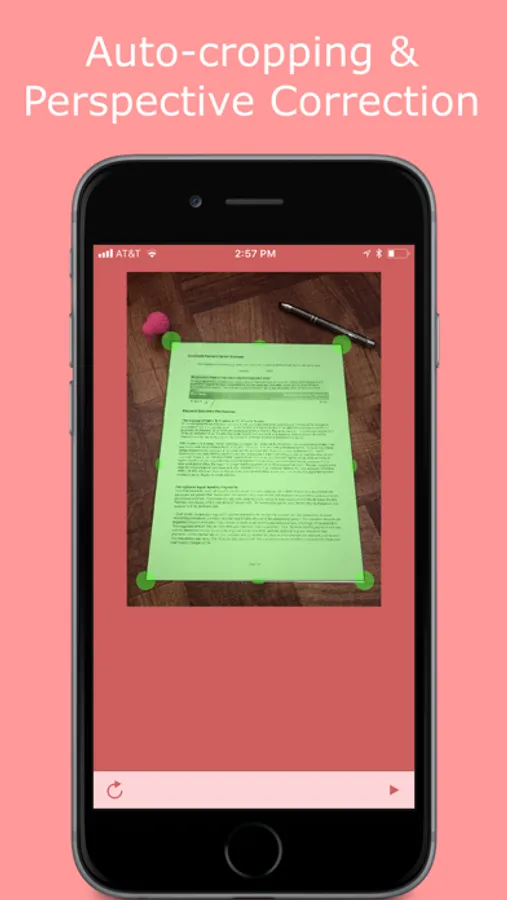
Automatic document edge detection and perspective correction
Text editing and copy-to-clipboard operations
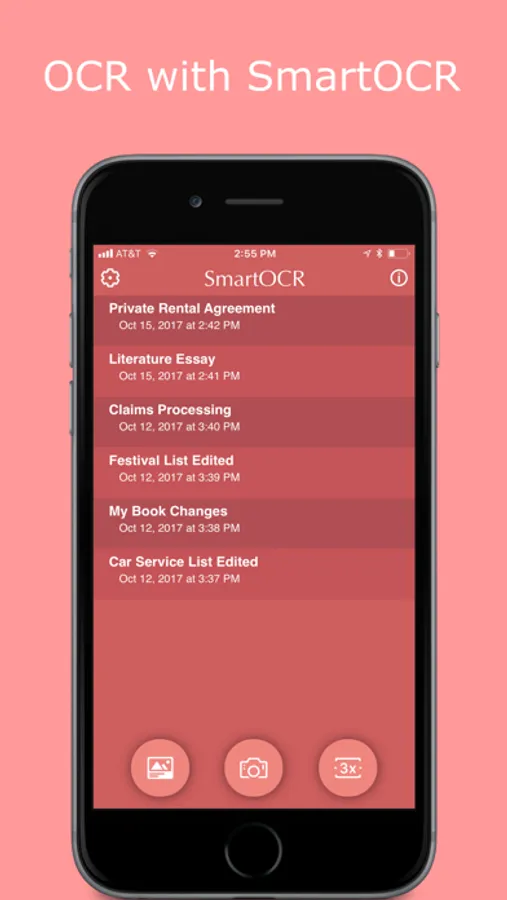
Built-in OCR text archive with file sharing via iTunes
"Email to Myself" feature
Email text and image files (.txt + .jpg), or save image to library
Instantly send your file to Dropbox or other Cloud services installed on your iPhone
Searchable PDFs with document images
Preserves simple text formatting
Auto-remove line breaks option
We tried to make the UI-design as simple as it is possible. Did we achieve? Your decision! Try it today, now!
Also, check the reviews from around the world!
"Love this App! It makes scanning a breeze...."
"Fast and Nice..."
"This scanner is so easy to use..."
TIPS FOR OCR: • Make sure your document is flat and well lit. Hold your iPhone still while shooting. Turn the flash On (but beware of glare).
• Scan using "SuperScan 3x" mode.
• Glossy paper may not work well (avoid glare).
• When scanning books keep the pages as flat as possible.
• SmartOCR cannot recognize handwritten, very large (or very short) or underscored text correctly.
• Make sure to select the right language for OCR.
If you have problems or are not completely satisfied with SmartOCR, please don't rush to leave bad feedback. Just contact us through app Support (info screen) and we will help you to solve the problem. Thank you.
Amaxim Apps Team
SmartOCR Text Reader Screenshots
Tap to Rate:
Reviews for SmartOCR Text Reader
sjm49
Missing Instructions: How to Use❓— Developer website in Chinese NOT English…
Usage instructions are missing in the app and the Developer provided link takes one to a blogspot that is in some variation of Chinese — not English — and translator widgets don’t provide a clear translation. How are English speakers supposed to get help understanding how2use this app?? ** Developers, please provide instructions and let me know — then I might be able to actually review this app. ** ALSO, the text from image grabber is riddled with mistakes that make it very awkward to, for example, accurately extract a lengthy website address from a screenshot of the website address —might as well just use pen and paper… FAIL - PLEASE FIX ❗️❗️❗️
MashkaNYC
Major issues
First I’m not sure how it opens all your photos the first time when you did not give the app permission to view your photos the first time you ever use the app.. but besides that. Basics, in edit of either type of upload/photo, there is no undo button/option. Also, basic like cropping and moving dimensions doesn’t work. It gives an overlay over a blank screen, but if you move it around and return to the photo, you see it must’ve moved around according to this overlay w corner points. Anyway lots of basic problems and I guess I need to change my iCloud account passwords now.