With this drawing app, you can create and edit images by drawing, adding text, and customizing colors with multiple pen options. Includes color selection, text input, and sharing features.
AppRecs review analysis
AppRecs rating 4.1. Trustworthiness 68 out of 100. Review manipulation risk 26 out of 100. Based on a review sample analyzed.
★★★★☆
4.1
AppRecs Rating
Ratings breakdown
5 star
80%
4 star
15%
3 star
0%
2 star
0%
1 star
5%
What to know
✓
Low review manipulation risk
26% review manipulation risk
✓
High user satisfaction
80% of sampled ratings are 5 stars
About Let's Draw : Drawing App
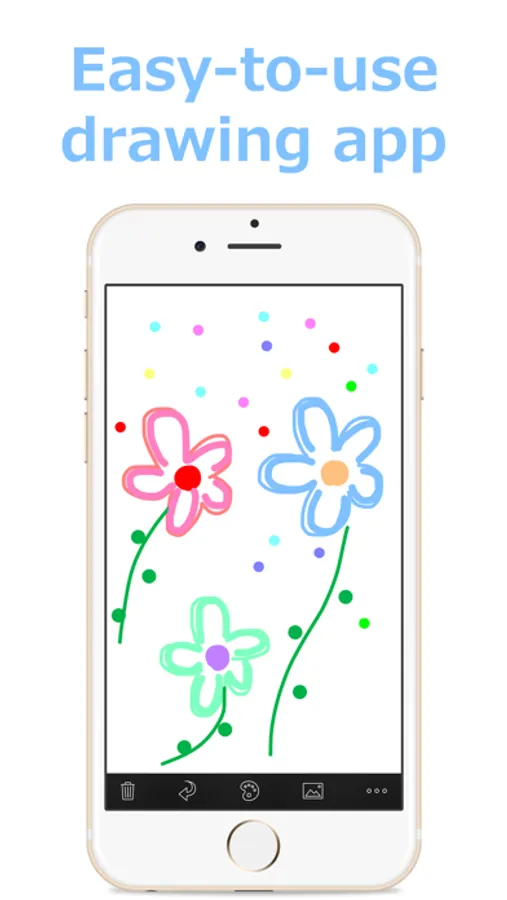
"Let's Draw" is a "drawing" app which is simple and easy to use.
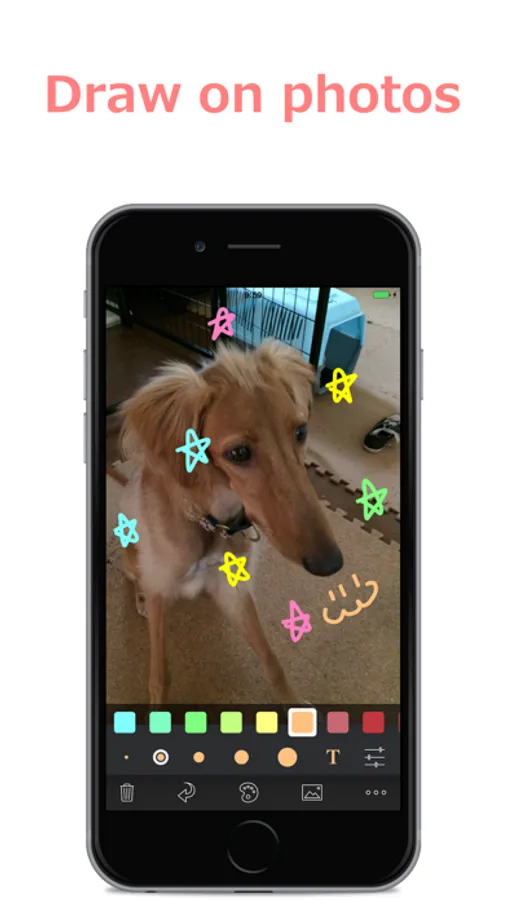
Anyone can edit images such as drawing on photos and adding text.
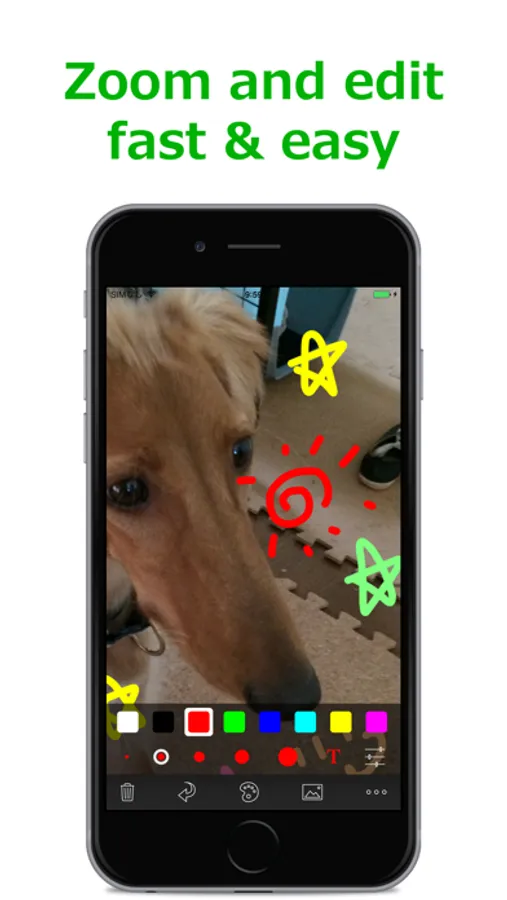
It provides simple but useful functions such as 45 colors, five pen thickness, zoom editing and adding text.
You can enjoy sharing the edited images with your friends on E-mails, Twitter, and Facebook.
■Features
- 45 Colors
- RGB Palette
- 5 Pen Thicknesses
- Zoom Edit
- Undo Functionality
- Text Input (Drag, Pinch for Free Layout)
- Input from Camera Roll
- Attach Edited Image to Email
- Save Edited Image to Camera Roll
Anyone can edit images such as drawing on photos and adding text.
It provides simple but useful functions such as 45 colors, five pen thickness, zoom editing and adding text.
You can enjoy sharing the edited images with your friends on E-mails, Twitter, and Facebook.
■Features
- 45 Colors
- RGB Palette
- 5 Pen Thicknesses
- Zoom Edit
- Undo Functionality
- Text Input (Drag, Pinch for Free Layout)
- Input from Camera Roll
- Attach Edited Image to Email
- Save Edited Image to Camera Roll
Let's Draw : Drawing App Screenshots
Tap to Rate:
Reviews for Let's Draw : Drawing App
SUPREME
Excellence made easy
Modifying pictures to point out points to discuss is easy enough on the fly in conversation to help me explain an issue successfully in their attention span window
Sriky
Quite easy to use
Been using this for few years and it’s been a quite handy tool more than just a paint app. Thanks!