In this photo and video app, you can create detailed photo word clouds by adding and styling text on images. Includes support for custom fonts, high-resolution exports, and shape customization.
AppRecs review analysis
AppRecs rating 4.1. Trustworthiness 79 out of 100. Review manipulation risk 21 out of 100. Based on a review sample analyzed.
★★★★☆
4.1
AppRecs Rating
Ratings breakdown
5 star
57%
4 star
14%
3 star
21%
2 star
0%
1 star
7%
What to know
✓
Low review manipulation risk
21% review manipulation risk
✓
Credible reviews
79% trustworthiness score from analyzed reviews
✓
High user satisfaction
71% of sampled ratings are 4+ stars (4.1★ average)
About Phoetic
***** Top 5 Photo and Video app in 47 countries! *****
***** Top 10 Photo and Video app in 54 countries! *****
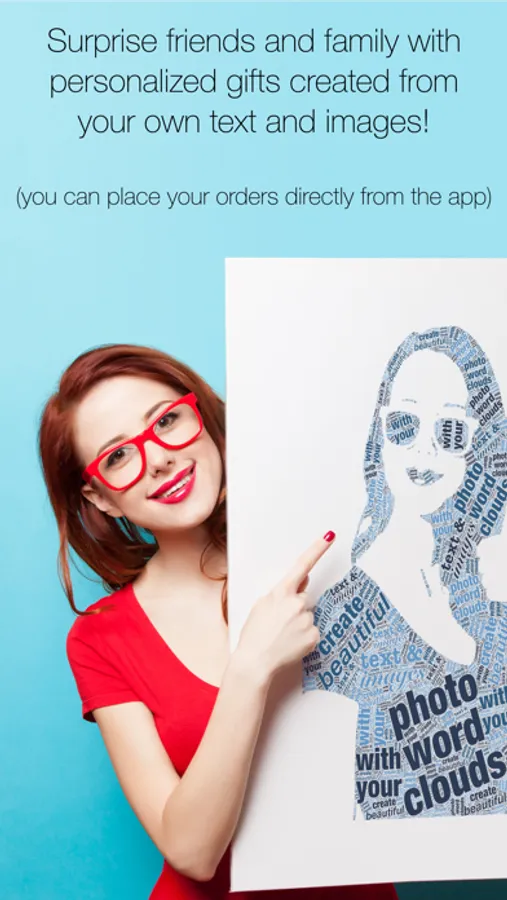
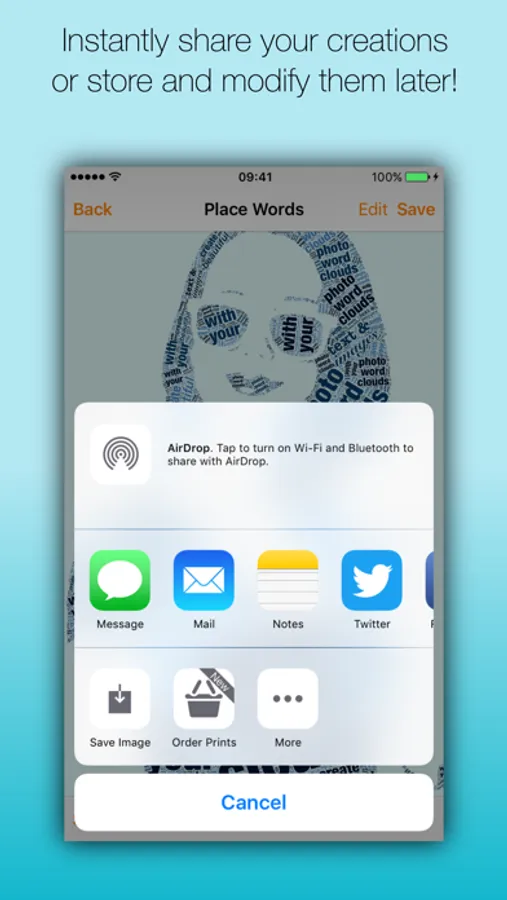
Create beautiful detailed photo word clouds with your images and text! Select your favourite photo, add and style your own text and turn them in a work of art to impress friends and family. The result can be shared as a PNG, JPEG image or even a PDF document to allow for printing at extremely high resolutions.
= FEATURES =
- Create extremely detailed photo word clouds
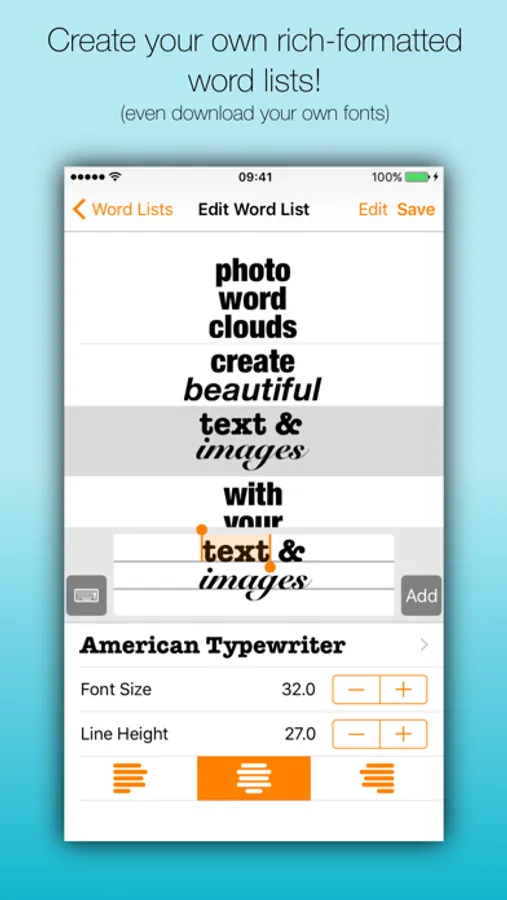
- Create your own styled word lists
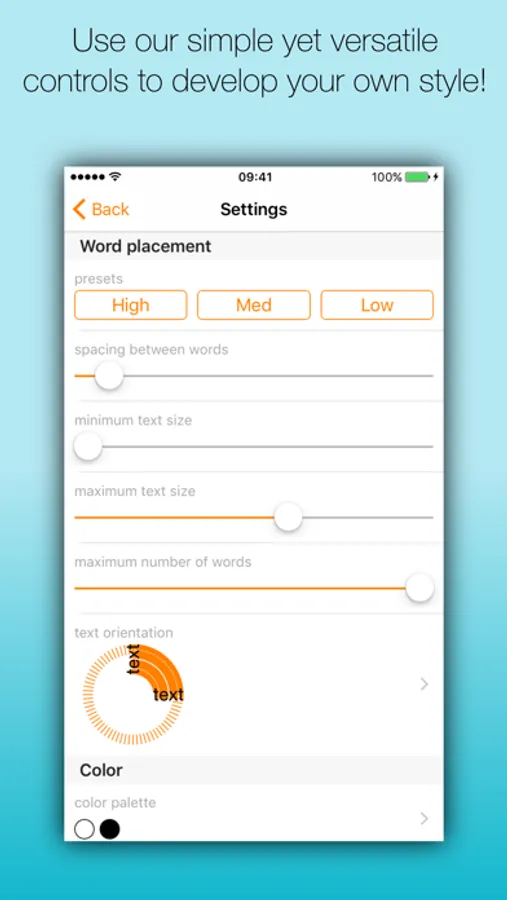
- Create your own color palettes
- Create your own shapes
- International character and emoji support
- Compatible with Fonteer (use any font you like)
- Text in any orientation
- Save as PNG, JPEG or PDF (vector)
- Universal app : support for iPad, iPod and iPhone
= FAQ =
Q: Can I sell the images I create with Phoetic?
A: Yes, what your create with Phoetic is yours. You can do with that as you please, including selling the images for profit. The templates included with Phoetic can also be used commercially. Of course the right to sell the templates separately is excluded.
Q: I want to make a huge print; how do I make my image look good?
A: Share the word cloud as a PDF file. This file is stored as a vector image; it can be scaled without the results becoming pixelated. You can directly send this to your printer or export the file as an image at any desired resolution.
Phoetic Screenshots

Tap to Rate:
Reviews for Phoetic
Happy Pill
Sparks My Creativity
Phoetic surpasses any word cloud program I’ve tried. Being able to upload my own photos has been my favorite feature. One thing, on my new iPhone the app frequently crashes which it never did before. Is there a compatibility problem with iOS 26?
Recovering Gasaholic
Favorite word cloud generator!
2023 update: Still love it! Most of the word cloud generators I have purchased have soon ended up deleted. Of the two I have kept, I use this one nearly twice as often. This is, hands down, my favorite word cloud generator and I have several. It’s also the best priced! With Phoetic, I have the most versatility over fonts, colors and pdf export layers with this app. If exporting using pdf, each word is editable with illustrator. Most apps, yeah, it’s vectorized, but it’s a flat image that can’t be altered. Phoetic is by far the easiest to use for awesome results. I have others that are easy to use, but are very limited in shape and color choices. It does have limitations (the reason I have other word cloud apps), like I can’t specify a specific word or phrase to be dominant in size. I have to regenerate the image until that randomly happens. I also cannot specify a location for the dominant sized word/phrase. For me those are the only draw backs and I just use a different app for that. Over all, this one is still the best. **Now, I wish the developer would make An OS X desktop version.