AppRecs review analysis
AppRecs rating 1.5. Trustworthiness 80 out of 100. Review manipulation risk 27 out of 100. Based on a review sample analyzed.
★☆☆☆☆
1.5
AppRecs Rating
Ratings breakdown
5 star
10%
4 star
0%
3 star
0%
2 star
10%
1 star
80%
What to know
✓
Low review manipulation risk
27% review manipulation risk
✓
Credible reviews
80% trustworthiness score from analyzed reviews
⚠
Mixed user feedback
Average 1.5★ rating suggests room for improvement
About Fonteer 2
*** Indispensable for typography artists, designers and everyone that does not want to mess up their presentation slides and documents ***
NOTE: Fonteer does NOT make it possible to change the font on your homescreen, in messaging or email. Please check app compatibility before purchase!
A subscription is required to use the app. The standard Apple Terms of Use (EULA) apply: https://www.apple.com/legal/internet-services/itunes/dev/stdeula/
Install OpenType (.otf) and TrueType (.ttf) fonts on all your devices! Keep your fonts organised in collections shared via iCloud. Compatible with Pages, Keynote, Numbers, Word, Powerpoint, Excel and many other apps!
= FEATURES =
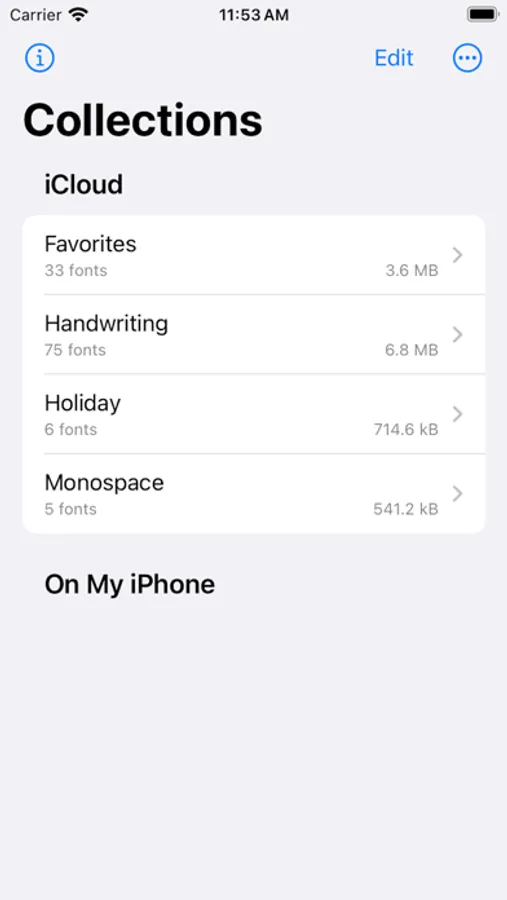
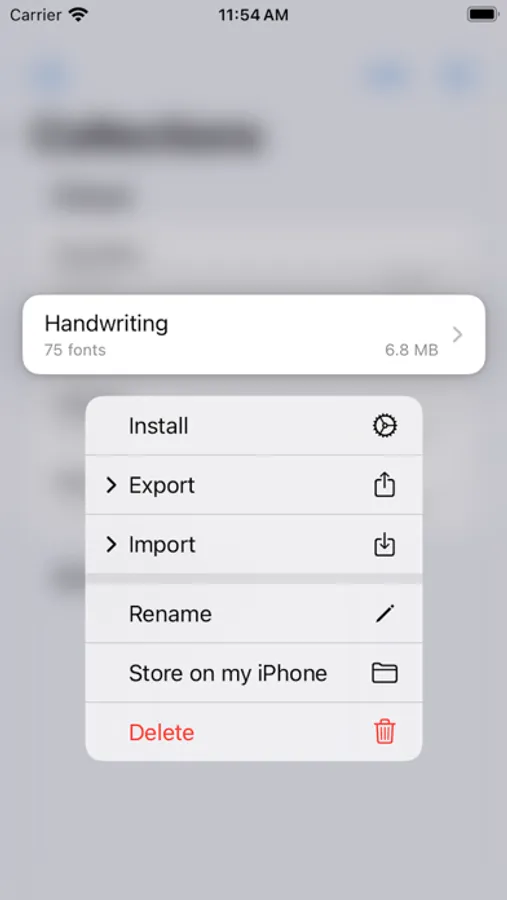
- Manage multiple font collections between your iPhone, iPad and Mac
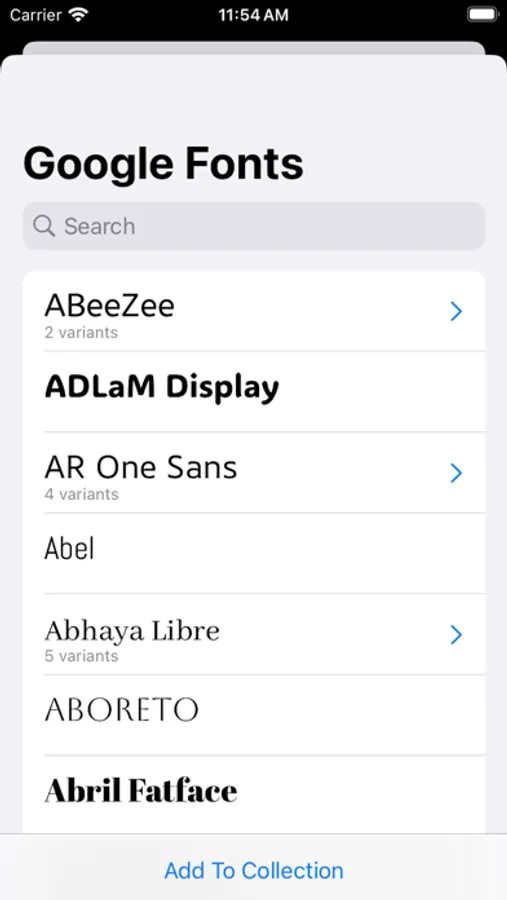
- Easily search and download fonts from Google Fonts and Font Squirrel
- Add fonts from your browser, mail or Files
- Install (almost) any OpenType (.otf) or TrueType (.ttf) font
- Support for fonts packed in a .zip archive
- No ads
- One subscription for iPhone, iPad and Mac
- Subscriptions can be shared with your family
= FAQ =
Q: What fonts can I install?
A: Almost any. You can locate .otf and .ttf font files on your Mac or PC, share the files with your device and open them in Fonteer. You can download fonts from the internet. You can easily browse through Google Fonts and Font Squirrel from within the app. When using a font, please adhere to the terms and conditions outlined in the font's license agreement. Fonteer displays copyright and license information embedded in the font file. Absense of such information is NOT a permission to use the font as you like.
Q: Can I change the system font?
A: No. Installing a font does not change the default fonts used on your iPad or iPhone. It makes the font available for other applications to use.
Q: Is [APP-NAME] supported?
A: Unfortunately we cannot keep track of all apps that support installed fonts. If an app DOES support installed fonts, they usually show up during font selection between all other fonts. Installing a font with Fonteer makes the font available for other apps, but we cannot force an app to use those fonts. You can always ask the developer of [APP-NAME] if they support installed fonts, or ask nicely if they can add support.
Should you encounter any issue or if you have any remarks, do not hesitate to contact us at info@design-luscinia.nl
Fonteer 2 Screenshots
Tap to Rate:
Reviews for Fonteer 2
ccdenjoxedx
Near perfect font installer!
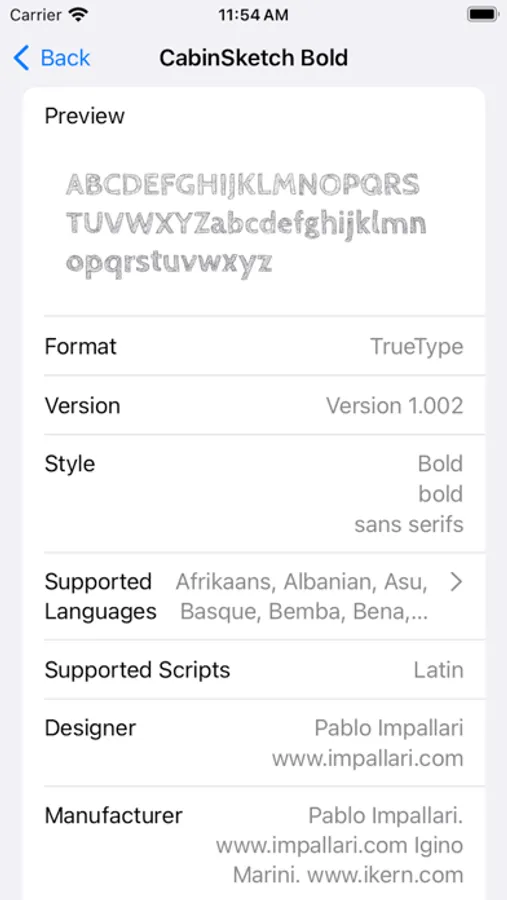
It’s great and easy to use. I believe I did pay for it, but I am a small business owner in the design field so I need my fonts. I love that I can share downloaded fonts directly to the app from the quick menu and put them in a collection in the app. I love that I can install multiple fonts at once and a whole collection at once. I love that I have collection profiles I can add or delete from my iPad at any time. It helps me remove personal fonts when I am working commercially so I don’t accidentally use one. I have some wishlist items for this app or fonteer 3: I would love to see preview text or at least alphabet when I click on a font and it would be awesome if dafont was added as well. That’s it. Love the app!
JohnBoy5562
Not worth it.
I bought a lifetime of fonteer but they decided to change the name to fonteer 2. It looks identical to the one I bought but this one doesn’t have a free trial. And the one I bought is not available in the App Store anymore. Will be looking elsewhere.