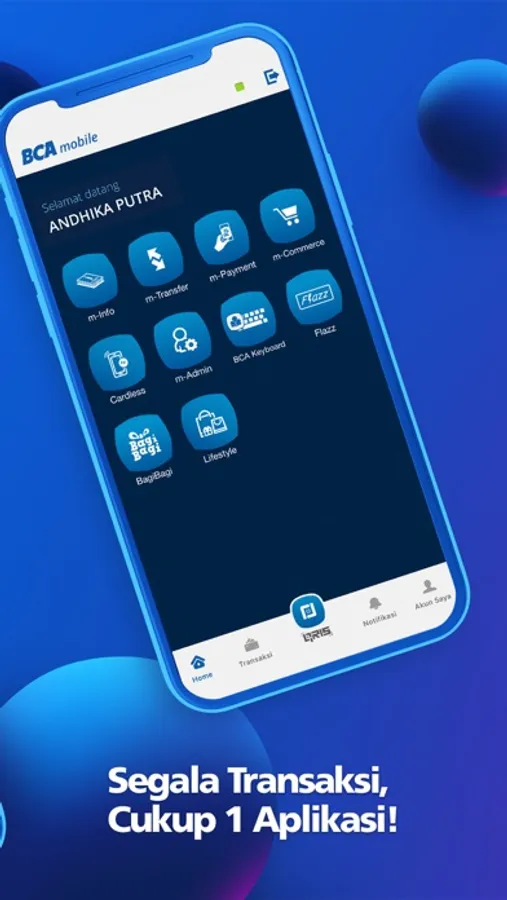
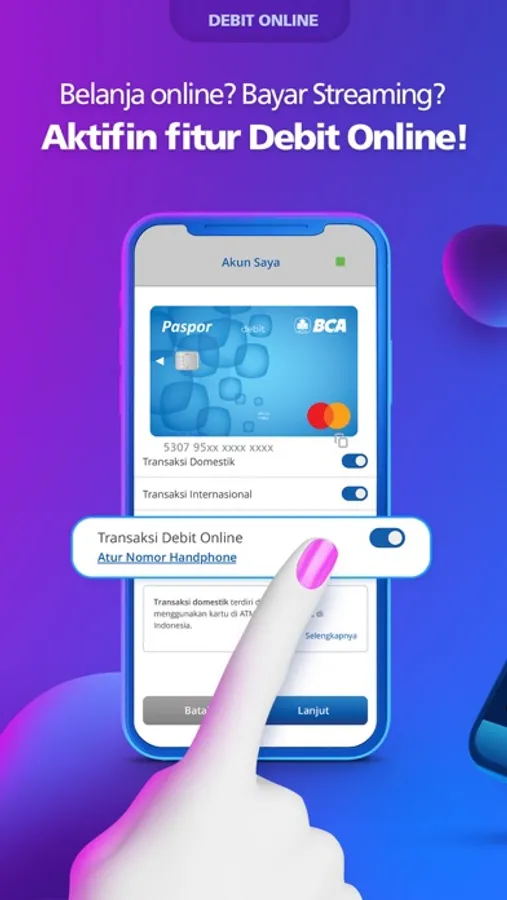
With this banking app, you can conduct non-cash transactions, manage cards, and access new account services. Includes transfer history tracking, card management features, and instant account opening options.
AppRecs review analysis
AppRecs rating 2.5. Trustworthiness 0 out of 100. Review manipulation risk 0 out of 100. Based on a review sample analyzed.
★★☆☆☆
2.5
AppRecs Rating
Ratings breakdown
5 star
29%
4 star
7%
3 star
9%
2 star
7%
1 star
48%
What to know
✓
Authentic reviews
Natural distribution, no red flags
⚠
Mixed user feedback
Average 2.6★ rating suggests room for improvement
⚠
High negative review ratio
55% of sampled ratings are 1–2 stars
About BCA mobile
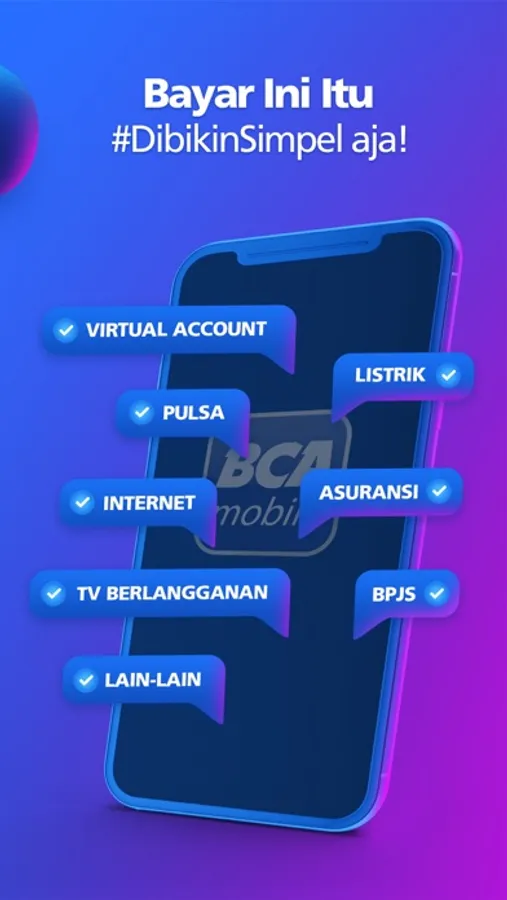
Bank on the go with BCA mobile app. Conduct non-cash transactions using BCA mobile banking (m-BCA) and BCA internet banking (KlikBCA Smartphone) whenever, wherever.
m-BCA Benefits
1. No SIM card changes
m-BCA transactions are available through all GSM operators, including Telkomsel, XL Axiata, Indosat, Axis, and Three
2. Low transactions cost
Reduce unnecessary cost using GPRS/EDGE/3G/WIFI internet connection
3. Payment Data Storage
m-BCA’s storage feature enables you to conduct repeat transactions without having to input the data all over again
4. Transfer Data
m-BCA saves your transfer activities--whether you’re sending funds between BCA accounts or to other banks—to a list for a time-saving and reliable banking experience
5. Practical and Easy to Use
Recipient company or banking code is not required for payment and transfer transactions.
For BCA mobile users, can enjoy the latest services as follows:
1. Block BCA ATM Card or BCA Credit Card facility through m-Admin menu
2. BCA Credit Card Activation feature through menu m-Admin →Credit Card Activation
3. BCA Credit Card PIN Make / change facility via m-Admin menu →Create / Change PIN.
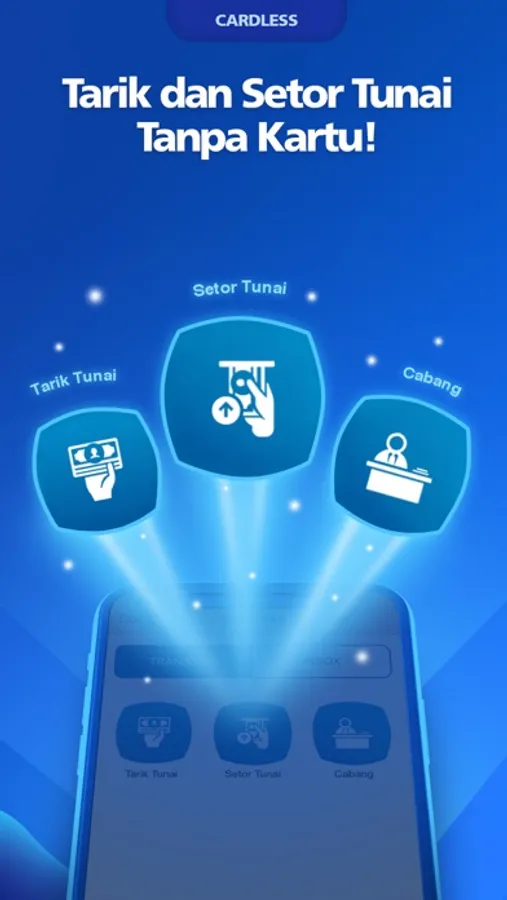
4. Cardless Transaction feature through Setor Tarik menu →Cash withdrawal and cash deposit.
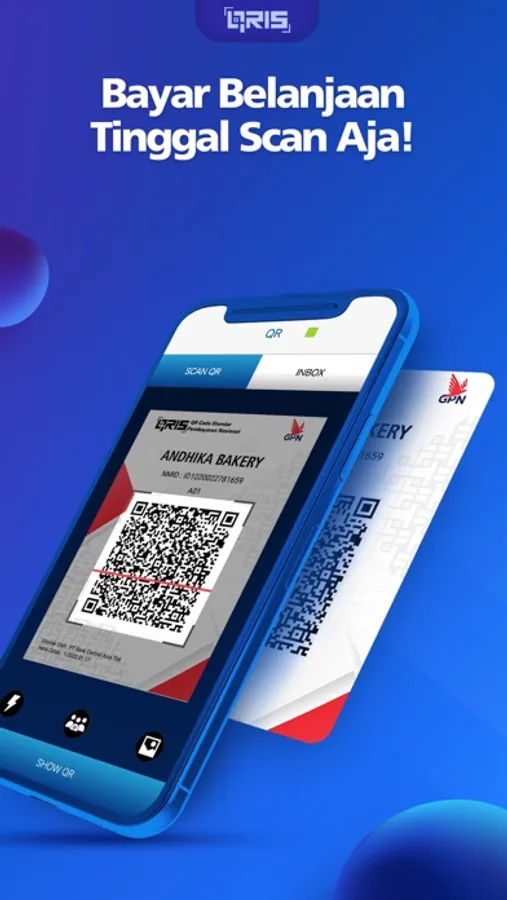
5. Transfer without hassle through QR menu →Send or receive money using QR
For the time being, Cardless Transactions can be made at these following ATMs (www.bca.co.id/ATMtanpakartu)
KlikBCA
Easy to access KlikBCA smartphone version smartphone https://m.klikbca.com with just one click
Info BCA
https://www.bca.co.id/id/Individu/Produk/E-Banking/Info-BCA
Open New Account
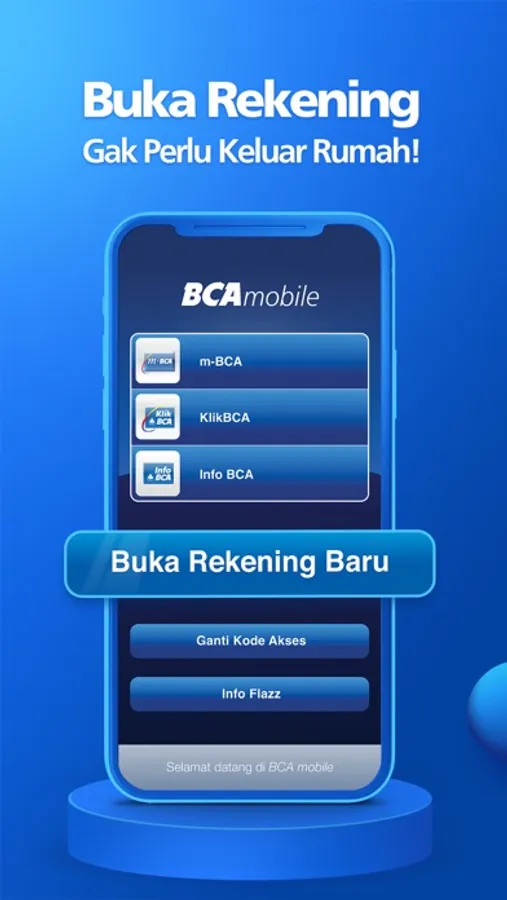
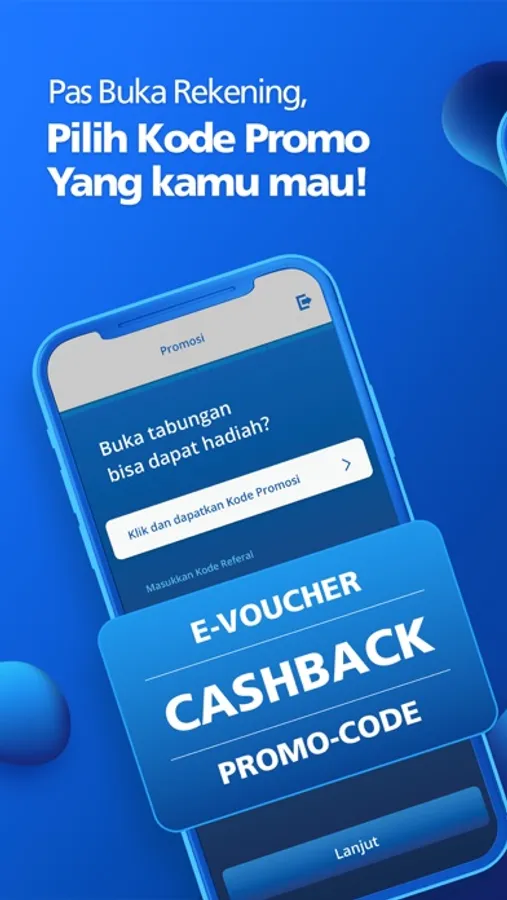
Now you can open bank account anywhere just with your mobile phone. What you need to do to get your bank account is only by providing e-KTP, completing the form, and doing video call with our Customer Service Officer through BCA mobile application. After you done, you’ll get the success notification of your opening account; you might need to directly activate your mobile banking service (by creating PIN number for transaction) and deposit money to your account. Then you are ready to do any transaction with your BCA mobile application (m-BCA menu). You will also get KlikBCA account the day after you succeed creating your mobile banking PIN via email.
For further assistant, call halo bca at 1500888 via cellular phone
Enjoy using the BCA mobile.
m-BCA Benefits
1. No SIM card changes
m-BCA transactions are available through all GSM operators, including Telkomsel, XL Axiata, Indosat, Axis, and Three
2. Low transactions cost
Reduce unnecessary cost using GPRS/EDGE/3G/WIFI internet connection
3. Payment Data Storage
m-BCA’s storage feature enables you to conduct repeat transactions without having to input the data all over again
4. Transfer Data
m-BCA saves your transfer activities--whether you’re sending funds between BCA accounts or to other banks—to a list for a time-saving and reliable banking experience
5. Practical and Easy to Use
Recipient company or banking code is not required for payment and transfer transactions.
For BCA mobile users, can enjoy the latest services as follows:
1. Block BCA ATM Card or BCA Credit Card facility through m-Admin menu
2. BCA Credit Card Activation feature through menu m-Admin →Credit Card Activation
3. BCA Credit Card PIN Make / change facility via m-Admin menu →Create / Change PIN.
4. Cardless Transaction feature through Setor Tarik menu →Cash withdrawal and cash deposit.
5. Transfer without hassle through QR menu →Send or receive money using QR
For the time being, Cardless Transactions can be made at these following ATMs (www.bca.co.id/ATMtanpakartu)
KlikBCA
Easy to access KlikBCA smartphone version smartphone https://m.klikbca.com with just one click
Info BCA
https://www.bca.co.id/id/Individu/Produk/E-Banking/Info-BCA
Open New Account
Now you can open bank account anywhere just with your mobile phone. What you need to do to get your bank account is only by providing e-KTP, completing the form, and doing video call with our Customer Service Officer through BCA mobile application. After you done, you’ll get the success notification of your opening account; you might need to directly activate your mobile banking service (by creating PIN number for transaction) and deposit money to your account. Then you are ready to do any transaction with your BCA mobile application (m-BCA menu). You will also get KlikBCA account the day after you succeed creating your mobile banking PIN via email.
For further assistant, call halo bca at 1500888 via cellular phone
Enjoy using the BCA mobile.
BCA mobile Screenshots
Tap to Rate:
Reviews for BCA mobile
Baddjkd
Bad
Bad bank
F*N*E
Update Mbanking BCA
Can not update this app from my ios.