
AppRecs review analysis
AppRecs rating 1.8. Trustworthiness 0 out of 100. Review manipulation risk 0 out of 100. Based on a review sample analyzed.
★☆☆☆☆
1.8
AppRecs Rating
Ratings breakdown
5 star
20%
4 star
0%
3 star
0%
2 star
0%
1 star
80%
What to know
⚠
Mixed user feedback
Average 1.8★ rating suggests room for improvement
About Sakuku
Make Your Hangout More All-out with Sakuku!
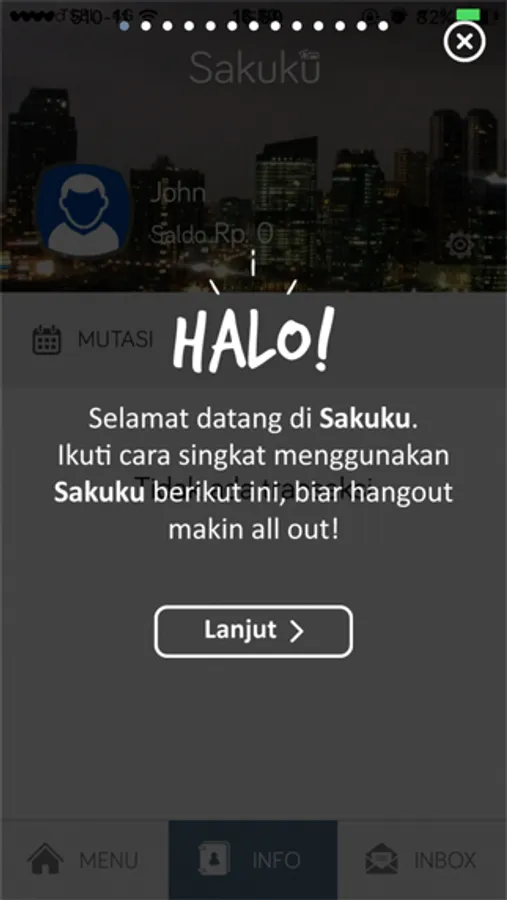
Sakuku is an electronic money service for payments, mobile top ups, and other banking transactions—all from the convenience of a smartphone app.
Get all the benefits Sakuku has to offer!
- Easy, the Customer can use Sakuku simply by downloading the Sakuku application.
- Practical, the cell phone number is used as the Sakuku number.
- Free: no monthly admin fee
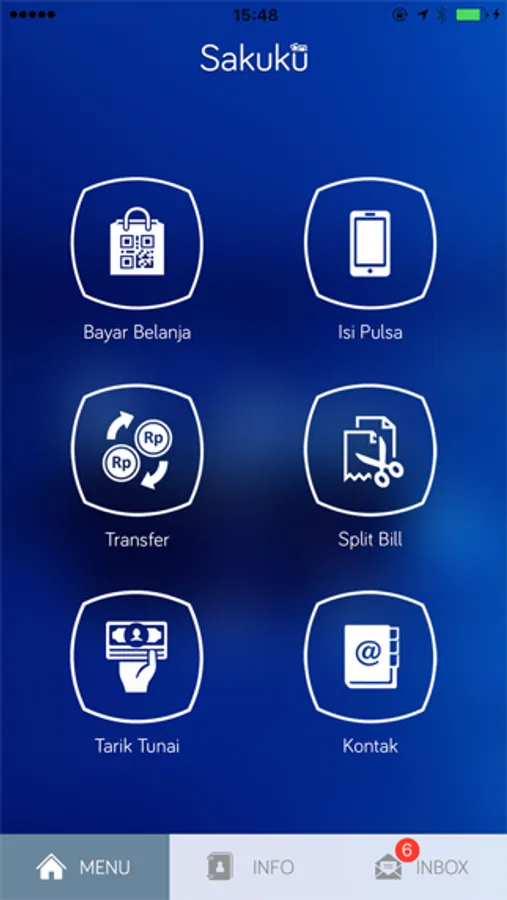
All transactions in Sakuku will only be accessible to users who have activated Sakuku Plus. With Sakuku, customers can perform the following transactions:
- Top Up with the source of funds form a BCA account through BCA ATM, KlikBCA Individual, BCA mobile and myBCA
- Top Up with the source of funds form Another Bank
- Shopping payments at physical merchants/stores (using QRIS) or online/website merchants
- Recharge/Data Packages (my number, other numbers, and requests)
- Sakuku Transfer (send and request transfers to fellow Sakuku users)
- BCA Transfer (send funds to BCA account)
- Split Bill (share bills to fellow Sakuku users)
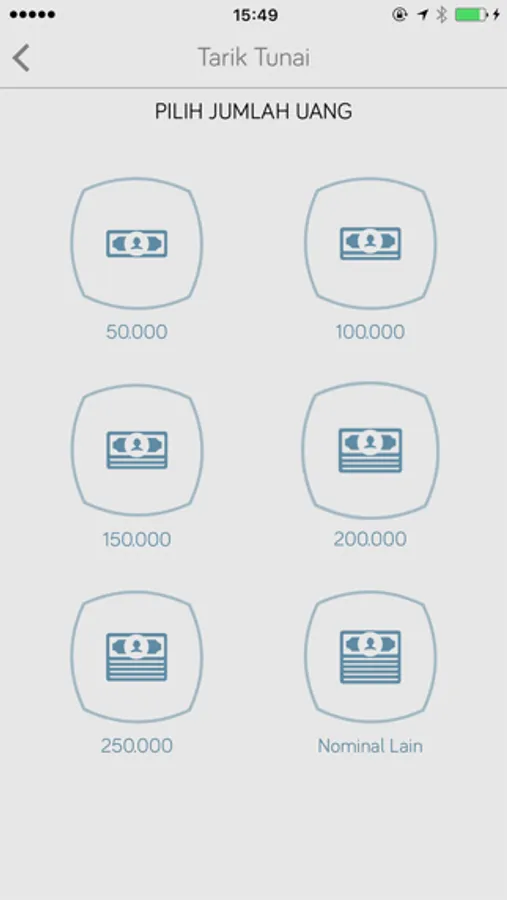
- Cash Withdrawal at BCA ATMs
- Cash Top Up at BCA ATMs
- Balance Info
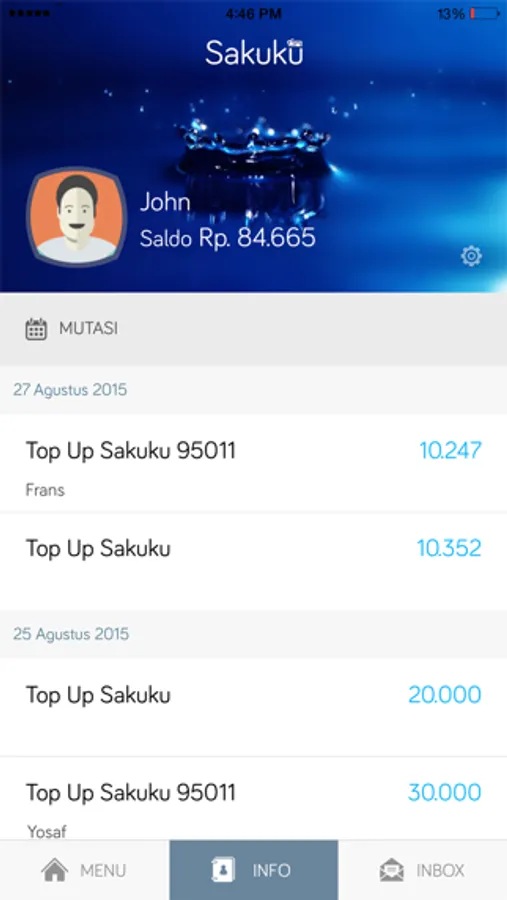
- Transaction Mutation
- Settings (change profile picture, cover picture, PIN, Sakuku Plus activation, Sakuku info and app version)
Customers / Prospective Customers, both BCA customers and non-customers, can open a Sakuku Plus account by verifying their face and identity. During registration, new users will immediately activate Sakuku Plus.
How to regist a Sakuku account:
Download Sakuku app
Take a selfie for biometric verification, take a photo of the ID Card and fill in the ID Card data for data verification.
Create 6-digit Sakuku PIN
In addition to using the Sakuku application, Customers/Prospective Customers can also activate Sakuku Plus by visiting the nearest BCA branch office by bringing their valid ID (e-KTP).
For more information, contact Halo BCA at 1500888
BCA Always By Your Side
Sakuku is an electronic money service for payments, mobile top ups, and other banking transactions—all from the convenience of a smartphone app.
Get all the benefits Sakuku has to offer!
- Easy, the Customer can use Sakuku simply by downloading the Sakuku application.
- Practical, the cell phone number is used as the Sakuku number.
- Free: no monthly admin fee
All transactions in Sakuku will only be accessible to users who have activated Sakuku Plus. With Sakuku, customers can perform the following transactions:
- Top Up with the source of funds form a BCA account through BCA ATM, KlikBCA Individual, BCA mobile and myBCA
- Top Up with the source of funds form Another Bank
- Shopping payments at physical merchants/stores (using QRIS) or online/website merchants
- Recharge/Data Packages (my number, other numbers, and requests)
- Sakuku Transfer (send and request transfers to fellow Sakuku users)
- BCA Transfer (send funds to BCA account)
- Split Bill (share bills to fellow Sakuku users)
- Cash Withdrawal at BCA ATMs
- Cash Top Up at BCA ATMs
- Balance Info
- Transaction Mutation
- Settings (change profile picture, cover picture, PIN, Sakuku Plus activation, Sakuku info and app version)
Customers / Prospective Customers, both BCA customers and non-customers, can open a Sakuku Plus account by verifying their face and identity. During registration, new users will immediately activate Sakuku Plus.
How to regist a Sakuku account:
Download Sakuku app
Take a selfie for biometric verification, take a photo of the ID Card and fill in the ID Card data for data verification.
Create 6-digit Sakuku PIN
In addition to using the Sakuku application, Customers/Prospective Customers can also activate Sakuku Plus by visiting the nearest BCA branch office by bringing their valid ID (e-KTP).
For more information, contact Halo BCA at 1500888
BCA Always By Your Side
Sakuku Screenshots
Tap to Rate:
Reviews for Sakuku
kdkhjdnd
Bad
Every time you open the application, you don’t have the option to log in. You would hv to keep “registering.”
kuya101
Verifikasi gagal
Dah gw donlot ini app tp verifikasi nya gagal Parah ini app nya