AppRecs review analysis
AppRecs rating 3.3. Trustworthiness 90 out of 100. Review manipulation risk 24 out of 100. Based on a review sample analyzed.
★★★☆☆
3.3
AppRecs Rating
Ratings breakdown
5 star
29%
4 star
29%
3 star
14%
2 star
0%
1 star
29%
What to know
✓
Low review manipulation risk
24% review manipulation risk
✓
Credible reviews
90% trustworthiness score from analyzed reviews
About Entrust IG Mobile Smart Cred
Description
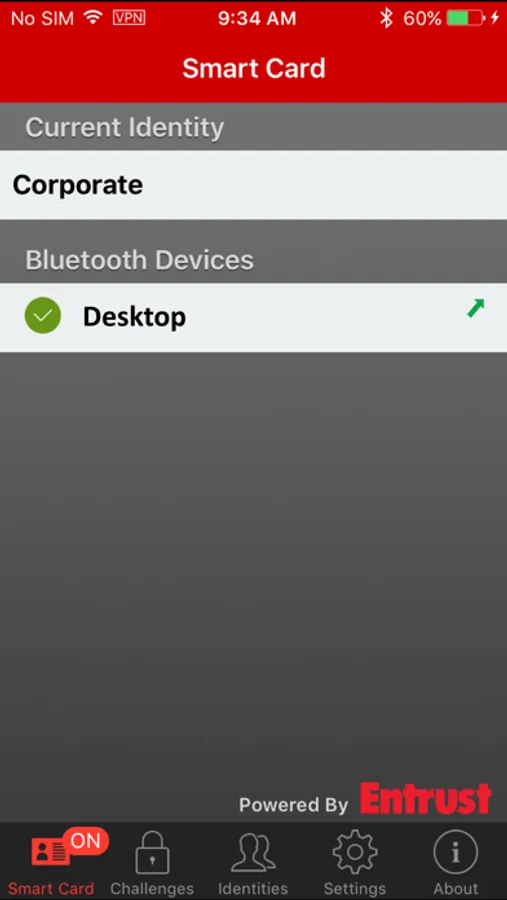
Entrust IdentityGuard Mobile Smart Credential is an innovative mobile application that transforms your mobile device into a virtual smart card / digital identity. Upon successful user activation with your credential issuer’s Entrust IdentityGuard server, the Mobile Smart Credential can be used in a variety of ways depending on the services enabled by your credential issuer. For example, it can be used to:
• authenticate to your computer and your corporate network
• decrypt emails and files
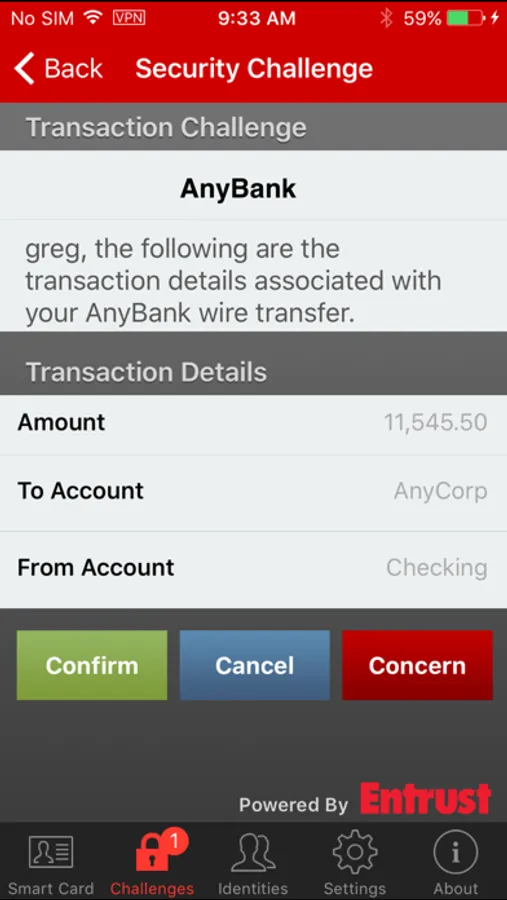
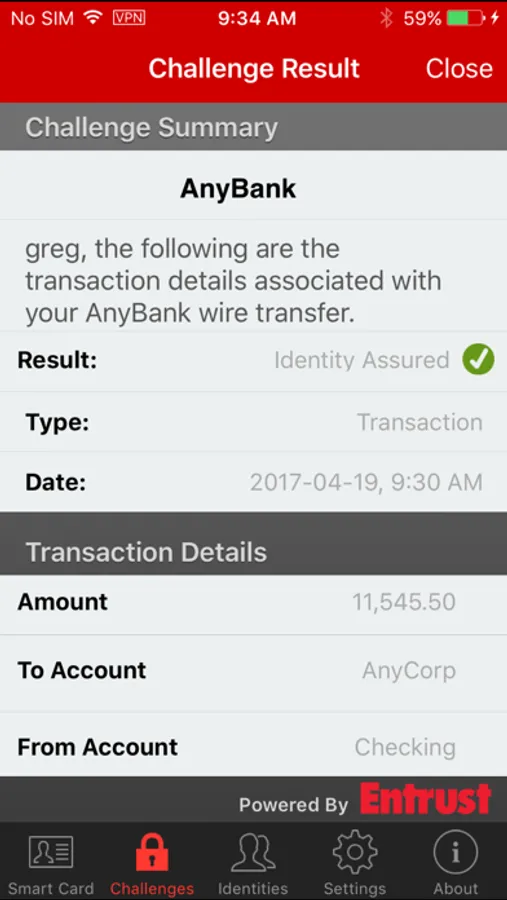
• authenticate and confirm virtually any transaction initiated on a web application
• digitally sign content, forms and transactions.
• on platforms with NFC support, this application can be used as your virtual physical access badge providing access into buildings and secured locations.
Mobile Smart Credential Benefits
The Entrust IdentityGuard Mobile Smart Credential is far more secure, convenient, easy to use, and provides support for a number of authentication, malware protection, information protection and digital signature needs. Leveraging the capabilities within your mobile phone, the mobile smart credential addresses the shortfall of physical smart cards, hardware OTP’s and USB tokens with a truly multi-purpose that is always in hand.
Innovative application that is part of an enterprise authentication framework
The Entrust IdentityGuard Mobile Smart Credential provides an innovative yet relevant authentication solution and is deployed on the IdentityGuard enterprise authentication platform. IdentityGuard’s comprehensive capabilities are designed to meet authentication needs across your organization including embedded support for diverse user group needs, cloud security, mobile security, and adaptive authentication all on a platform with unmatched deployment flexibility and agility.
Derived Mobile Smart Credential
When this feature is configured, Entrust IdentityGuard users who have a physical smart credential (plastic smart card) or an Entrust profile (.EPF file) can use it to obtain a smart credential encoded on a mobile device. Users gain the convenience of a having a highly secure credential on a device they already carry with them without repeating enrolment or other processes already completed to obtain the original smart card or Entrust profile.
Activating your Mobile Smart Credential
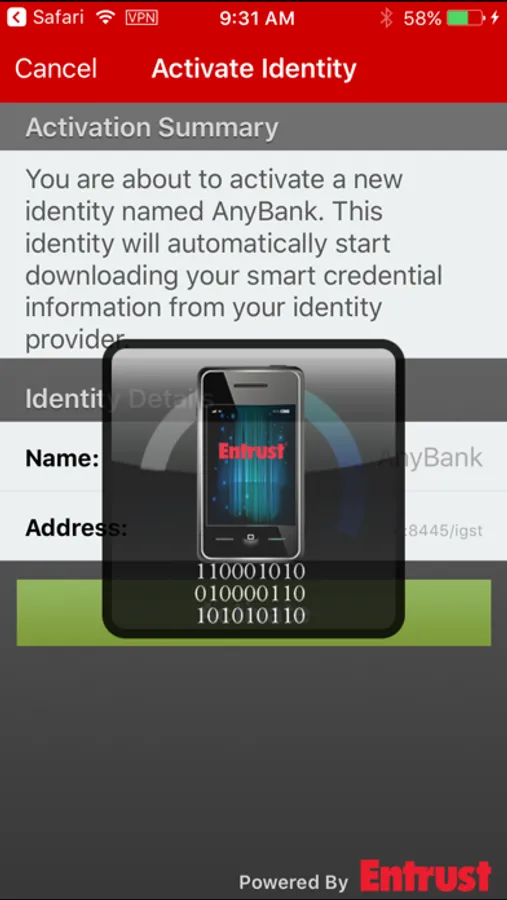
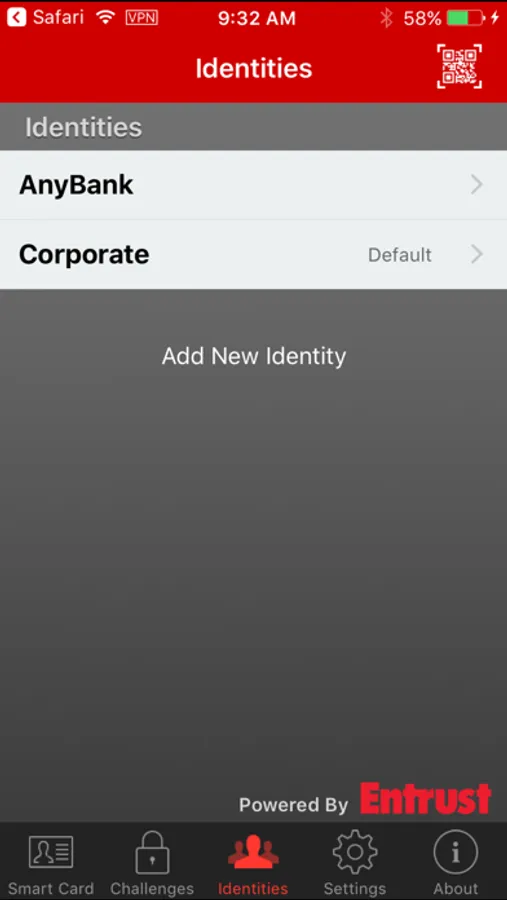
Entrust Mobile Smart Credential can only be used in conjunction with credential issuing organizations that have created an Entrust IdentityGuard account for you. To use the application, you will need to activate the Mobile Smart Credential with your credential issuer. Once you have downloaded the application please consult the organization you whom you wish to use the Mobile Smart Credential for activation instructions.
Mobile Smart Credential requires Bluetooth LE hardware on your iOS device (iPhone 4S or later, iPod Touch 5th generation or later and iPad 3 or later) with iOS 9.0 or later for smart card emulation mode.
Entrust IdentityGuard Mobile Smart Credential is an innovative mobile application that transforms your mobile device into a virtual smart card / digital identity. Upon successful user activation with your credential issuer’s Entrust IdentityGuard server, the Mobile Smart Credential can be used in a variety of ways depending on the services enabled by your credential issuer. For example, it can be used to:
• authenticate to your computer and your corporate network
• decrypt emails and files
• authenticate and confirm virtually any transaction initiated on a web application
• digitally sign content, forms and transactions.
• on platforms with NFC support, this application can be used as your virtual physical access badge providing access into buildings and secured locations.
Mobile Smart Credential Benefits
The Entrust IdentityGuard Mobile Smart Credential is far more secure, convenient, easy to use, and provides support for a number of authentication, malware protection, information protection and digital signature needs. Leveraging the capabilities within your mobile phone, the mobile smart credential addresses the shortfall of physical smart cards, hardware OTP’s and USB tokens with a truly multi-purpose that is always in hand.
Innovative application that is part of an enterprise authentication framework
The Entrust IdentityGuard Mobile Smart Credential provides an innovative yet relevant authentication solution and is deployed on the IdentityGuard enterprise authentication platform. IdentityGuard’s comprehensive capabilities are designed to meet authentication needs across your organization including embedded support for diverse user group needs, cloud security, mobile security, and adaptive authentication all on a platform with unmatched deployment flexibility and agility.
Derived Mobile Smart Credential
When this feature is configured, Entrust IdentityGuard users who have a physical smart credential (plastic smart card) or an Entrust profile (.EPF file) can use it to obtain a smart credential encoded on a mobile device. Users gain the convenience of a having a highly secure credential on a device they already carry with them without repeating enrolment or other processes already completed to obtain the original smart card or Entrust profile.
Activating your Mobile Smart Credential
Entrust Mobile Smart Credential can only be used in conjunction with credential issuing organizations that have created an Entrust IdentityGuard account for you. To use the application, you will need to activate the Mobile Smart Credential with your credential issuer. Once you have downloaded the application please consult the organization you whom you wish to use the Mobile Smart Credential for activation instructions.
Mobile Smart Credential requires Bluetooth LE hardware on your iOS device (iPhone 4S or later, iPod Touch 5th generation or later and iPad 3 or later) with iOS 9.0 or later for smart card emulation mode.
Entrust IG Mobile Smart Cred Screenshots
Tap to Rate:
Reviews for Entrust IG Mobile Smart Cred
Tn2036
Bluetooth pairing does not work with iOS 9
Bluetooth pairing does not work with iOS 9. The pairing prompt with the pairing pin never appears. Not an issue on iOS 8.
DaxDavis
2.0 is a Great Upgrade
The updates in this version are great. Really makes it more usable. Be sure to upgrade, DON'T uninstall then reinstall.