Swipe Scoreboard
Free
rated 4.1 stars
About Swipe Scoreboard
If you're looking for a good scoreboard app...look no further!!!! The ease of use with this app is phenomenal. Simply swipe or tap to change or correct scores, start/stop time, record strikes/balls/fouls, change quarters/innings, etc. BUY THE APP...it's definitely worth it!!!!
** The swipe scoreboard has worked out perfectly for my gym classes. I've used it for several units including softball, volleyball, lacrosse, basketball, soccer and even for the days it rained and we had indoor "fun" activities.
** I LOVE IT FOR COACHING!!!
** An excellent app for volleyball scoring. Easy to use and you can e-mail or text the final scores with a narrative. It's worth a $1.00. Great that you can make team colors...
** Simple, convenient, easy to use. I suggest to read the info will give you more options on how to keep score. To switch sides swipe across.
** It's was great and simple for recreational volleyball game. We loved it! Super easy to use!
** Works great. Love the color change ability.
** Great app for volleyball. Love the color change feature. Use it on my ipad so both teams can see the score.
An easy to use scoreboard. Just tap or swipe to add or subtract points. Swipe to the side to switch sides. Share the results with family and friends via social media. Simple!
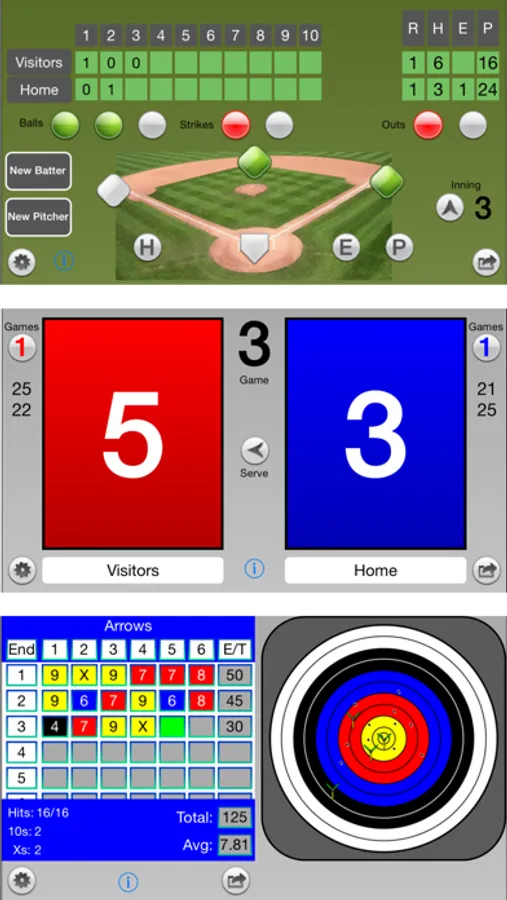
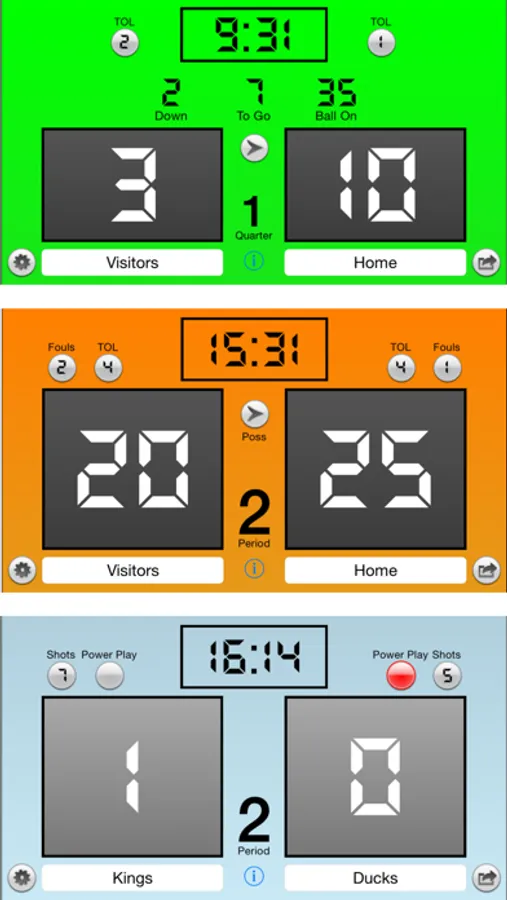
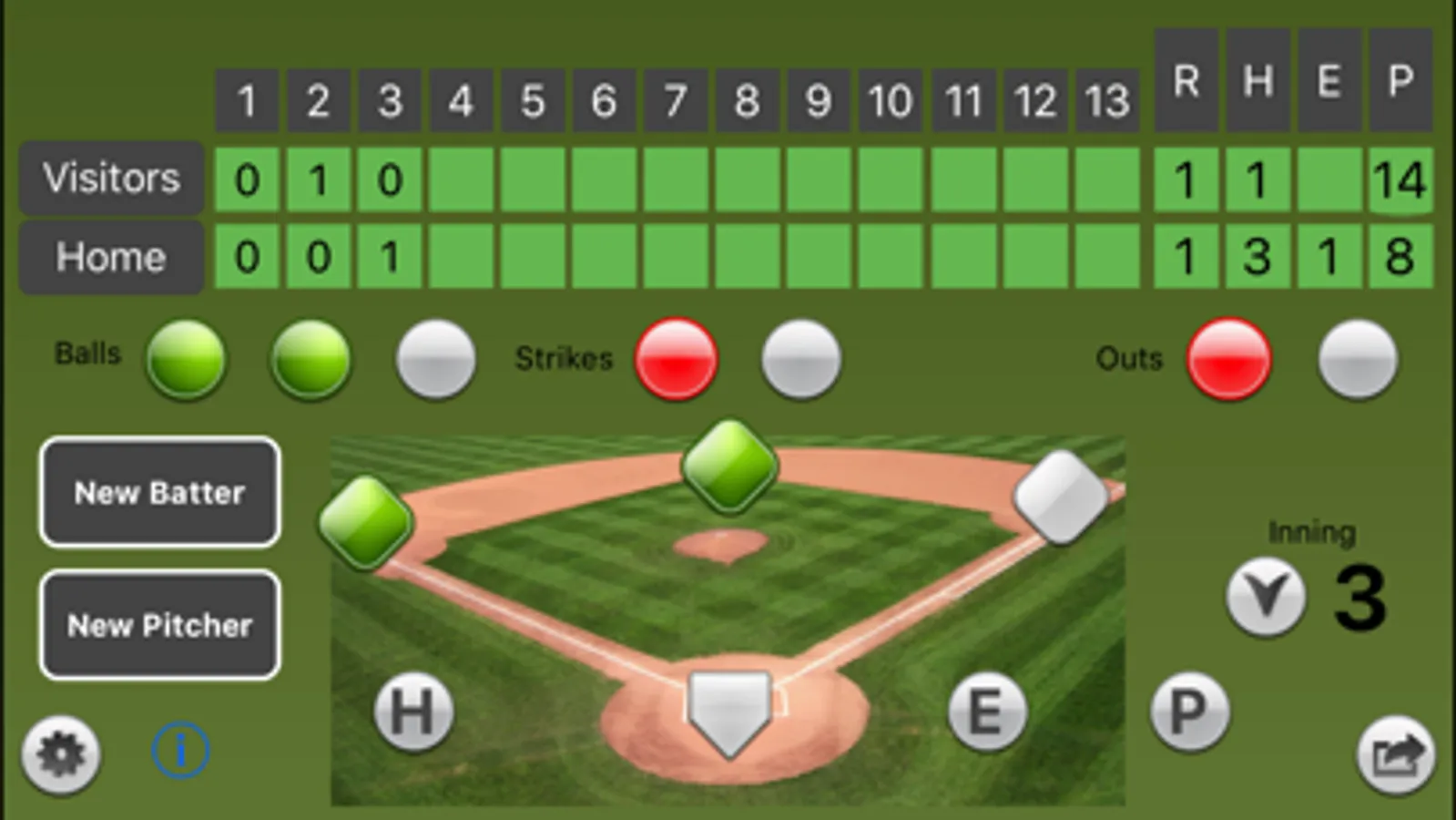
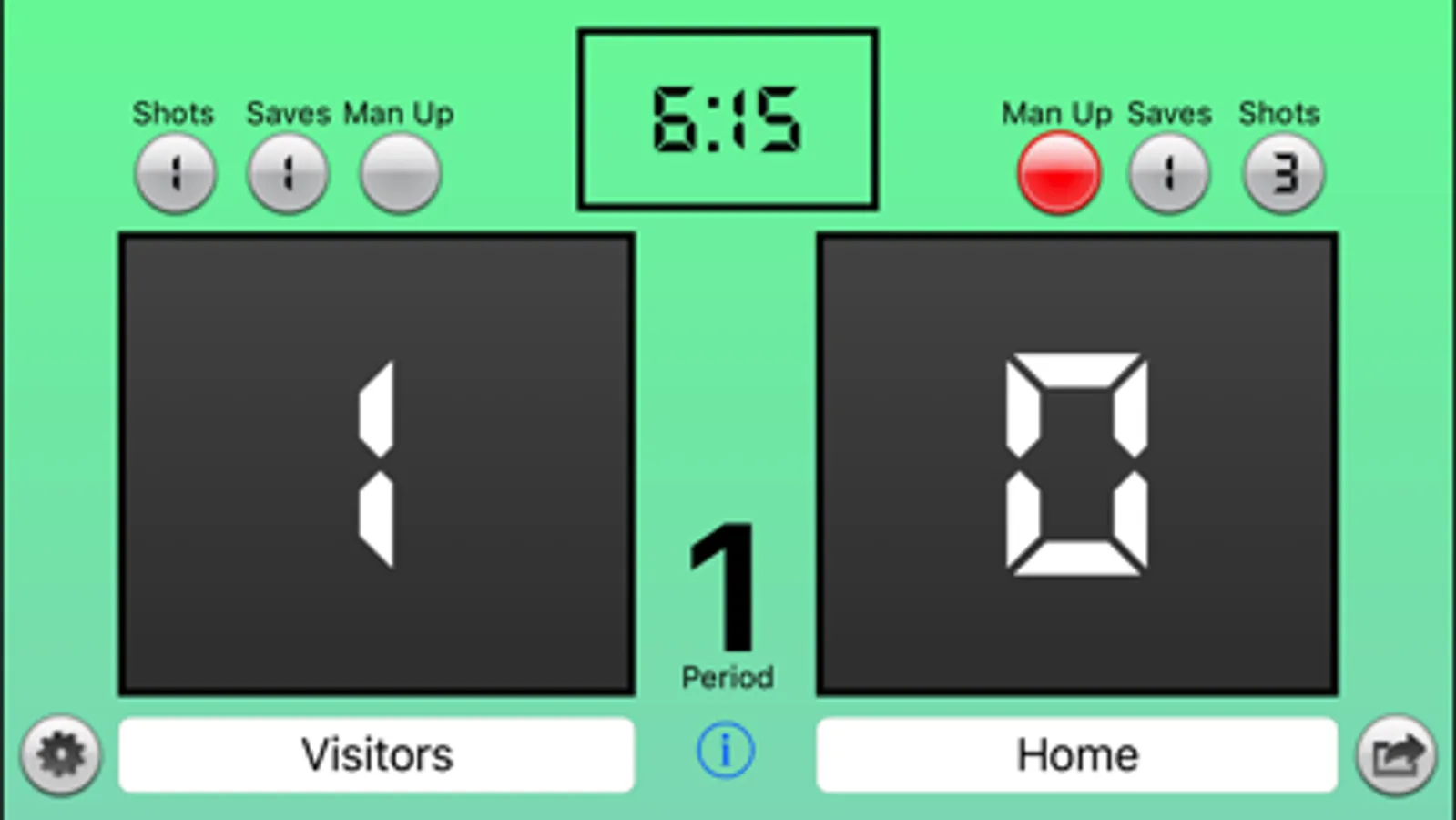
Switch between Volleyball, Basketball, Football, Archery, Hockey, Lacrosse, Baseball, and Table Tennis. One default scoreboard of choice is free. An In-App purchase is available to disable Ads and give access to all scoreboards.
TO SWITCH SIDES, SWIPE EITHER SCORE TO THE LEFT OR RIGHT.
Swipe or tap to change a team's score. Swipe up to add a point. Swipe down to subtract a point. Use 2 fingers to add/subtract 2 points. Tapping will do the same. Double tap will subtract a point or game. Your choice.
Tapping the team's games won will add a game and reset the scores. It also increments the Total Game count as well.
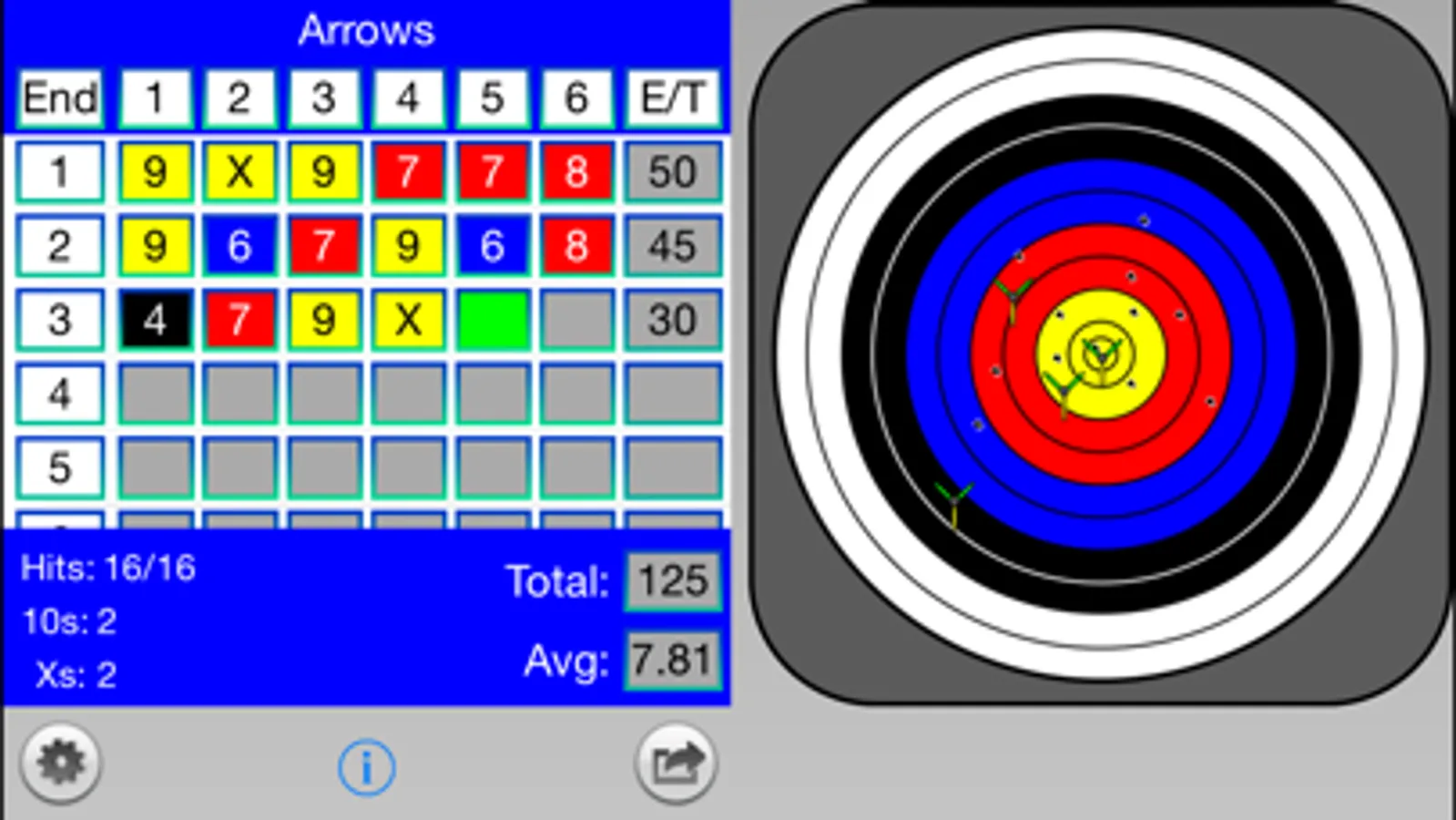
NOTE: For archery, if the target covers any arrow columns, simply swipe the target to the right.
Add a picture of the team or player. Select existing photo or take one. The picture will slide in to the bottom half of the team's score.
For Volleyball and Table Tennis, the games/sets history will be shown down the respective sides. The only difference between Table Tennis and Volleyball is that the Serve arrow will only change after 5 points for Table Tennis.
Edit the team's names.
Mute sound effects.
Reset scores.
Set sport specific defaults for Time Outs Left (TOL), clock, # of arrows, # of ends, and colors.
Change colors for each team, as well as, the background.
Plenty of clock options. Adjust the clock to the second during a game.
Keep giving feedback and suggestions to swipescoreboard@spiralinnovations.com
Enjoy!
Swipe Scoreboard Screenshots
Reviews for Swipe Scoreboard
Kool Kiddos
Volleyball-iPad
The app works awesome on the iPad for volleyball until you get to 20 points and then instead of 20 all you see is three dots. Would love an update for the iPad to fix this bug,
Tonesterdamus
Perfection
Only score board app I use. So customizable and easy to use. Please keep this updated and useable as long as possible.
LayneLoo
Great app BUT….
This app used 160 GB data because it was an open app on my phone. Features are great and I like the app and use it all the time. But if you are not on WiFi while using be very careful and always close the app.
Tx123456
Hockey game clock
Please add 1/10 seconds to hockey
Gaspasser1428
4 stars
Only gave 4 stars because I need to be able to control the score board via my I watch. As a remote control score board
Tap to Rate: