AppRecs review analysis
AppRecs rating 2.7. Trustworthiness 75 out of 100. Review manipulation risk 22 out of 100. Based on a review sample analyzed.
★★☆☆☆
2.7
AppRecs Rating
Ratings breakdown
5 star
40%
4 star
0%
3 star
0%
2 star
20%
1 star
40%
What to know
✓
Low review manipulation risk
22% review manipulation risk
✓
Credible reviews
75% trustworthiness score from analyzed reviews
⚠
Mixed user feedback
Average 2.8★ rating suggests room for improvement
About iEQ
Fine-tune the tracks in your music library. In your headphones or any speaker system, anywhere.
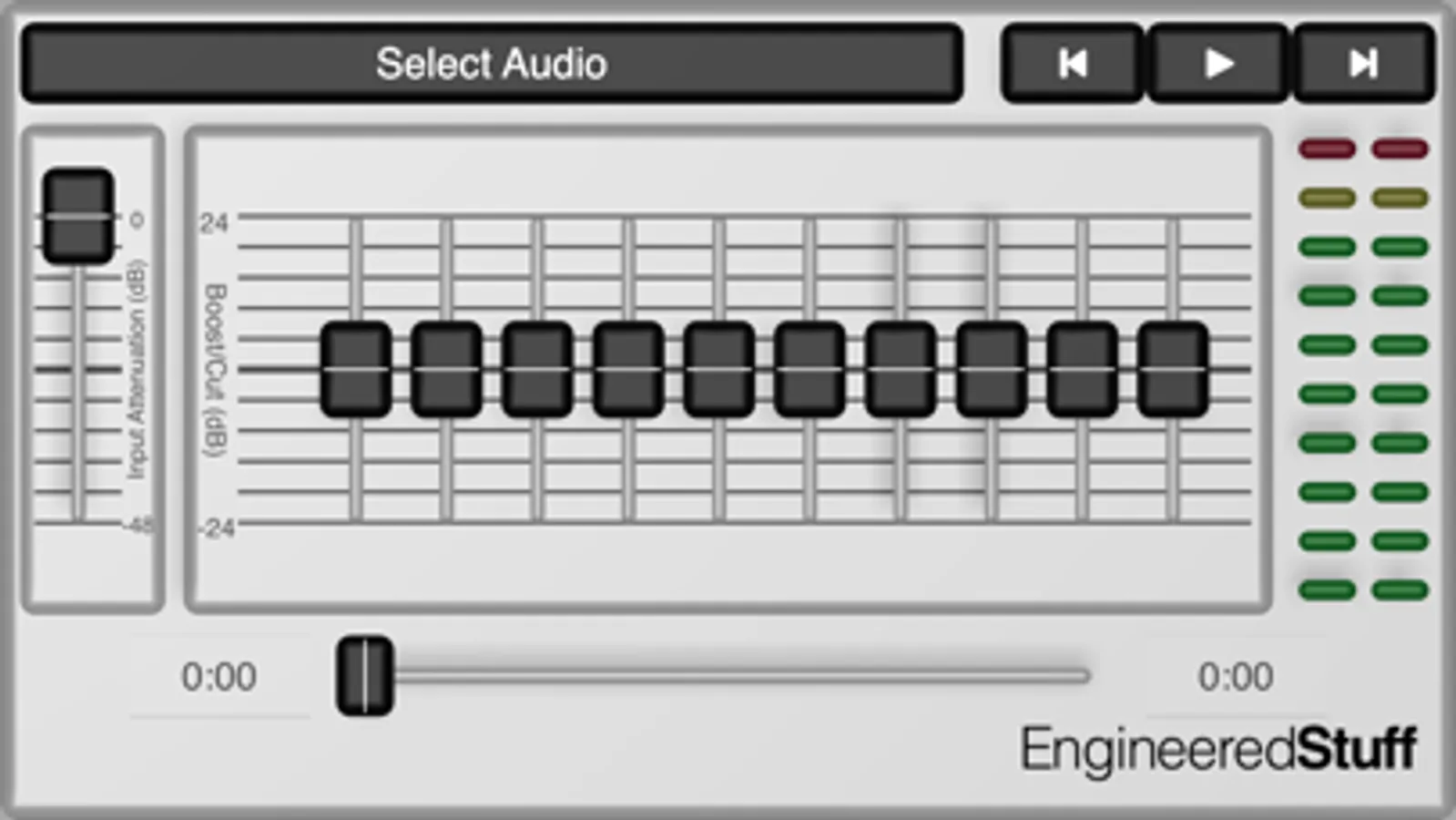
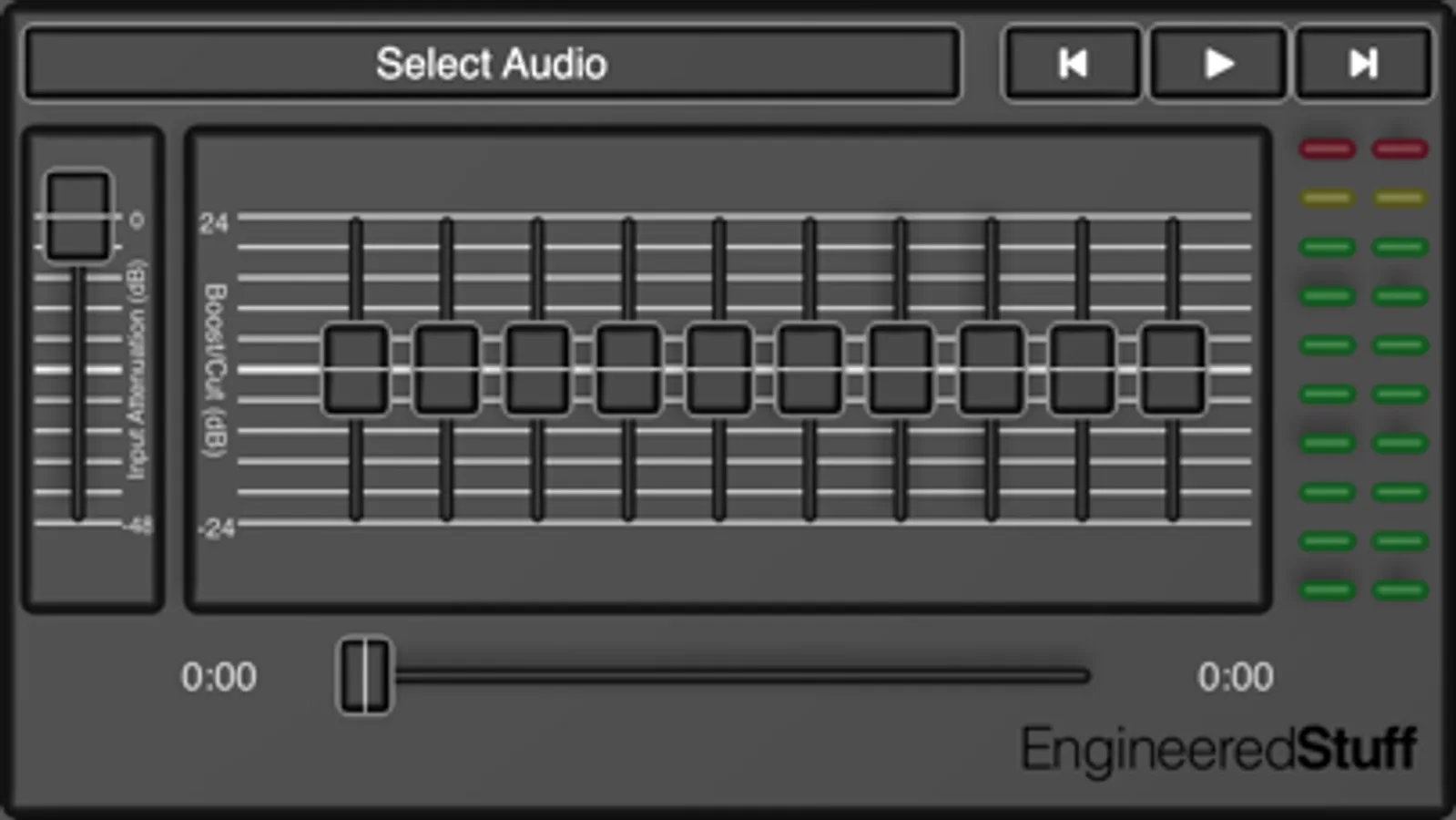
iEQ is a ten-band graphic equalizer for iOS that provides clean, transparent equalization through ten two-pole cascaded bi-quad IIR filters, centered at sonically and musically useful frequencies.
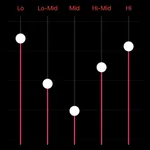
After opening iEQ, simply select the song, playlist, audio-book etc. from your Music Library, Device Files, or iCloud Drive, hit play, and move the sliders up or down until you like what you hear. The Attenuation slider on the left lets you control the overall volume and helps keeps the sound from distorting (NOTE: since the ten frequency cut/boost controls may be used to add more gain to a track already be close to "clipping", it's possible to create distortion with your EQ settings. If this occurs, remove the distortion by lowering the overall signal level with the attenuation control).
Use the On/Off switch to compare between the original sound and your EQ’d settings.
iEQ your will help your music sound its best, anywhere.
iEQ is a ten-band graphic equalizer for iOS that provides clean, transparent equalization through ten two-pole cascaded bi-quad IIR filters, centered at sonically and musically useful frequencies.
After opening iEQ, simply select the song, playlist, audio-book etc. from your Music Library, Device Files, or iCloud Drive, hit play, and move the sliders up or down until you like what you hear. The Attenuation slider on the left lets you control the overall volume and helps keeps the sound from distorting (NOTE: since the ten frequency cut/boost controls may be used to add more gain to a track already be close to "clipping", it's possible to create distortion with your EQ settings. If this occurs, remove the distortion by lowering the overall signal level with the attenuation control).
Use the On/Off switch to compare between the original sound and your EQ’d settings.
iEQ your will help your music sound its best, anywhere.
iEQ Screenshots
Tap to Rate:
Reviews for iEQ
Dutke09
Awesome
Best EQ out there! Pre Amp adjustment and nice frequency db sliders! And the amp clipping indicator is awesome!!!
Yodel cloud
Not worth the money
The eq just doesn’t sound good on full blast it’s as if your audio sounds like it’s going through static