In this remote desktop app, you can connect securely to remote PCs, control multiple monitors, and transfer files during sessions. Includes session scheduling, chat, screenshot sync, and biometric security features.
AppRecs review analysis
AppRecs rating 4.3. Trustworthiness 80 out of 100. Review manipulation risk 23 out of 100. Based on a review sample analyzed.
★★★★☆
4.3
AppRecs Rating
Ratings breakdown
5 star
88%
4 star
6%
3 star
1%
2 star
1%
1 star
3%
What to know
✓
Low review manipulation risk
23% review manipulation risk
✓
Credible reviews
80% trustworthiness score from analyzed reviews
✓
High user satisfaction
88% of sampled ratings are 5 stars
About Zoho Assist - Remote Desktop
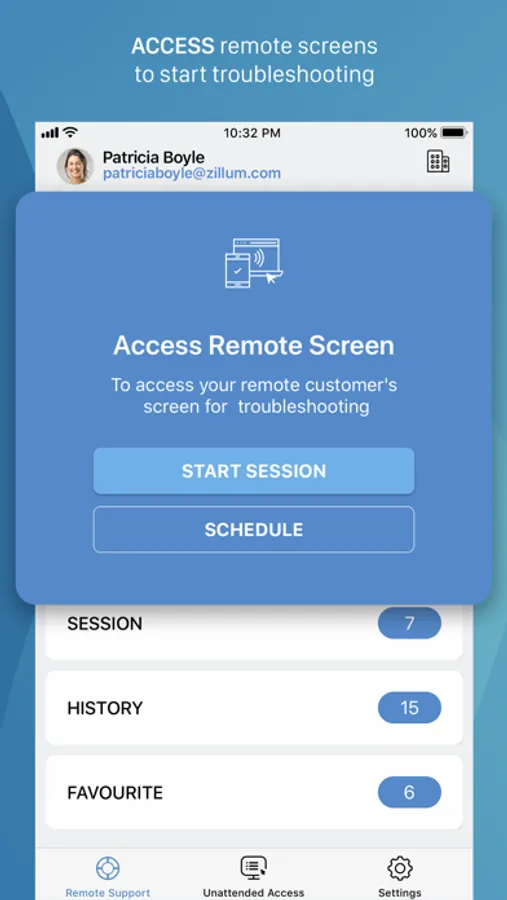
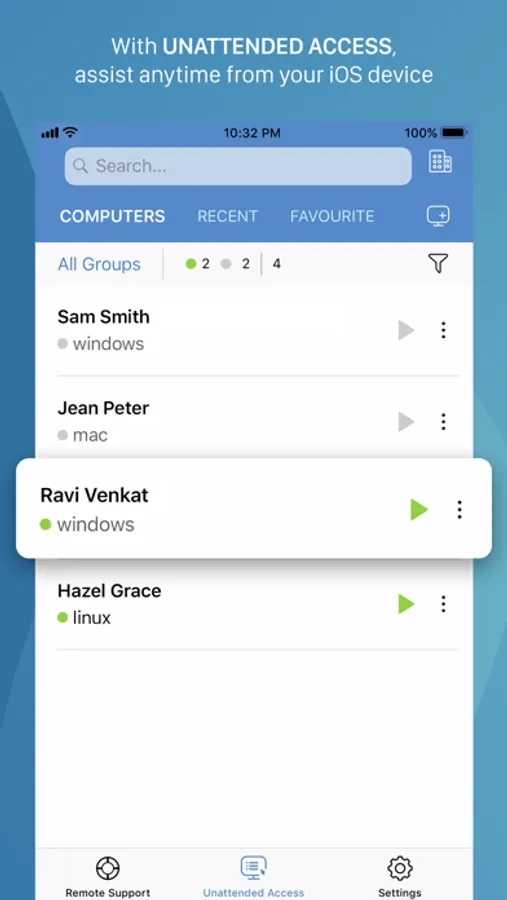
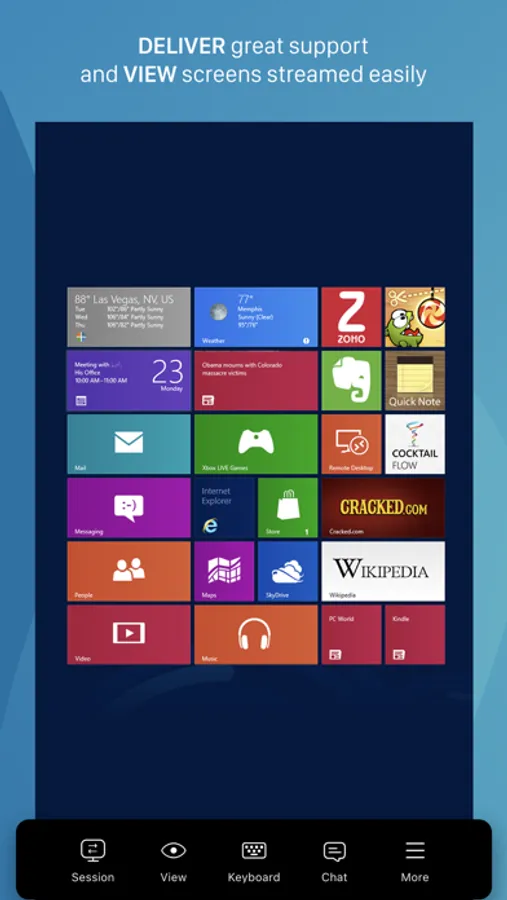
Technicians can use Zoho Assist to launch a remote support, screen sharing, or unattended access session to support customers and fix issues in real time.
Key Features
Siri shortcuts: Start sessions, search for and connect to distant machines, and more using voice commands.
iOS widgets: With the iOS widgets feature, you may save your favorite URS device and access it directly from the home screen.
App lock: App lock provides a biometric lock to secure unattended remote support device.
Dark Mode: Choose between dark and bright modes based on your preferences.
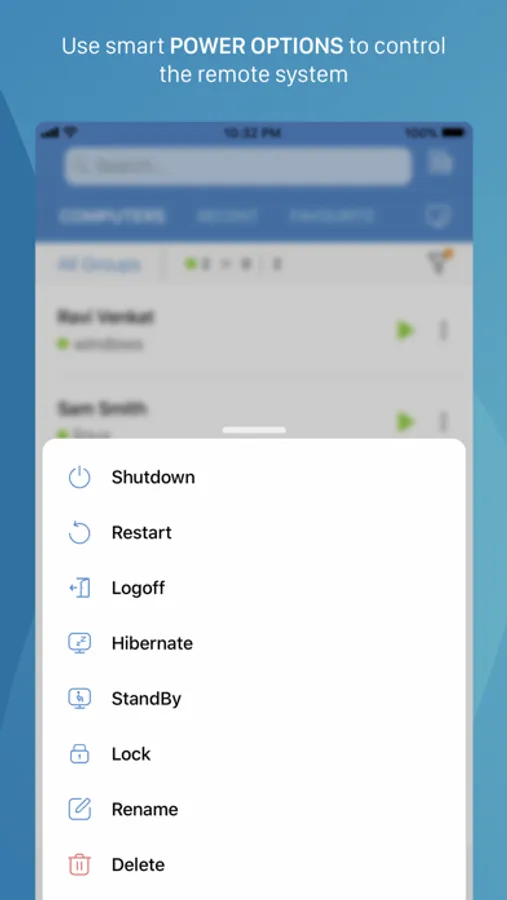
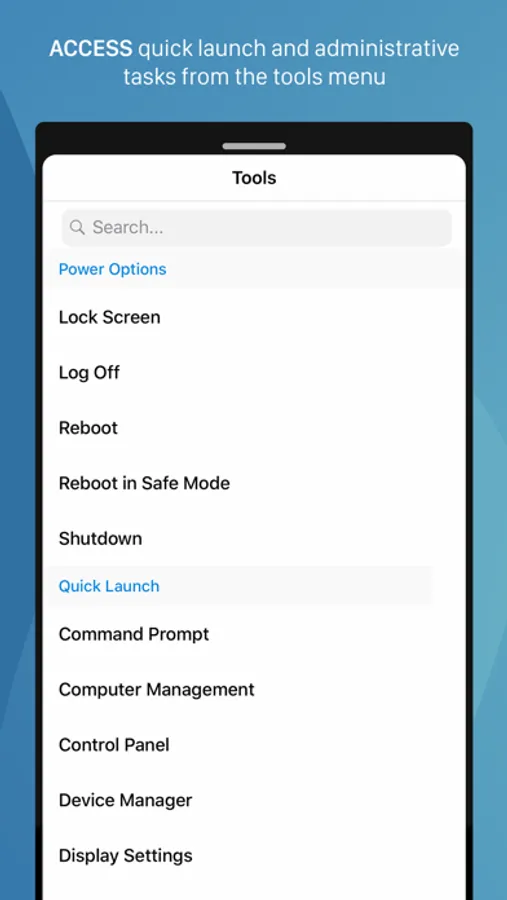
Power options at the remote end:
- Log off
- Reboot
- Shut down
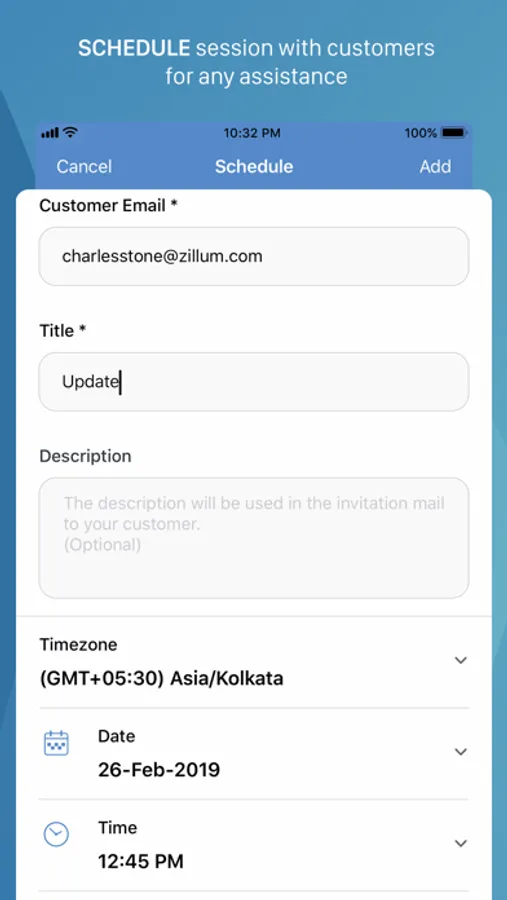
Schedule a remote session with a specific time, date, and other details.
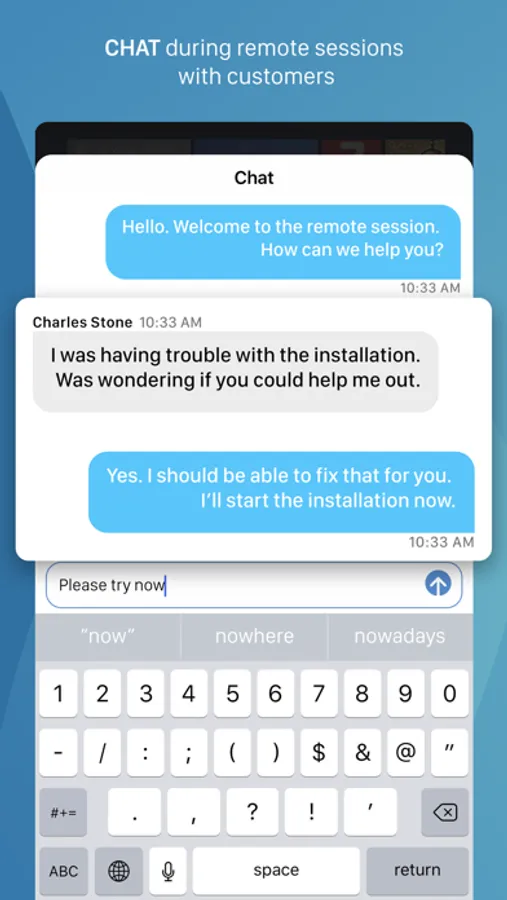
Use Assist's text chat option to communicate effectively with your customer during an active remote support session.
Multi-monitor navigation:
Technicians can access and control multiple monitors during a support session.
File transfer:
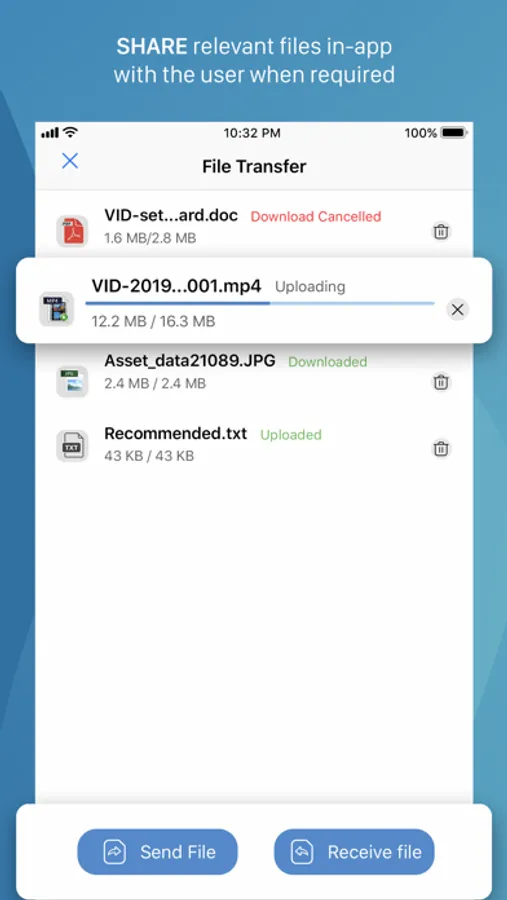
Send and receive files (up to 5 GB) from technician device to customer device during a remote session.
Session Notes: Take contextual session notes during a session without needing to switch between apps.
Screenshots sync:
Screenshots captured during a session may now be synced up to the cloud.
In-App purchases allow users to subscribe to Zoho Assist which enables these features for them:
-File Transfer
-Send Ctrl+Alt+Del
-Reboot and Reconnect
-Schedule Sessions
-Session Notes
Quick guide:
Install Zoho Assist Technician app.
Install the Zoho Assist customer app on the device you need to connect to.
Initiate a remote support session on your device and then prompt the customer to join the session using the customer app.
Privacy Policy and Terms & Conditions:
-https://www.zoho.com/privacy.html
-https://www.zoho.com/terms.html
Zoho Assist - Remote Desktop Screenshots
Tap to Rate:
Reviews for Zoho Assist - Remote Desktop
pana7
Love this app
One of the best remote access tools on the market.
PablSavage
Not working in general
The app seems simple going in but when you got to sign up it wont send the message to allow verification so i may actually USE the app ive tried to just go straight to zoho to create the account but nothing working the messages isnt sending. I am currently contacting support for help