In this photo editing app, you can add and customize curved texts using various shapes, fonts, and effects. Includes options for background templates, font importing, and text styling features.
AppRecs review analysis
AppRecs rating 2.5. Trustworthiness 76 out of 100. Review manipulation risk 27 out of 100. Based on a review sample analyzed.
★★☆☆☆
2.5
AppRecs Rating
Ratings breakdown
5 star
29%
4 star
13%
3 star
6%
2 star
10%
1 star
43%
What to know
✓
Low review manipulation risk
27% review manipulation risk
⚠
Mixed user feedback
Average 2.7★ rating suggests room for improvement
⚠
High negative review ratio
53% of sampled ratings are 1–2 stars
About Curved Text
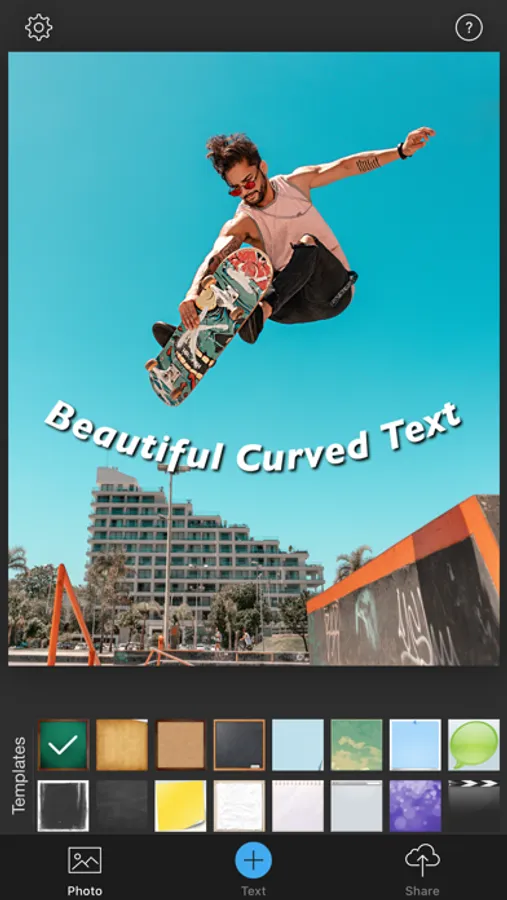
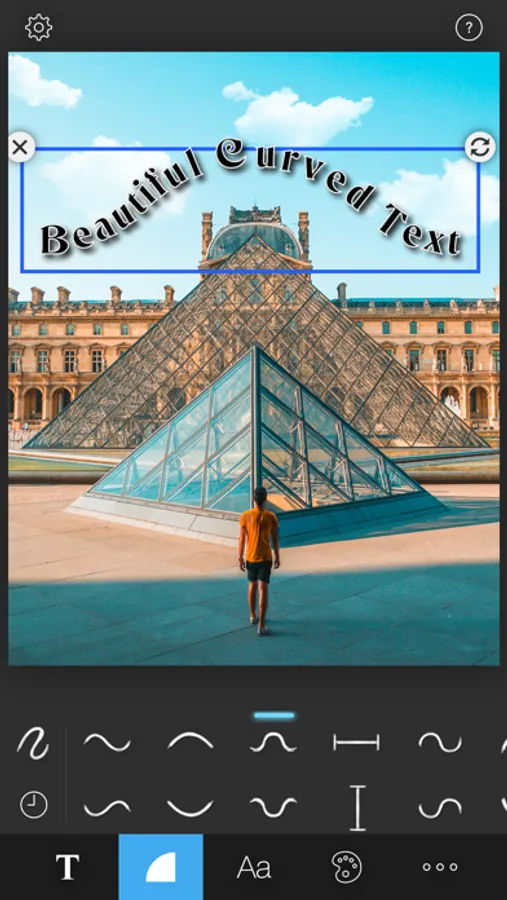
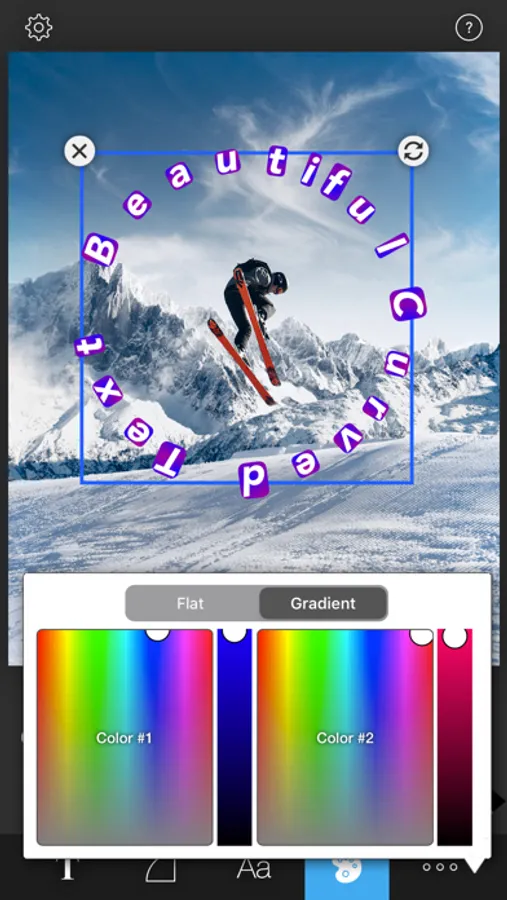
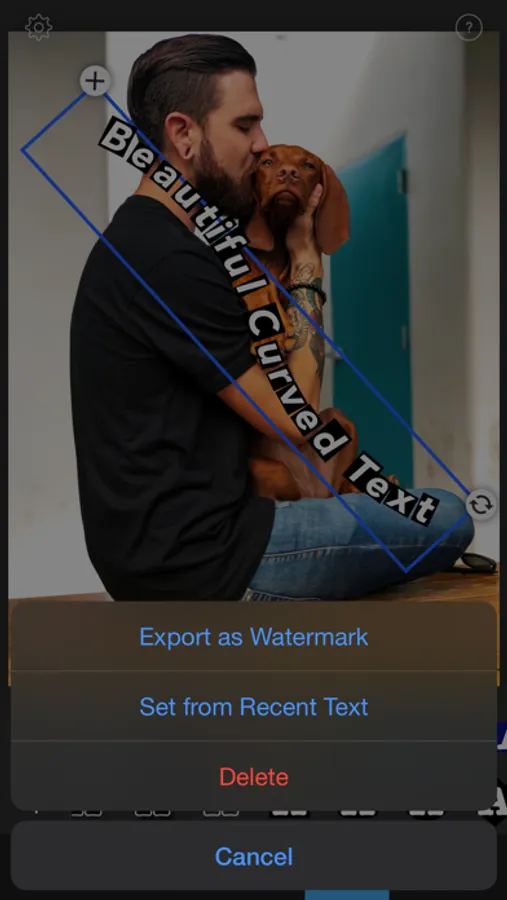
[Curved Text] helps you to add beautiful curved texts on your photo. With tons of curve shapes, text styles, artistic fonts and background templates, you can add unique texts in ways you've never imagined. You can also apply effects, frames and stickers to your photo with powerful photo editor.
[Features]
● Beautiful curve shapes
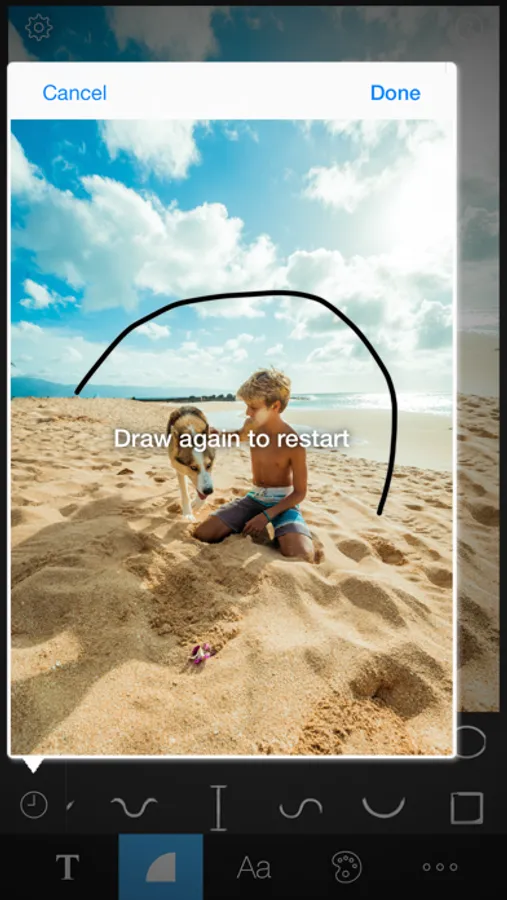
- Free draw
- Wave
- Arc
- Bell
- Horizontal/Vertical Line
- Semi Circle
- Circle
- Rectangle
● Create custom curve with your finger touch
● Unlimited number of texts - not just one text!
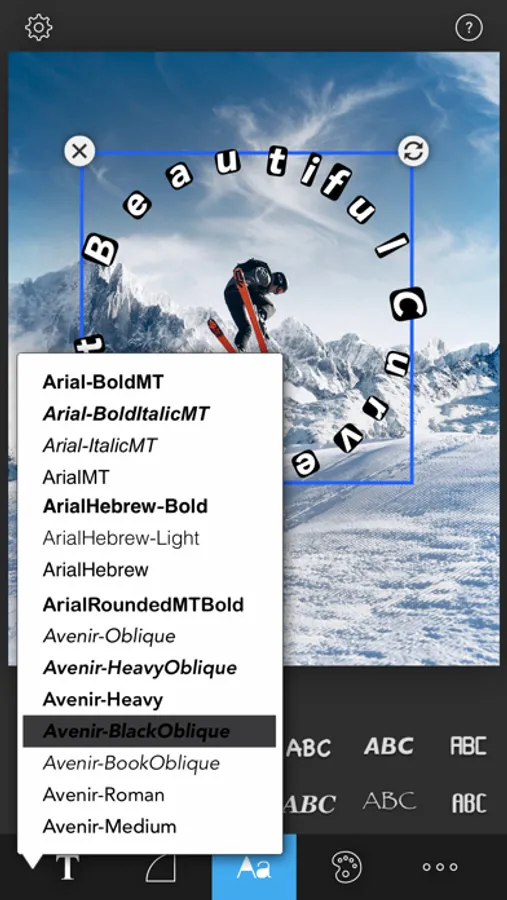
● Tons of artistic fonts (including all iOS fonts)
● Custom Font - Add any font you want
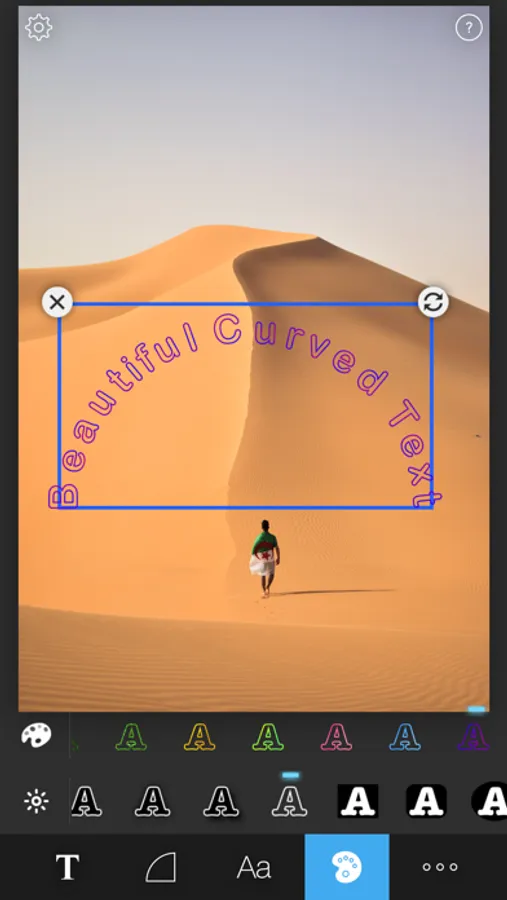
● Beautiful text styles and colors including gradient color
● Move, resize and rotate each text
● Tons of background templates - optimized for Instagram
● Powerful photo editor - effects, frames and stickers
● Save as full resolution
● Export texts as watermark
● Upload to SNS
** Custom Font - Add any font you want
1. Using iTunes
- Open iTunes
- Connect your device to your PC
- Go to [Devices/Your Device/Apps/File Sharing/CurvedText]
- Copy your fonts to app
2. Using Email
- Create email and attach your fonts in your PC
- Send it to yourself
- Open it in your iPhone email app
- Select [Curved Text] in the list
[User Reviews]
- "I've been waiting for an app like this to come along and Curved Text is very well done and simple to use"
- "Great set of fonts and works perfect"
- "Add curved writing to your messages and photos!"
- "So amazing words can't describe it!!! The point is... IT'S AMAZING!!!"
[Features]
● Beautiful curve shapes
- Free draw
- Wave
- Arc
- Bell
- Horizontal/Vertical Line
- Semi Circle
- Circle
- Rectangle
● Create custom curve with your finger touch
● Unlimited number of texts - not just one text!
● Tons of artistic fonts (including all iOS fonts)
● Custom Font - Add any font you want
● Beautiful text styles and colors including gradient color
● Move, resize and rotate each text
● Tons of background templates - optimized for Instagram
● Powerful photo editor - effects, frames and stickers
● Save as full resolution
● Export texts as watermark
● Upload to SNS
** Custom Font - Add any font you want
1. Using iTunes
- Open iTunes
- Connect your device to your PC
- Go to [Devices/Your Device/Apps/File Sharing/CurvedText]
- Copy your fonts to app
2. Using Email
- Create email and attach your fonts in your PC
- Send it to yourself
- Open it in your iPhone email app
- Select [Curved Text] in the list
[User Reviews]
- "I've been waiting for an app like this to come along and Curved Text is very well done and simple to use"
- "Great set of fonts and works perfect"
- "Add curved writing to your messages and photos!"
- "So amazing words can't describe it!!! The point is... IT'S AMAZING!!!"
Curved Text Screenshots
Tap to Rate:
Reviews for Curved Text
Honest reviewer justin
Bad
Unable to edit beyond preset curves, the layout of the text itself is awful. Don’t buy
Bcgems
Total waste of money.
Can’t save as anything other then a image. Can’t remove background. Completely pointless. I will be requesting a refund when I’m done here