
AppRecs review analysis
AppRecs rating 3.0. Trustworthiness 85 out of 100. Review manipulation risk 23 out of 100. Based on a review sample analyzed.
★★★☆☆
3.0
AppRecs Rating
Ratings breakdown
5 star
33%
4 star
0%
3 star
33%
2 star
0%
1 star
33%
What to know
✓
Low review manipulation risk
23% review manipulation risk
✓
Credible reviews
85% trustworthiness score from analyzed reviews
About URL to Photo
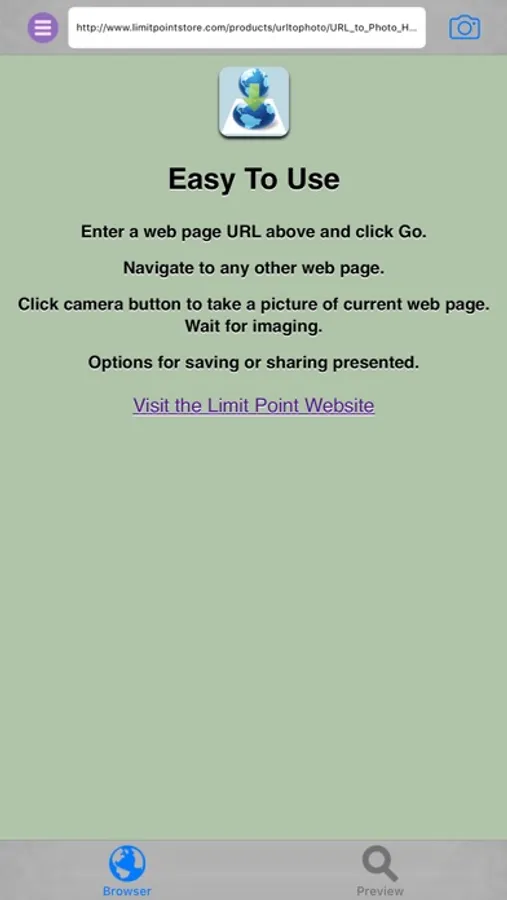
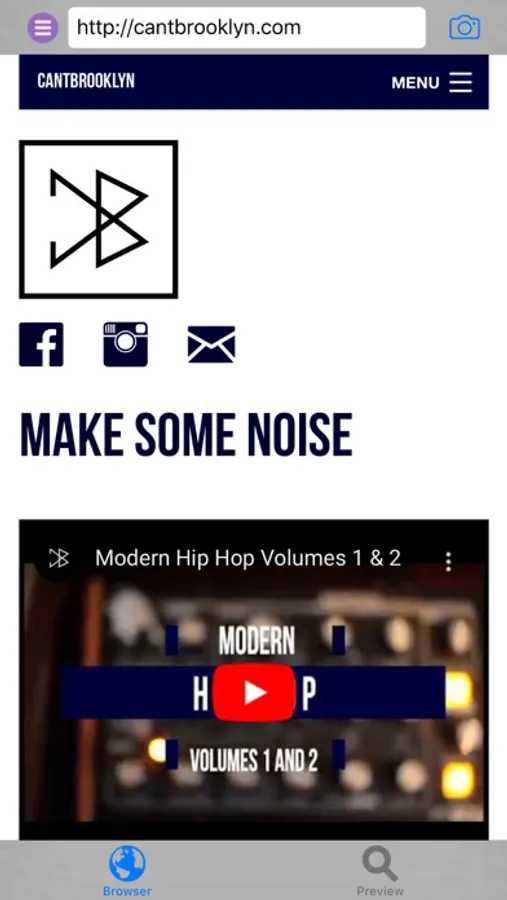
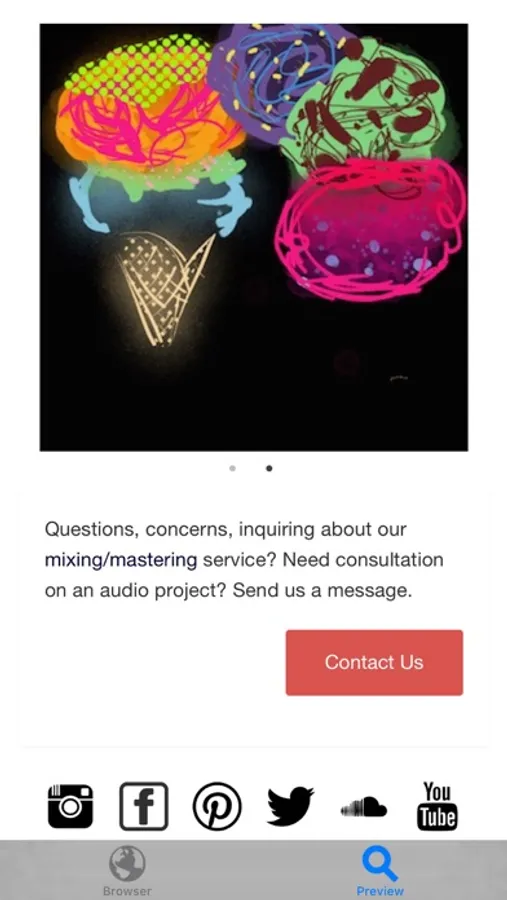
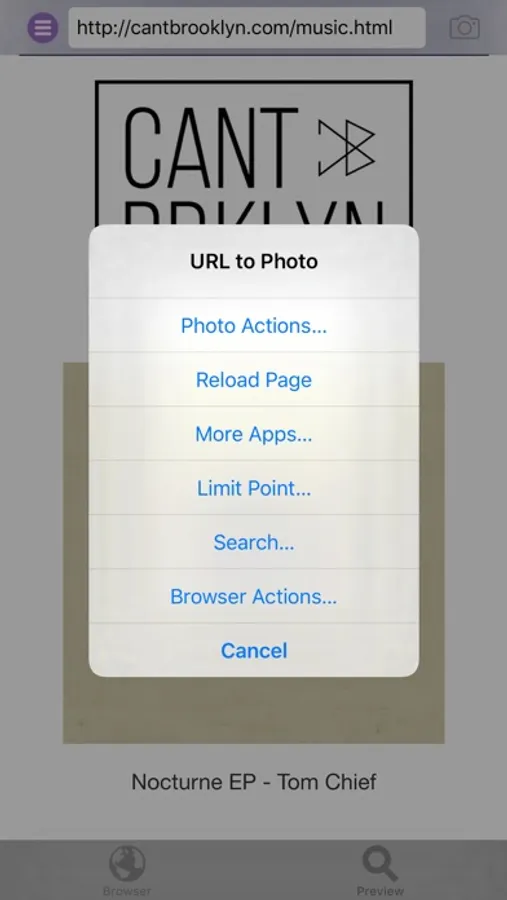
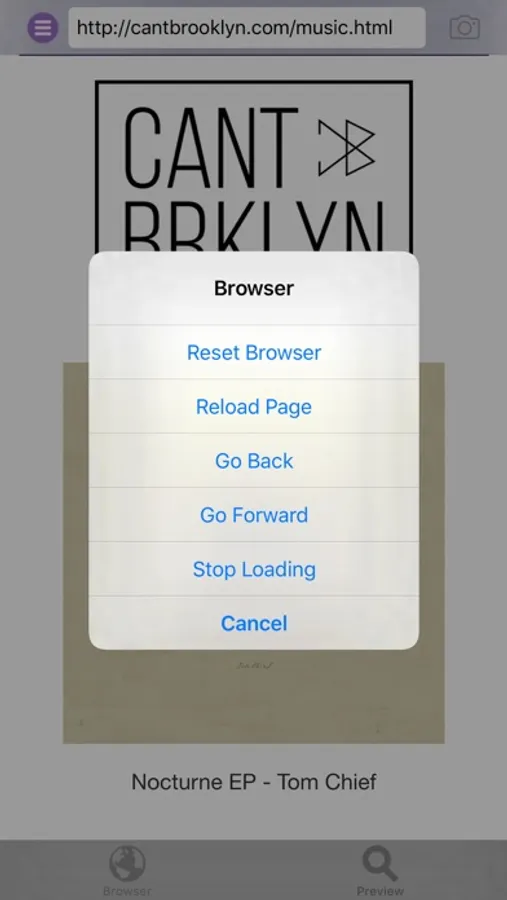
Use the built in mini web browser to enter the URL of the web page for which you want to take a full page snapshot. The browser supports navigation and search.
The photo of the web page includes even those parts of the page that may not be displayed in the browser because it is too wide or long.
To snapshot the page tap the camera button or select ‘Snapshot’ from the main menu.
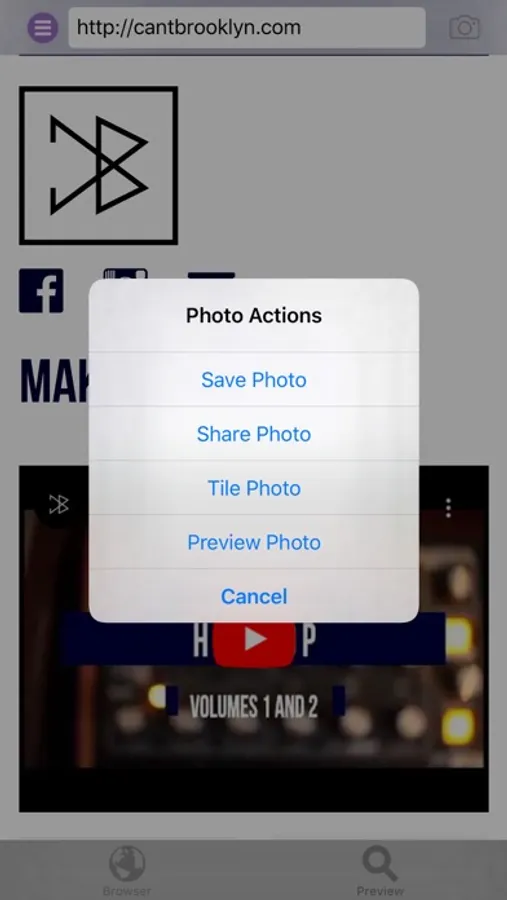
After the picture is taken you have the option to save, share, tile and preview it.
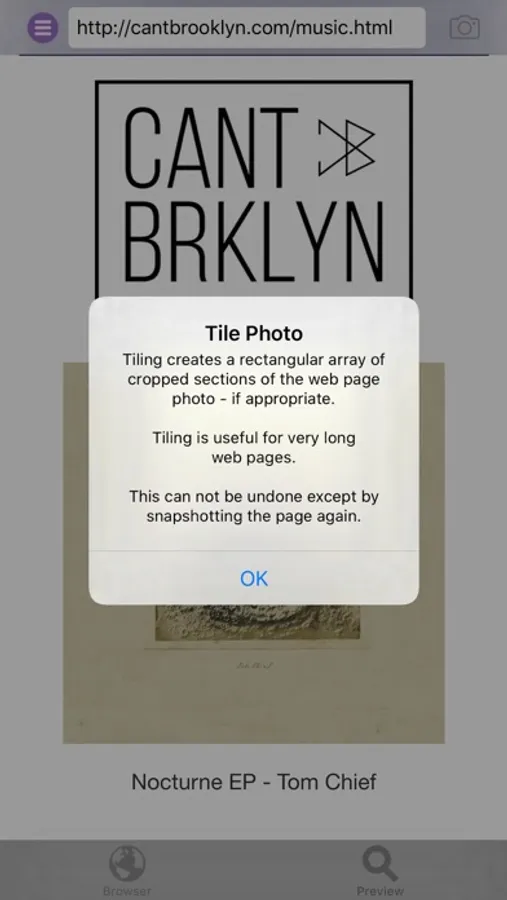
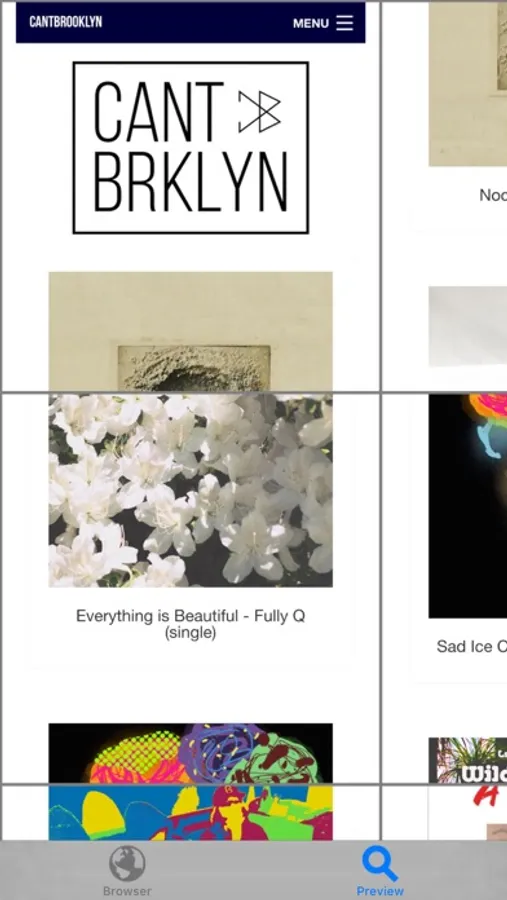
Web pages that are very long will have snapshot images that are very long also. In this case you can tile the photo from the main menu 'Photo Actions' submenu.
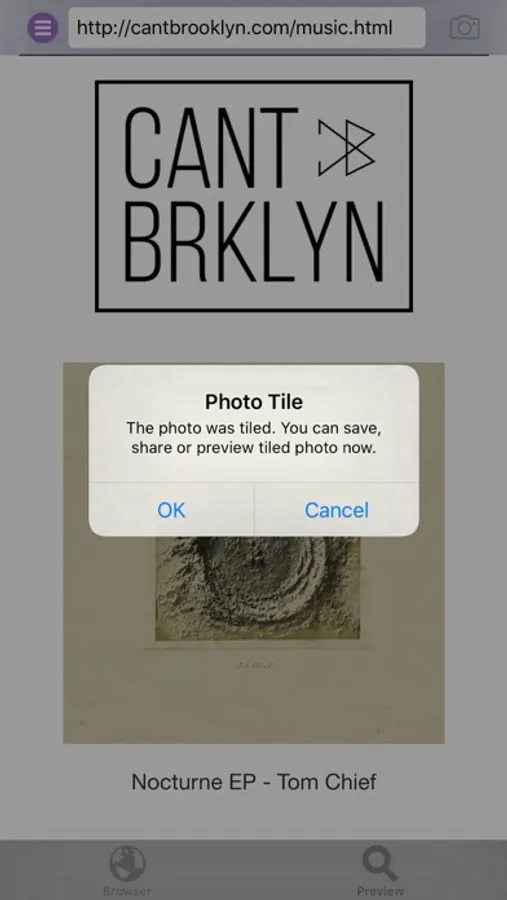
Choose 'Tile Photo' and the snapshot image will be cropped into image segments that will then be arranged in a rectangular array.
Note: This app works best on web pages that fully load. Web pages that are dynamic or continue to update while being viewed may not yield the expected image.
URL to Photo Screenshots
Tap to Rate:
Reviews for URL to Photo
PhelineCat
The whole image please
I love URL to Photo- when it works. I love the camera sound. It’s frustrating if I preview the photo and it’s correct I can’t just save that one. If it’s right I don’t want to have to take it again. That’s trivial though, compared to the bigger issue. It’s great when the app grabs the entire image but it doesn’t always do that. I don’t know how to fix it. I spent a good deal of time reloading a page from different browsers, re-centering the browser image in the app… It didn’t work. All I got was the left-hand side of the page and half of the middle. The same thing happened with a US map; with the high resolution image I was able to get only the West coast to Georgia and south of Colorado Springs. What’s the fix? I hope there’s one because I take a lot of screenshots to illustrate my point when I forward a page to somebody. Not having dozens of screenshots that Tailor may not manage to stitch correctly and with Long Picture’s fairly recent update means I can’t do it manually, has been a timesaver, … when it works.
Veronika Verochka
Huge snapshot
So if you only want a small part of the webpage edit it by croping, other than that use the offline app to pdf it.