With this research management app, you can organize, search, and share your references and PDFs across multiple devices. Includes synchronization with online accounts, built-in web search, and annotation tools.
AppRecs review analysis
AppRecs rating 2.5. Trustworthiness 80 out of 100. Review manipulation risk 21 out of 100. Based on a review sample analyzed.
★★☆☆☆
2.5
AppRecs Rating
Ratings breakdown
5 star
18%
4 star
15%
3 star
15%
2 star
13%
1 star
39%
What to know
✓
Low review manipulation risk
21% review manipulation risk
⚠
Mixed user feedback
Average 2.6★ rating suggests room for improvement
⚠
High negative review ratio
52% of sampled ratings are 1–2 stars
About EndNote
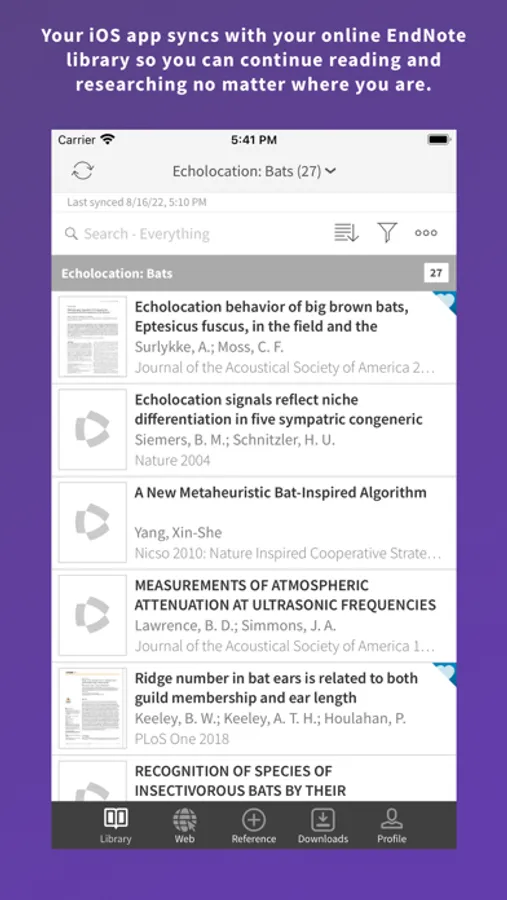
EndNote enables you to easily view, edit, organize, and share research material on your iOS device. By syncing your research library across iOS, online, and desktop, you increase the power of EndNote by gaining seamless access to your reference library from multiple devices and platforms.
The EndNote app includes:
- Sign up for a free, EndNote online account or sign in to an existing account
- Synchronize your library references, attachments, and PDF annotations to your online account and EndNote desktop
- Built in web browser to search Clarivate Analytics Web of Science, PubMed, Google Scholar, your library catalog, or any other database you choose
- Built in PDF viewer with wide range of annotation features. Annotations made can be synced and edited online and on the EndNote desktop
- Importing capabilities for .ris, .nbib, and other popular reference file formats
- Email and copy options for sharing references and file attachments with collaborators
- EndNote “temporary citation” format support
- Attach files from Dropbox, OneDrive or Google Drive to your references (accounts available separately)
- Viewing and editing options for references and file attachments
- Sorting, searching, and grouping options for references and file attachments
- Getting Started Guide documentation
EndNote Screenshots
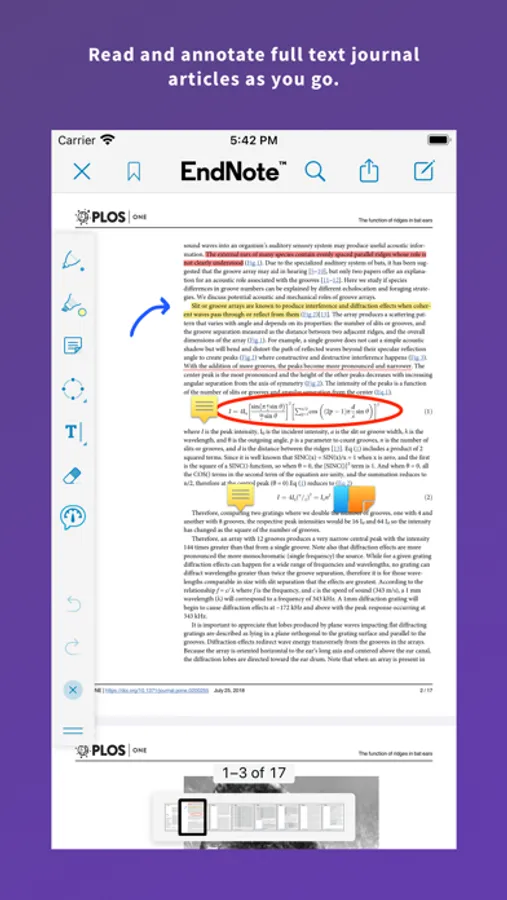
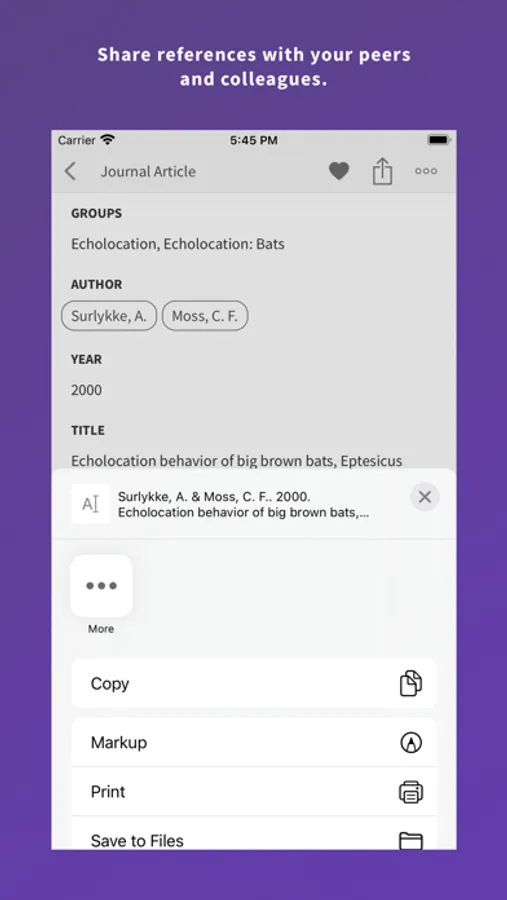
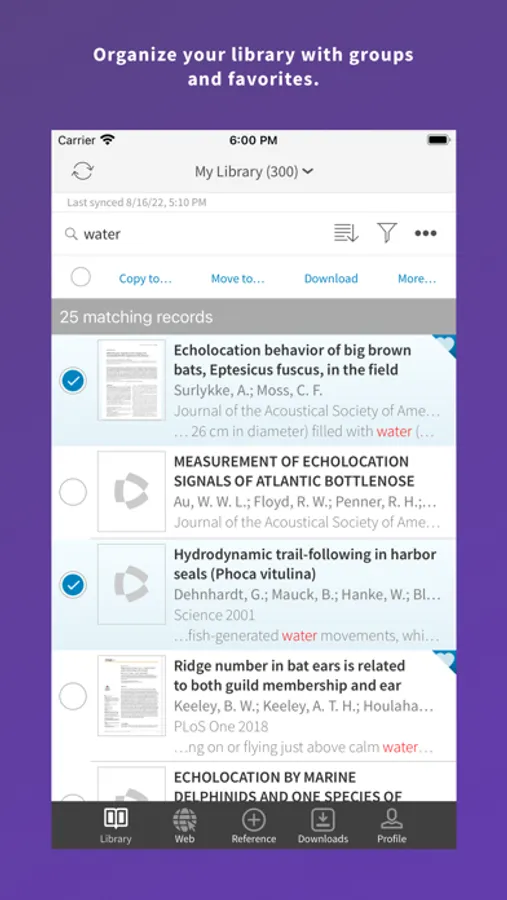
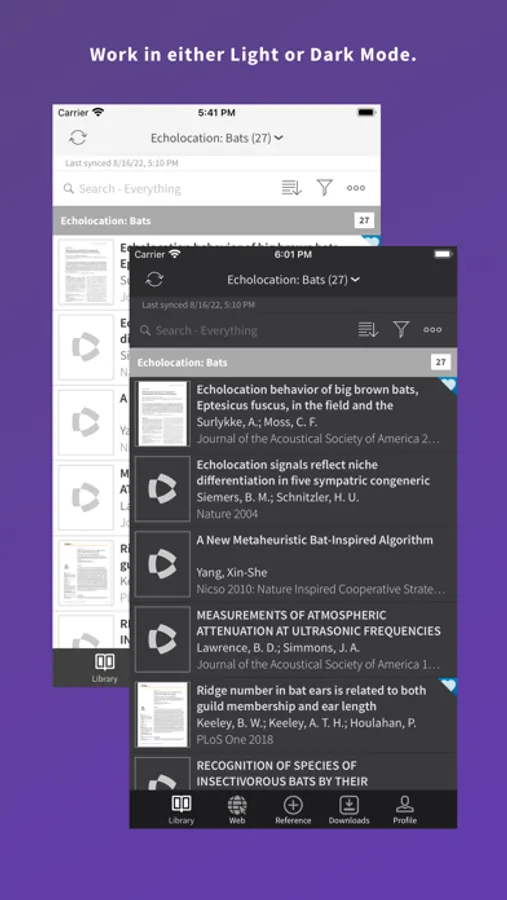
Tap to Rate:
Reviews for EndNote
Jus d'Orange
Needs feature parity with desktop version
Missing crucial features that are now used in the desktop version, such as tags.
Raddeaddude
Needs to have tag support
Honestly I don’t think the developers had the user in mind when creating this app. It feels like a copy of the desktop database when in reality, people want this app to read and annotate. For instance, I tag papers that I want to read first, but this app doesn’t even support searching by tags.