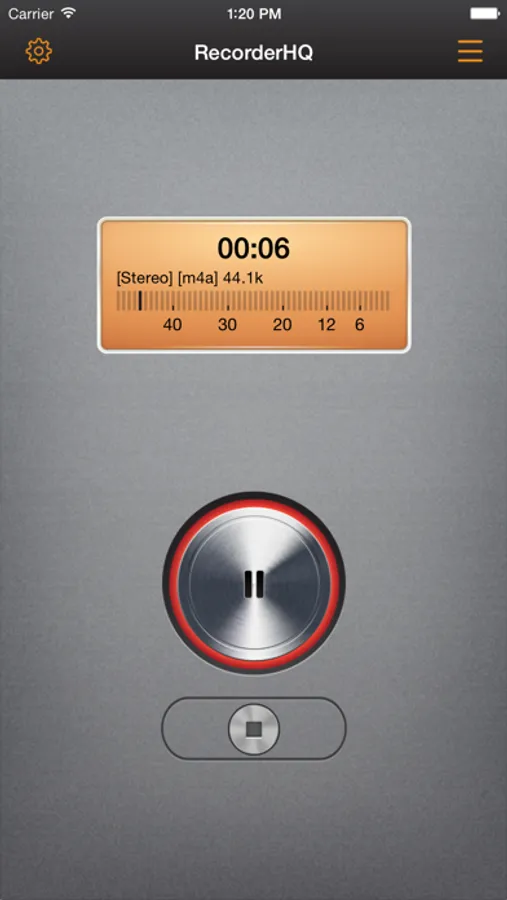
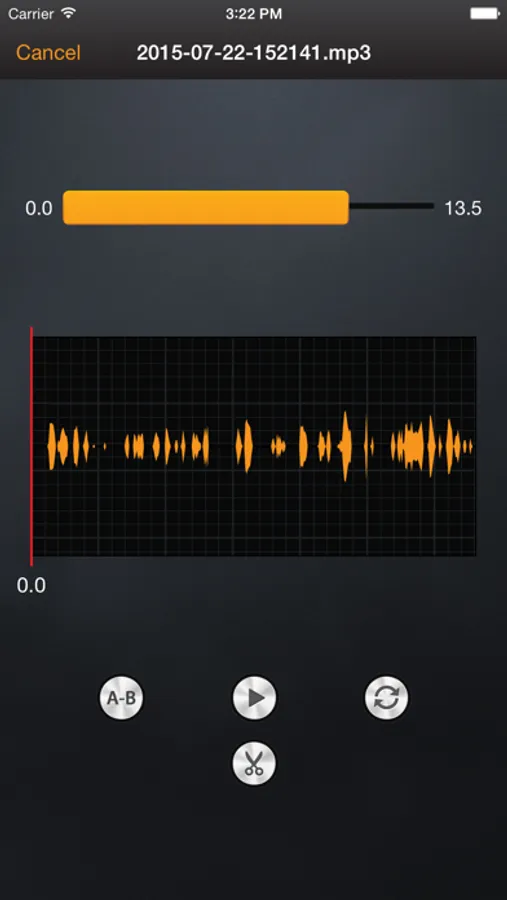
In this recorder app, you can record high-quality audio in various formats and organize files easily. Includes sharing options to cloud storage, support for trimming, merging, and real-time monitoring.
AppRecs review analysis
AppRecs rating 4.4. Trustworthiness 69 out of 100. Review manipulation risk 21 out of 100. Based on a review sample analyzed.
★★★★☆
4.4
AppRecs Rating
Ratings breakdown
5 star
84%
4 star
11%
3 star
3%
2 star
0%
1 star
3%
What to know
✓
Low review manipulation risk
21% review manipulation risk
✓
High user satisfaction
84% of sampled ratings are 5 stars
About RecorderHQ Pro
• Speech to text
• Real time monitor while recording.
• support transfer large file via USB in iTunes, just connect your iPhone to PC.
• Transferring audio file via WIFI is easy.
• support sending file via whatsapp( try open in other application feature)
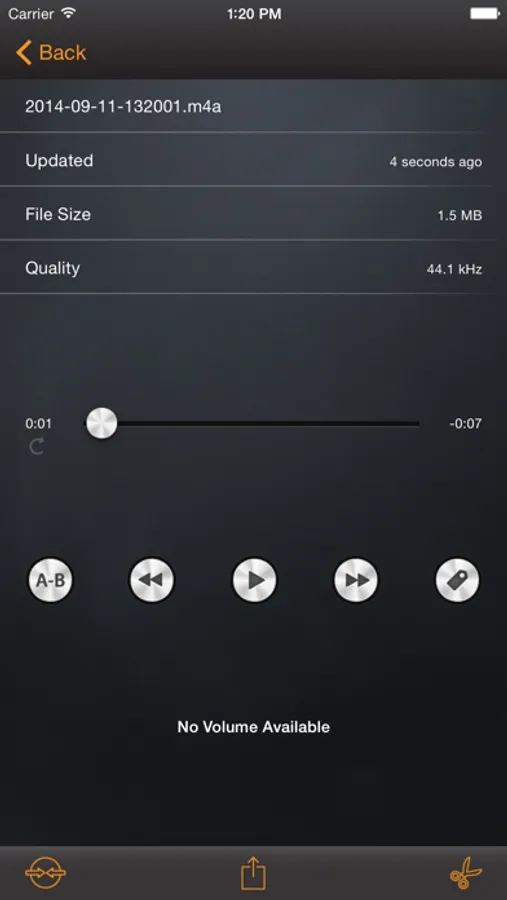
• support trim audio file, merge multiple audio files.
• support save audio file into camera roll.
• transfer files from iphone to pc via wifi and browser
• Multiple sample rate from 8000hz to 44100hz
• Support aif,wav,m4a and caf and mp3 file format.
• Support pause,forward,rewind.
• support bluetooth & USB microphone (usb adapter needed).
• export file via iTunes, email.
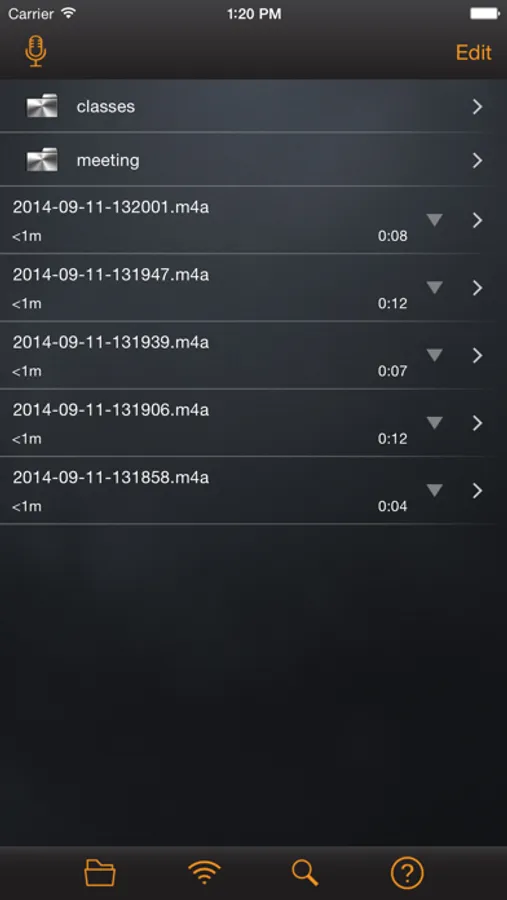
• Organize you audio files in folder.
• support background recording and playback.
• support sending voice to Dropbox and Google Drive and SoundCloud.
• support sending voice to other device via bluetooth or wifi.
• iCloud Drive ,Airplay support.
• Convert files into Mp3 format(CBR, VBR format)
• support audio file upload or download from SoundCloud
• Magic tap disabled ( two fingers double tap is disabled prevent recording interruption)
• Support lock screen while recording.( iPhone only)
• Support Today Widget
RecorderHQ Pro Screenshots
Tap to Rate:
Reviews for RecorderHQ Pro
Lonzie’s queen
Review for a quarter HQ pro your recording app is amazing
I love this app, but would love to see a couple more features count to it. The sound filter like someone is sitting in the car. And also wider stereo. Thank you.
DevilishAnthony
Works very well with VoiceOver
Being totally blind, I rely on VoiceOver. This app works really well with it. It can handle any microphone I want to use, and editing and sharing files is very easy.