
PiccyBot
Sparkling Design and Infotech Private Limited
4.2 ★
53 ratings
Free
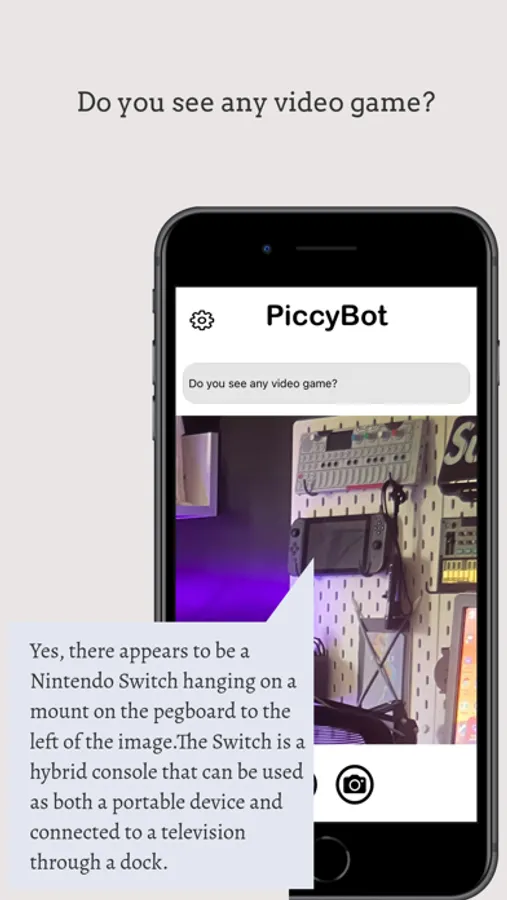
With this app, you can convert images and videos into spoken descriptions, ask questions about visual content, and zoom in for details. Includes voice output, sharing options, and adjustable description features.
AppRecs review analysis
AppRecs rating 4.2. Trustworthiness 71 out of 100. Review manipulation risk 22 out of 100. Based on a review sample analyzed.
★★★★☆
4.2
AppRecs Rating
Ratings breakdown
5 star
58%
4 star
19%
3 star
15%
2 star
0%
1 star
8%
What to know
✓
Low review manipulation risk
22% review manipulation risk
✓
Credible reviews
71% trustworthiness score from analyzed reviews
✓
High user satisfaction
77% of sampled ratings are 4+ stars (4.2★ average)
About PiccyBot
Key Features:
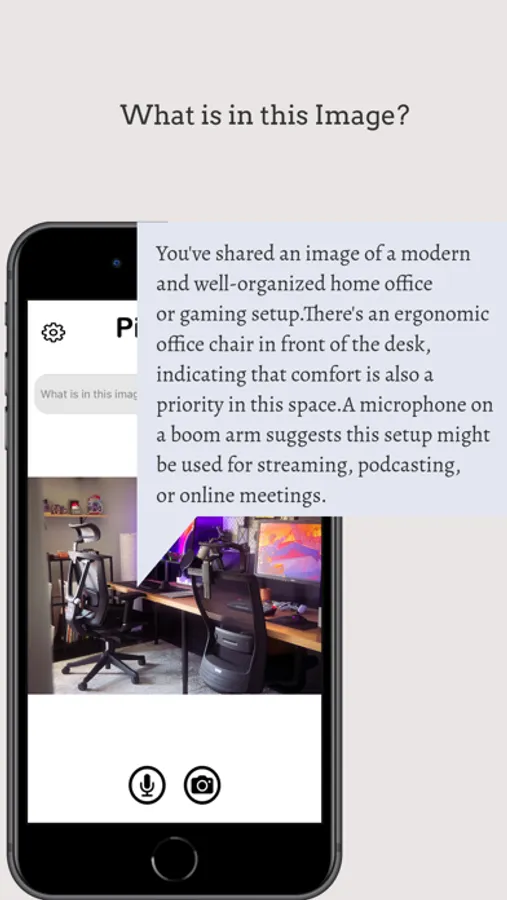
1. Video and Image Description: Launch PiccyBot and either use the camera or select an image or video from your gallery. PiccyBot analyzes the visual content and provides a detailed description.
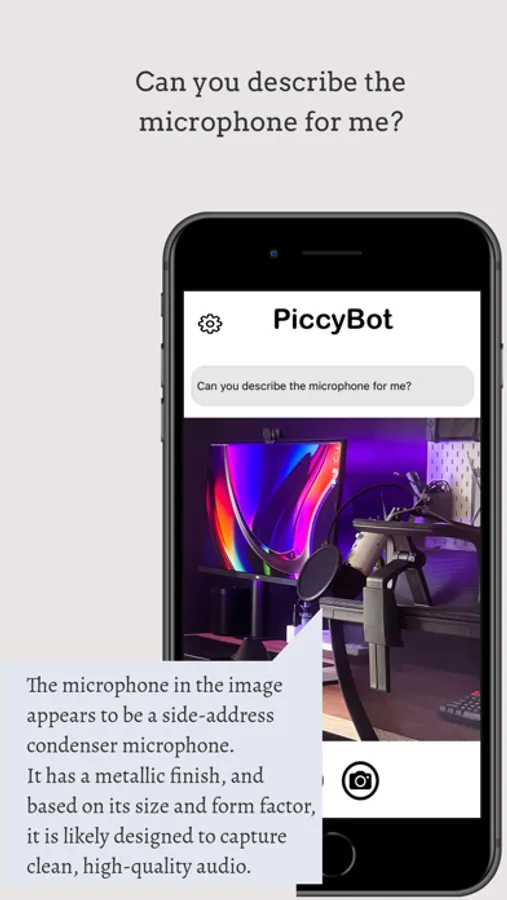
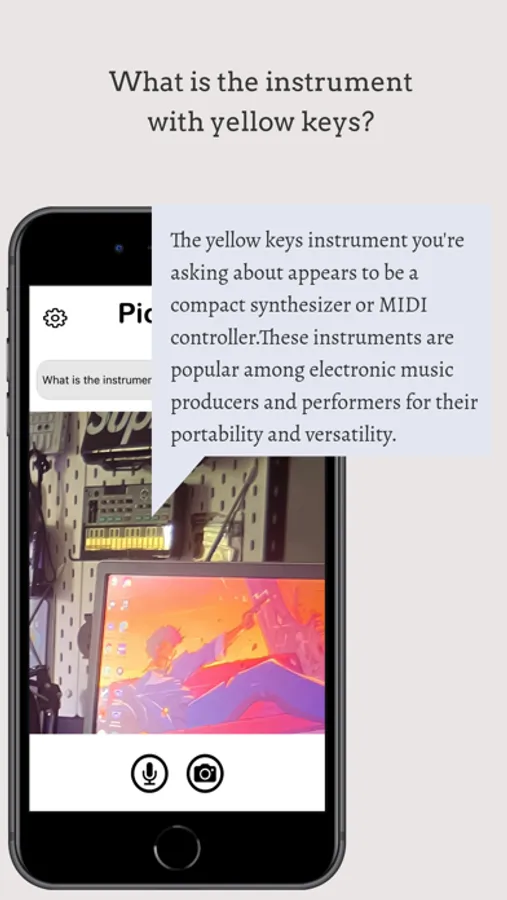
2. Converse with PiccyBot: Ask follow-up questions about the image or video to get more specific information like "What does this image signify?" or "What colors are in this scene?".
3. Share media from apps: Instantly share photos & videos from your favorite social apps with PiccyBot. Use the share feature of your app and then select PiccyBot to share it to. PiccyBot will then process the video or image and provide the description.
4. Voice Output: A clear, natural-sounding voice reads out descriptions, making it easy to understand visual content.
Unlock Premium Benefits:
1. Experience PiccyBot without interruptions. Enjoy an ads-free environment.
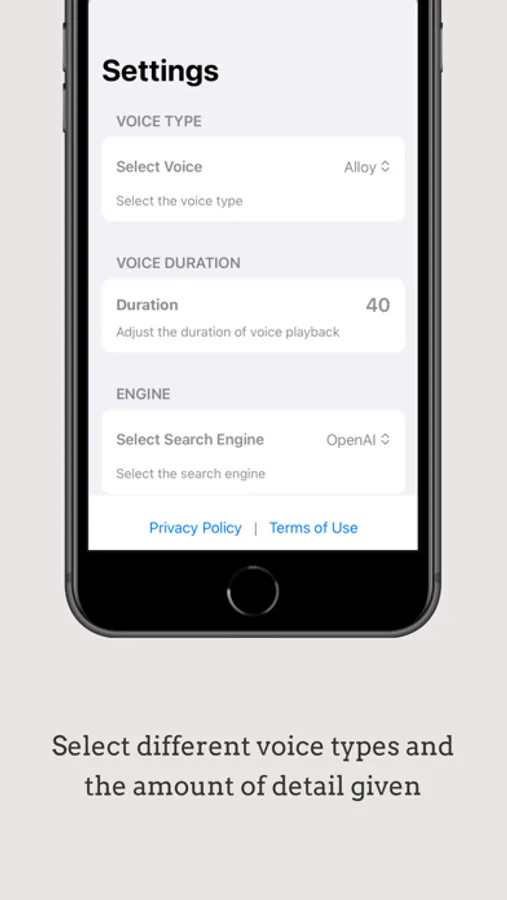
2. Enhance your image and video interpretation with personalised voice choices, adjustable description length, a selection of multiple AI engines and longer and more detailed video descriptions.
3. Choose from 55 languages in the PiccyBot settings to create the description.
4. Multiple Sharing Options: Share as audio only, video with audio mix, or description only.
5. Audio-Video Mixing: Combine original video audio with generated audio descriptions.
Elevate your PiccyBot experience with these exclusive premium benefits, effortlessly managed through your Apple account settings.
An advanced way to use PiccyBot for independent living:
Use PiccyBot to read mail, summarize documents, assist with cooking by reading recipes, organize clothing, troubleshoot tech issues, and explore new hobbies by describing instructions and images. Always verify critical information with a sighted person.
Please refer to the end user license agreement for our app: https://sparklingapps.com/piccybot-eula.html
All data (text descriptions as well as photos and videos) provided to PiccyBot are used only for text and voice generation within the app itself and will not be used in any other way ever.
See our privacy policy here:https://sparklingapps.com/piccybot-privacy.html
Have fun with PiccyBot! For any questions or suggestions, write to us at support@sparklingapps.com.
Check out more details about PiccyBot: https://www.piccybot.com/
PiccyBot Screenshots
Tap to Rate:
Reviews for PiccyBot
jcdjmac
Incredible!
This is such an incredible app! Thanks for making such a great app for describing images and video. It’s voiceover accessible, and I enjoy using it. I have used it so far for describing images that people send me through WhatsApp and or messages, as well as describing the scenes of different videos that have been posted to various YouTube channels. the only things that I have noticed is the waiting sound toggle option is gone in the setting screen, and the unlabeled help button inside the setting screen itself. Other than that, nothing else to report except those two issues.
Jaidedeyes
Incredible, worth paying for
I discovered this app through a Facebook group about AI for the blind. I watched some YouTube videos about PiccyBot and I tested it in its free and paid versions. Paying for the full access is worth it, in my opinion. I prefer this app over Seeing AI. There are limitations in how much the AI can describe, which is to be expected. Re-analyzing the same video content will give varying degrees of quality in descriptions. I I am hoping there is a way to train the AI model or give feedback to descriptions and generated responses. That is a great interest of mine. For users who pay for the full version, the app is quite customizable. The controls you have in Settings are worth experimenting with. This app is wonderful.