
AppRecs review analysis
AppRecs rating 2.0. Trustworthiness 65 out of 100. Review manipulation risk 29 out of 100. Based on a review sample analyzed.
★★☆☆☆
2.0
AppRecs Rating
Ratings breakdown
5 star
0%
4 star
20%
3 star
20%
2 star
0%
1 star
60%
What to know
✓
Low review manipulation risk
29% review manipulation risk
⚠
Mixed user feedback
Average 2.0★ rating suggests room for improvement
About GravityZone Mobile Client
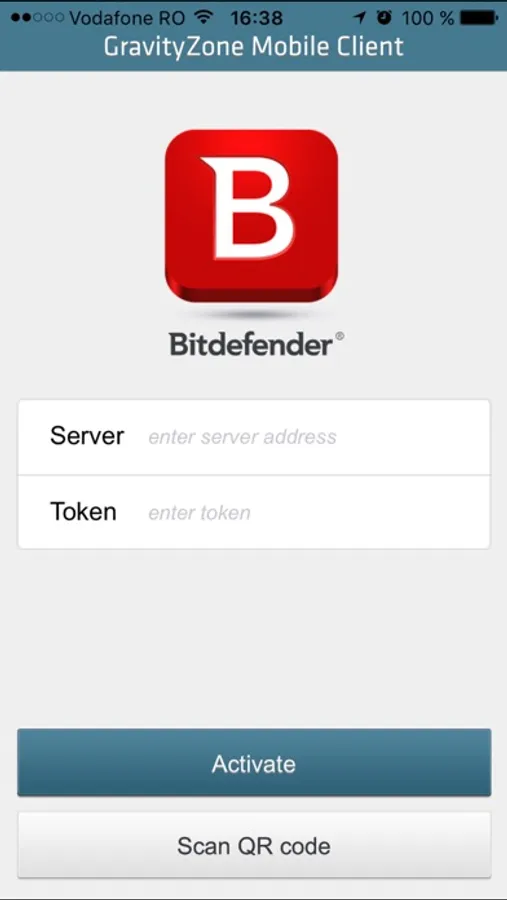
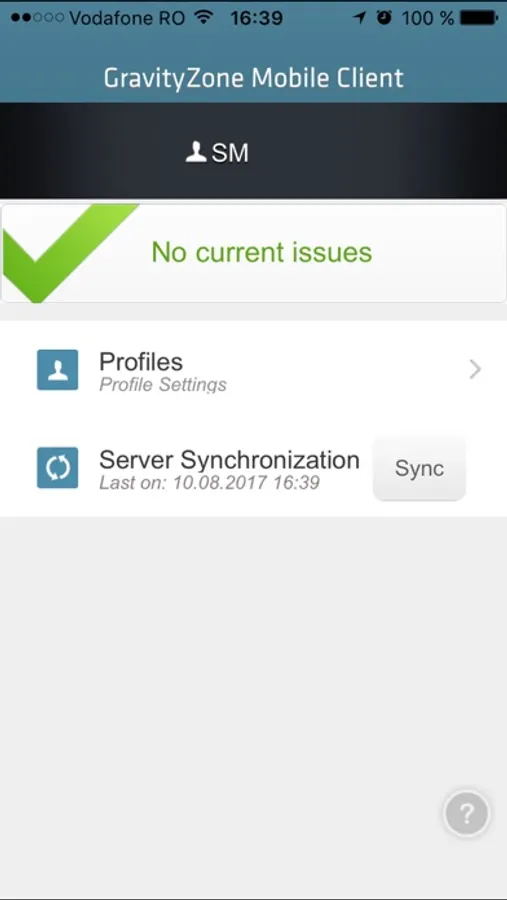
GravityZone Mobile Client application brings your device into the Bitdefender GravityZone, the Bitdefender Enterprise security solution. Security for Mobile Devices module has been designed to reduce administrative burden of managing and controlling compliance of mobile devices, even for the most demanding enterprises. The security module for mobiles is part of a scalable, unified security solution under one umbrella for physical, virtualized and mobile environments.
Choosing the right tools to manage mobile device compliancy
Each organization sets their own policies for acceptable mobile devices that are allowed to be connected into organization's internal resources and services according to corporate, departmental or individual security requirements. However, enforcing those policies require the right tools to be in place. While many specialized Mobile Device Management (MDM) products may provide a spot solution, Bitdefender helps Enterprises with more holistic security approach that protects not only mobile devices, but also physical endpoints and virtualized environments. As an Active Directory integrated solution it helps Enterprises to easily manage all users’ devices with consistent policies with actions to be taken in case the device becomes non-compliant, like preventing non-compliant devices accessing corporate services.
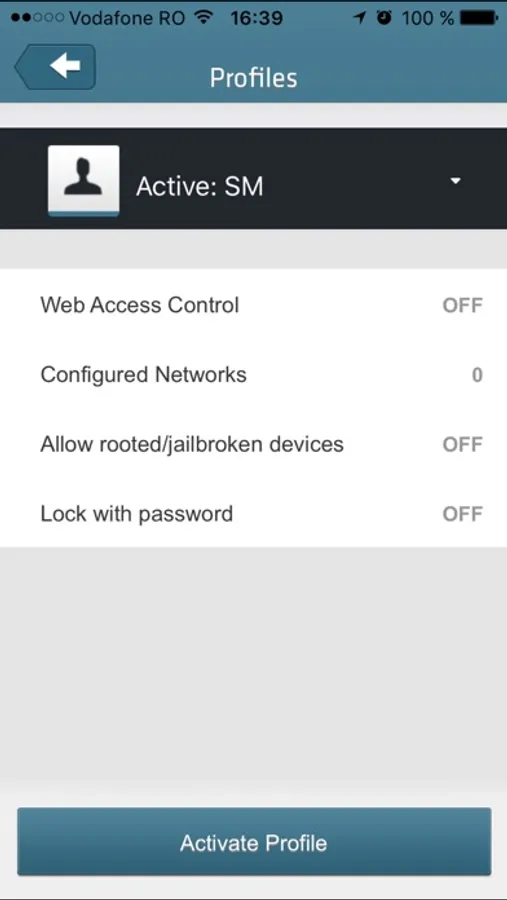
The solution has been designed to support controlled adoption of the bring-your-own-device (BYOD) concept by enforcing security policies consistently on all users’ devices. Security features include screen lock, authentication control, device location, remote wipe, detection of rooted or jailbroken devices and security profiles.
Features & Benefits
- Easy management through a centralized web-based console
- Simple deployment integrated with Active Directory user groups
- Application and updates delivered via marketplace
- Simple device self-registration by scanning a QR code
- Removes the need of users to visit IT helpdesk due to easy self-setup
- Ensures consistent security policies on all user's devices
- Allows enterprise-wide policies to be applied on jailbroken devices
- Prevents non-compliant devices accessing corporate services
- Controls device screen lock and authentication for effective device protection
- Adapts into security needs of both professional and personal life (with profiles)
- Simplifies management of VPN and Wi-Fi access point settings
- Locate device on map (from network inventory) to find lost devices
- Lock / unlock / wipe prevents usage of lost devices and data leakage
Choosing the right tools to manage mobile device compliancy
Each organization sets their own policies for acceptable mobile devices that are allowed to be connected into organization's internal resources and services according to corporate, departmental or individual security requirements. However, enforcing those policies require the right tools to be in place. While many specialized Mobile Device Management (MDM) products may provide a spot solution, Bitdefender helps Enterprises with more holistic security approach that protects not only mobile devices, but also physical endpoints and virtualized environments. As an Active Directory integrated solution it helps Enterprises to easily manage all users’ devices with consistent policies with actions to be taken in case the device becomes non-compliant, like preventing non-compliant devices accessing corporate services.
The solution has been designed to support controlled adoption of the bring-your-own-device (BYOD) concept by enforcing security policies consistently on all users’ devices. Security features include screen lock, authentication control, device location, remote wipe, detection of rooted or jailbroken devices and security profiles.
Features & Benefits
- Easy management through a centralized web-based console
- Simple deployment integrated with Active Directory user groups
- Application and updates delivered via marketplace
- Simple device self-registration by scanning a QR code
- Removes the need of users to visit IT helpdesk due to easy self-setup
- Ensures consistent security policies on all user's devices
- Allows enterprise-wide policies to be applied on jailbroken devices
- Prevents non-compliant devices accessing corporate services
- Controls device screen lock and authentication for effective device protection
- Adapts into security needs of both professional and personal life (with profiles)
- Simplifies management of VPN and Wi-Fi access point settings
- Locate device on map (from network inventory) to find lost devices
- Lock / unlock / wipe prevents usage of lost devices and data leakage
GravityZone Mobile Client Screenshots
Tap to Rate:
Reviews for GravityZone Mobile Client
RickJamez402
I am being hacked by this app and this is my personal phone
I finally found out who ever has been hacking me and now identity theft is being done by this app and this is my personal phone not a business or corporate phone. How did this happen?????????