AppRecs review analysis
AppRecs rating 3.5. Trustworthiness 69 out of 100. Review manipulation risk 24 out of 100. Based on a review sample analyzed.
★★★☆☆
3.5
AppRecs Rating
Ratings breakdown
5 star
31%
4 star
23%
3 star
23%
2 star
15%
1 star
8%
What to know
✓
Low review manipulation risk
24% review manipulation risk
About TCP Console
You need to test your TCP/IP server or client? View incoming or outgoing text strings?
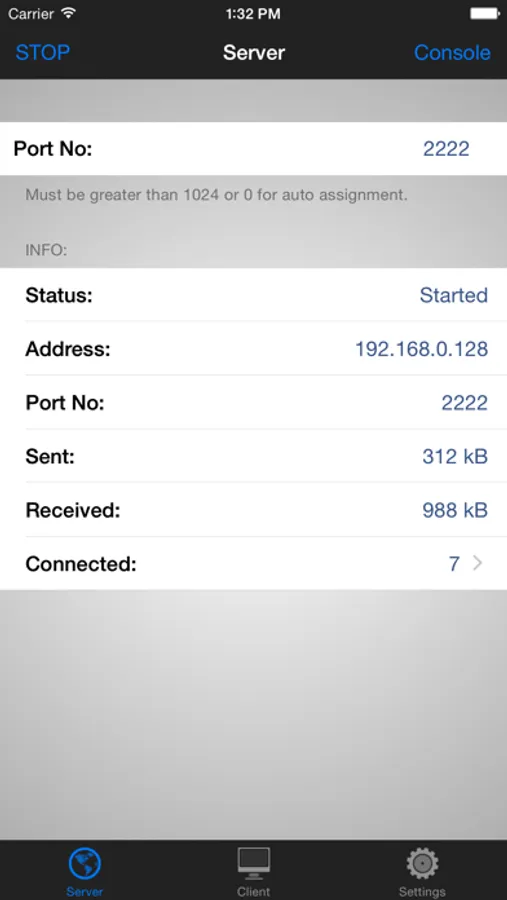
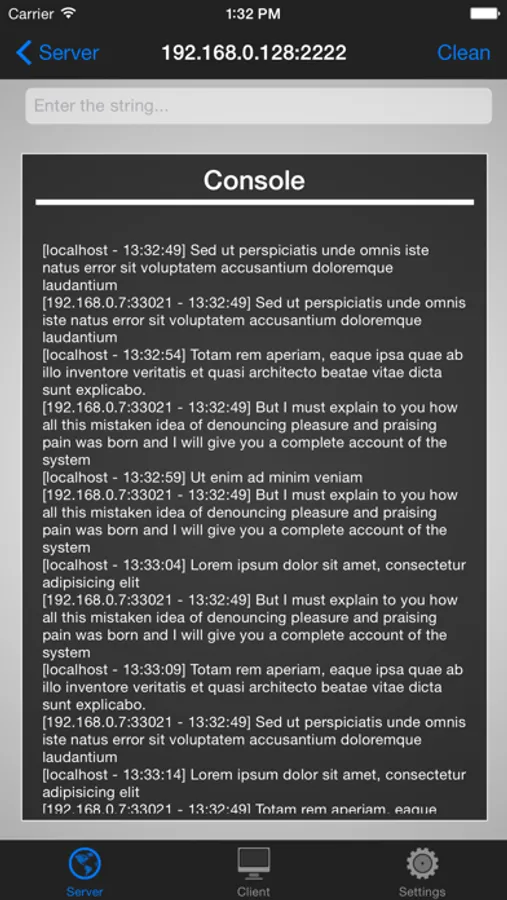
TCP Console is the app for you! With a couple of taps could start a server TCP/IP listening on the port you want*, send text string or EOL characters and display the responses received.
To your server can connect multiple clients at the same time and you can disconnect them one by one or PING** to verify that there are no problems in the LAN or firewall.
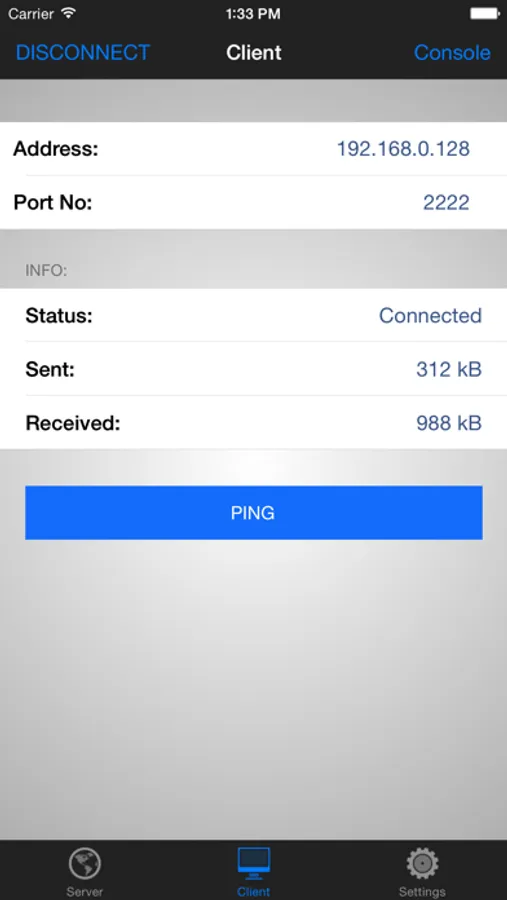
If you need to test your server, it will be just as easy! Enter address, port No. and connect, in a few moments you will be able to send and receive text strings from the server.
TCP Console will allow you to do all this in its simplicity, a few taps and you'll be connected!
Custom URL scheme support:
tcpconsole://host:port/?content=string_to_send[&encoding=base64]
TCP Console starts, tries to connect to the server and send the content. Optionally TCP Console can decode a base64 string before sending.
* You can not start a server listening on a port less than or equal to 1024.
** This feature requires you to download the app Utility Network, free on App Store.
TCP Console is the app for you! With a couple of taps could start a server TCP/IP listening on the port you want*, send text string or EOL characters and display the responses received.
To your server can connect multiple clients at the same time and you can disconnect them one by one or PING** to verify that there are no problems in the LAN or firewall.
If you need to test your server, it will be just as easy! Enter address, port No. and connect, in a few moments you will be able to send and receive text strings from the server.
TCP Console will allow you to do all this in its simplicity, a few taps and you'll be connected!
Custom URL scheme support:
tcpconsole://host:port/?content=string_to_send[&encoding=base64]
TCP Console starts, tries to connect to the server and send the content. Optionally TCP Console can decode a base64 string before sending.
* You can not start a server listening on a port less than or equal to 1024.
** This feature requires you to download the app Utility Network, free on App Store.
TCP Console Screenshots
Tap to Rate:
Reviews for TCP Console
rjrice
Great idea
Exactly what I needed for simple testing however the app seems to dump every second or third message
Macgyver24x7
Ok
Doesn’t show incoming data on initial client connection. If u get disconnected and try to reconnect the app crashes.