
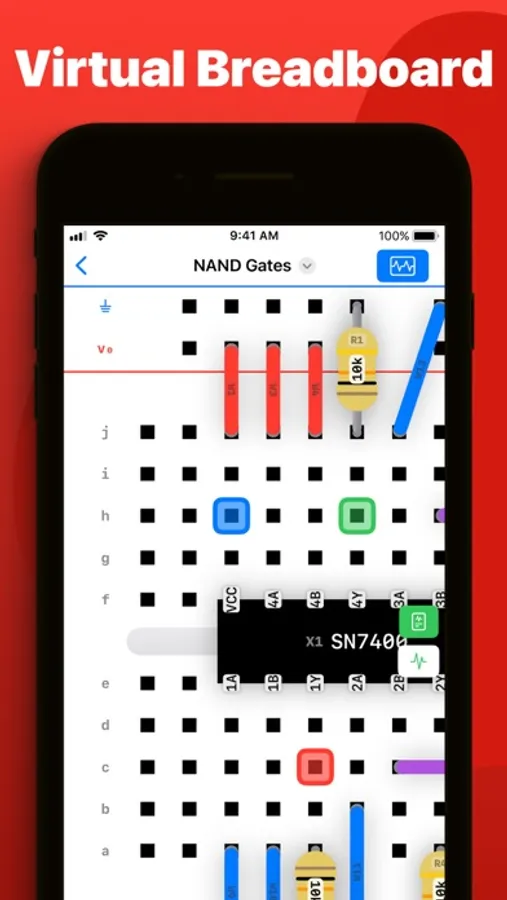
In this electronics simulation app, you can build circuits on a virtual breadboard, add components, and analyze the behavior with simulation tools. Includes component libraries, SPICE netlist support, and cloud sharing options.
AppRecs review analysis
AppRecs rating 3.9. Trustworthiness 77 out of 100. Review manipulation risk 20 out of 100. Based on a review sample analyzed.
★★★☆☆
3.9
AppRecs Rating
Ratings breakdown
5 star
62%
4 star
10%
3 star
7%
2 star
6%
1 star
14%
What to know
✓
Low review manipulation risk
20% review manipulation risk
✓
Credible reviews
77% trustworthiness score from analyzed reviews
✓
Good user ratings
72% positive sampled reviews
About Breadpad - SPICE Simulator
Dive in for free or upgrade to unlock powerful data export capabilities and superior simulation features.
Free Features:
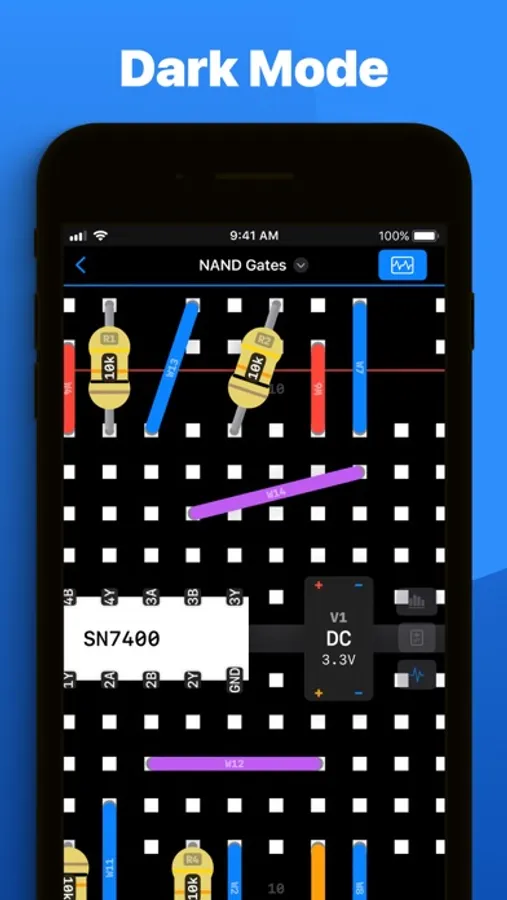
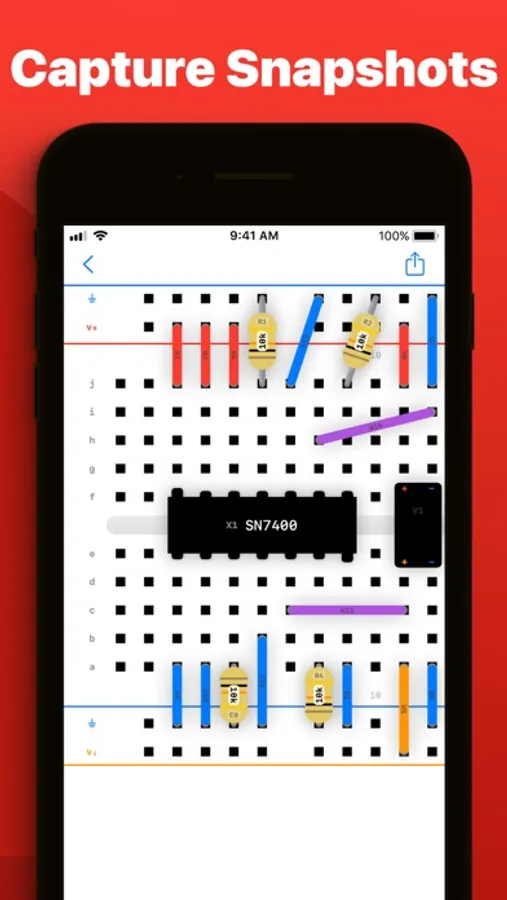
- Effortlessly wire up components on a digital breadboard
- Choose from over 400 integrated circuits or craft your custom chips using SPICE
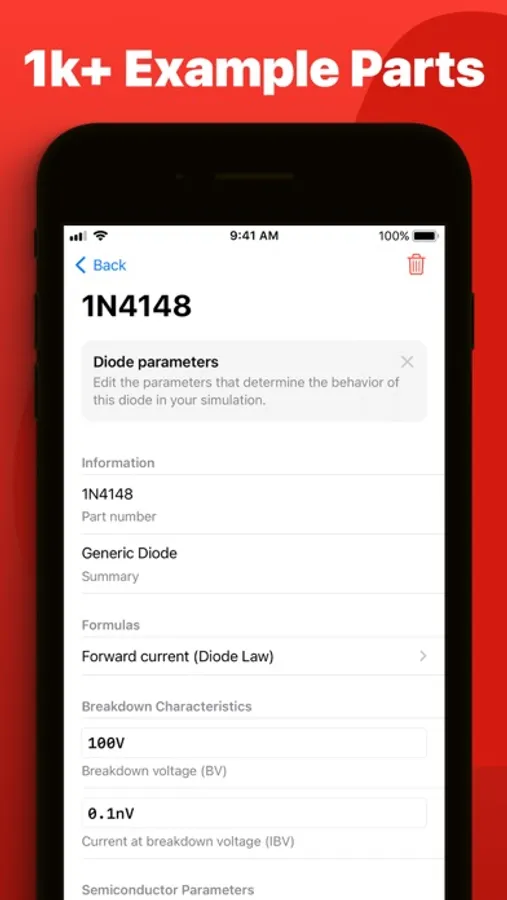
- Insert resistors, capacitors, inductors, transistors, and diodes with accurate models
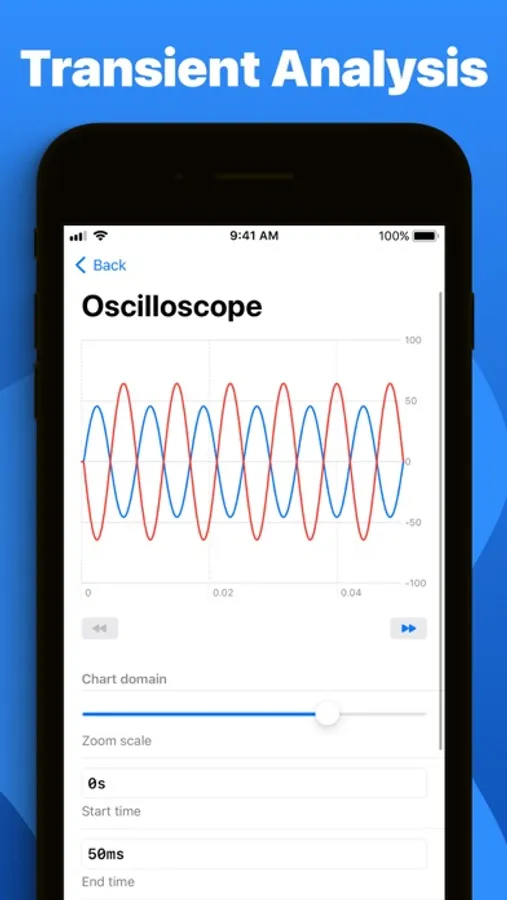
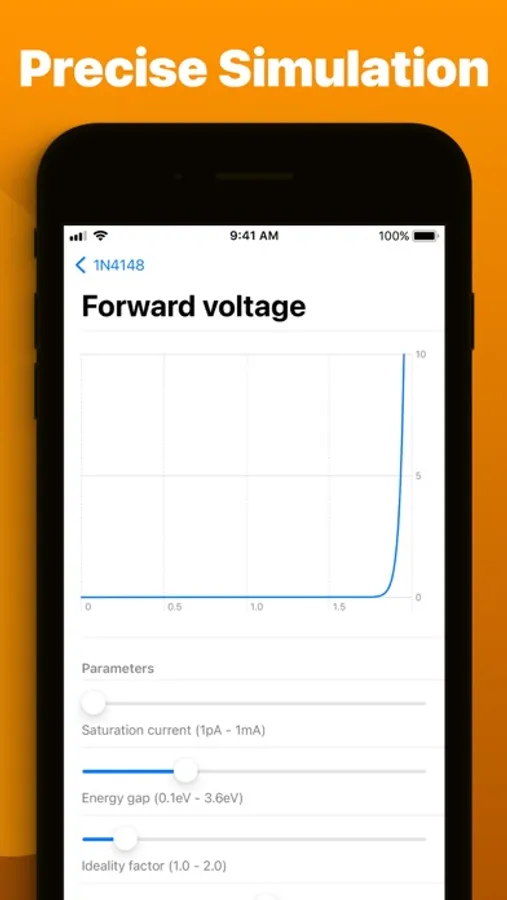
- Instantly see how changes affect your circuit with quick-rendering graphs
- Take snapshots of your breadboard setups for easy inclusion in documents or online
- Import PSPICE and LTSpice netlists for comprehensive simulations (.spice and .cir files)
- Work together using iCloud, iMessage, Airdrop, email, Google Drive, OneDrive, and Dropbox
- Explore a wide selection of pre-configured diodes and transistors with numerous tweakable settings
- Open any .breadpad file at no cost, even those from Premium users
- Experience your designs in 3D with Apple Vision Pro
Premium subscription unlocks:
- Infinite vector plotting from your SPICE simulations
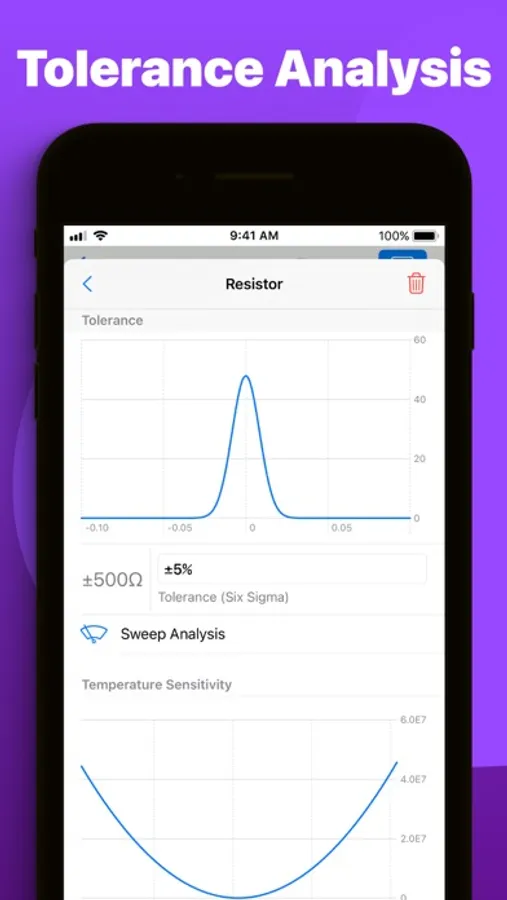
- Conduct temperature sensitivity analysis to assess environmental impacts on circuits
- Access five extra voltage sources, including piecewise and frequency-modulated options
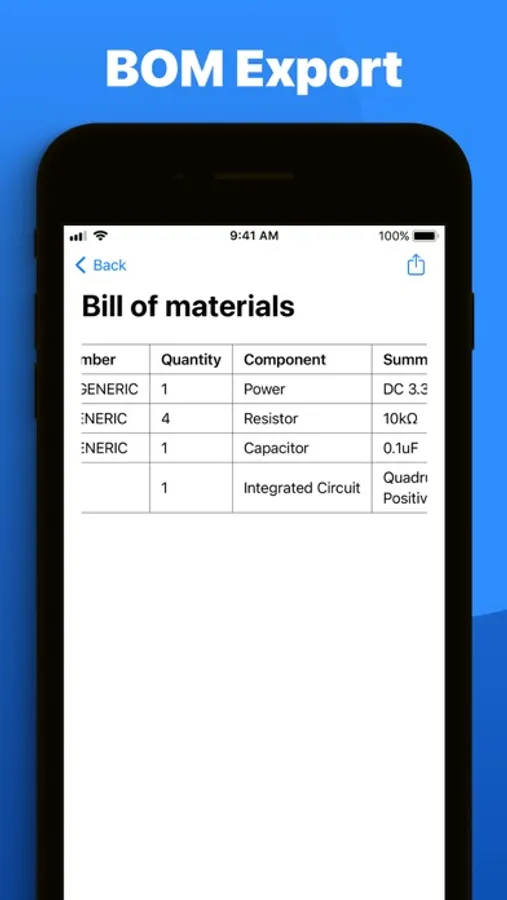
- Export your simulation results to CSV for analysis in tools like Excel, MATLAB, or Python
- Directly modify the SPICE netlist for any component on your breadboard
- Fine-tune component tolerances using six-sigma gaussian distributions
- Analyze manufacturing variance effects with dynamic Monte Carlo simulations
Whether you're a student, hobbyist, or professional engineer, Breadpad is the perfect tool for brainstorming, designing, and refining your circuit ideas. Explore new principles, experiment with designs, and optimize existing systems.
Get Breadpad today and elevate your circuit simulation experience.
Exclusively on iPad, iPhone, Mac, and Vision Pro.
Privacy policy: https://breadpad.com/privacy/
Terms of use: https://www.apple.com/legal/internet-services/itunes/dev/stdeula/
Breadpad - SPICE Simulator Screenshots


Tap to Rate:
Reviews for Breadpad - SPICE Simulator
Raquel Raquel Raquel
Odd design choices!
It's a virtual breadboard that works on iPads. A breadboard is smaller than an iPad, so I would expect there to be a view that lets you see the whole breadboard. Not the case here. The farthest you can zoom out is '100%' but that shows you less than half of the breadboard. You can see 26 pins of a 60-pin breadboard on a 13" iPad. The pins are 0.1" apart. So you're zoomed in on a 2.6" view of a 6" breadboad. And you can't zoom out any farther to see more of the breadboard. But you can zoom in even more if you want things bigger! You can zoom in to 250% and then you're only seeing a 1" section of the breadboard. Probably a great app for people with serious vision problems!
work_to_live
Can’t do anything with it
There is no component toolbox, so I can’t even get started.