AppRecs review analysis
AppRecs rating 4.2. Trustworthiness 0 out of 100. Review manipulation risk 0 out of 100. Based on a review sample analyzed.
★★★★☆
4.2
AppRecs Rating
Ratings breakdown
5 star
67%
4 star
17%
3 star
0%
2 star
0%
1 star
17%
What to know
✓
High user satisfaction
83% of sampled ratings are 4+ stars (4.2★ average)
About Link Cluster
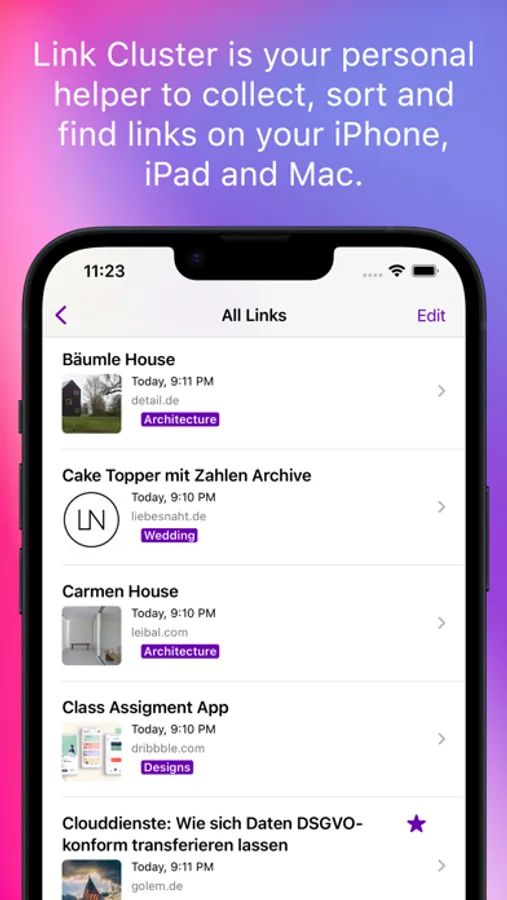
In today's digital age, the internet is teeming with articles on virtually every topic imaginable: recipes, tutorials, ideas, quotes, and more. Keeping track of it all can be overwhelming. Enter Link Cluster - your solution for organizing and managing your link collection.
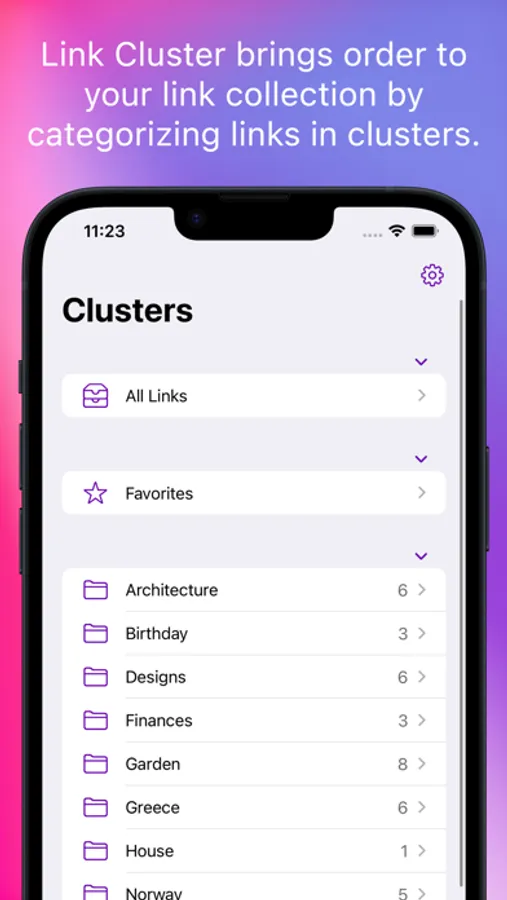
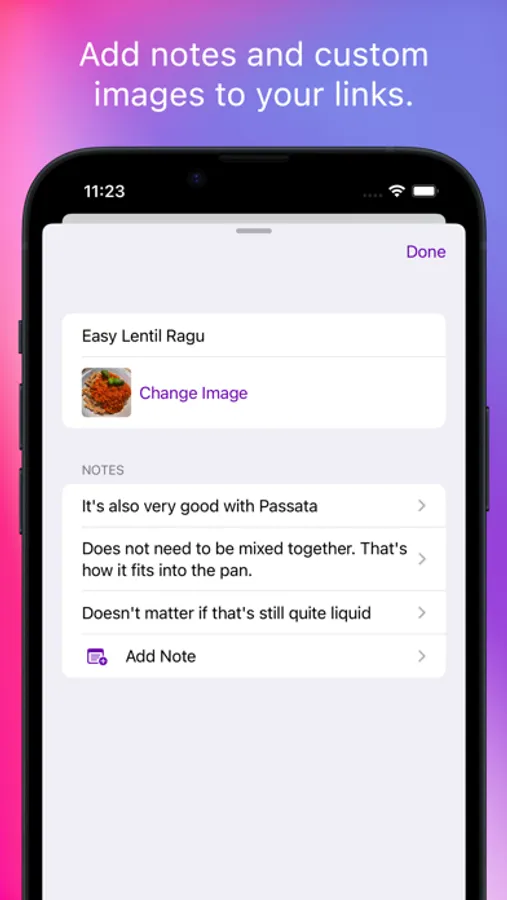
With Link Cluster, you can categorize links into clusters and add notes as needed. Looking for that favorite recipe? Find it easily and recreate it perfectly every time with the help of your notes.
Each link is automatically enriched with images and descriptions, which can be customized as per your preference. The app also allows you to archive links, view them with the integrated web browser, share with friends, or open in other apps for added convenience.
Designed exclusively for the Apple ecosystem, Link Cluster integrates seamlessly across macOS, iOS, iPadOS, visionOS and watchOS. Thanks to iCloud, your link collection syncs automatically in the background, eliminating the need to manage multiple collections.
Experience the simplicity and efficiency of Link Cluster - your personal link assistant for the Apple world.
KEY FEATURES:
Link Clustering:
Sort and manage your links into customizable folders, known as clusters.
Automated Link Collection:
Configure your clusters to automatically collect links based on specific criteria. For example, all links with "apple" in the URL can be automatically directed to a designated cluster.
Searchable Links:
Easily search through your collection of links.
Auto-Download
Link Cluster automatically downloads images, descriptions, and titles of websites behind the links.
Notes:
Add personal notes to your links for easy reference.
Offline Archiving:
Archive websites behind your links for offline use.
Export:
Export and share website as PDF or webarchive, .webloc, .url, .csv or .html.
iCloud Sync:
All your links and clusters are synced across all your devices via iCloud.
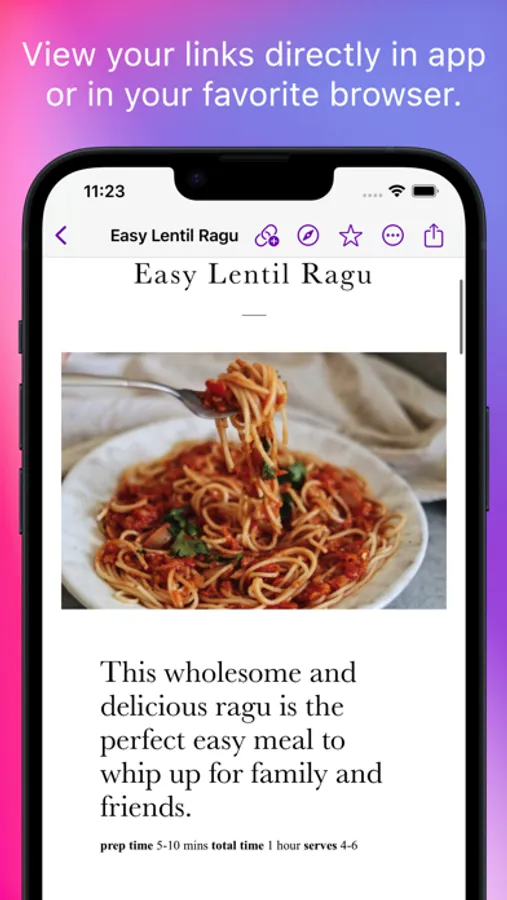
Built-in Browser:
If you want, you don't have to leave the app to browse your links within the app.
Safari App Extension:
On macOS, manage your links and clusters directly from the Safari toolbar.
Easy Link Addition:
Add new links from within the app or using the share feature from any other app.
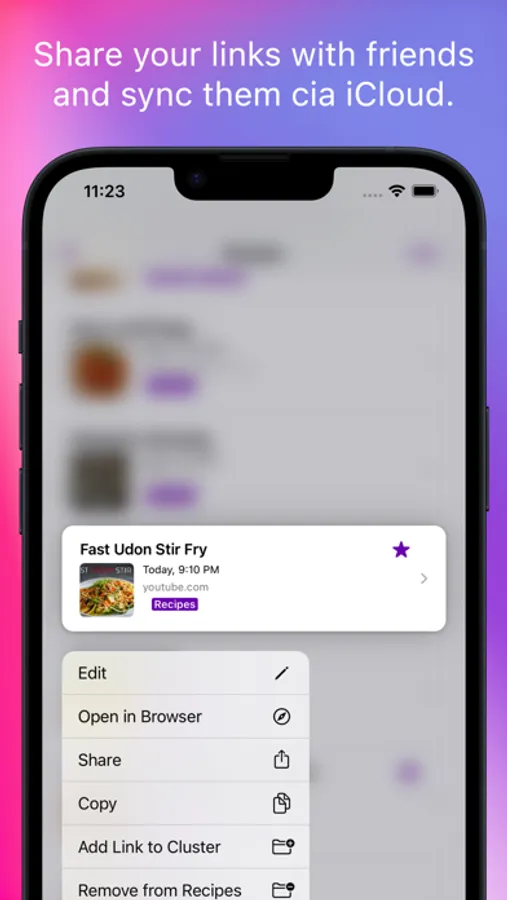
Share and Copy Links:
Easily share and copy links from the app to use elsewhere.
Import bookmarks:
Import your bookmarks from Safari and other browsers and apps.
--------------
Link Cluster can be downloaded and tested for free. If you want to add more than 10 links, you can unlock the full version in the app settings.
Universal Purchase - You'll only need to purchase once on the App Store to get the app on all platforms. (Mac, iPhone, iPad, Apple Watch, Apple Vision Pro) This is a one time purchase. No fees or subscriptions.
Link Cluster Screenshots
Tap to Rate:
Reviews for Link Cluster
Downeastaa
Owner not responsive, but great product.
I found what appears to be a bug on the import of previous bookmarks. I tried it on several MACs, and my iPhone and it just doesn’t want to import. I also exported bookmarks from several browsers and tried to import those as well to no avail. I submitted 2 requests for support and have been waiting more than 12 days for a response - nothing. His website says he normally responds the same day - I paid for the full version thinking it was a limitation and still does not work. Hopefully it is fixed soon. The program is great and I really like the interface, just need a response - even something that says we are working it would be nice.
fan777
Clean Design, Looking Forward to More Features
The recent update fixed a lot of bugs and I’m looking forward to migrating more of my bookmarks to it. The standout feature is that the Safari extension allows you to manage the bookmarks in addition to adding new links without requiring you to open the dedicated app.