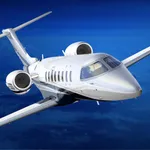
In this flight simulator, pilots can practice IFR procedures using realistic physics and instrumentation. Includes worldwide navigation data and various training modes for navigation and holding patterns.
AppRecs review analysis
AppRecs rating 4.4. Trustworthiness 76 out of 100. Review manipulation risk 21 out of 100. Based on a review sample analyzed.
★★★★☆
4.4
AppRecs Rating
Ratings breakdown
5 star
75%
4 star
7%
3 star
6%
2 star
5%
1 star
8%
What to know
✓
Low review manipulation risk
21% review manipulation risk
✓
Credible reviews
76% trustworthiness score from analyzed reviews
✓
High user satisfaction
82% of sampled ratings are 4+ stars (4.4★ average)
About IFR Flight Simulator
Why Pilots Love IFR Flight Simulator:
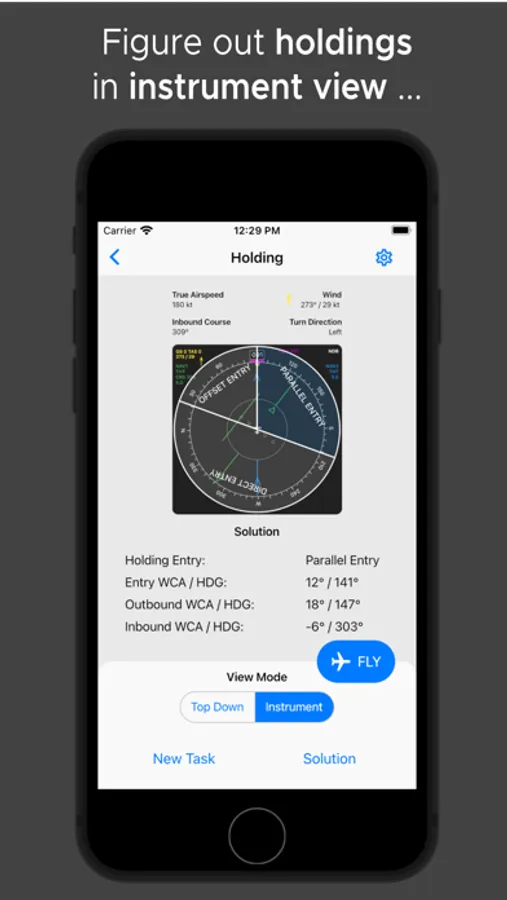
• Realistic IFR Training: Experience authentic IFR procedures directly from your smartphone, no complex setups needed.
• Confidence & Convenience: Train holdings, intercepts, and IFR approaches on the go.
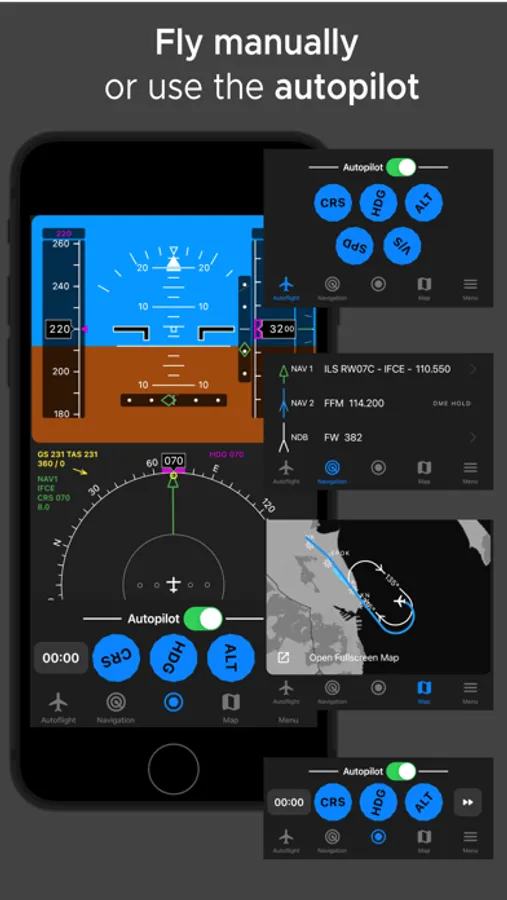
• Real-time Simulation: Fly procedures with realistic physics and instrumentation, featuring the Primary Flight Display (PFD) and Navigation Display (ND).
Key Features:
Worldwide Navigation Database:
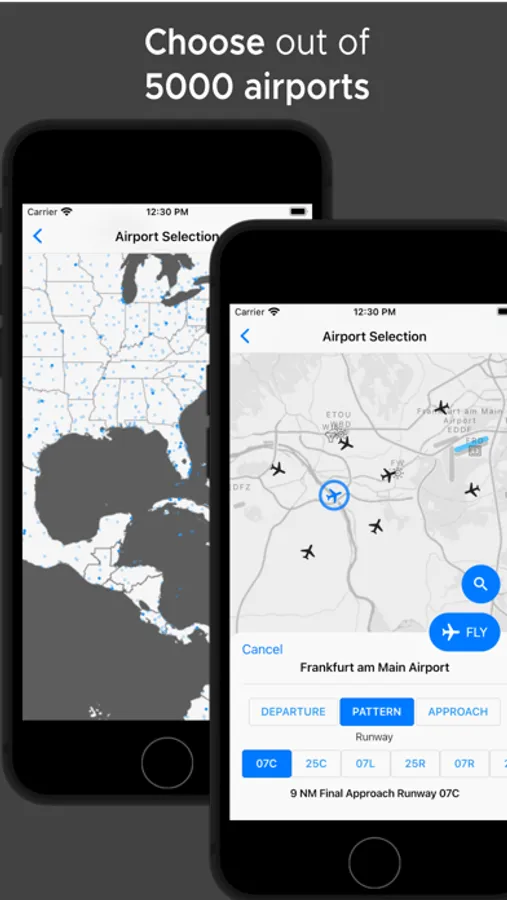
• 5000+ Airports globally available for your IFR training.
• Over 11,000 VORs, NDBs, and navigational aids for extensive practice.
Comprehensive Training Modes:
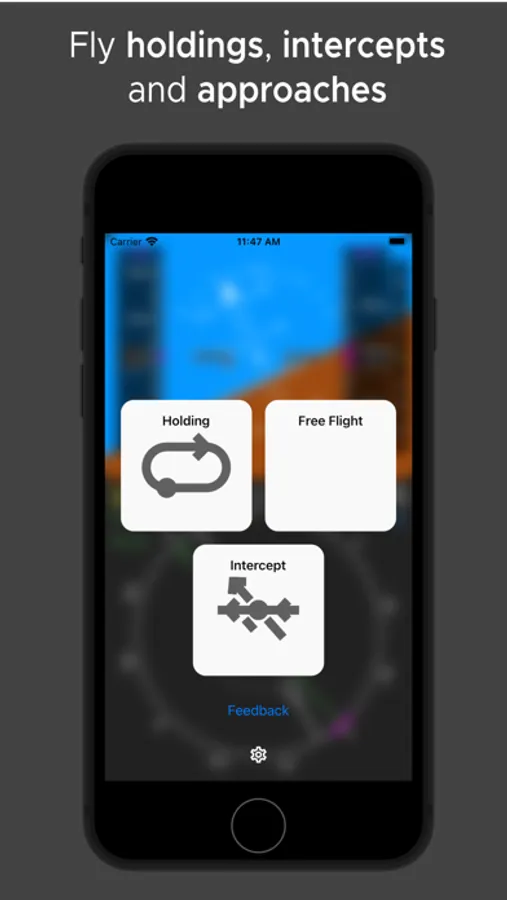
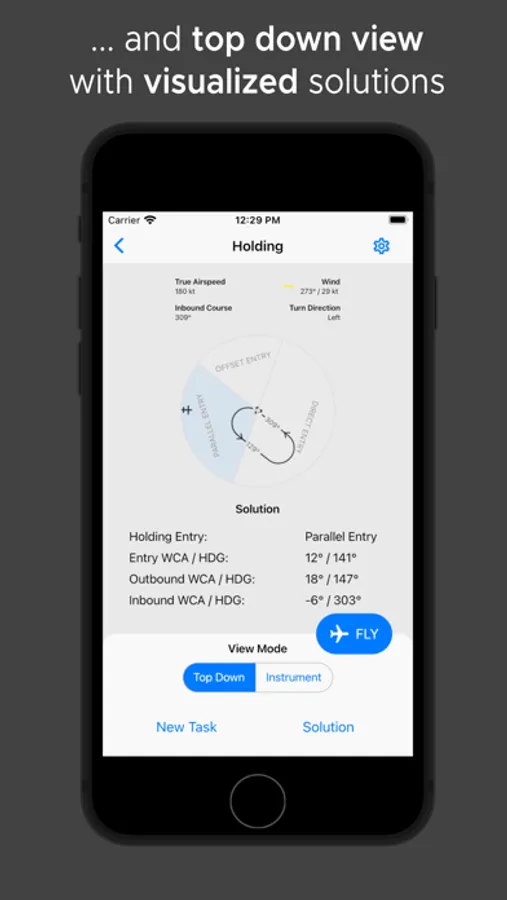
• Holding Trainer: Practice randomized holdings, calculate entries, and wind correction angles.
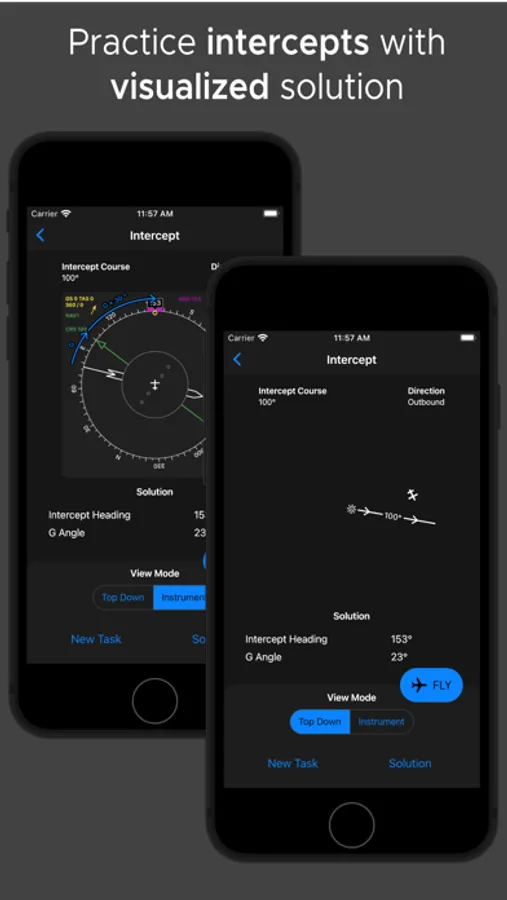
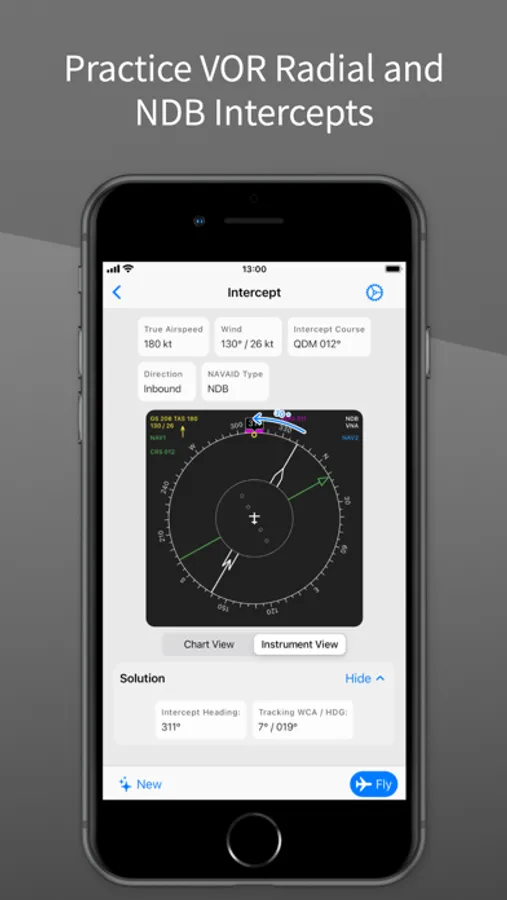
• Intercept Trainer: Master inbound and outbound radial and QDM/QDR intercepts, sharpening your navigation precision.
Real-Time Flight Simulator:
• Integrated autopilot for precise training, or fly manually by tilting your device for hands-on experience.
• Fast-forward mode to efficiently review or retry procedures.
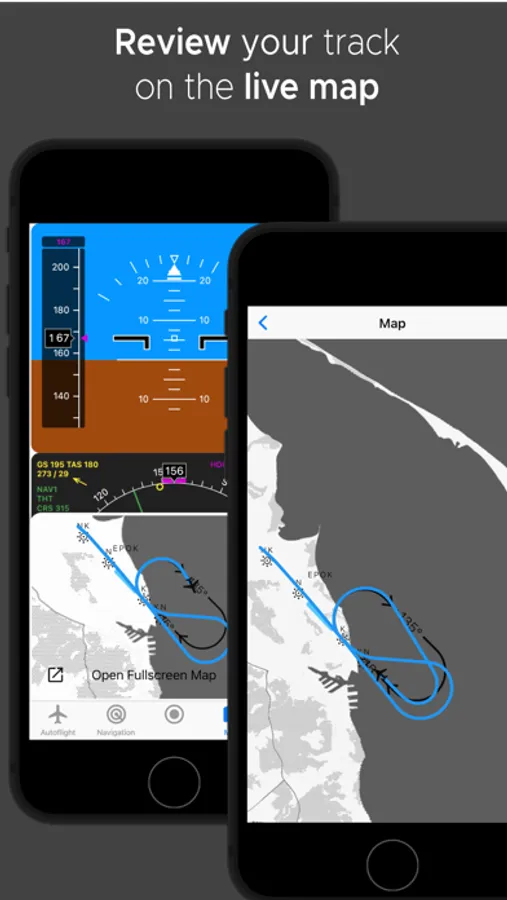
• Replay and analyze your flight path with clear map visuals to reinforce learning.
• Live Map: See your flight path in real-time on the map as you fly, enhancing situational awareness.
Effective Skill Building:
• Quickly calculate mental IFR math without pen and paper.
• Perfectly suited for simulator screenings, flight training, and interview preparations.
User Reviews:
• "An incredible training tool for practicing holds, VOR bearings, and headings. Didn't think such high-quality training was possible on an app!"
• "Perfect to make IFR calculations a reflex. I can practice anytime, anywhere—no computer sim needed. Fantastic app!"
• "Minimalistic and phone-friendly design. Great for IFR training or refreshing your skills. Highly recommended!"
Download now and fly IFR with confidence!
Join thousands of pilots who trust IFR Flight Simulator to sharpen their IFR skills.
Disclaimer:
This application is for training and educational purposes only.
It must not be used for real-world flight planning or in-flight decision-making.
While the developer strives to provide information and calculations that are as accurate and up-to-date as reasonably possible, they may still be incomplete or inaccurate, and other accepted methods exist for deriving procedures and correction angles.
Always verify data against official aeronautical publications and follow the guidance of a certified flight instructor.
The developer accepts no responsibility or liability for any errors, omissions, or outcomes arising from use of this software.
Terms of Use: https://www.apple.com/legal/internet-services/itunes/dev/stdeula/
IFR Flight Simulator Screenshots
Tap to Rate:
Reviews for IFR Flight Simulator
Rubiksgirl27
Good App besides price
While i can’t fault the dev for wanting money for their work, its just not a lot of features that you get without premium. But possibly the best app of its type on mobile
JB Flight
I wish I had this as an IFR student
Just found out about this app and have it a shot. I already hold an IFR rating so I see no need to buy the plan, but man, just going through the free holding and track/intercept practice makes me wish I had this in my training. I definitely would’ve bought a plan and it would’ve made it so much easier (especially with unpublished holds which I sucked at lol). Now I just use it to maintain my own proficiency when I’m not flying. Thanks for making this incredible app!