Gamepad Tester - Remote Play
SUMITOMO ELECTRIC INTERCONNECT PRODUCTS (VIETNAM), LTD
4.0 ★
416 ratings
Free
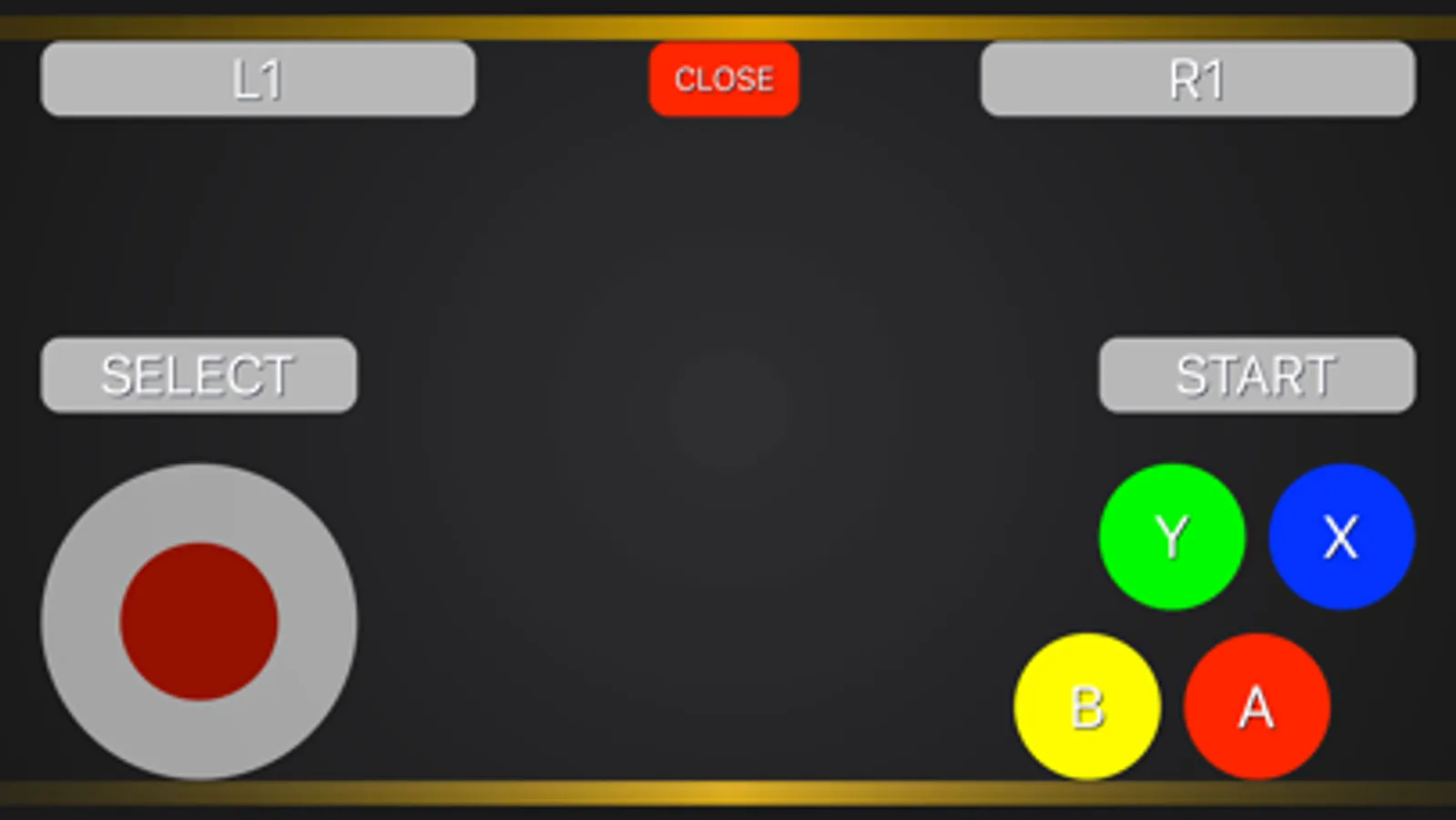
In this app, you can connect and test your Bluetooth game controllers using on-screen controls or physical buttons. Includes support for PlayStation and Xbox controllers, along with troubleshooting features.
AppRecs review analysis
AppRecs rating 4.0. Trustworthiness 69 out of 100. Review manipulation risk 36 out of 100. Based on a review sample analyzed.
★★★★☆
4.0
AppRecs Rating
Ratings breakdown
5 star
70%
4 star
5%
3 star
2%
2 star
3%
1 star
20%
What to know
✓
High user satisfaction
75% of sampled ratings are 4+ stars (4.0★ average)
✓
Authentic reviews
No red flags detected
About Gamepad Tester - Remote Play
Connect your controller to an iOS device using Bluetooth. Test and troubleshoot the functionality of your game controller or use the on-screen controller on your mobile device to control your game.
> Compatible with: PlayStation 5 DualSense® Wireless Controller, PlayStation Dualshock® 4 Controller, Xbox Wireless Controller and any "Made for iPhone" (MFI) Game Controllers.
Disclaimer:
> This application is not affiliated with nor endorsed by any aforementioned company, and it is not an official product of it or of its affiliates.
How to use:
> Press some buttons. On some devices, only certain buttons will wake up the gamepad bluetooth connection (the shapes on PS4, PS5 controllers, for instance)
> Close other apps that may be using the gamepad
> Open app → click Scan and Connect to your gamepad
Subscription Information:
> Payment will be charged to iTunes Account at confirmation of purchase.
> Subscription automatically renews unless auto-renew is turned off at least 24-hours before the end of the current period.
> The account will be charged for renewal within 24-hours prior to the end of the current period, and identify the cost of the renewal.
> Subscriptions may be managed by the user and auto-renewal may be turned off by going to the user’s Account Settings after purchase.
Privacy Policy:
https://sumitomo.electric.ltd-company-vn.com/pp
Term of Use:
https://sumitomo.electric.ltd-company-vn.com/tos
> Compatible with: PlayStation 5 DualSense® Wireless Controller, PlayStation Dualshock® 4 Controller, Xbox Wireless Controller and any "Made for iPhone" (MFI) Game Controllers.
Disclaimer:
> This application is not affiliated with nor endorsed by any aforementioned company, and it is not an official product of it or of its affiliates.
How to use:
> Press some buttons. On some devices, only certain buttons will wake up the gamepad bluetooth connection (the shapes on PS4, PS5 controllers, for instance)
> Close other apps that may be using the gamepad
> Open app → click Scan and Connect to your gamepad
Subscription Information:
> Payment will be charged to iTunes Account at confirmation of purchase.
> Subscription automatically renews unless auto-renew is turned off at least 24-hours before the end of the current period.
> The account will be charged for renewal within 24-hours prior to the end of the current period, and identify the cost of the renewal.
> Subscriptions may be managed by the user and auto-renewal may be turned off by going to the user’s Account Settings after purchase.
Privacy Policy:
https://sumitomo.electric.ltd-company-vn.com/pp
Term of Use:
https://sumitomo.electric.ltd-company-vn.com/tos
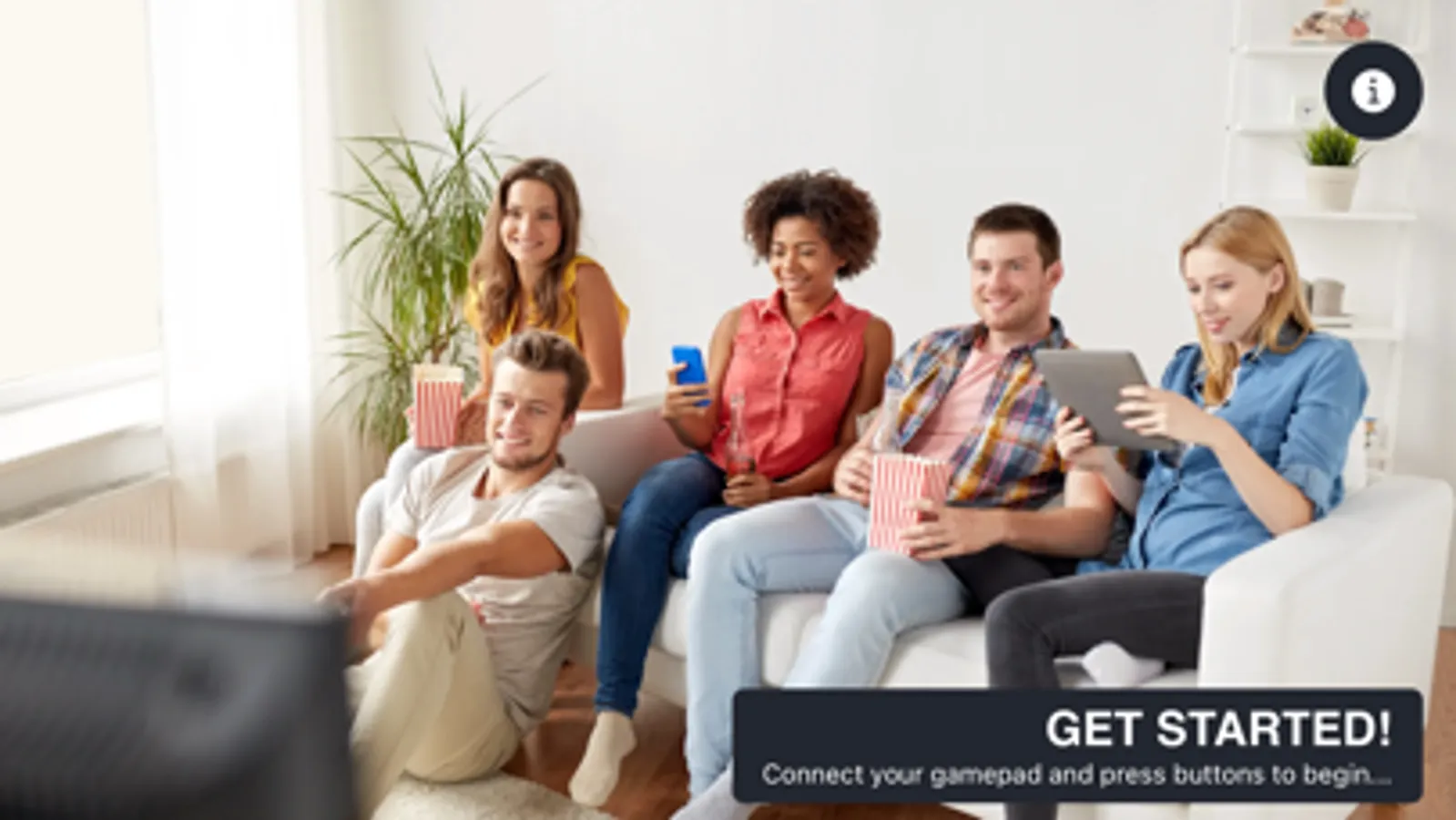
Gamepad Tester - Remote Play Screenshots
Tap to Rate:
Reviews for Gamepad Tester - Remote Play
control de Videojuegos
Kevin
Kevin
german invasion
Breh I don’t even know why people like these meal crpa like this
I HAVE TO PAY IM FURIOUS SO MAD IMA PUNCH MY WALL