
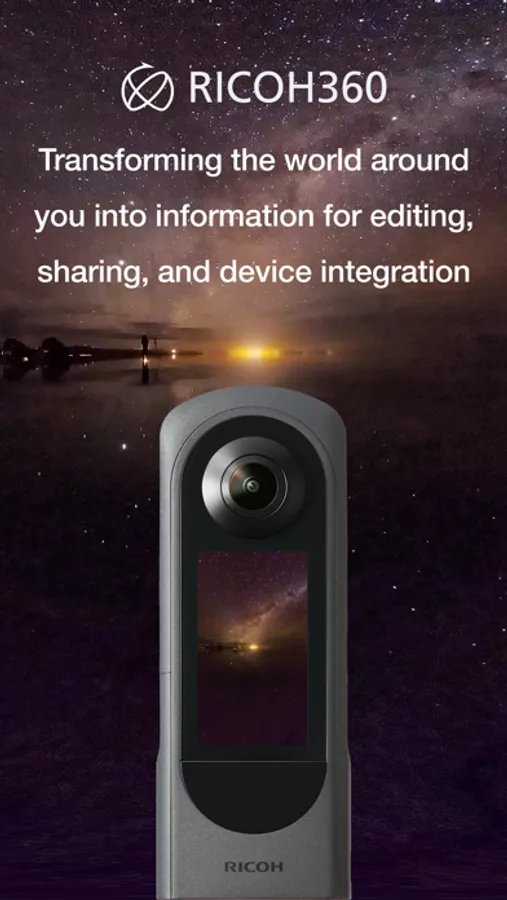
With this photography app, you can remotely trigger the camera shutter, view live previews, and upload 360-degree images and videos to the cloud. Includes cloud storage, sharing links, and 360-degree viewers.
AppRecs review analysis
AppRecs rating 1.3. Trustworthiness 74 out of 100. Review manipulation risk 27 out of 100. Based on a review sample analyzed.
★☆☆☆☆
1.3
AppRecs Rating
Ratings breakdown
5 star
8%
4 star
0%
3 star
4%
2 star
0%
1 star
88%
What to know
✓
Low review manipulation risk
27% review manipulation risk
⚠
Mixed user feedback
Average 1.4★ rating suggests room for improvement
⚠
High negative review ratio
88% of sampled ratings are 1–2 stars
About RICOH360:THETA Capture App
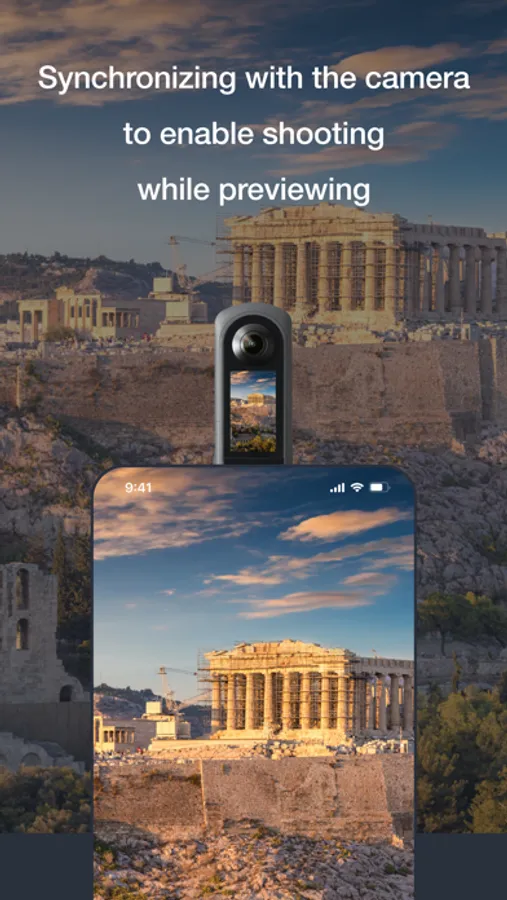
By linking the camera to a smartphone, you can remotely trigger the shutter while performing a live preview, allowing you to take pictures without the reflection of people, which can be used for promotional purposes.
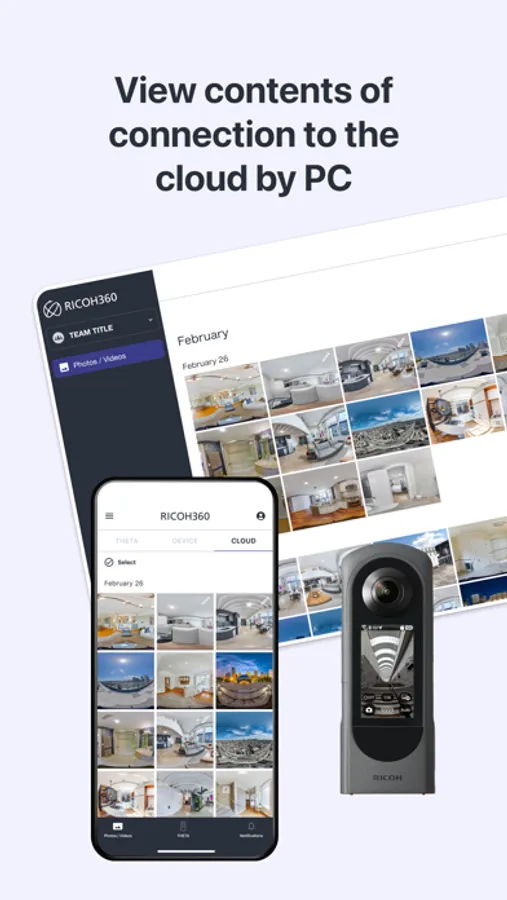
By uploading photos and videos to the cloud, they can be viewed in a 360-degree viewer from a browser, allowing people in distant locations to see what is happening at the site.
*This function is not compatible with RICOH THETA/m15/S/SC.
*Currently, we are expanding the functionality of the shooting function. Please refer to the following for the main functions.
[Main functions]
Shooting function: Linking a smartphone and a camera to take still images and record video. *We plans to expand the shooting functionality.
Transfer and storage of photos and videos taken with the camera: Transfer and storage of photos and videos from the camera to the smartphone, and storage of photos and videos from the smartphone to the cloud. Viewing 360-degree photos and videos:
Viewing with a 360-degree viewer. Download: Download captured 360-degree photos and videos.
Share links: Share links to 360-degree photos and videos uploaded to the cloud.
For more information about the application, please also refer to the following
FAQ→https://support.ricoh360.com/faqs/
Help Center→https://help2.ricoh360.com/
Inquiries about RICOH360 services→https://www.ricoh360.com/contact/
RICOH360 website→https://www.ricoh360.com/
RICOH360:THETA Capture App Screenshots
Tap to Rate:
Reviews for RICOH360:THETA Capture App
vpzmaMaKmYEqOToaXdOrxg
Requires sign-up with email and phone, does not support raw transfers
This app is all around a downgrade from the old Ricoh Theta app. It requires you to sign up with an email and phone number and provide ambient location data (you cannot simply toggle it when you need to do a transfer). To top it off, the app artificially restricts transfers of raw (DNG) files. You have to physically plug into a computer with a cable to extract these files.
APMP 25
Absolutely horrible
App does not work at all. It makes having the theta camera worthless. I could not be more frustrated with how bad it is. It struggles to connect. It is incredibly slow and fails to do what it is trying to do 95% of the time. It is seemingly impossible to successfully get photos from the device saved to the app or uploaded to the cloud. I should have never trusted Ricoh as a way to document anything important.