AppRecs review analysis
AppRecs rating 4.0. Trustworthiness 45 out of 100. Review manipulation risk 32 out of 100. Based on a review sample analyzed.
★★★★☆
4.0
AppRecs Rating
Ratings breakdown
5 star
0%
4 star
100%
3 star
0%
2 star
0%
1 star
0%
What to know
⚠
Limited rating diversity
100% high ratings in sampled reviews
About RICOH Device Manager NX
To use this application, the Device Manager NX Pro/Enterprise server software is required. For customers who wish to use this, please contact your nearest RICOH subsidiary or distributor.
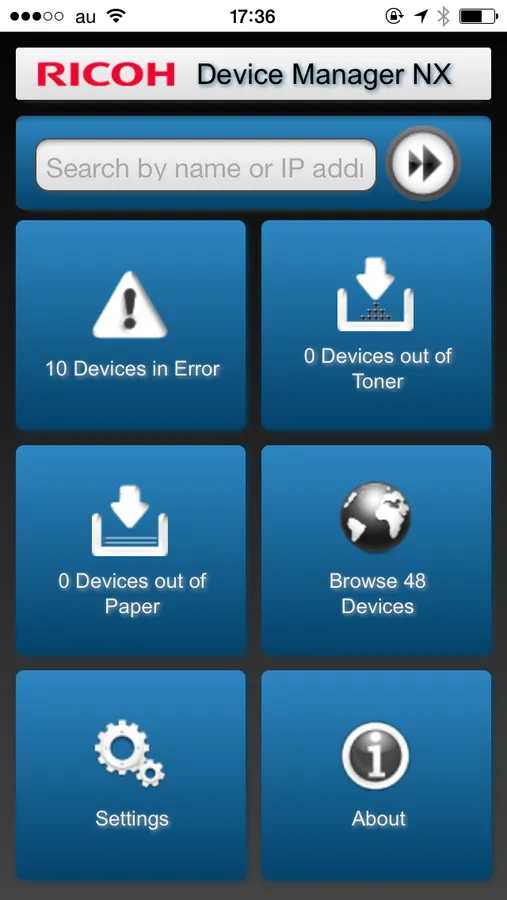
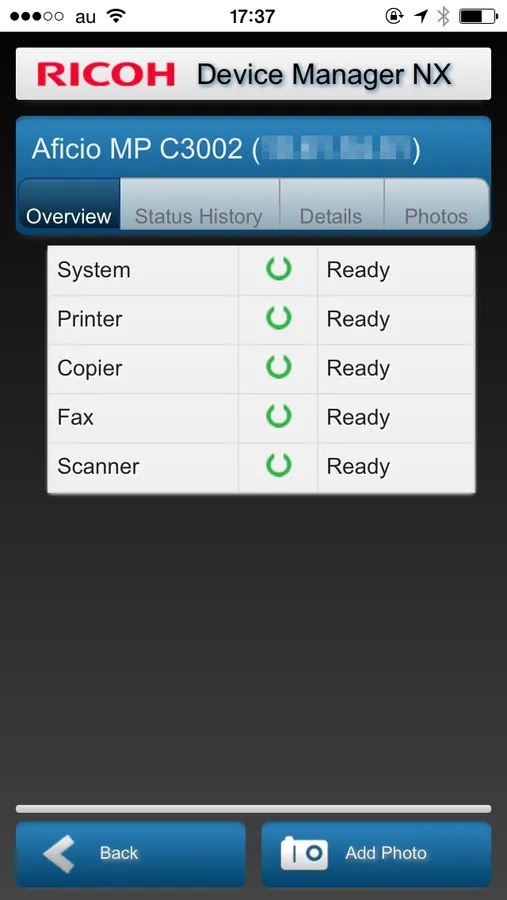
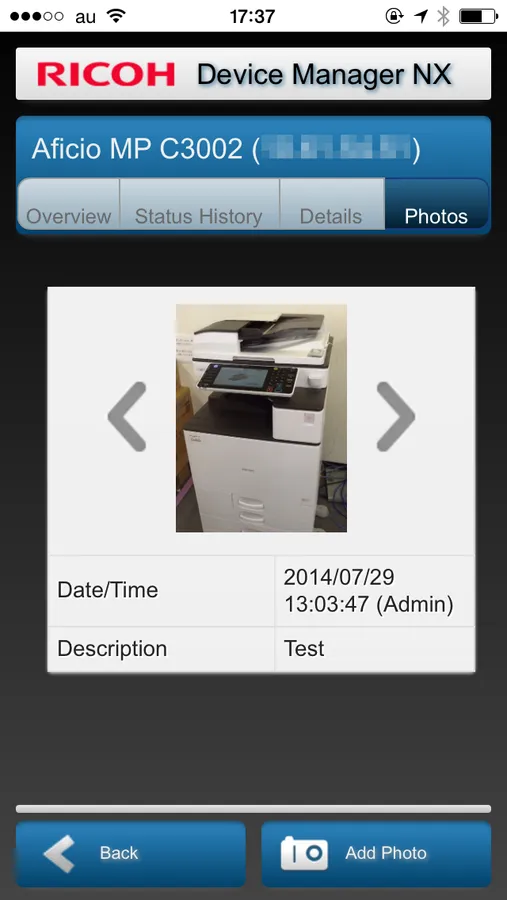
When connected to Device Manager NX Pro/Enterprise, RICOH Device Manager NX allows for highly efficient device management. In addition to displaying a list of managed devices and device overviews, it allows users to upload photos and register them to devices in Device Manager NX Pro/Enterprise.
Major features:
- Display a list of managed devices
- Display a list of devices encountering errors, out of toner, and out of paper statuses
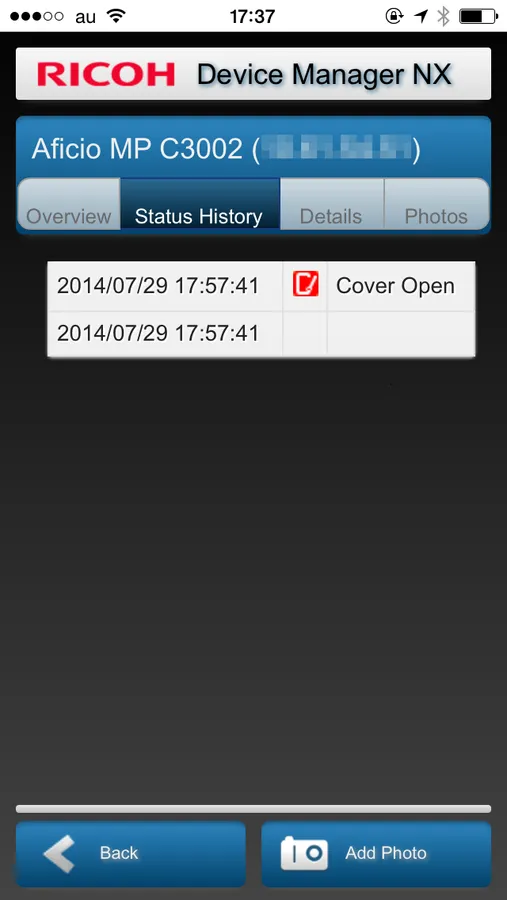
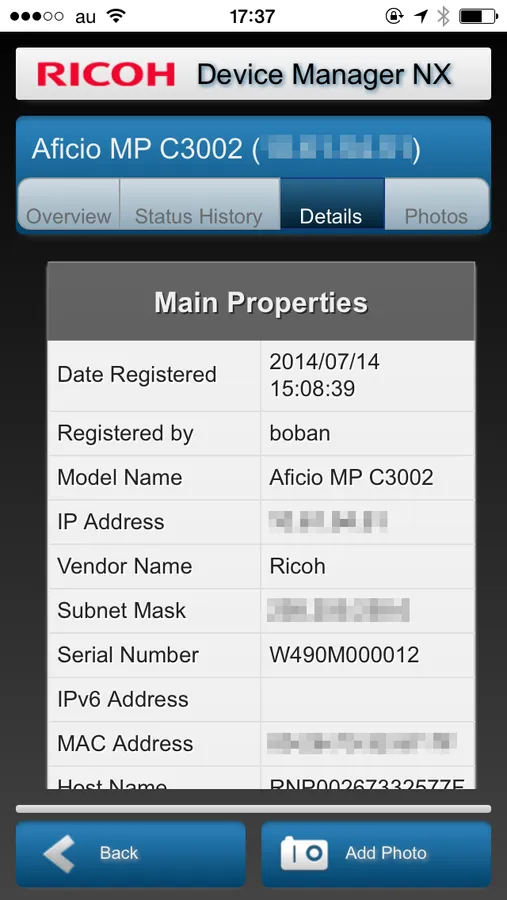
- Display device overviews, details, status histories, and photos
- Upload photos to Device Manager NX Pro/Enterprise
Usage preparation:
1. Turn on the Mobile Device Access function in Device Manager NX Pro/Enterprise.
2. Activate RICOH Device Manager NX on the smart devices and configure the connection to Device Manager NX Pro/Enterprise.
When connected to Device Manager NX Pro/Enterprise, RICOH Device Manager NX allows for highly efficient device management. In addition to displaying a list of managed devices and device overviews, it allows users to upload photos and register them to devices in Device Manager NX Pro/Enterprise.
Major features:
- Display a list of managed devices
- Display a list of devices encountering errors, out of toner, and out of paper statuses
- Display device overviews, details, status histories, and photos
- Upload photos to Device Manager NX Pro/Enterprise
Usage preparation:
1. Turn on the Mobile Device Access function in Device Manager NX Pro/Enterprise.
2. Activate RICOH Device Manager NX on the smart devices and configure the connection to Device Manager NX Pro/Enterprise.
RICOH Device Manager NX Screenshots
Tap to Rate:
Reviews for RICOH Device Manager NX
JAJ21
Great app!!
Great app