In this app, you can use your phone as a game controller for your PC games and customize button layouts. Includes layout editing, sharing features, and support for Wi-Fi, USB, or Bluetooth connections.
AppRecs review analysis
AppRecs rating 4.0. Trustworthiness 76 out of 100. Review manipulation risk 21 out of 100. Based on a review sample analyzed.
★★★★☆
4.0
AppRecs Rating
Ratings breakdown
5 star
61%
4 star
17%
3 star
6%
2 star
2%
1 star
14%
What to know
✓
Low review manipulation risk
21% review manipulation risk
✓
Credible reviews
76% trustworthiness score from analyzed reviews
✓
High user satisfaction
78% of sampled ratings are 4+ stars (4.1★ average)
About Remote Gamepad
Supported devices
• Windows 10/11
• Linux
This app is compatible with all PC games which support game controllers. Use Wi-Fi, USB, or Bluetooth for the connection. No additional hardware is needed.
Button presses on game controllers connected to your phone are forwarded. This allows you to use mobile game controllers with your PC.
The included layout editor allows you to create and use your own game controller layouts. You can customize the button position, size, color, shape, and more. Layouts can be shared with other users using a link.
A trial is available within the app. To continue using the app after the time limit, you can upgrade to the premium version or watch ads.
Remote Gamepad Screenshots
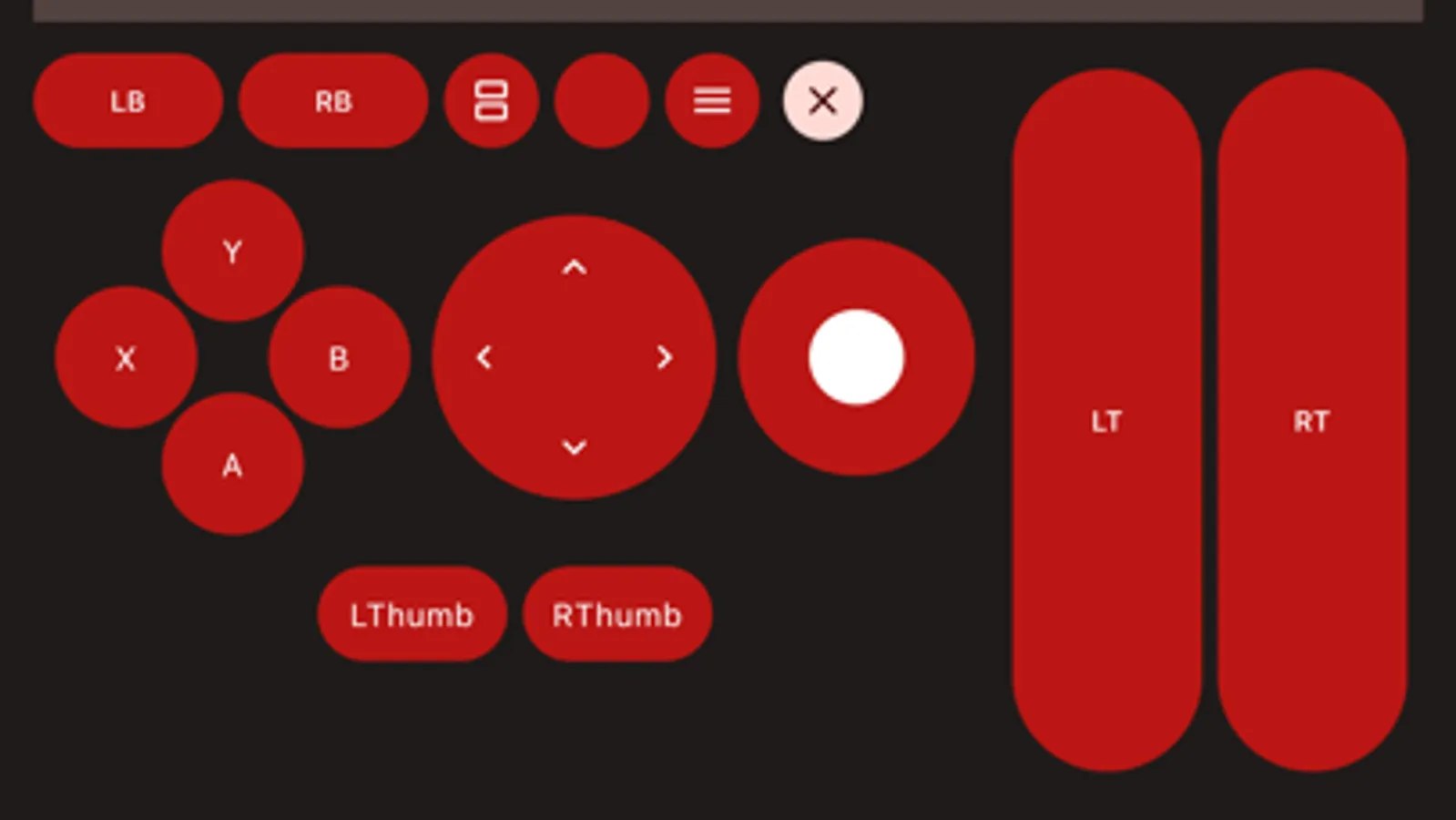
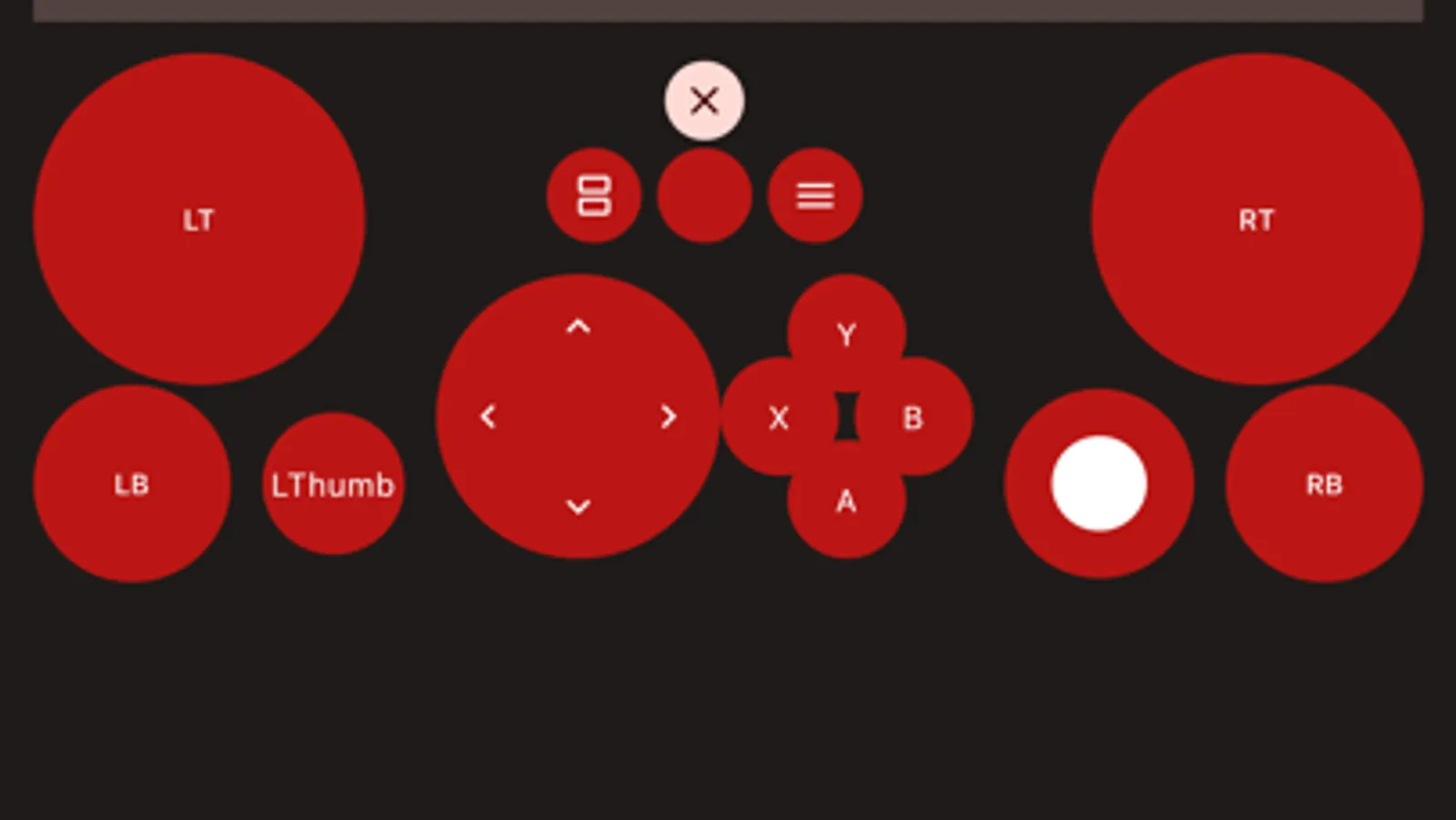
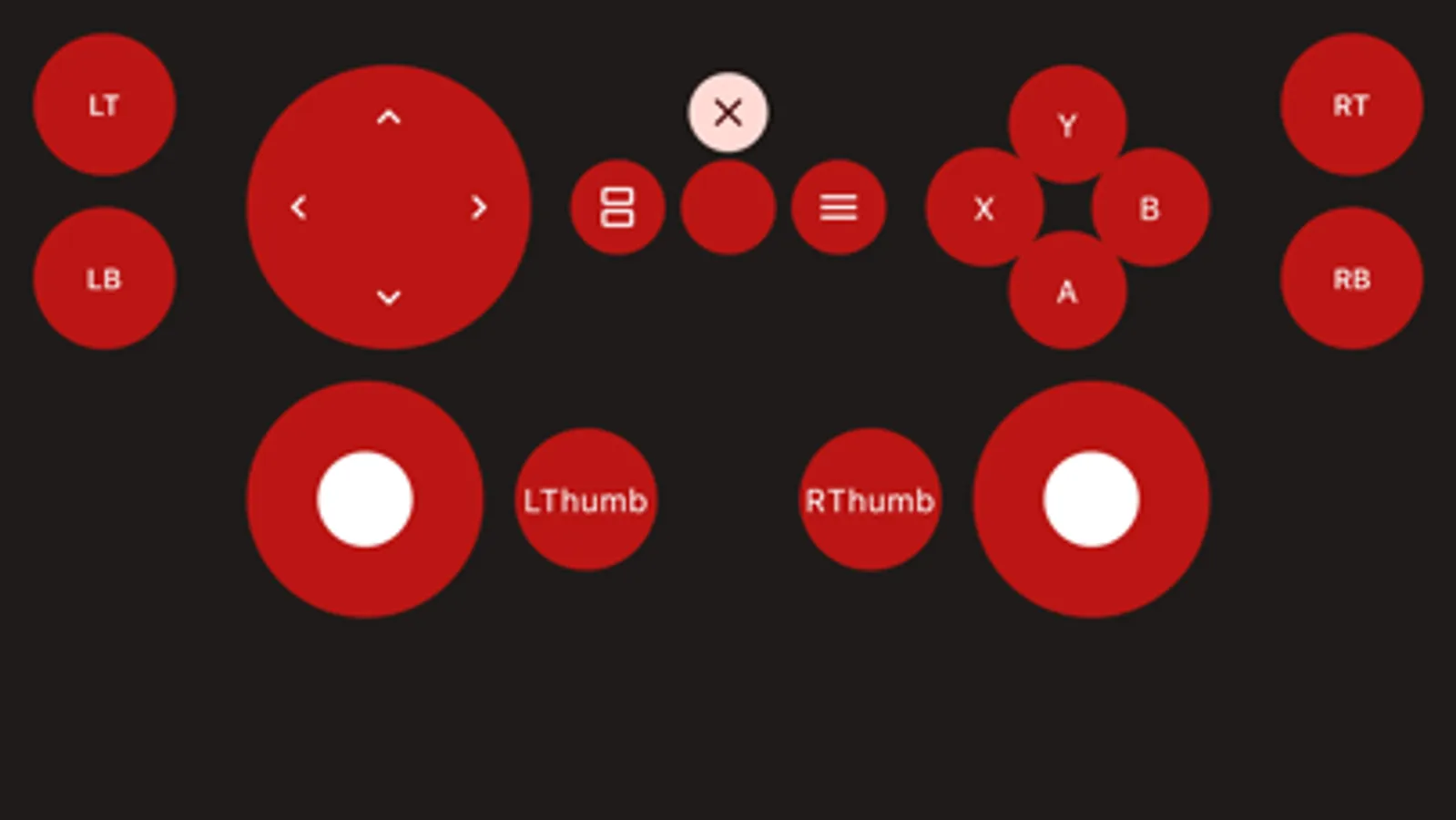
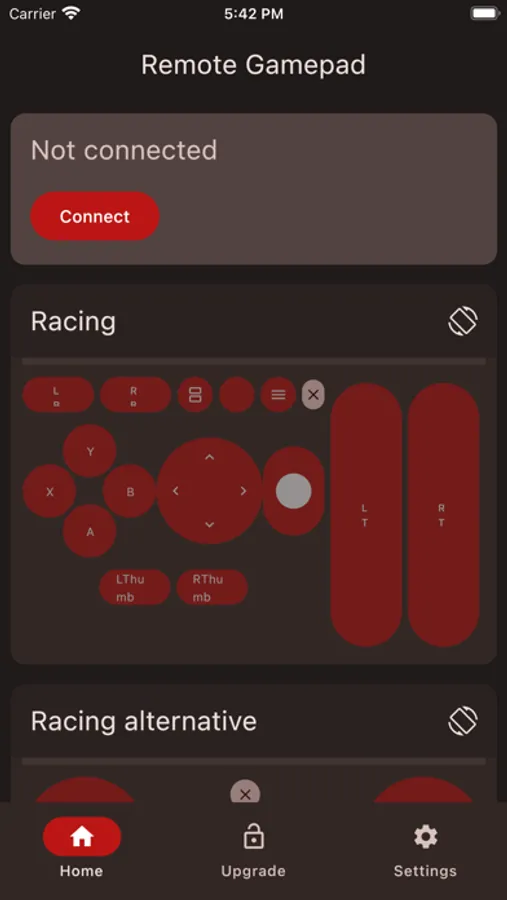
Tap to Rate:
Reviews for Remote Gamepad
Zingerburgur
Can’t connect via Bluetooth
Idk if it’s an android vs iPhone thing but connecting via Bluetooth is no where to be found. App works great otherwise but I don’t always have WiFi or a cord when I’m using this app. Can’t justify spending money for the full version without the Bluetooth option
Chaipok
Remote on ipad
Please optimize the Wi-Fi connection for iPad. On iPhone everything works smoothly, but on iPad there are noticeable lags and input interruptions.