
With this banking app, you can view account balances, transfer funds, and deposit checks using your mobile device. Includes mobile deposit capture, biometric log-in, and secure transfer options.
AppRecs review analysis
AppRecs rating 4.5. Trustworthiness 0 out of 100. Review manipulation risk 0 out of 100. Based on a review sample analyzed.
★★★★☆
4.5
AppRecs Rating
Ratings breakdown
5 star
93%
4 star
5%
3 star
1%
2 star
0%
1 star
1%
What to know
✓
High user satisfaction
93% of sampled ratings are 5 stars
✓
Authentic reviews
No red flags detected
About Alliance Bank (WI)
Bank on the go with the Alliance Bank Mobile App. Manage your accounts from your mobile device when it’s convenient for you. The Alliance Bank Mobile App combines the benefits of internet banking with the power of Mobile App technology, providing quick access to account information.
FEATURES:
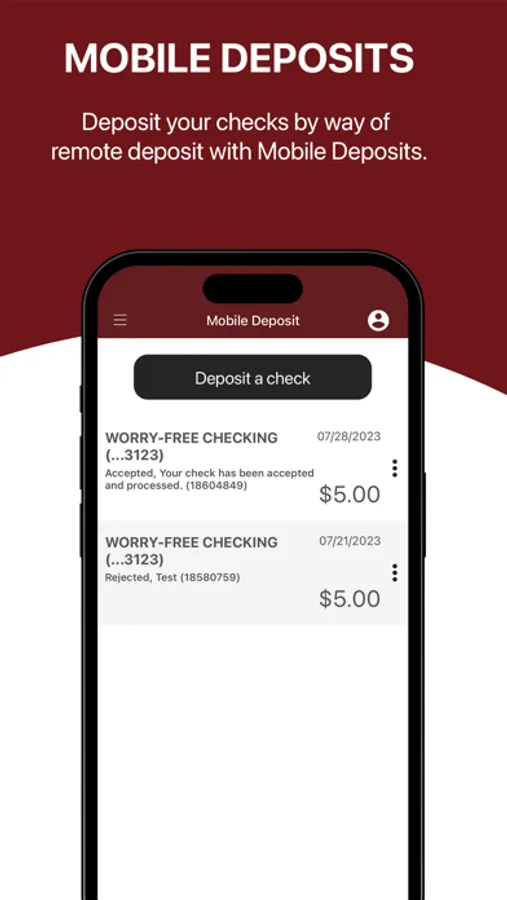
• Mobile Deposit Capture – take a picture of a check and deposit it to your account
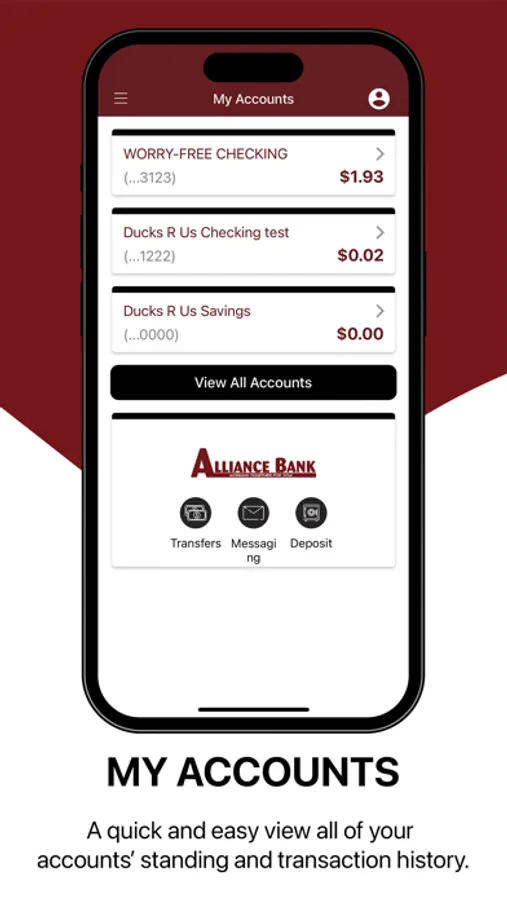
• Check account balances
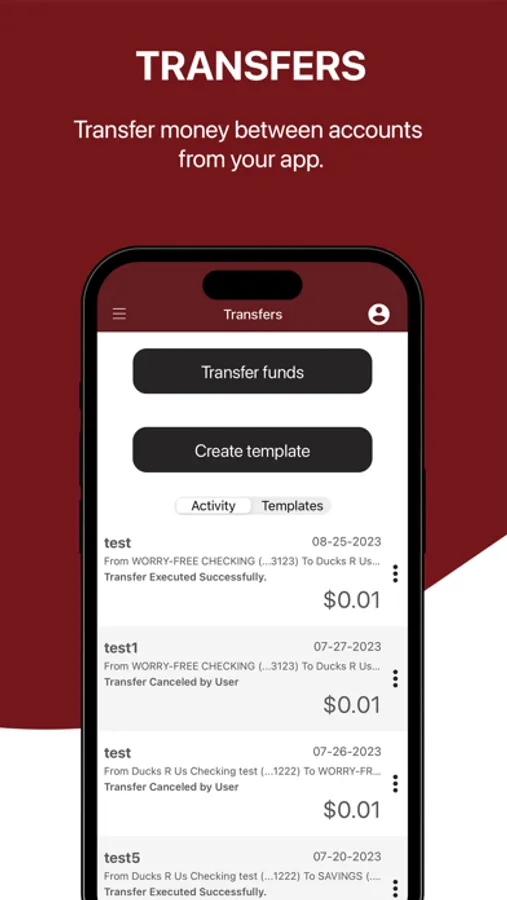
• Transfer funds between accounts
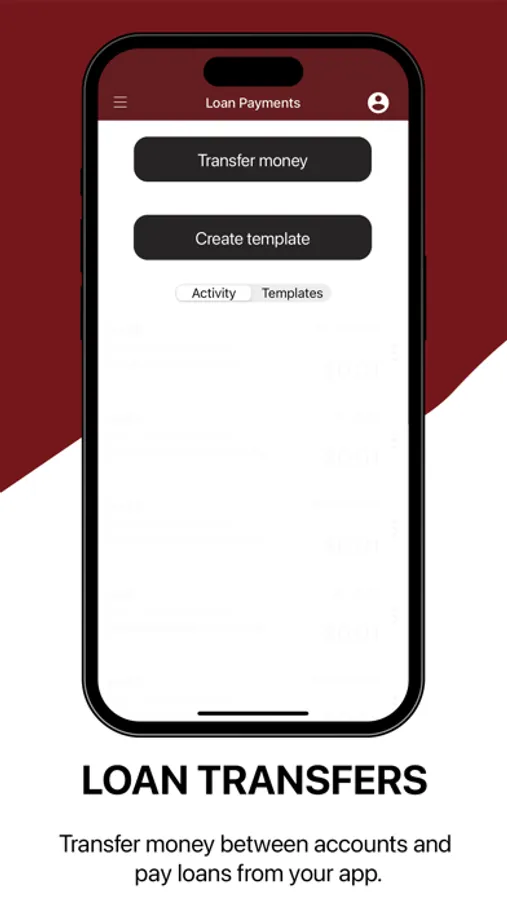
• Make loan payments
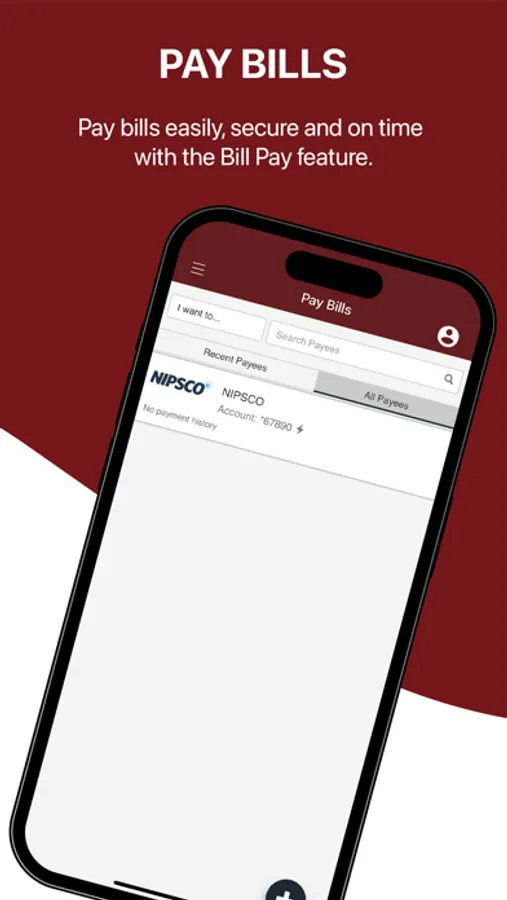
• Pay your bills or another person
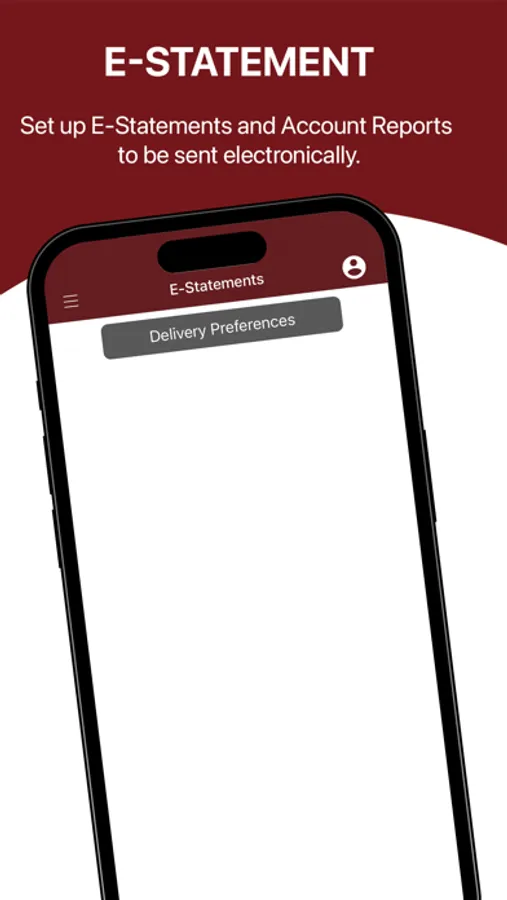
• Review bank statements
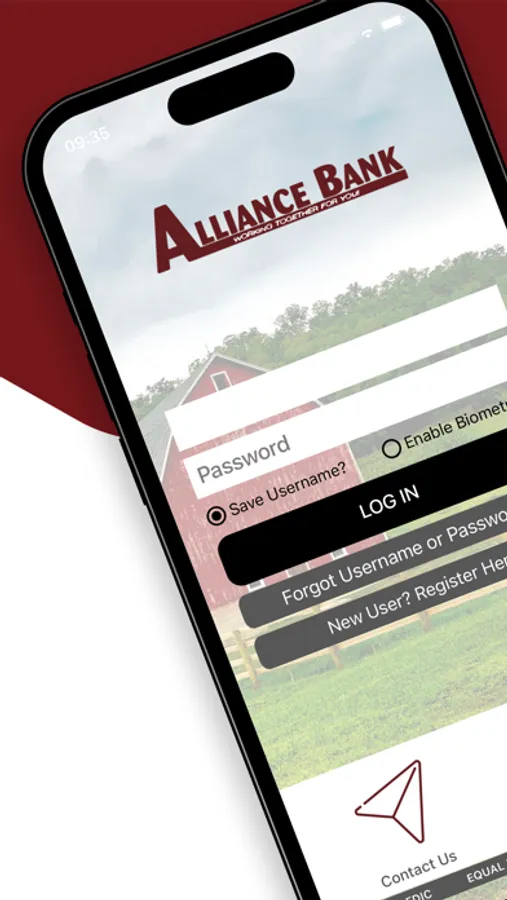
• Biometric log-in capabilities
• Dual-Factor Authentication
REGISTER:
To use the Alliance Bank Mobile App and its Mobile Deposit Capture services, you must be an Alliance Bank internet banking customer and have a valid account in good standing. Log in to the App using your existing User ID and Password, or create a new User using information from an existing bank account.
SECURITY:
Alliance Bank protects your financial information from unauthorized users by using advanced encryption technology, dual-factor authentication, and biometric scanning (facial recognition and fingerprint scans). With these security measures in place, you can be sure that your financial information will be safe.
FEATURES:
• Mobile Deposit Capture – take a picture of a check and deposit it to your account
• Check account balances
• Transfer funds between accounts
• Make loan payments
• Pay your bills or another person
• Review bank statements
• Biometric log-in capabilities
• Dual-Factor Authentication
REGISTER:
To use the Alliance Bank Mobile App and its Mobile Deposit Capture services, you must be an Alliance Bank internet banking customer and have a valid account in good standing. Log in to the App using your existing User ID and Password, or create a new User using information from an existing bank account.
SECURITY:
Alliance Bank protects your financial information from unauthorized users by using advanced encryption technology, dual-factor authentication, and biometric scanning (facial recognition and fingerprint scans). With these security measures in place, you can be sure that your financial information will be safe.
Alliance Bank (WI) Screenshots
Tap to Rate: