
AppRecs review analysis
AppRecs rating 2.0. Trustworthiness 75 out of 100. Review manipulation risk 23 out of 100. Based on a review sample analyzed.
★★☆☆☆
2.0
AppRecs Rating
Ratings breakdown
5 star
25%
4 star
0%
3 star
0%
2 star
0%
1 star
75%
What to know
✓
Low review manipulation risk
23% review manipulation risk
✓
Credible reviews
75% trustworthiness score from analyzed reviews
⚠
Mixed user feedback
Average 2.0★ rating suggests room for improvement
About SM Home
Note:
SchoolMessenger Home is used for receiving SchoolMessenger Communicate messages sent by district or school personnel.
If you are a school administrator or staff member looking to send messages, please download the SM Sender App.
** Chat and Attendance options may not be available depending on your School/District
Here’s what’s new in v1
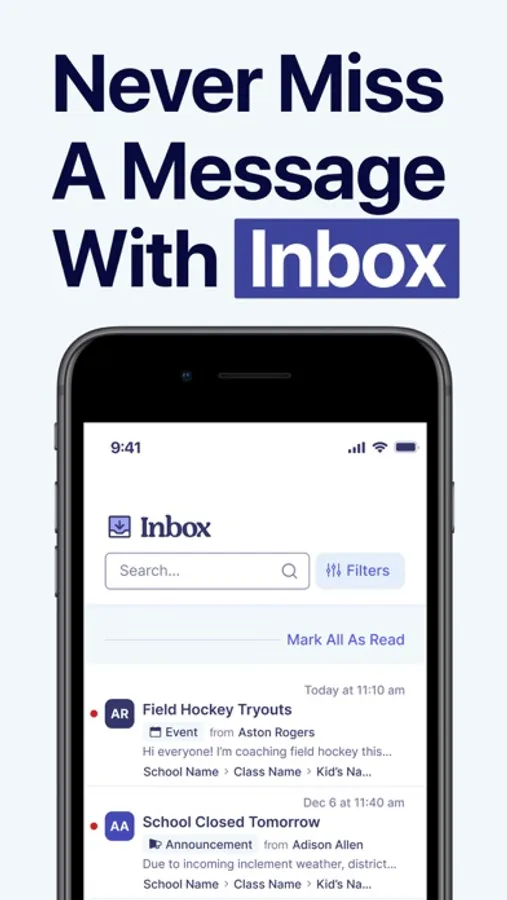
Inbox: All broadcasts sent from Communicate to you (Phone/SMS/Email) will also live in the app Inbox giving you one place to easily access all communications regardless of the delivery method. You can search, sort, filter and delete any of these communications
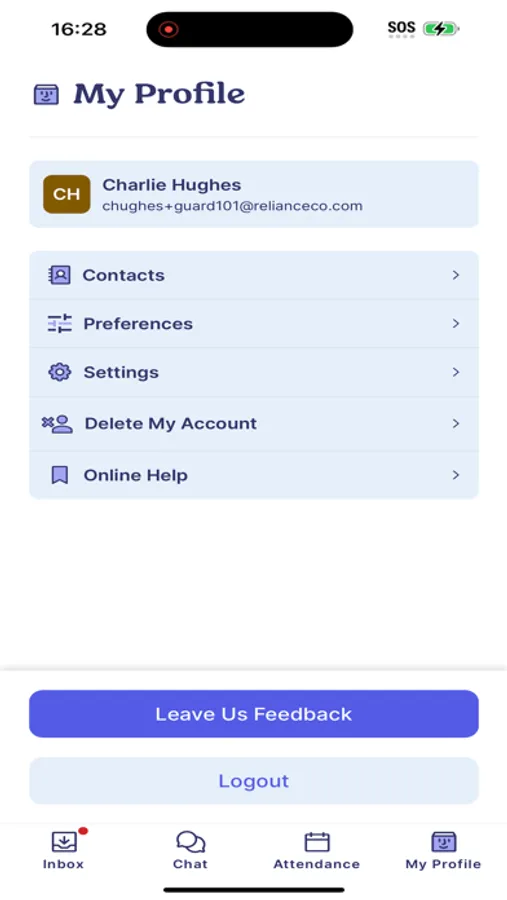
My Profile: This is where you can see your students, manage your communication preferences, Access Help and Delete Your Account
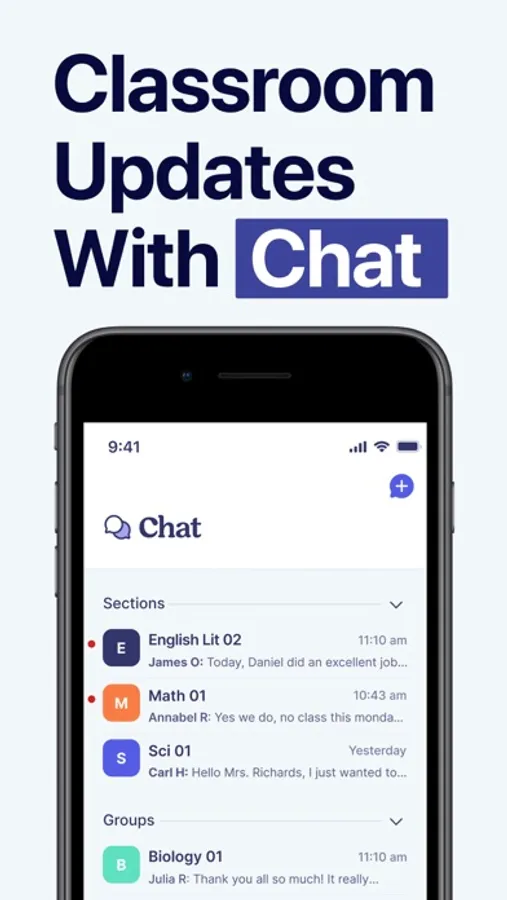
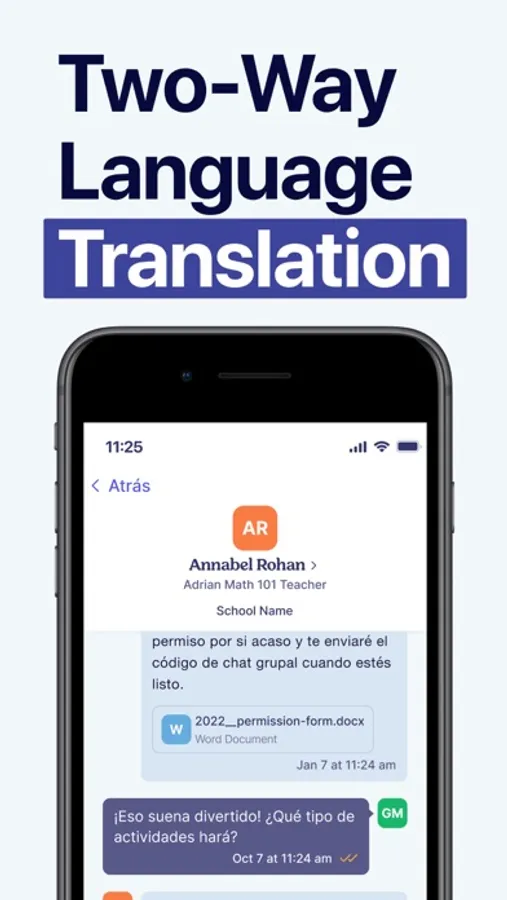
Chat**: Have one on one or class group conversations with teachers
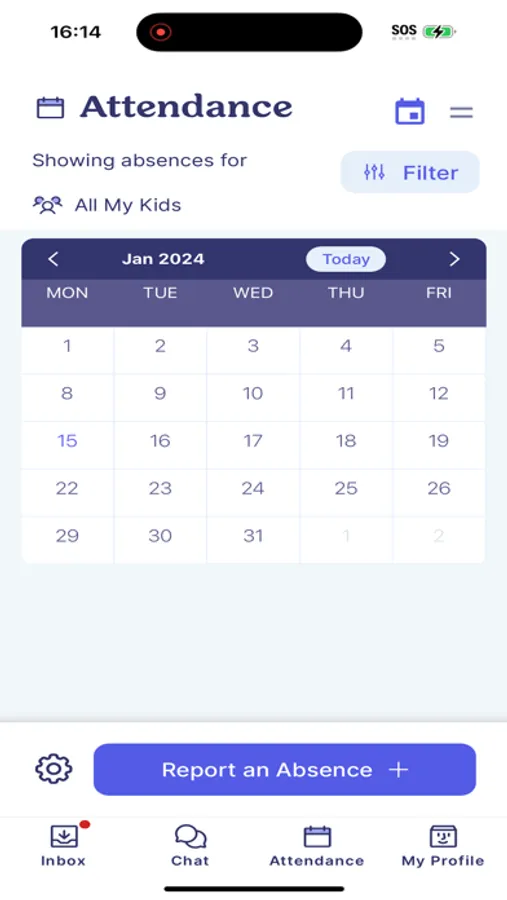
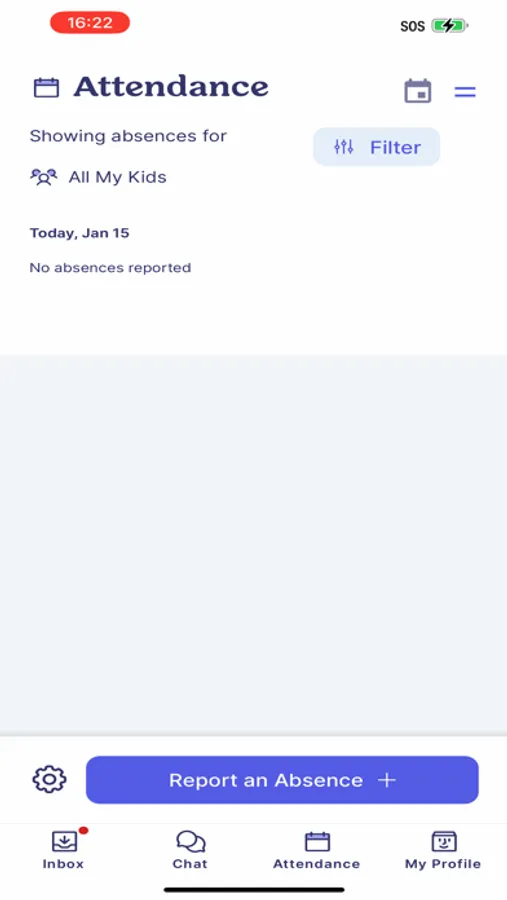
Attendance**: Report your students absent from school or respond to absences not reported to the school
**Optional items and may not be available to all schools
SM Home Screenshots

Tap to Rate:
Reviews for SM Home
Pepper blowtorch
Update makes setting time out way more complicated!
The recent update makes choosing the start and end time for an absence far more complicated and time-consuming. Users need to click on a round “clock”, try to click on the hour nearest to the time, then edit the minutes. Please go back to the old, easier way of simply selecting the hour and minutes from a drop down menu.
Stanbhoy
Nothing loads
It’s an awful app. The app loads but the messages nor the inbox load.