
Xtream1 by Mediacom
Mediacom Communications Corporation
2.3 ★
3 ratings
Free
AppRecs review analysis
AppRecs rating 2.3. Trustworthiness 59 out of 100. Review manipulation risk 25 out of 100. Based on a review sample analyzed.
★★☆☆☆
2.3
AppRecs Rating
Ratings breakdown
5 star
0%
4 star
0%
3 star
0%
2 star
0%
1 star
100%
What to know
⚠
Mixed user feedback
Average 2.3★ rating suggests room for improvement
About Xtream1 by Mediacom
KEY FEATURES:
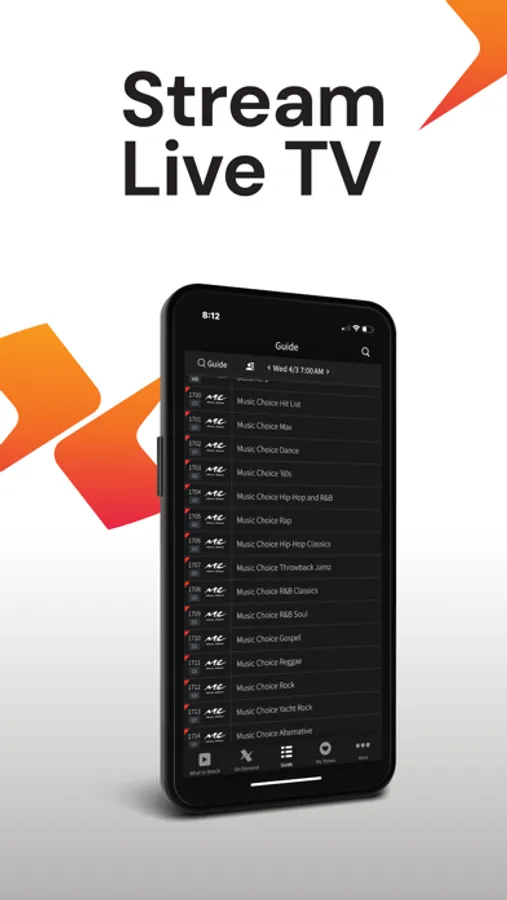
-Watch live TV throughout your home when connected to your home WIFI
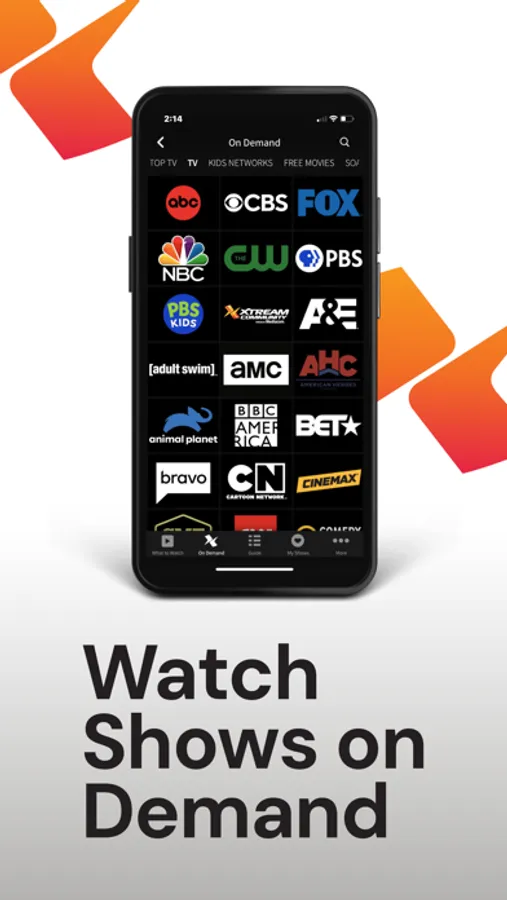
-Watch thousands of movies and shows with Xtream On Demand.
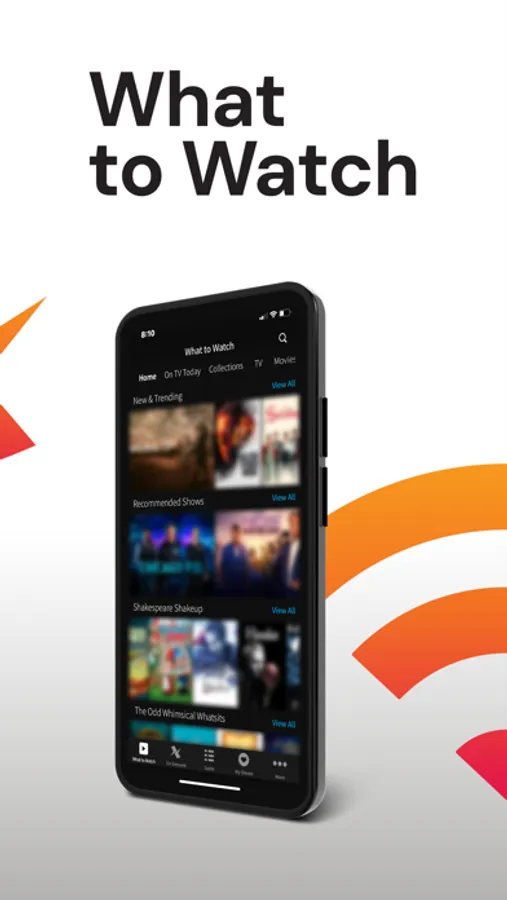
-Find your favorites with “What to Watch” recommendations
WHAT YOU NEED:
-A Mobile Device with a WiFi internet connection.
-A subscription to Mediacom’s TV service
-A Mediacom User ID
GET STARTED
-Create a username and password: https://support.mediacomcable.com/Registration
-Download the App to your preferred device and login with your Mediacom user name and password.
-Login and start watching!
Residential customers only. Not available in all areas. Mediacom internet service is required to use the XtreamTV box and the Xtream TV app. Access to TV programming is based on your TV service subscription level. You must have a current Mediacom ID, as well as a subscription to the corresponding cable TV network(s) you wish to access. The Xtream TV app requires a compatible device. To stream live TV, your device must be connected to the same home WiFi network as your video equipment. Not all devices have the necessary software required to view programming content. Your monthly data usage allowance will apply when using streaming apps. Features vary by device type. For additional support, please visit https://support.mediacomcable.com/answercenter/article/9969
Xtream1 by Mediacom Screenshots

Tap to Rate:
Reviews for Xtream1 by Mediacom
Mamsineifnfienfmfmfnfj
Trash
Kicks you off for streaming but your still connected to you WiFi then you have to close open back up to get the same channel can’t use it away from your home base You pay to have it but can never use it. typical media on garbage and their new ad says that we trust their service, but not the prices. Their service is worse than the prices.
Robert@1953
Xtream1 by Mediacom
This does not work at all. It only lets me stream the beach channel. Everything else says there are network problems. Mediacom is very dissapointing.