
AppRecs review analysis
AppRecs rating 3.3. Trustworthiness 78 out of 100. Review manipulation risk 35 out of 100. Based on a review sample analyzed.
★★★☆☆
3.3
AppRecs Rating
Ratings breakdown
5 star
51%
4 star
4%
3 star
4%
2 star
7%
1 star
33%
What to know
✓
Credible reviews
78% trustworthiness score from analyzed reviews
About Luma Flythroughs
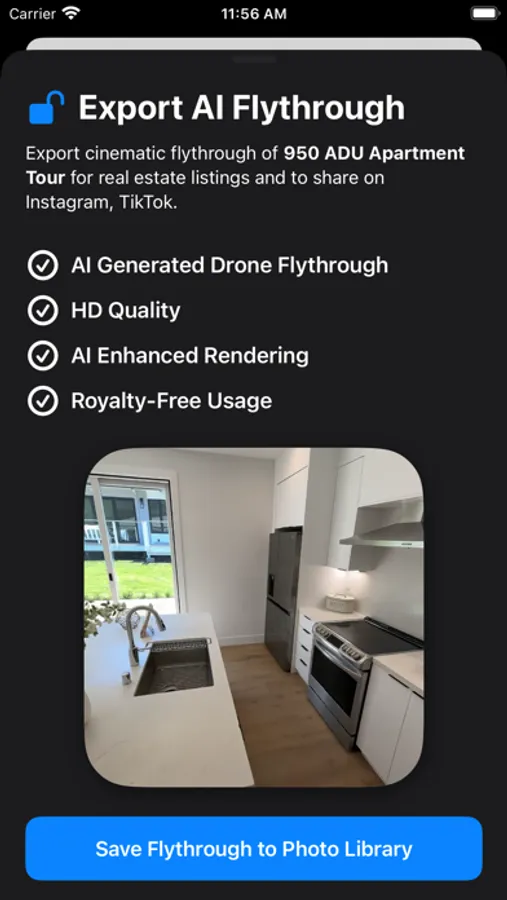
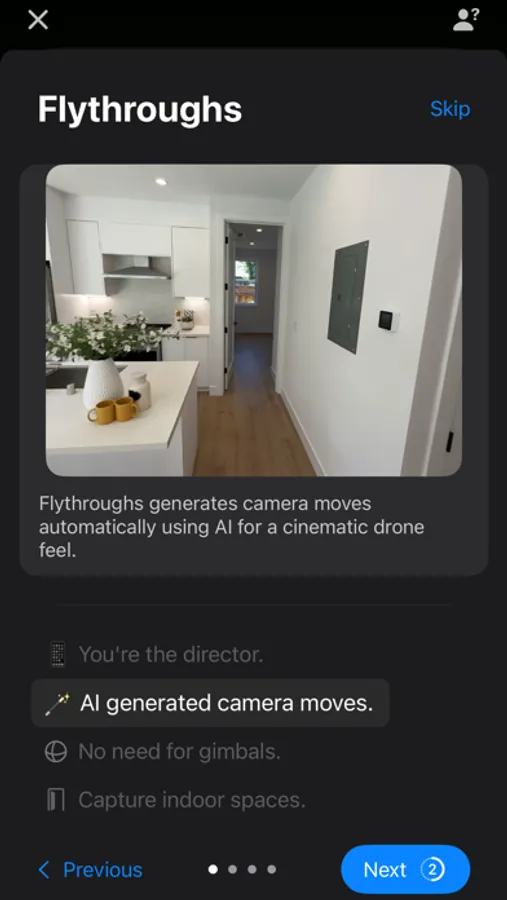
Flythroughs is a groundbreaking app that uses Generative 3D AI and NeRF to create breathtaking cinematic flythroughs of homes, apartments, and other spaces - all without the need for drones, professional equipment, appointments, or an elaborate setup. A flythrough gives a unique and immersive experience, allowing potential visitors to explore a property as if they were there in person. Elevate your listings with professional looking Flythroughs that you can create just with your phone!
Elevate Your Listings with Flythroughs:
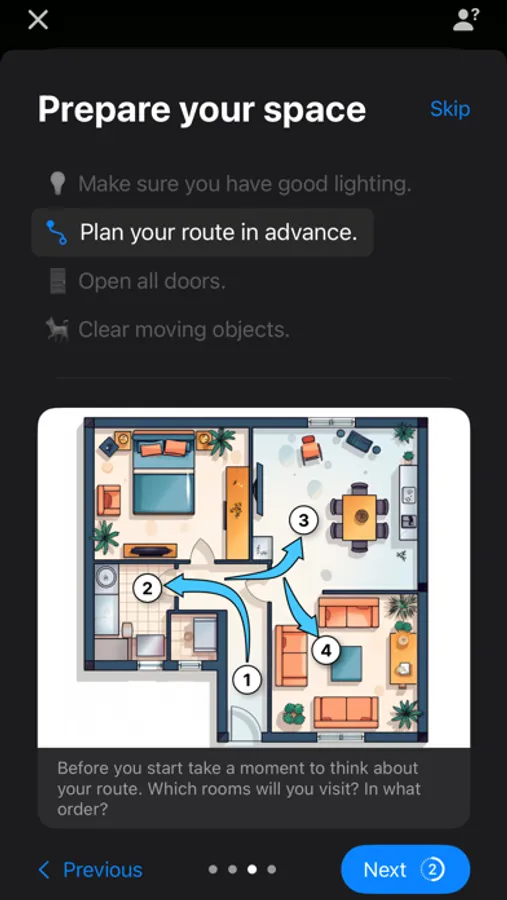
● AI-Powered Cinematic Capture: Record your space casually like capturing a video and Flythroughs's advanced AI algorithms will produce professional and cinematic flythroughs ready in minutes. No need for gimbals, drones, stabilizers, or tedious editing.
● Automatic and Dynamic Camera Paths: Flythroughs's AI-generated camera paths produce eye-catching videos. These dynamic paths are designed to highlight the best features of any space, turning ordinary listings into cinematic masterpieces.
● Elevate Your Listings: With Flythroughs, every property can stand out. Make your listings pop and capture the attention of potential buyers with movie-like visuals that provide an immersive experience.
● User-Friendly Interface: No need for professional filming experience! Flythroughs' user-friendly interface ensures that anyone can create stunning property showcases in minutes.
● Share and Impress: Sare Flythroughs directly from the app to your camera roll for social media, listing platforms, or your clients.
Follow for Updates:
For updates, feature additions, or to share your incredible creations, tag us on social media at @LumaLabsAI on Twitter and luma_ai on Instagram.
Learn more: https://lumalabs.ai/flythroughs
Privacy Policy: https://lumalabs.ai/legal/privacy
Terms of Use: https://lumalabs.ai/legal/tos
*Flythroughs works best with latest cameras and requires iPhone 11 or newer.*
Luma Flythroughs Screenshots
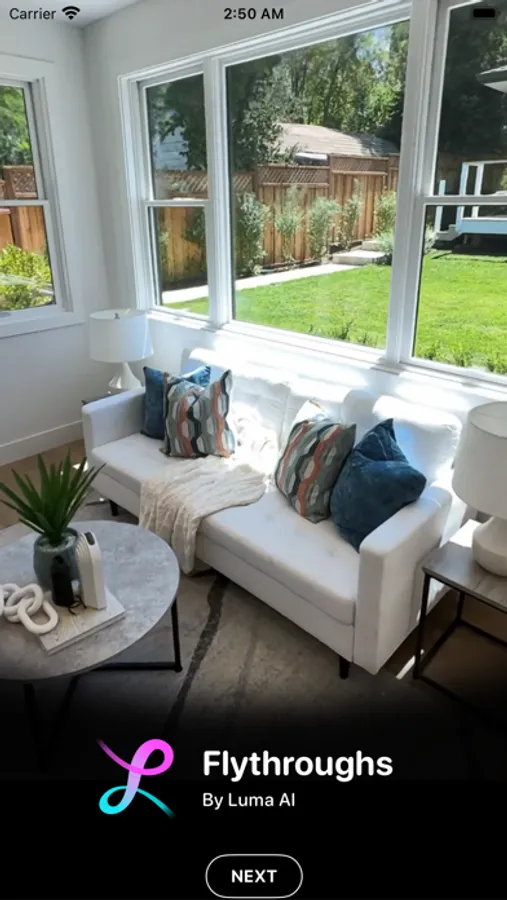
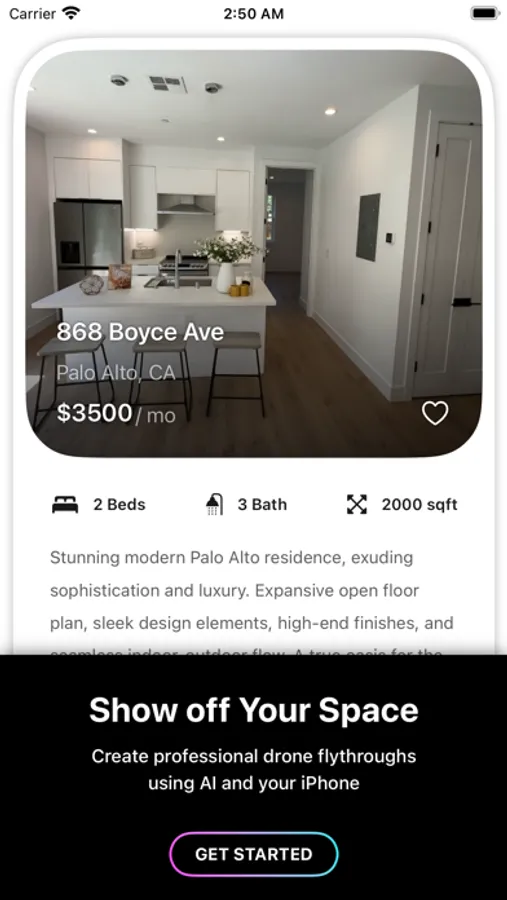
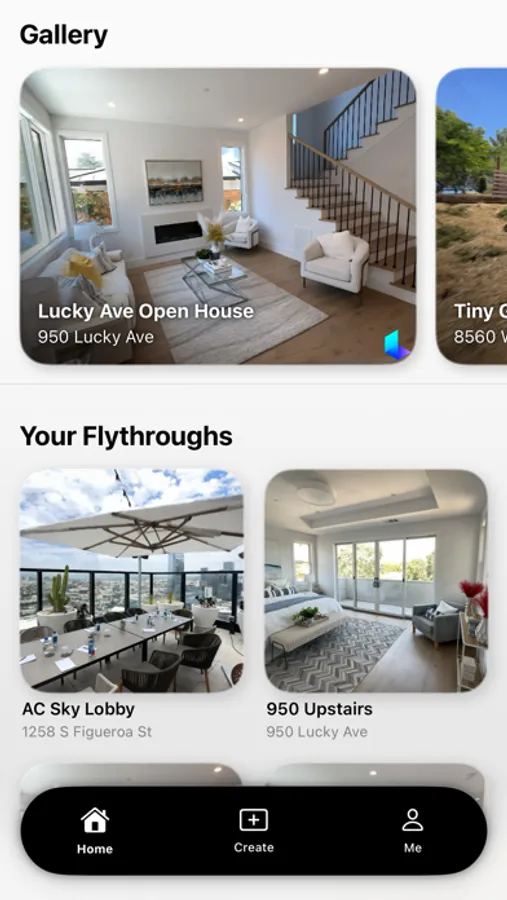
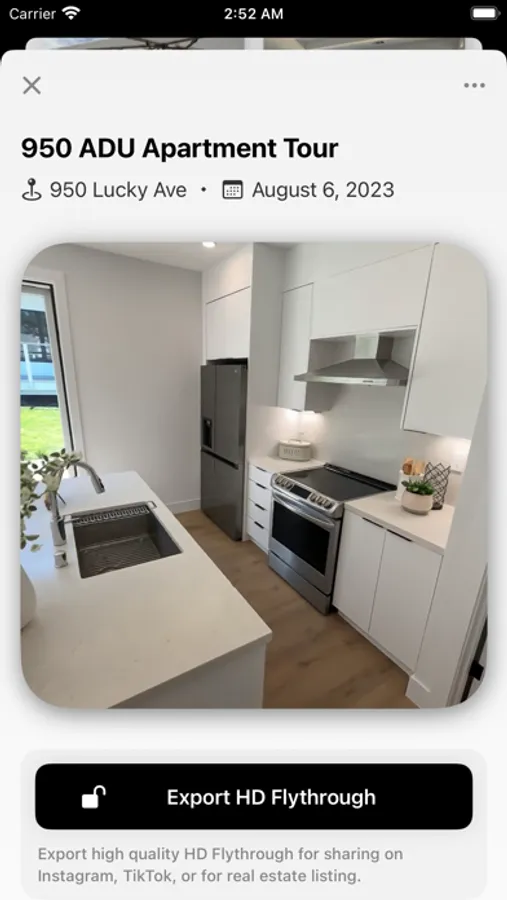
Tap to Rate:
Reviews for Luma Flythroughs
Plips558
Disappointed, displeased
This review applies to version 1.2 of the app. I created an account using Apple’s “Hide my email” feature, then began creating my video. I thought it was odd that it wouldn’t let me proceed unless I gave it access to my location, but it said I could revoke access later. You either need it or you don’t, and if you don’t, then let me skip the part where you ask for that access. After I created the video, I adjusted its location to “No location” because there’s no reason the company needs to know where I recorded the video, and then uploaded it. It said it would notify me when the flythrough was ready, so I waited. After a while I received a notification saying it was ready, but when I opened the app, the thumbnail displayed a loading spinner and the video said it was still on the “NERF training” step, and gave me no option to download it or even pay to download it. The entry for that video in the flythrough list also displayed my location even though it was supposed to have been removed. After waiting for about an hour, I thought maybe something was stuck and restarting my phone might get it unstuck, but after I restarted my phone and reopened the app, it had logged me out and the “Log in with Apple” button only gave me the option of logging in with my Apple ID instead of the alias I had created earlier. Not sure if I’m missing something. I’d like to ask them to delete my account, and I had noticed that the profile screen has an option to do that, but I can’t get to my profile screen if I can’t log in. I went to the app’s page here on the app store and tapped on the “App support” link, which took me to their website, but when I tapped on the Contact button, I’m guessing it’s a mailto link because it tried to open the native mail app which I don’t have set up because I prefer to use a different one. There is no support or feedback mechanism in the app itself that I could see, at least if you’re not logged in. The experience was disappointing and somewhat frustrating. I’m not sure if that’s because I stepped a little bit outside of what the developers probably anticipated, or if it wouldn’t have worked anyway. Let me know if I just did something wrong; otherwise, I’m happy to amend this review if the developers fix the app and leave me a response here notifying it.
Rudy Render
Much improved (and suggestions)
The update is much improved so I wanted to leave a 5-star. Also, I feel there’s a good opportunity for Luma to monetize. Currently there is no gig service that would pay me to do cool videos like this for realtors. I would love to see Luma find a way for me to do “fly through yours” for realtors and Luma can take a cut from the work I did. I currently take photos for iVue to make some pocket change. Maybe a partnering with Free Guides app, OpenDoor, Zillow, Airbnb etc for people to do this? There’s potential.