AppRecs review analysis
AppRecs rating 1.7. Trustworthiness 55 out of 100. Review manipulation risk 25 out of 100. Based on a review sample analyzed.
★☆☆☆☆
1.7
AppRecs Rating
Ratings breakdown
5 star
18%
4 star
0%
3 star
0%
2 star
0%
1 star
82%
What to know
⚠
Mixed user feedback
Average 1.7★ rating suggests room for improvement
About MiSVb Trahado
Welcome to the MiSVb Trahado App.
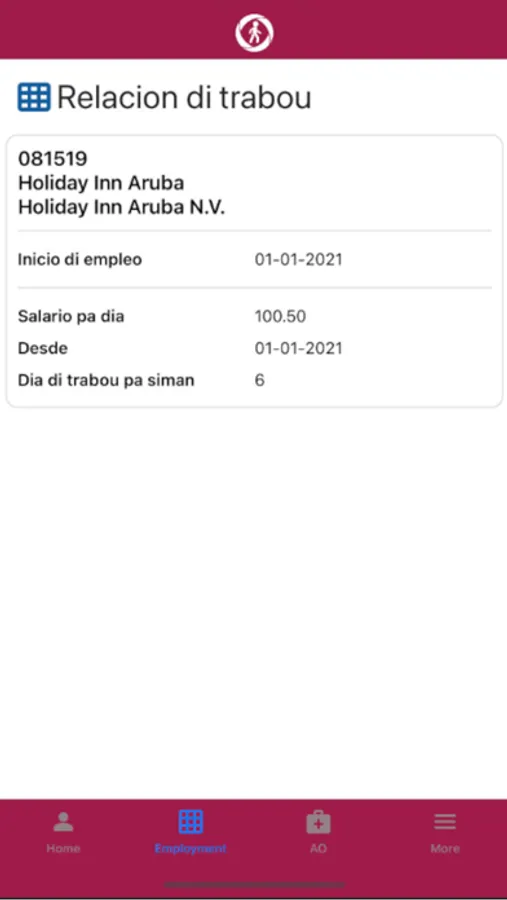
This app allows all users registered at the Banco di Seguro Social di Aruba (SVb) to get an overview of their employment status and related insurance and you can request an overview of your employment history.
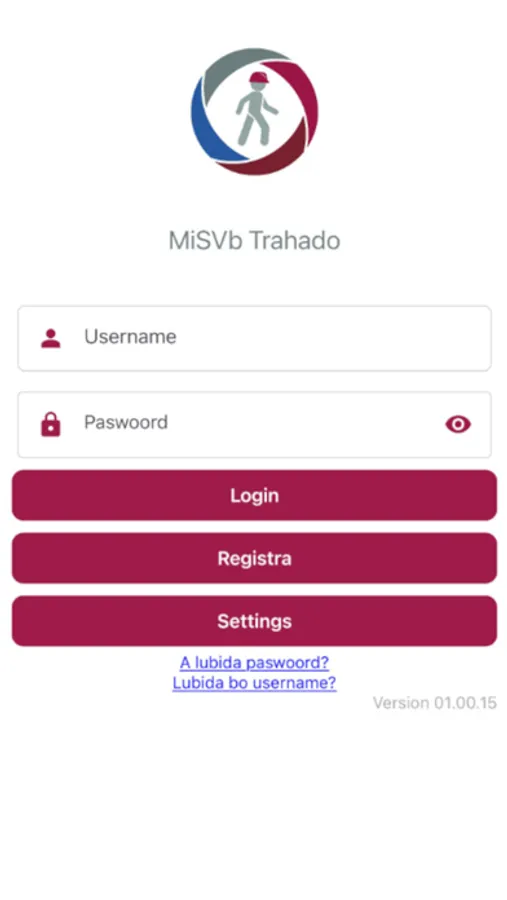
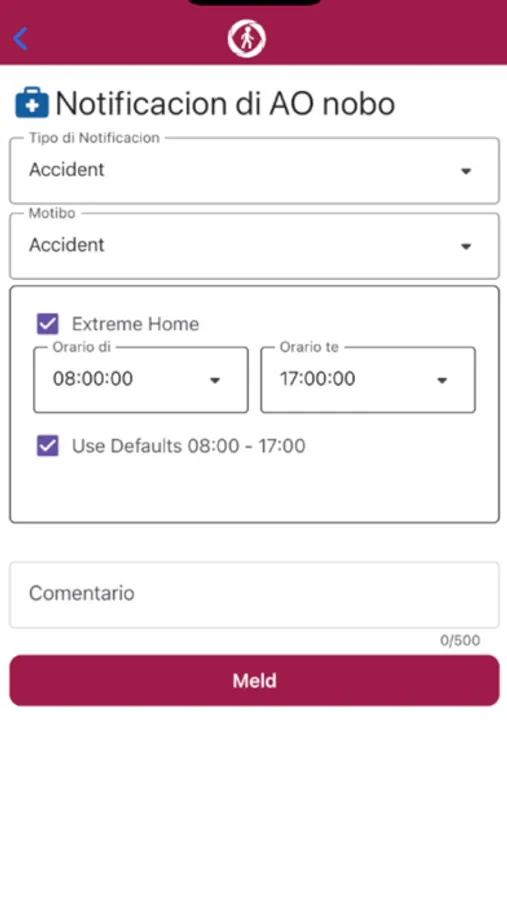
The app can also be used to report sickness to your employer and the SVb. If you are already a SVb AO Online user, please have your user account name ready when using the app for the first time. Choose the link “Forgot Password?” and you will be prompted to enter your user account name. You will receive a “one-time-password” (OTP) in your mail, which can be used to open the page to choose a new password. Enter your password and login through a simple and easy to follow process. Set up a 6-digit PIN, which will give you further access to the application.
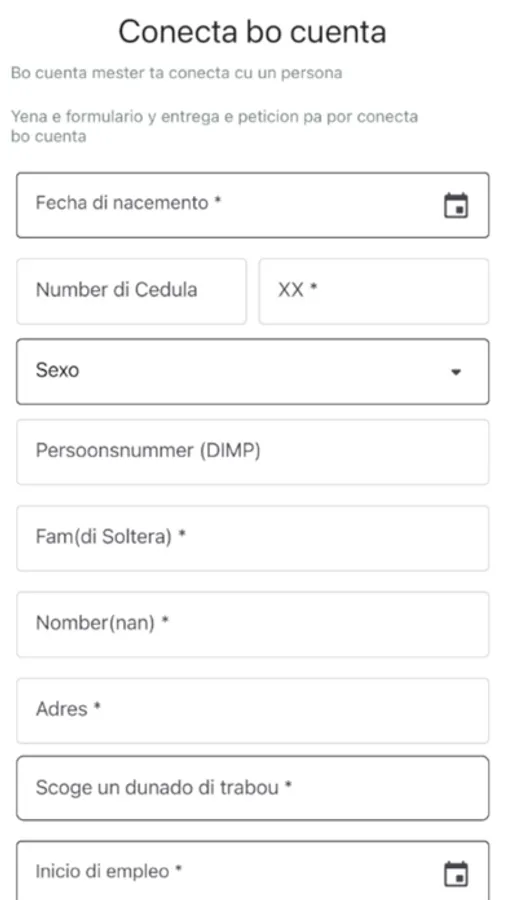
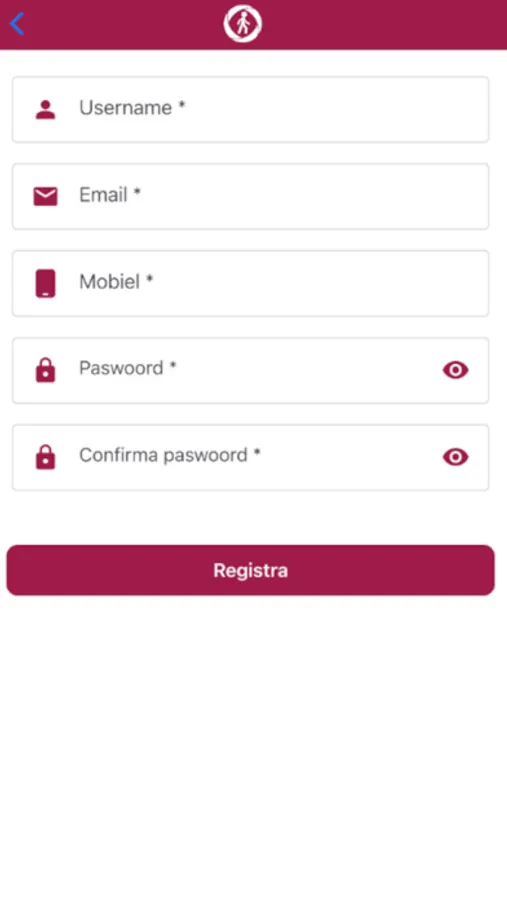
If you are not a SVb AO Online user, or you are new to the app, please choose the register button and fill in the requested information. You can choose a Username and password of your liking and will be guided through an easy-to-follow process. After you complete the process, you can start using the app.
Once you have successfully logged in you will have an easy way to:
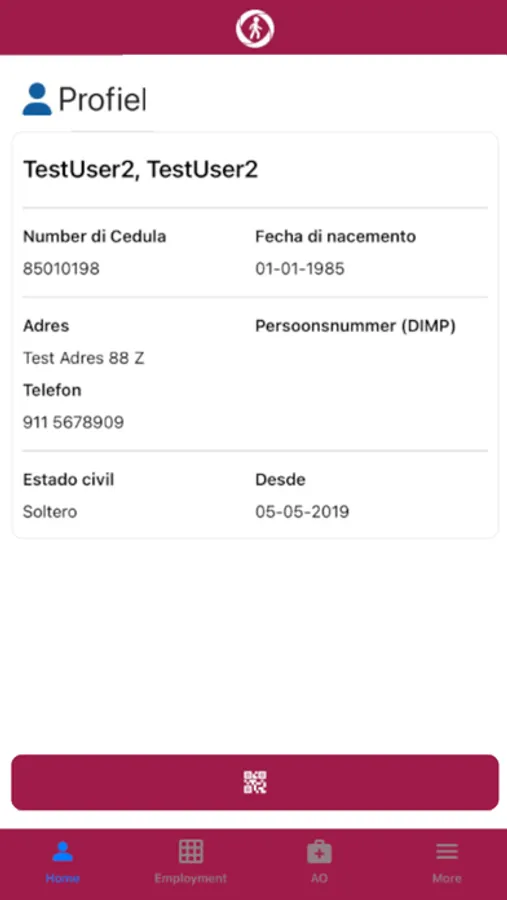
- View your Personal Data
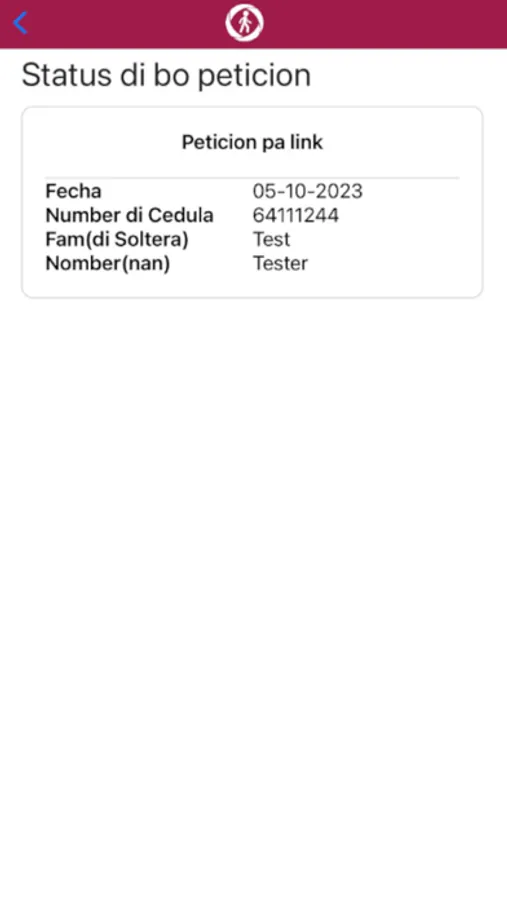
- Request an overview of your employment history
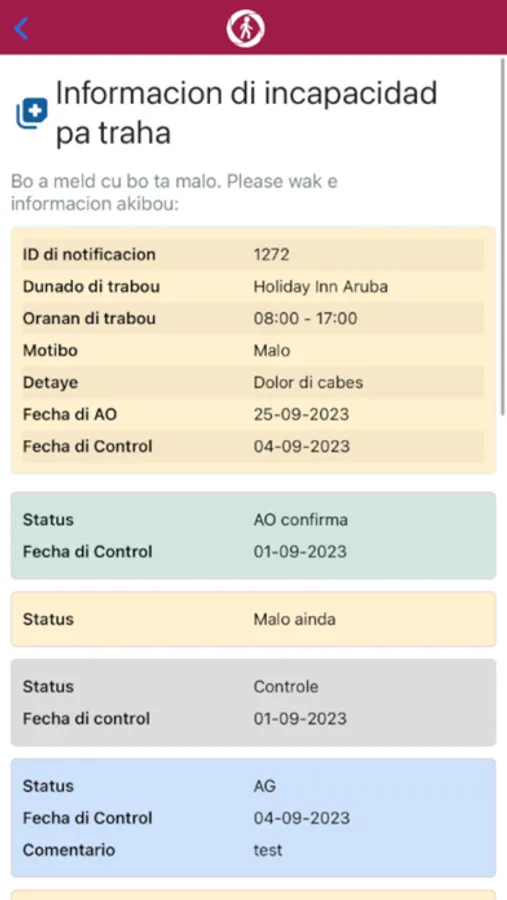
- Report in sick and follow the process using the app
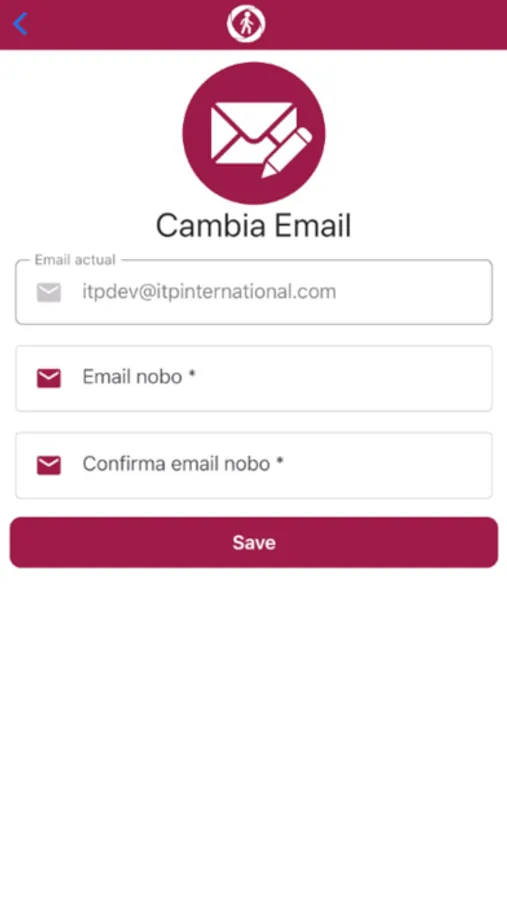
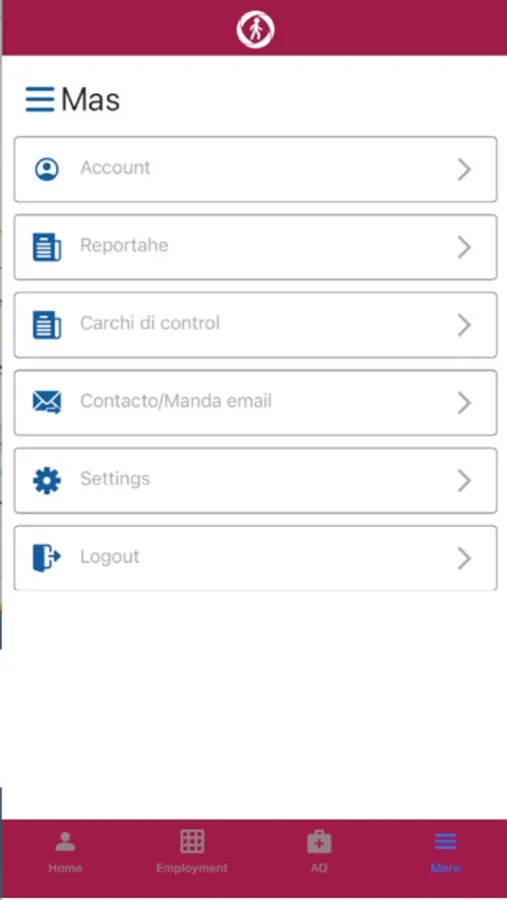
- Change the app’s settings
If your income is above the income threshold, you can use the app, but you will not be able to report sickness, because you are not insured under the Sick leave Insurance (Ziekteverzekering, ZV). If have any questions you can contact the SVb by e-mail at misvbtrahado@svbaruba.org, or go to https://www.svbaruba.org/ for more information.
Banco di Seguro Social di Aruba will continue its efforts to innovate and serve all our clients around the world as conveniently as possible.
This app allows all users registered at the Banco di Seguro Social di Aruba (SVb) to get an overview of their employment status and related insurance and you can request an overview of your employment history.
The app can also be used to report sickness to your employer and the SVb. If you are already a SVb AO Online user, please have your user account name ready when using the app for the first time. Choose the link “Forgot Password?” and you will be prompted to enter your user account name. You will receive a “one-time-password” (OTP) in your mail, which can be used to open the page to choose a new password. Enter your password and login through a simple and easy to follow process. Set up a 6-digit PIN, which will give you further access to the application.
If you are not a SVb AO Online user, or you are new to the app, please choose the register button and fill in the requested information. You can choose a Username and password of your liking and will be guided through an easy-to-follow process. After you complete the process, you can start using the app.
Once you have successfully logged in you will have an easy way to:
- View your Personal Data
- Request an overview of your employment history
- Report in sick and follow the process using the app
- Change the app’s settings
If your income is above the income threshold, you can use the app, but you will not be able to report sickness, because you are not insured under the Sick leave Insurance (Ziekteverzekering, ZV). If have any questions you can contact the SVb by e-mail at misvbtrahado@svbaruba.org, or go to https://www.svbaruba.org/ for more information.
Banco di Seguro Social di Aruba will continue its efforts to innovate and serve all our clients around the world as conveniently as possible.
MiSVb Trahado Screenshots
Tap to Rate:
Reviews for MiSVb Trahado
appscreendead
Won’t work
Downloaded app, won’t even open
xyandre
Mi no por registra!!!!
E no ta traha, ma pone tur mi info den dje, i eta bisami (error)