With this scanning app, you can capture documents, receipts, and notes as PDFs or JPGs and extract editable text using OCR. Includes editing tools for cropping, brightness adjustments, and annotations, as well as cloud sharing options with Google Drive, Dropbox, and OneDrive.
AppRecs review analysis
AppRecs rating 4.7. Trustworthiness 0 out of 100. Review manipulation risk 0 out of 100. Based on a review sample analyzed.
★★★★☆
4.7
AppRecs Rating
Ratings breakdown
5 star
75%
4 star
8%
3 star
17%
2 star
0%
1 star
0%
What to know
✓
High user satisfaction
75% of sampled ratings are 5 stars
About Scanner App: Scan to PDF & OCR
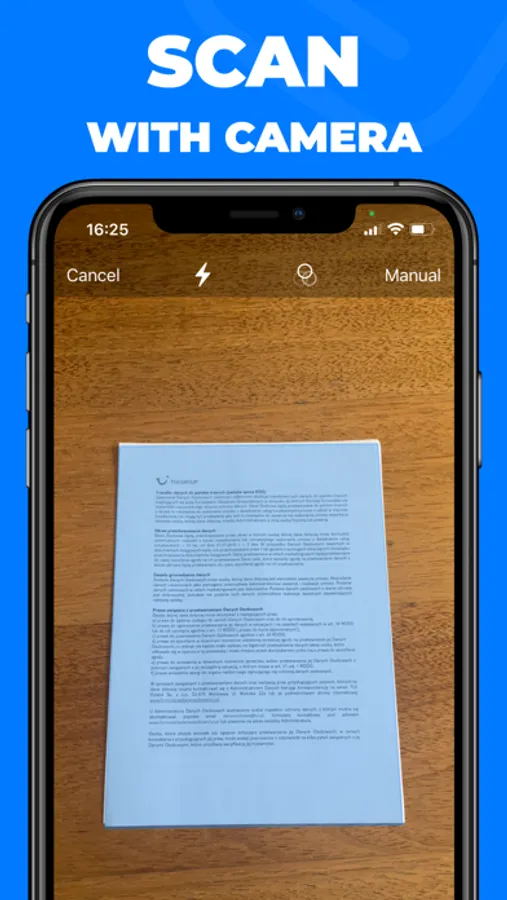
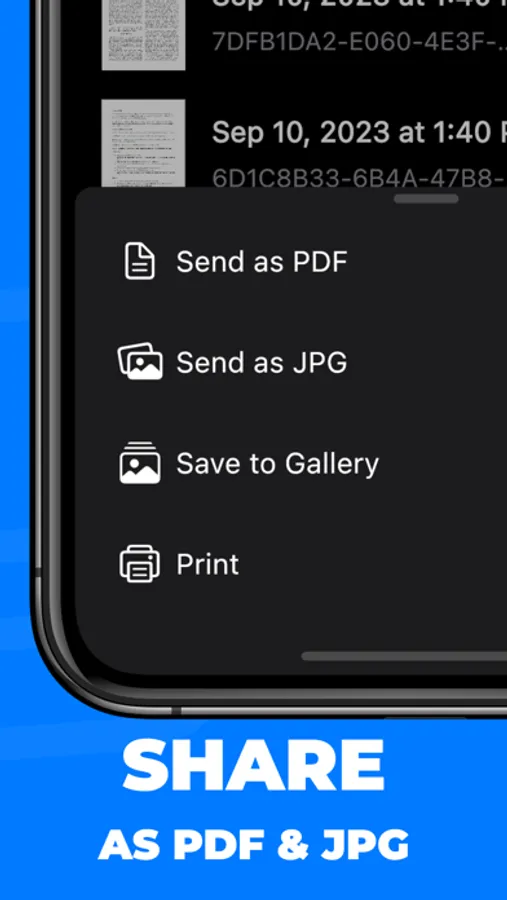
Turn your iPhone and iPad into a powerful mobile scanner! Capture documents, receipts, business cards, and notes in PDF or JPG format. Effortlessly scan QR codes and barcodes. Extract editable text with advanced OCR and boost efficiency using multiple-page batch scanning. Enhance your scans with built-in editing tools—crop, adjust brightness and contrast, and annotate—then seamlessly save and share via Google Drive, Dropbox, or OneDrive.
Key Features
• High-Quality Scanning: Capture documents, receipts, business cards, and notes
• QR & Barcode: Quickly scan and decode on the go
• OCR Text Recognition: Convert images to editable text instantly
• Batch Scanning: Scan multiple pages in one go
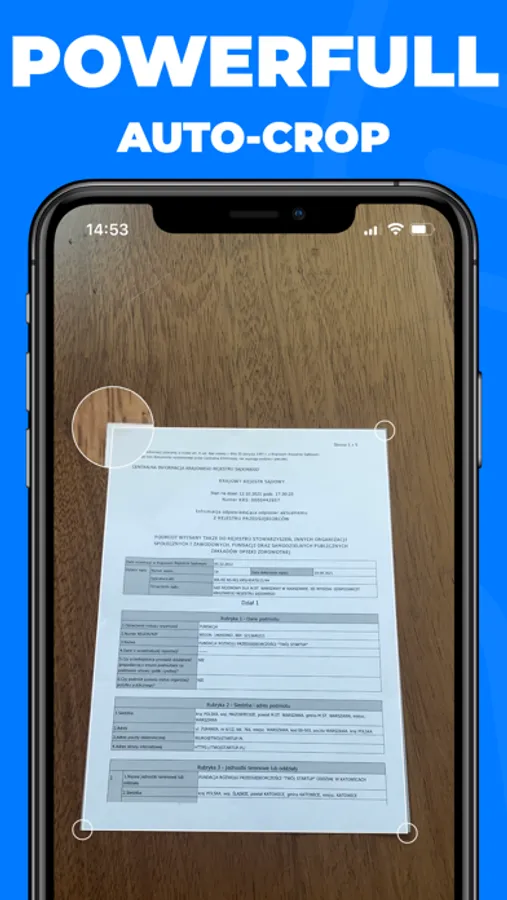
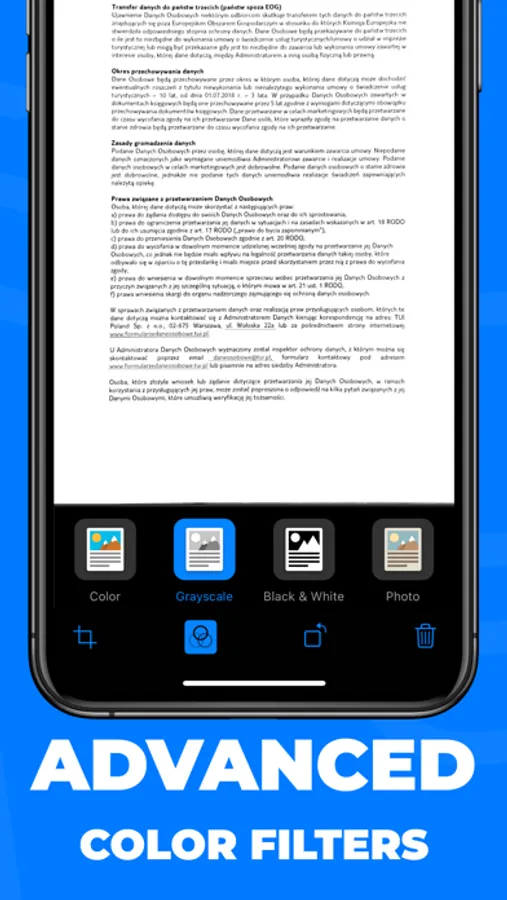
• Editing Tools: Crop, adjust brightness, contrast, and annotate
• Cloud Sharing: Save scans to iCloud, Google Drive, Dropbox, or OneDrive
• User-Friendly: Optimized for effortless scanning on iOS
Download the Scanner App now and experience the future of mobile scanning!
Terms of Use: https://www.apple.com/legal/internet-services/itunes/dev/stdeula/
Key Features
• High-Quality Scanning: Capture documents, receipts, business cards, and notes
• QR & Barcode: Quickly scan and decode on the go
• OCR Text Recognition: Convert images to editable text instantly
• Batch Scanning: Scan multiple pages in one go
• Editing Tools: Crop, adjust brightness, contrast, and annotate
• Cloud Sharing: Save scans to iCloud, Google Drive, Dropbox, or OneDrive
• User-Friendly: Optimized for effortless scanning on iOS
Download the Scanner App now and experience the future of mobile scanning!
Terms of Use: https://www.apple.com/legal/internet-services/itunes/dev/stdeula/
Scanner App: Scan to PDF & OCR Screenshots
Tap to Rate: