With this video captioning app, you can add subtitles to videos using AI technology, customize styles, and translate between languages. Includes subtitle templates, text editing, and preview features.
AppRecs review analysis
AppRecs rating 4.4. Trustworthiness 65 out of 100. Review manipulation risk 20 out of 100. Based on a review sample analyzed.
★★★★☆
4.4
AppRecs Rating
Ratings breakdown
5 star
78%
4 star
5%
3 star
6%
2 star
1%
1 star
9%
What to know
✓
Low review manipulation risk
20% review manipulation risk
✓
High user satisfaction
84% of sampled ratings are 4+ stars (4.4★ average)
✓
Authentic reviews
No red flags detected
About Captions for Video Caption Kit
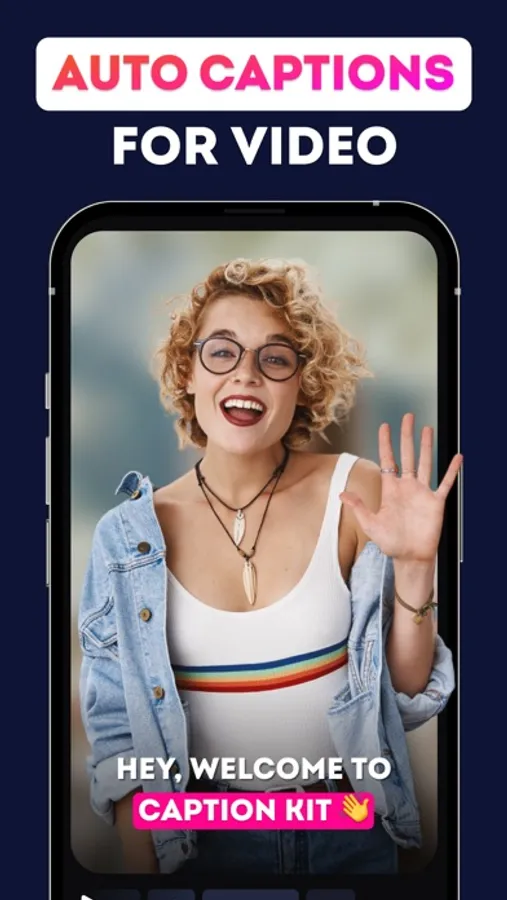
Introducing CaptionKit – the ultimate app for creating subtitles for your videos quickly and effortlessly. With CaptionKit, you can easily add subtitles to any video in just a few steps. Simply select your video, and let our app do the rest. We support over 100 languages, ensuring you can caption your content in nearly any language. Our proprietary AI technology ensures maximum accuracy in text recognition, so your subtitles are as precise as possible.
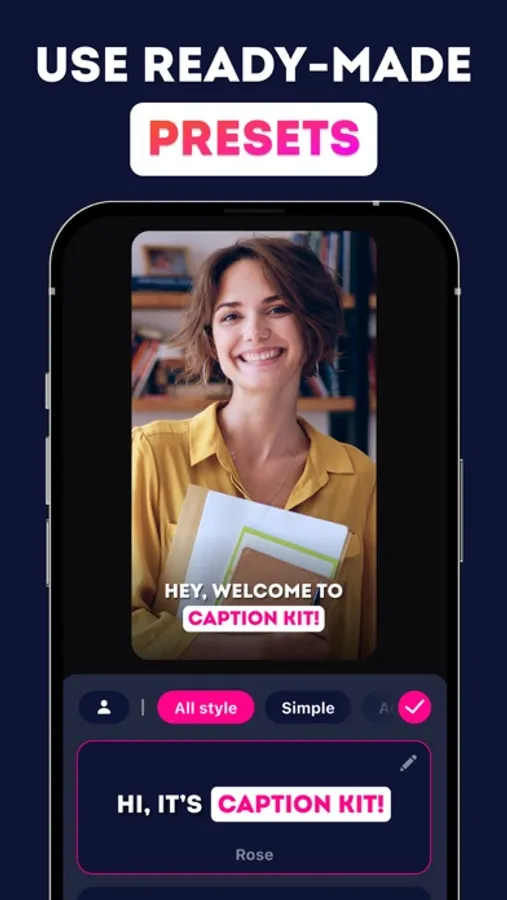
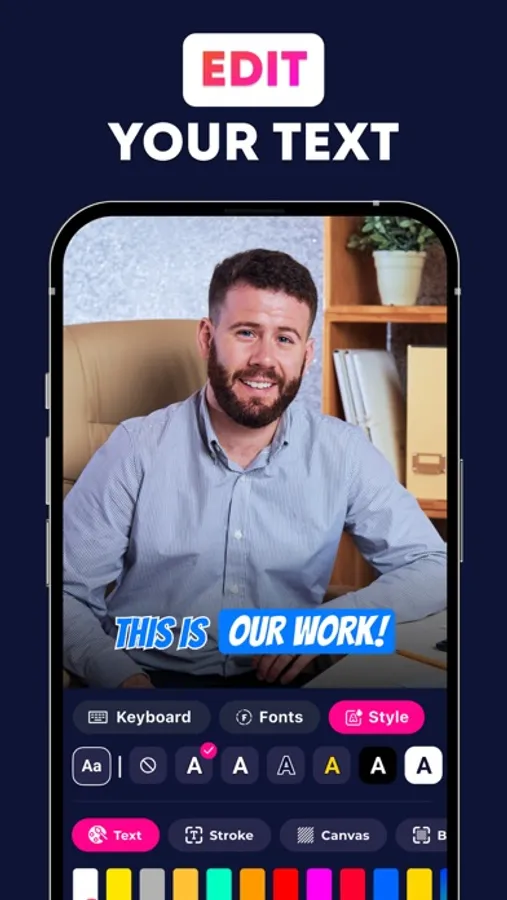
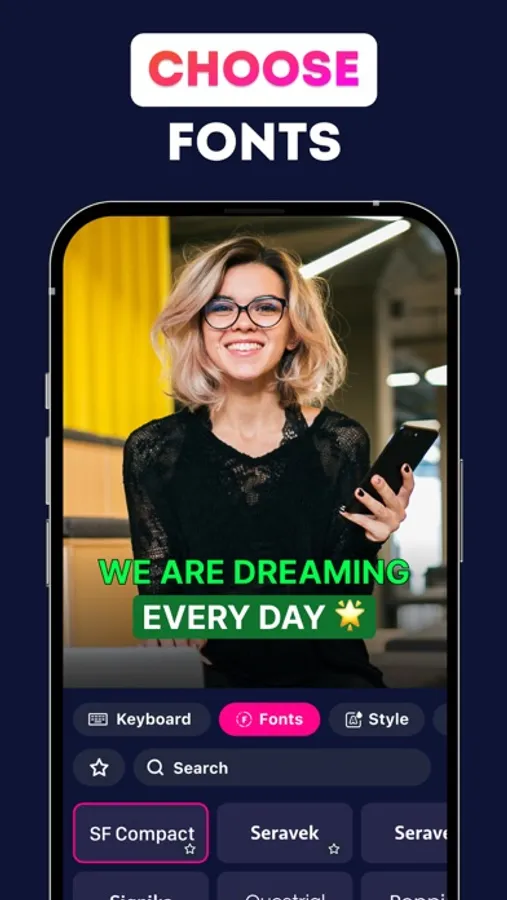
Choose from over 20 ready-made subtitle templates, or create your own unique style that can be reused in future projects. Customize your subtitles with our powerful text editor, where you can change the font, color, outline, background, and even add shadows. You can also choose from various subtitle animations to bring your videos to life.
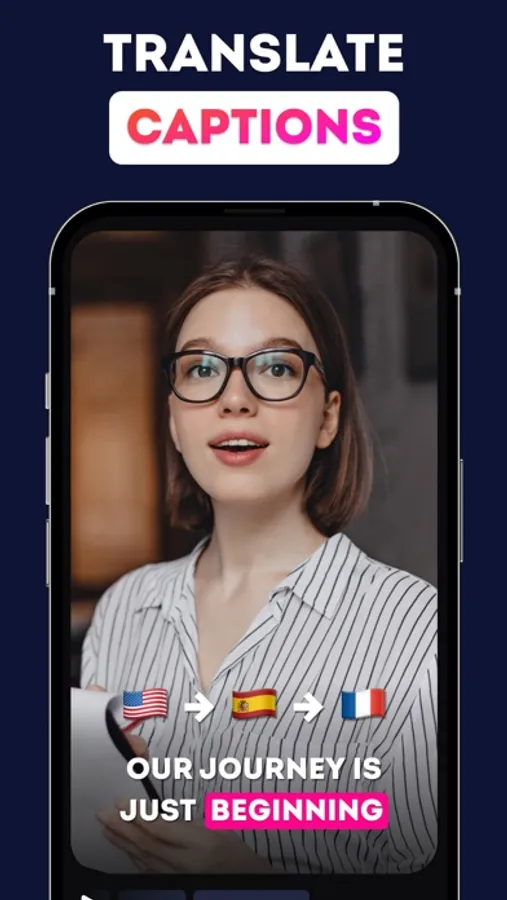
Looking to reach a global audience? CaptionKit allows you to easily translate subtitles into different languages, helping you expand your video's reach.
Additionally, you can add background music to your videos and adjust the volume for the perfect mix.
Worried about how your subtitles will appear on different social media platforms? CaptionKit features a preview mode that lets you see exactly how your video will look on Instagram and TikTok. This ensures that your subtitles are perfectly positioned and won't be blocked by platform interfaces.
Whether you're a content creator, influencer, or just someone looking to enhance your videos, CaptionKit is the perfect tool to help you create professional-quality subtitles in minutes!
Terms of use: https://www.apple.com/legal/internet-services/itunes/dev/stdeula/
Choose from over 20 ready-made subtitle templates, or create your own unique style that can be reused in future projects. Customize your subtitles with our powerful text editor, where you can change the font, color, outline, background, and even add shadows. You can also choose from various subtitle animations to bring your videos to life.
Looking to reach a global audience? CaptionKit allows you to easily translate subtitles into different languages, helping you expand your video's reach.
Additionally, you can add background music to your videos and adjust the volume for the perfect mix.
Worried about how your subtitles will appear on different social media platforms? CaptionKit features a preview mode that lets you see exactly how your video will look on Instagram and TikTok. This ensures that your subtitles are perfectly positioned and won't be blocked by platform interfaces.
Whether you're a content creator, influencer, or just someone looking to enhance your videos, CaptionKit is the perfect tool to help you create professional-quality subtitles in minutes!
Terms of use: https://www.apple.com/legal/internet-services/itunes/dev/stdeula/
Captions for Video Caption Kit Screenshots
Tap to Rate:
Reviews for Captions for Video Caption Kit
Psicorps
Disappointed
Paid full price. All of the sudden I only have one caption to select and worse it glitches and wont caption any videos Sent an email to support over a week ago. No answer. Suggest not supporting this app until its fixed