FlashGet Cast
HONGKONG FLASHGET NETWORK TECHNOLOGY CO., LIMITED
5.0 ★
9 ratings
Free
AppRecs review analysis
AppRecs rating 4.5. Trustworthiness 52 out of 100. Review manipulation risk 43 out of 100. Based on a review sample analyzed.
★★★★☆
4.5
AppRecs Rating
Ratings breakdown
5 star
100%
4 star
0%
3 star
0%
2 star
0%
1 star
0%
What to know
⚠
Questionable review patterns
43% review manipulation risk - some review patterns appear unusual
⚠
Unusually uniform ratings
100% of sampled ratings are 5 stars with very little variation
About FlashGet Cast
FlashGet Cast - screen cast is a powerful wireless remote screen casting tool that can project your iPhone screen wirelessly to another device.
What can you do with FlashGet Cast?
1. In online teaching, you can wirelessly project teaching materials and courseware from your iPhone or iPad to a device with a larger screen.
2. During online meetings, you can demonstrate the screen of your iPhone to the participants, share your notes and documents, and share content with everyone.
3. During gaming and live-streaming, you can easily cast your iPhone gaming situation to your other device, and stream it to the fans.
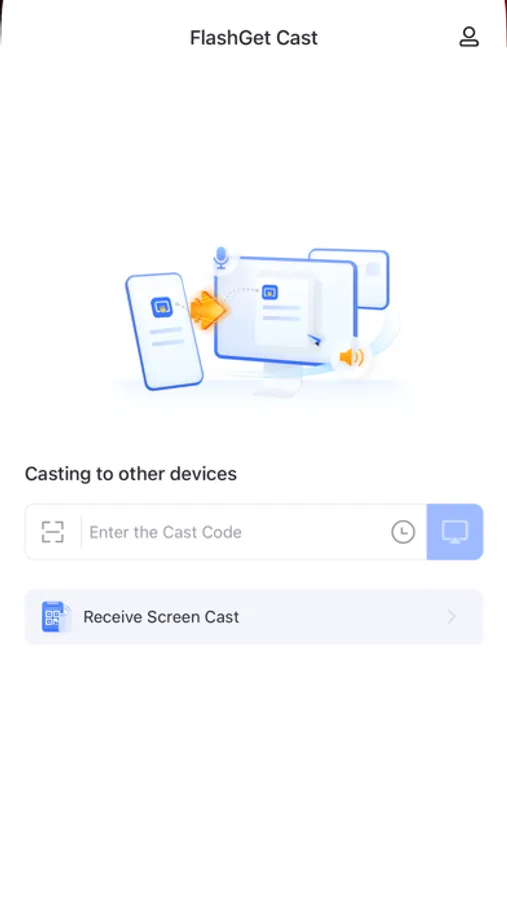
4. Supports inputting code or scanning QR code for screen casting, the data is secure and reliable. SSL technology ensures that all transmitted data is securely encrypted to prevent external access to your shared content.
How to use FlashGet Cast:
1. Install FlashGet Cast on both the device that needs to be screen casted and the device that receives the screen cast.
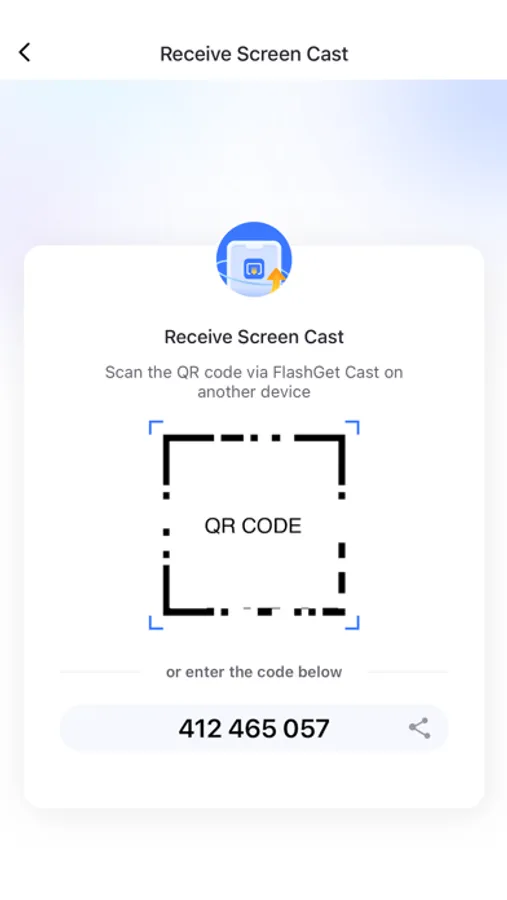
2. On the receiving device, choose to accept the screen cast from other devices. The screen will display a QR code or a code.
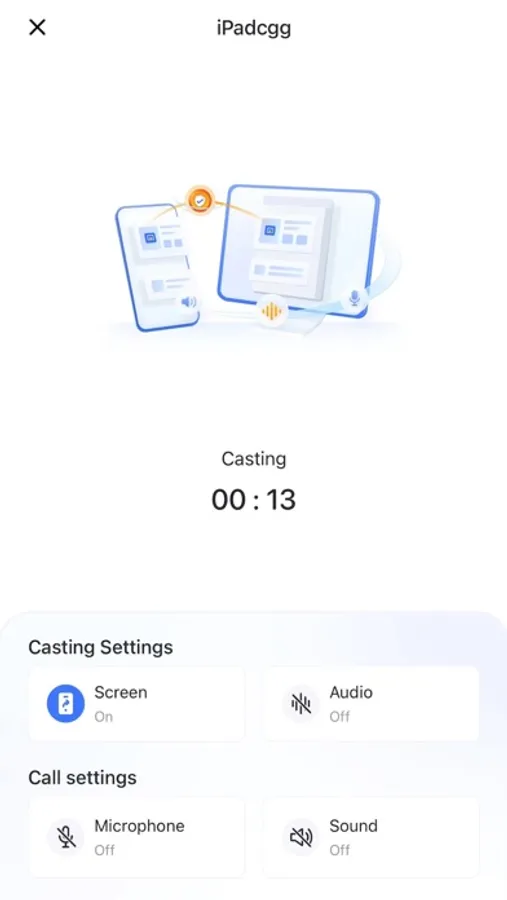
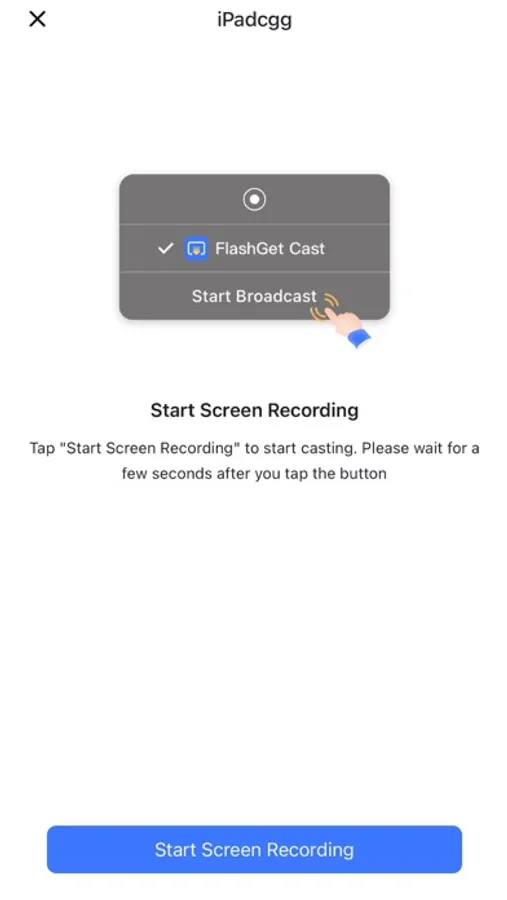
3. Enter the code on the device that needs to be screen casted, and you can share the content on the screen cast device to the receiving device in real time.
Below is FlashGet Cast's Privacy Policy and Terms.
Privacy Policy: https://cast.flashget.com/privacy-policy
Terms of Service: https://cast.flashget.com/terms-of-service
Help and Support:
contact us via email: support@flashget.com
What can you do with FlashGet Cast?
1. In online teaching, you can wirelessly project teaching materials and courseware from your iPhone or iPad to a device with a larger screen.
2. During online meetings, you can demonstrate the screen of your iPhone to the participants, share your notes and documents, and share content with everyone.
3. During gaming and live-streaming, you can easily cast your iPhone gaming situation to your other device, and stream it to the fans.
4. Supports inputting code or scanning QR code for screen casting, the data is secure and reliable. SSL technology ensures that all transmitted data is securely encrypted to prevent external access to your shared content.
How to use FlashGet Cast:
1. Install FlashGet Cast on both the device that needs to be screen casted and the device that receives the screen cast.
2. On the receiving device, choose to accept the screen cast from other devices. The screen will display a QR code or a code.
3. Enter the code on the device that needs to be screen casted, and you can share the content on the screen cast device to the receiving device in real time.
Below is FlashGet Cast's Privacy Policy and Terms.
Privacy Policy: https://cast.flashget.com/privacy-policy
Terms of Service: https://cast.flashget.com/terms-of-service
Help and Support:
contact us via email: support@flashget.com
FlashGet Cast Screenshots
Tap to Rate:
Reviews for FlashGet Cast
eldoiffwrg
Ok
Ok
Yokiki2020
I like it!
I found this app by accident. I just needed an app for screen mirroring, so I tried to download it. It works surprisingly well!